The Complete Guide to Creating 3D Model Content with Midjourney V6.1
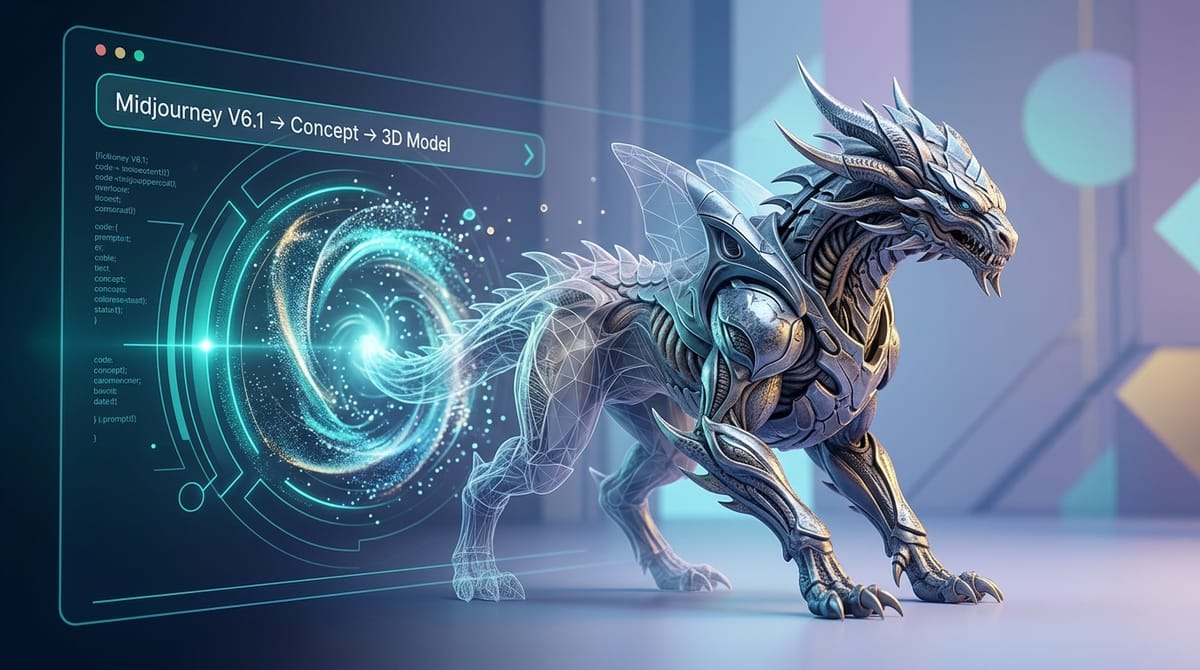
Midjourney V6.1 offers exceptional capabilities for generating high-fidelity visual concepts, making it a powerful tool for 3D model ideation. The model excels at producing sharp details, realistic textures, and coherent structures. Creators can easily access this text-to-image and image-to-image model directly on the Hotgen.AI platform to streamline their visual workflows.
Creating 3D model content through AI primarily serves visual prototyping, concept art development, and product design mockups. The final outputs usually take the form of isometric views, character turnarounds, or stylized renders that mimic software like Blender or Unreal Engine. These images act as direct references for 3D artists or standalone commercial illustrations.
For these outputs to be practical, the generated images require clean backgrounds, readable geometry, and clear lighting. The visual focus must remain on the structural integrity and material properties of the subject, ensuring the concept can be translated into actual 3D space later.
Core Creative Elements of 3D Model Content
Successful 3D model generation relies heavily on defining a clear thematic direction. Whether designing a futuristic sci-fi vehicle, a stylized fantasy prop, or a modern consumer product, the narrative dictates the material choices. Specifying textures like matte plastic, brushed metal, or porous clay is essential for grounding the design in reality.
The overall atmosphere and lighting setup drastically affect the readability of the model. Studio lighting, neutral gray backgrounds, and soft global illumination help highlight edge flows and surface details. Harsh shadows or overly complex environments often obscure the structural information needed for 3D modeling references.
Consistency is another critical factor for commercial workflows. When creating character sheets or asset turnarounds, the subject must maintain a stable appearance across different angles. Using precise descriptive language for the camera angle, such as "isometric perspective" or "front orthographic view," ensures the output serves its functional purpose.
Advantages and Limitations of Midjourney V6.1 for 3D Model Creation
Midjourney V6.1 demonstrates remarkable stability when rendering complex geometry and realistic surface materials. The July 2024 update significantly reduced pixel artifacts and noise, resulting in cleaner, sharper images that closely resemble professional 3D renders. Its improved prompt adherence allows creators to specify exact lighting conditions and material finishes with high accuracy.
The model handles human skin realism, anatomical coherence, and intricate plant or animal structures much better than its predecessors. This makes it highly suitable for character concept art and organic 3D modeling references. The enhanced color saturation and natural lighting capabilities mean the raw outputs often look like color-graded final renders.
However, Midjourney V6.1 generates 2D images, not actual 3D files like OBJ or FBX. While it creates stunning visual representations, it does not output navigable 3D topology. Additionally, achieving perfect multi-angle consistency for a single asset may require iterative generation or utilizing image-to-image workflows to maintain structural uniformity.
Universal 3D Model Prompt Templates
A 3D render of a minimalist designer desk lamp, matte ceramic and brushed brass materials, soft studio lighting, clean light gray background, octane render style, highly detailed and photorealistic
An isometric 3D concept art of a cozy medieval tavern building, stylized hand-painted textures, warm glowing windows, isolated on a solid white background, unreal engine 5 aesthetic
A 3D character model of a futuristic cybernetic ninja, full body front view, A-pose, metallic armor with neon accents, smooth clay render style, diffuse lighting, clean geometry reference
A high quality 3D render of a botanical terrarium inside a geometric glass prism, lush green moss and tiny glowing mushrooms, macro photography depth of field, realistic glass reflections
High-Quality Prompt Examples for 3D Models
Generating designer toys or collectible figures is a common commercial use case. Using the Text-to-Image feature allows creators to quickly iterate on material combinations and stylized proportions from scratch. The focus here is on achieving a tactile, manufactured look.
Example Prompt:
A 3D render of a cute astronaut cat designer toy, glossy vinyl and matte pastel plastic textures, soft box studio lighting, clean white background, blind box collectible style, sharp focus
You can try this workflow using the Text-to-Image tool for Midjourney V6.1.
For game developers, converting rough 2D concept sketches into polished 3D asset representations is a highly efficient workflow. The Image-to-Image feature helps maintain the original silhouette while applying realistic lighting, depth, and material properties to the prop.
Example Prompt:
A high quality 3D render of a fantasy treasure chest, glowing blue crystals inside, weathered dark wood texture, tarnished gold trim, stylized gaming asset, isometric perspective, soft cinematic lighting
You can try this workflow using the Image-to-Image tool for Midjourney V6.1.
How to Test and Optimize 3D Model Content on Hotgen.AI
Testing architectural massing models is an excellent way to evaluate structural forms before detailed modeling. By using Text-to-Image, architects can generate miniature physical model aesthetics. Specifying materials like balsa wood or foam board forces the AI to focus on pure geometry rather than distracting environmental details.
Example Prompt:
A 3D architectural scale model of a modern brutalist museum, made of white foam board and light balsa wood, miniature photography, soft natural sunlight casting clean shadows, minimalist presentation
You can explore this approach via the Text-to-Image tool for Midjourney V6.1.
When developing character models, maintaining a neutral pose is vital for 3D sculptors. Using Image-to-Image with a basic structural reference helps the AI generate a clean, unshadowed turnaround concept. The goal is to minimize dramatic lighting that could obscure anatomical or clothing details.
Example Prompt:
A 3D character model of an elite sci-fi soldier, full body shot, front view, T-pose, smooth clay render style, neutral gray background, flat diffuse lighting, clean topology concept, high resolution
You can refine your character concepts using the Image-to-Image tool for Midjourney V6.1.
Conclusion: Efficiently Creating 3D Models with Midjourney V6.1
Creating effective 3D model concepts requires a logical approach to lighting, material specification, and structural clarity. The visual output must prioritize readability and functional design over complex, chaotic backgrounds. Maintaining a clean aesthetic ensures the generated images serve as practical references for commercial and artistic projects.
Midjourney V6.1 excels in this domain due to its refined prompt adherence and superior handling of textures and lighting. Its ability to generate artifact-free, highly detailed surfaces makes it an ideal engine for visual prototyping. Creators can confidently rely on its stability for rendering everything from matte plastics to realistic human features.
Always prioritize safe, compliant, and aesthetically driven concepts in your creative process. Clear, descriptive prompting focused on structural integrity will yield the best results.
Explore the capabilities of Midjourney V6.1 at https://hotgen.ai.
Start your creative process today at https://hotgen.ai/signin.