Seedream 4.0 in Commercial Advertising: Is It Effective?

For professionals in the advertising and product design sectors, the demand for high-fidelity visuals is constant. Seedream 4.0, ByteDance's current flagship image generation model, has entered the market with promises of significant improvements in resolution, speed, and prompt adherence. The core question for agencies and freelance designers is straightforward: Can this model reliably handle the rigorous demands of Commercial Advertising and Product Rendering?
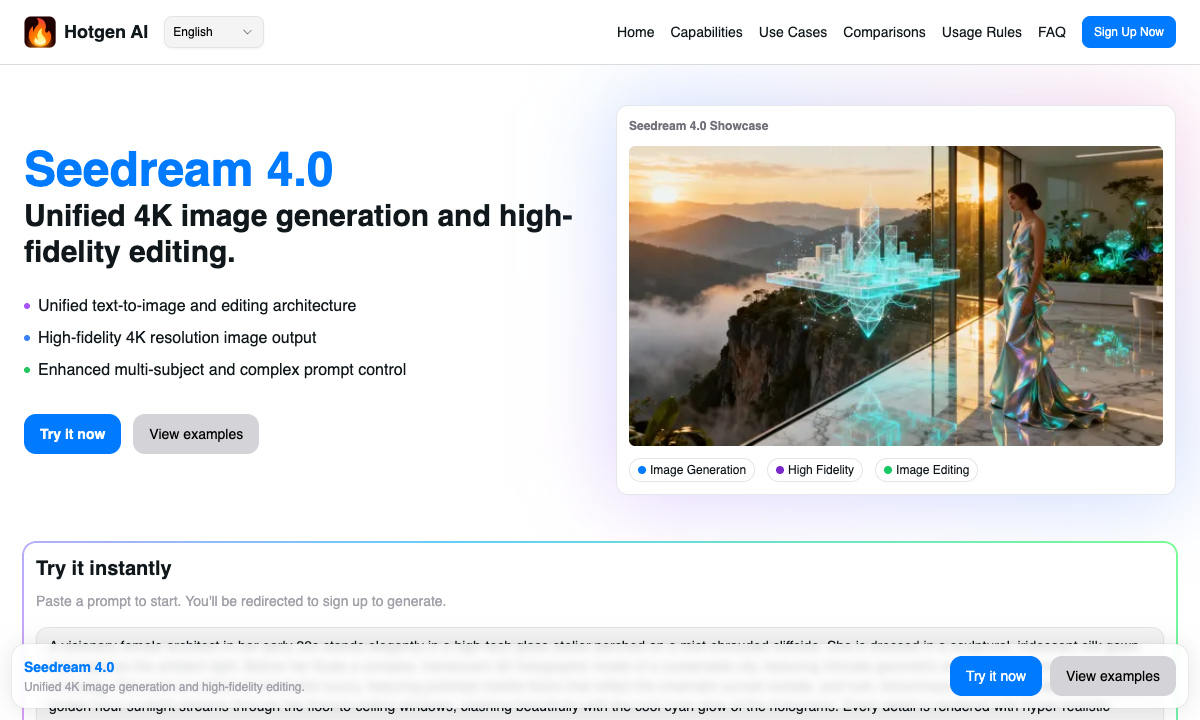
Seedream 4.0 utilizes a new unified architecture that integrates text-to-image and image-to-image editing capabilities. It is engineered to deliver 2K/4K high-resolution outputs with a focus on rich details and multi-subject understanding—features that are critical for commercial workflows. You can currently access and test this model directly through the Hotgen.AI platform, which aggregates top-tier models for streamlined creative work.
Core Creative Needs in Commercial Advertising
In the context of commercial advertising and product visualization, "good enough" is rarely acceptable. The deliverables usually require pristine quality suitable for print media, billboards, or high-definition digital displays.
The specific requirements for this scenario include:
- High Resolution & Detail: Images must be sharp at 2K or 4K resolution without artifacts, especially for product close-ups.
- Prompt Adherence: The model must strictly follow instructions regarding lighting, texture (e.g., glass, metal, fabric), and composition.
- Consistency: When generating variations of a campaign, the style and subject characteristics must remain stable.
- Editing Capability: The ability to modify a background or a specific element without distorting the main product is essential for rapid iteration.
Advantages of Using Seedream 4.0 for Commercial Advertising
Based on its technical specifications, Seedream 4.0 addresses several pain points specific to commercial creation. Here is how its capabilities map to advertising needs:
- Native 2K/4K Resolution: Unlike older models that require upscaling (which often introduces noise), Seedream 4.0 supports high-resolution output natively. This is vital for product rendering, where texture details like the grain of leather or the condensation on a beverage bottle need to be photorealistic.
- Complex Prompt Adherence: Advertising briefs are often detailed. Seedream 4.0's improved understanding of complex prompts allows designers to specify lighting setups (e.g., "studio lighting," "rim light") and composition with a higher success rate.
- Multi-Subject Understanding: Commercial scenes often involve a product interacting with props or models. This model's ability to handle multiple subjects reduces the likelihood of "bleeding" concepts, where the color of an object accidentally transfers to a human subject or background.
- Integrated Image-to-Image Editing: For designers who need to iterate on a draft or refine a specific area (like changing a model's clothing color or the background setting), the unified architecture provides a smoother workflow than switching between separate generation and in-painting tools.
Typical Usage Examples of Seedream 4.0 in Advertising
Here are practical examples of how to utilize Seedream 4.0 for commercial tasks within a production workflow.
1. High-End Product Photography (Text-to-Image)
This workflow is used to generate concept art or final assets for a luxury product campaign without organizing a physical photoshoot.
Example Prompt:
A professional studio photography shot of a luxury perfume bottle made of amber glass, placed on a black marble surface. Soft golden rim lighting, cinematic atmosphere, 4k resolution, extremely detailed, water droplets on the bottle, bokeh background of a night city.


Create this visual: Text-to-Image with Seedream 4.0
2. Architectural Concept for Real Estate Ads (Text-to-Image)
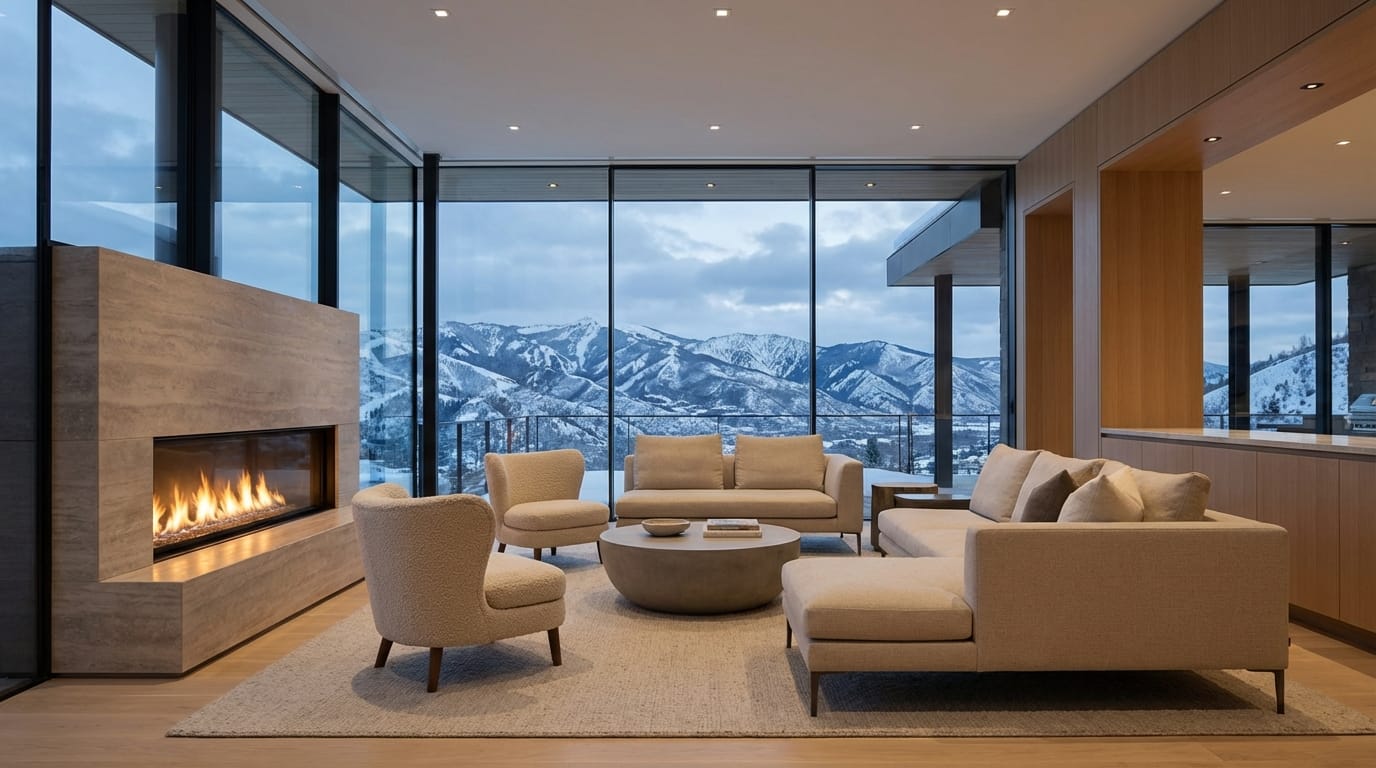
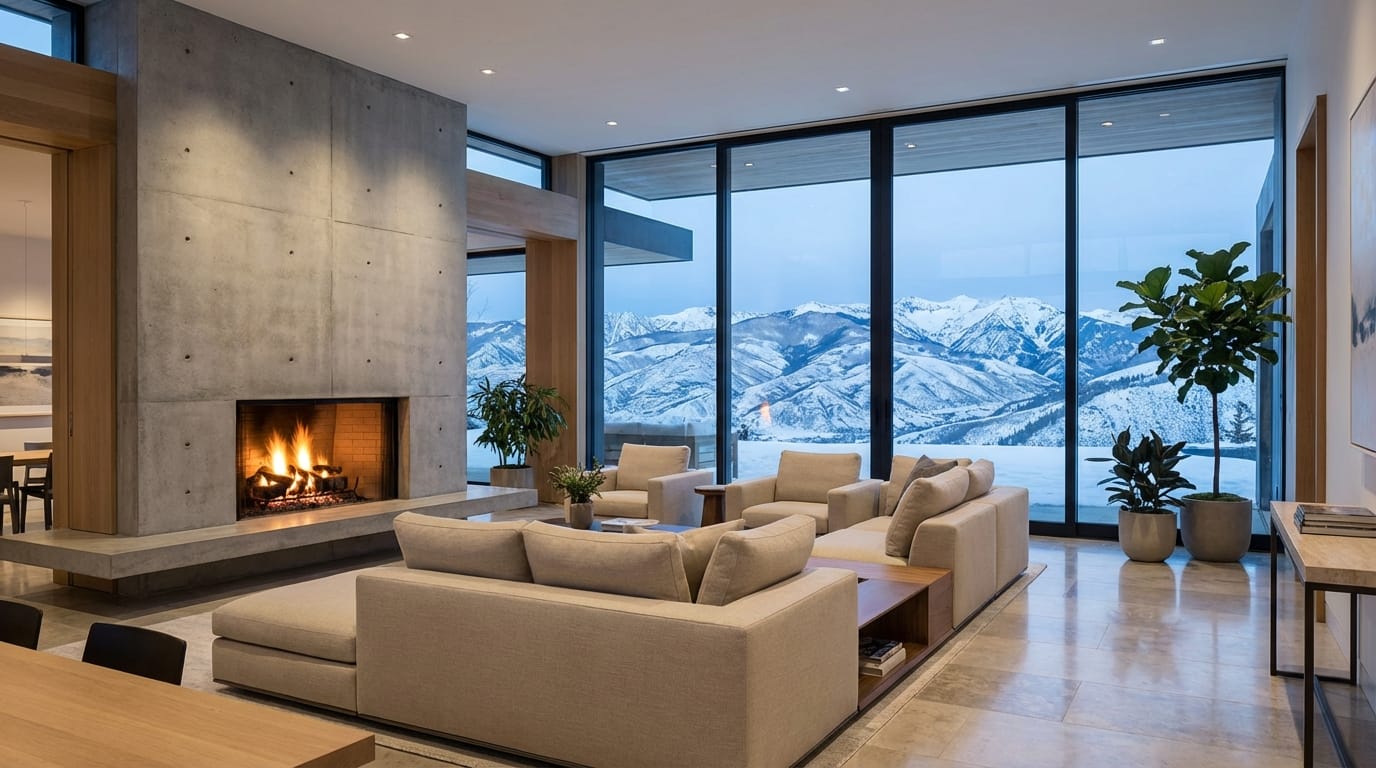
Real estate advertising often requires visualizing spaces that do not yet exist. Seedream 4.0's detail handling makes it suitable for interior design rendering.
Example Prompt:
A modern minimalist living room interior design, floor-to-ceiling windows overlooking a snowy mountain range, warm fireplace light, beige furniture, photorealistic, architectural digest style, 8k resolution, wide angle lens.
Create this visual: Text-to-Image with Seedream 4.0
3. Style Transfer for Campaign Variations (Image-to-Image)
Designers often need to take a rough sketch or an existing product photo and reimagine it in a different artistic style for a specific campaign.
Example Prompt:
Transform the reference image into a cyberpunk style illustration, neon lights, futuristic city background, high contrast, digital art style.
Try this feature: Image-to-Image with Seedream 4.0
Potential Limitations in Commercial Use
While Seedream 4.0 represents a significant leap forward, users should be aware of certain constraints when applying it to commercial advertising:
- Text Rendering: Like many image generation models, Seedream 4.0 may struggle with generating precise, legible text (such as logos or slogans) directly on products. Post-production in Photoshop is usually required for typography.
- Specific Brand Consistency: While it handles generic objects well, generating a specific, copyrighted product design (e.g., a specific model of a sneaker) with 100% accuracy solely from a prompt can be challenging. Image-to-Image is recommended here, but manual refinement may still be needed.
- Credit Consumption: Generating at native 4K resolution utilizes more computing power, which may consume more credits per generation compared to standard definition drafts.
Who Should Use Seedream 4.0 for Advertising?
Seedream 4.0 is particularly well-suited for:
- Art Directors & Concept Artists: For rapidly visualizing campaign concepts and mood boards before committing to expensive production.
- E-commerce Designers: For creating lifestyle backgrounds for product images, saving the cost of location scouting.
- Small Business Owners: For generating high-quality social media assets and website headers without hiring a full design team.
The model is best utilized by those who need a balance between speed and high-fidelity visual output, serving as a powerful engine for the "base layer" of creative work.
How to Start Creating Commercial Assets on Hotgen.AI
Accessing Seedream 4.0 and integrating it into your workflow is straightforward on Hotgen.AI. The platform aggregates this model alongside other industry leaders, allowing you to compare results or switch tools without managing multiple subscriptions.
- Navigate to the Model Library to confirm Seedream 4.0 availability.
- Use the Model Compare feature if you wish to test Seedream 4.0 against other models like Midjourney or Flux to see which style fits your specific campaign best.
- Select the Text-to-Image or Image-to-Image tool to begin generating your assets immediately.
Hotgen.AI's credit system allows for flexible usage, meaning you only pay for the high-resolution renders you actually need for your commercial projects.
Summary: Is Seedream 4.0 Right for Your Advertising Needs?
Seedream 4.0 is a robust choice for Commercial Advertising and Product Rendering, particularly due to its native high-resolution support and strong prompt adherence. It excels at creating photorealistic environments, product mockups, and conceptual visuals.
However, for projects requiring exact text replication or strict adherence to complex copyrighted geometries, it should be viewed as a powerful part of the workflow rather than a one-click solution. For most professional visual designers, it offers a high-value tool for accelerating production and enhancing visual quality.
To explore the capabilities of Seedream 4.0 firsthand:
- Visit the Platform: https://hotgen.ai
- View Model Details: https://hotgen.ai/models/seedream-4.0
- Start Creating: https://hotgen.ai/signin