Is WAN Image 2.6 Suitable for a Creative Beginner?

For a creative beginner, the world of AI image generation can often feel overwhelming, filled with complex technical settings and steep learning curves. However, the core requirement for this group is simple: transforming ideas into high-quality visuals with minimal friction and cost. WAN Image 2.6 emerges as a highly suitable candidate for this demographic. It balances advanced capabilities—such as complex prompt understanding and high-fidelity textures—with a user-friendly nature that does not require "prompt engineering" expertise to yield stunning results.
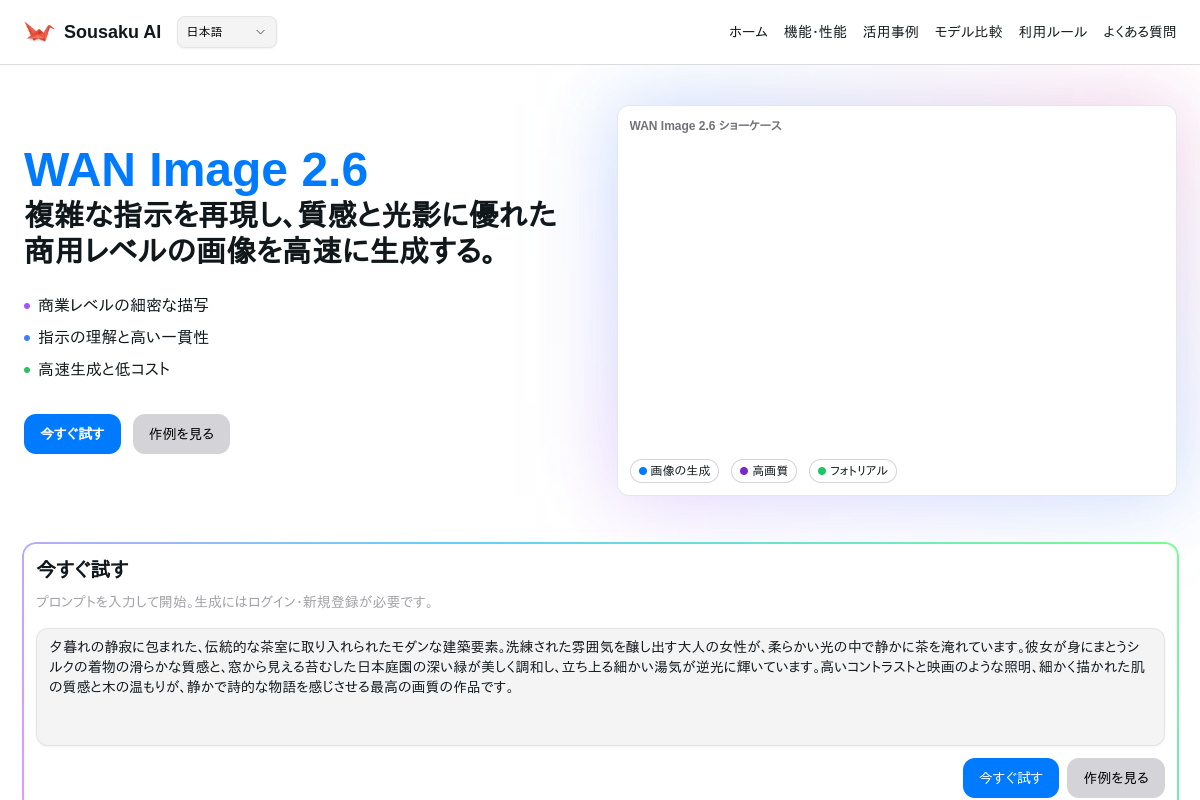
As the latest image generation model in the Alibaba Wan series, WAN Image 2.6 is optimized for high-fidelity static output. Whether you are looking to create concept art, social media assets, or simply explore digital creativity, this model provides a robust starting point. It is fully integrated into the Sousaku.AI platform, allowing beginners to access its capabilities without needing local hardware installation or complex code environments.
Typical Creative Needs of a Creative Beginner
Creative beginners usually approach AI tools with a desire to explore and express themselves, rather than to execute rigid industrial workflows immediately. Their primary goals often revolve around visualization and experimentation.
The typical output requirements for this group include:
- Social Media Content: Eye-catching images for Instagram, blogs, or YouTube thumbnails.
- Concept Visualization: turning a vague idea into a concrete image to show friends or colleagues.
- Avatars and Character Design: Creating unique personas for gaming or online profiles.
For a beginner, efficiency and forgiveness are key. They need a tool that produces "good looking" results even if the input prompt isn't perfect. They are also sensitive to consistency (does the character look human?) and cost (can I experiment without spending a fortune?).
How WAN Image 2.6 Meets the Needs of a Creative Beginner
WAN Image 2.6 addresses the specific pain points of a novice creator through several key technical strengths.
1. Superior Natural Language Understanding Beginners often struggle with the "tag syntax" required by older models (e.g., "masterpiece, best quality, 4k"). WAN Image 2.6 excels at understanding complex, natural sentences. You can describe a scene as you imagine it, and the model interprets the context, lighting, and composition accurately. This lowers the entry barrier significantly.
2. Commercial-Grade Details and Lighting One of the fastest ways to discourage a beginner is generating images that look "plastic" or distorted. WAN Image 2.6 has been significantly improved in texture realism and light processing. It automatically applies aesthetic composition, meaning a beginner's first attempt often looks professional enough to share immediately.
3. Cost-Effective Speed Learning requires iteration. Because WAN Image 2.6 is designed to be fast and cost-effective, beginners can generate multiple variations of an idea without burning through their budget or waiting minutes for a single render.
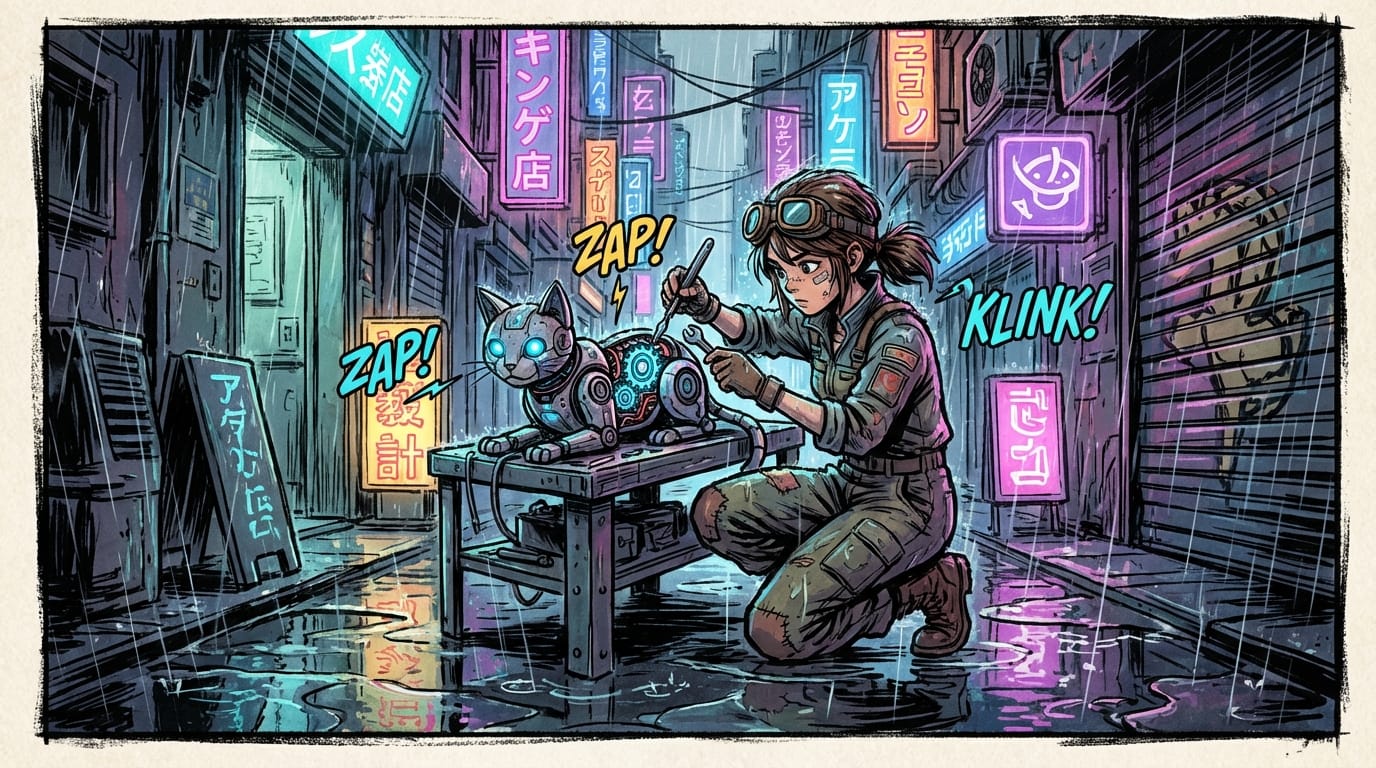
Example of Style Capability: If a beginner wants to create a manga-style illustration, they don't need a specialized model; WAN Image 2.6 handles style migration effectively.
Example Prompt:
A vibrant manga panel featuring a young cyberpunk mechanic fixing a glowing robotic cat in a neon-lit alleyway, heavy rain, reflection on wet pavement, detailed mechanical parts, anime art style.
Common Use Cases for Creative Beginners with WAN Image 2.6
Here are practical ways a beginner can utilize this model within their workflow.
1. Text-to-Image: Creating Concept Art from Scratch
The most common starting point is generating a visual from a text description. This is ideal for visualizing scenes for a story or creating mood boards.
Example Prompt:
A cozy coffee shop interior inside a giant hollow tree trunk, warm sunlight filtering through leaves, wooden furniture, steaming cups of coffee, fantasy atmosphere, highly detailed, 8k resolution.
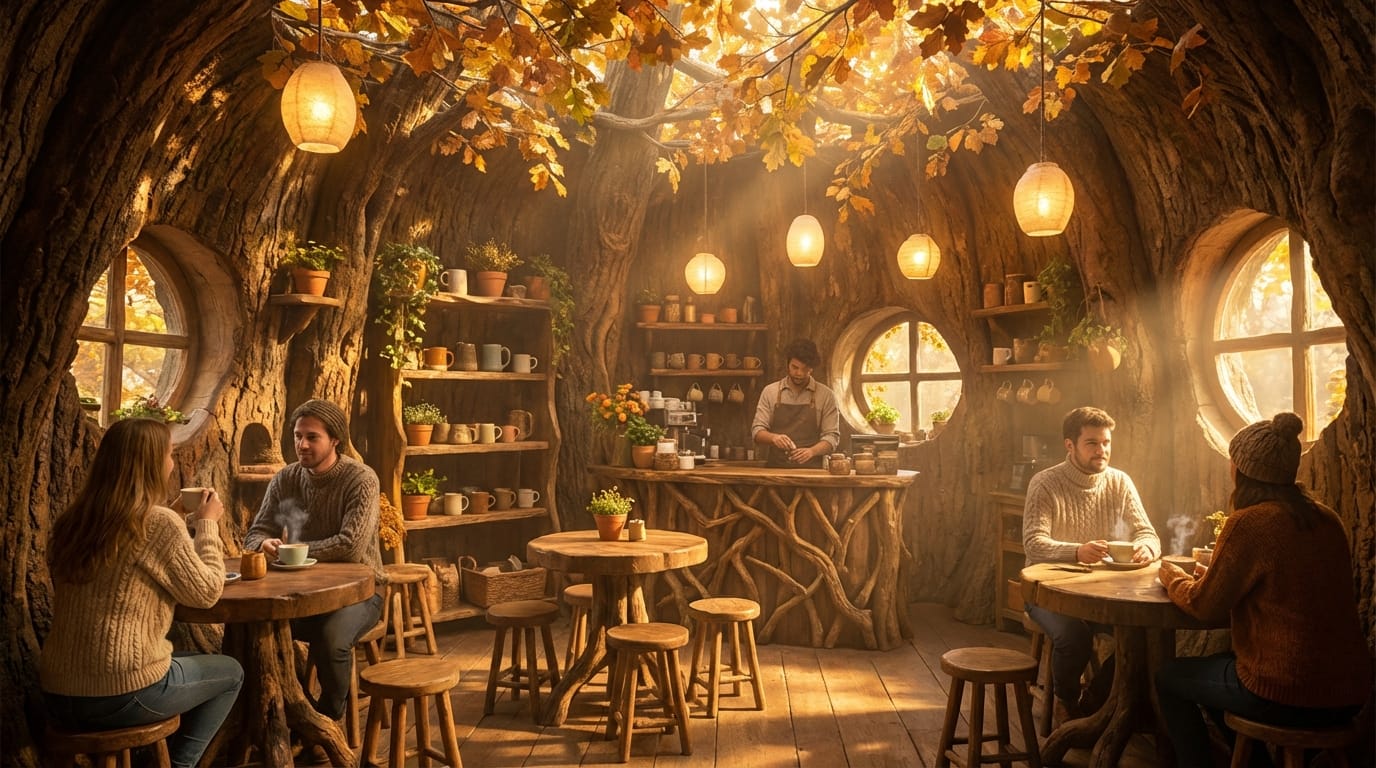
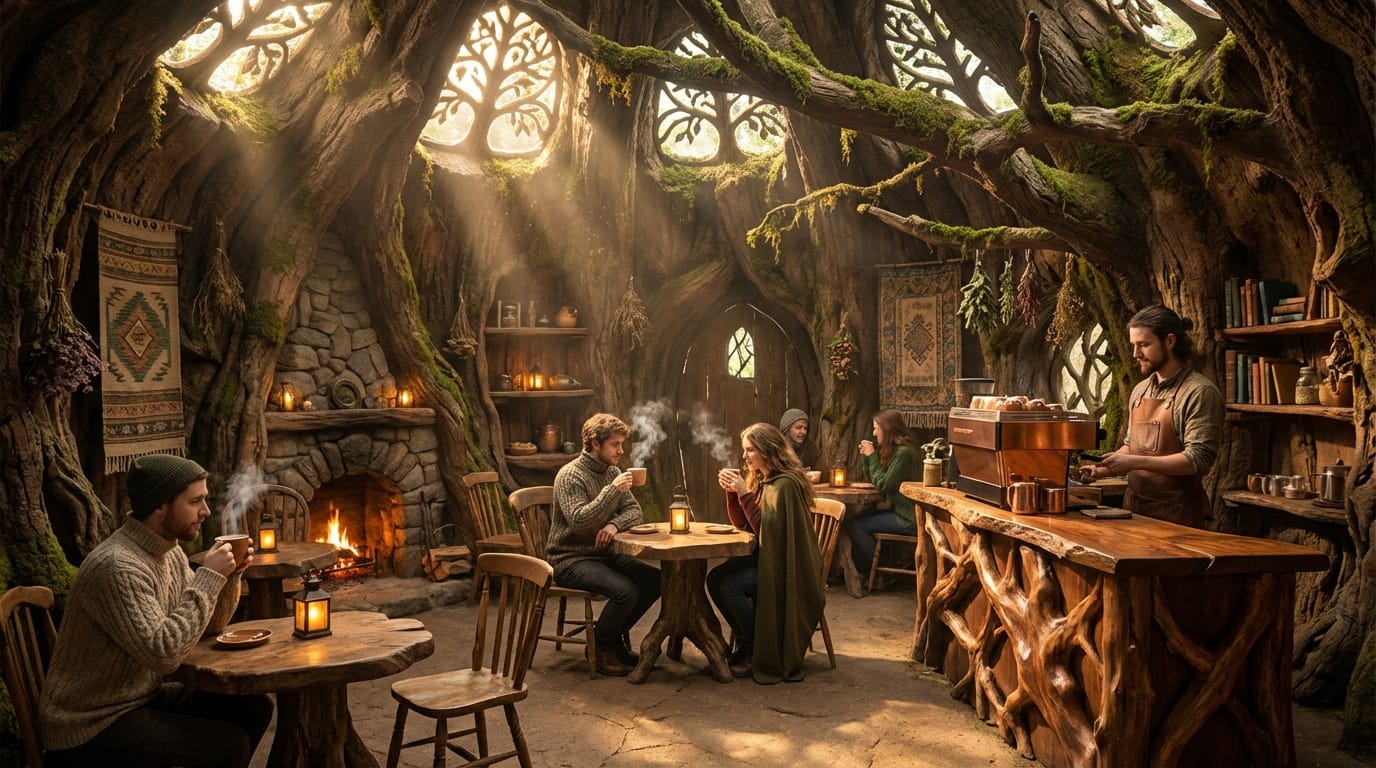
Try it here: https://sousaku.ai/create/text2image/wan-image-2.6
2. Image-to-Image: Stylizing Sketches or Photos
WAN Image 2.6 supports Image-to-Image (Img2Img), which is perfect for beginners who can draw simple shapes but lack rendering skills. You can upload a rough sketch or a basic photo and ask the model to "repaint" it in a specific style, such as oil painting or cyberpunk.
Example Prompt:
Transform this image into a futuristic city made of crystal and glass, sunset lighting, cinematic composition, photorealistic.
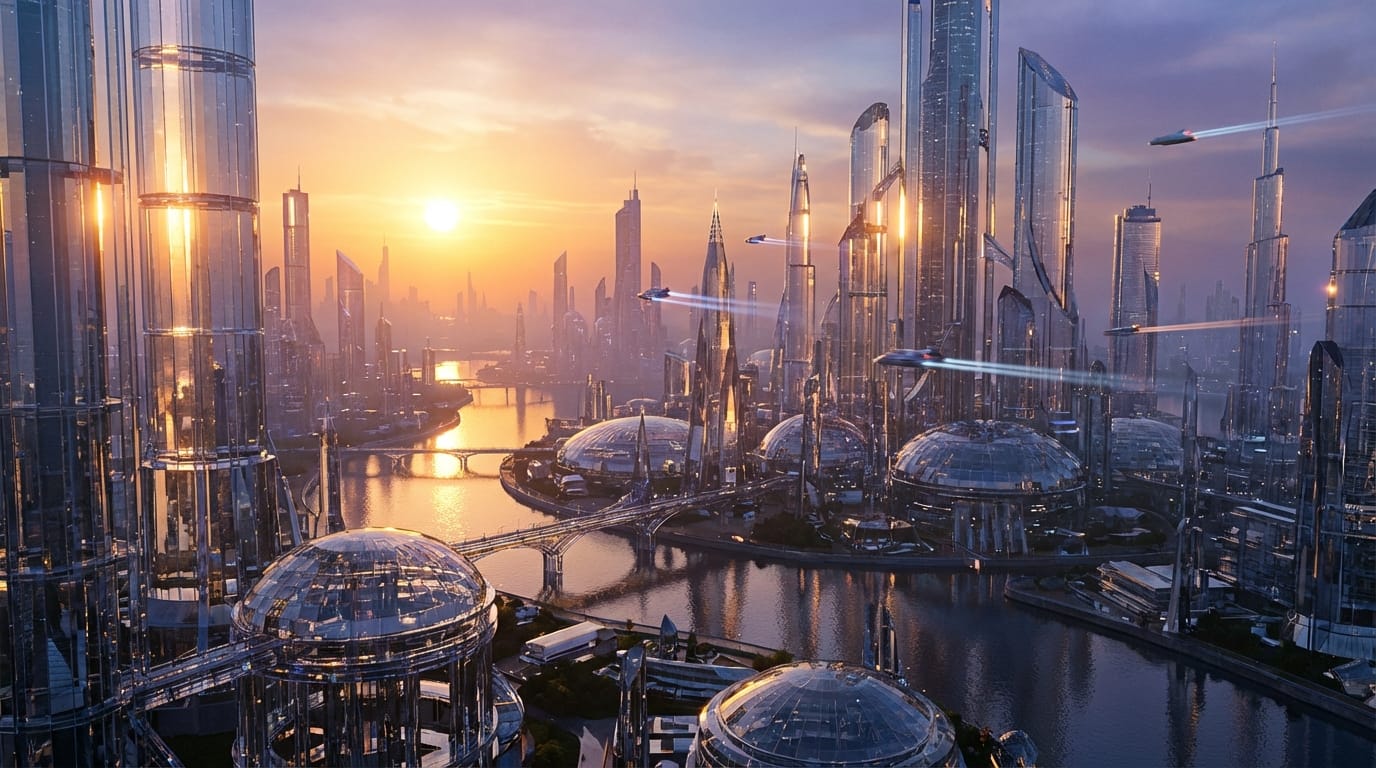
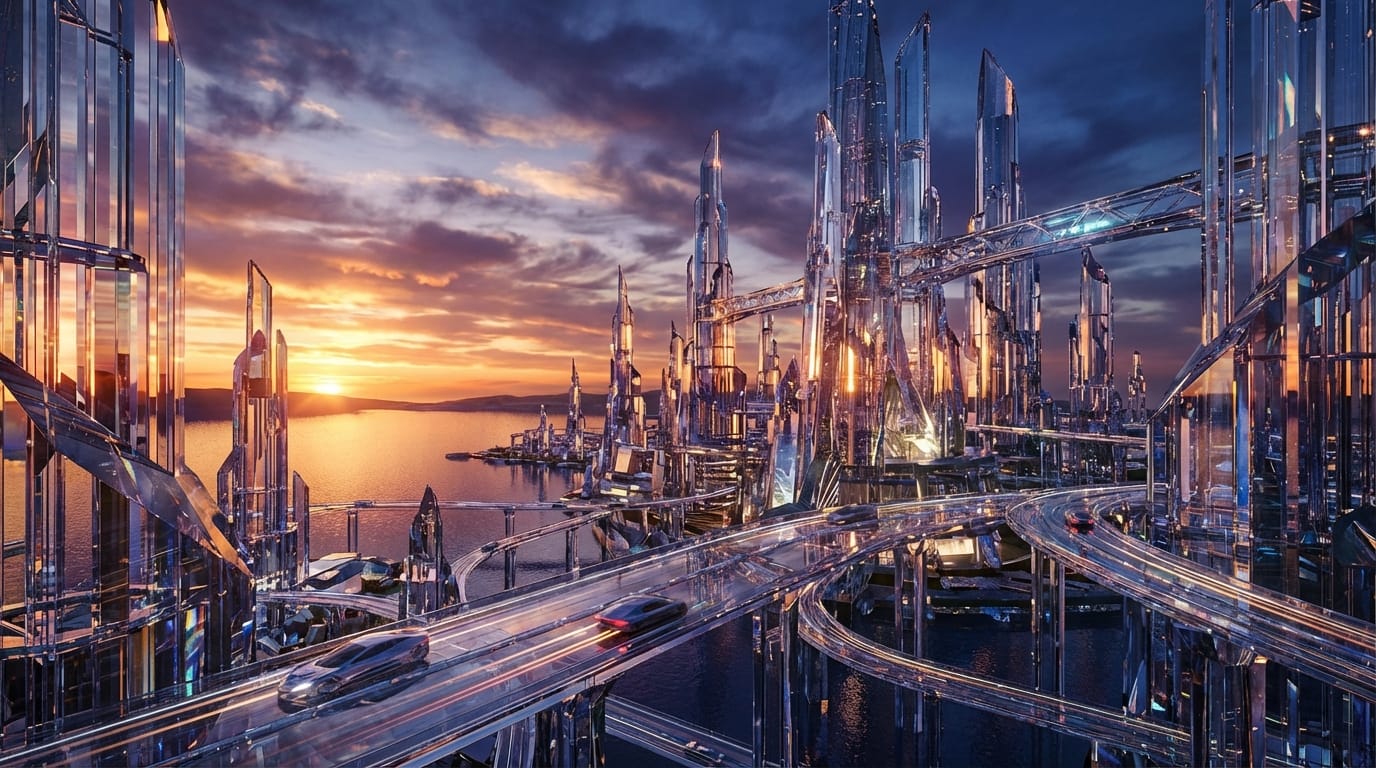
Try it here: https://sousaku.ai/create/image2image/wan-image-2.6
What Creative Beginners Should Note When Using WAN Image 2.6
While WAN Image 2.6 is beginner-friendly, there are realistic factors to keep in mind to ensure a smooth experience.
Prompt Specificity: Although the model understands natural language well, being vague will still result in generic images. Beginners should learn to describe the subject, environment, lighting, and style explicitly to get the best results.
Static vs. Dynamic: It is important to remember that WAN Image 2.6 generates static images. While it is often used as a high-quality precursor for video generation workflows (creating the "first frame"), the model itself does not output video.
Credit Management: Since the model is fast and fun to use, it is easy to generate dozens of images quickly. Beginners should keep an eye on their credit usage on the platform to ensure they are spending their resources on the iterations that matter most.
Which Creative Beginners Are NOT Suitable for WAN Image 2.6
Despite its versatility, WAN Image 2.6 might not be the right tool for everyone.
1. Typography and Text Layout Needs If your primary goal is to generate logos with specific, legible text (e.g., a sign that says "Coffee Shop" perfectly), this model—like most image generators—may struggle with precise typography. Graphic design software is still better for text overlay.
2. Vector Graphic Requirements Beginners looking for SVG files or scalable vector graphics for printing on large merchandise might find the raster (pixel-based) output limiting. WAN Image 2.6 focuses on high-fidelity pixels, not mathematical vectors.
How to Efficiently Use WAN Image 2.6 on Sousaku.AI
For a creative beginner, the environment is just as important as the model. Sousaku.AI wraps WAN Image 2.6 in an interface designed for ease of use.
- Unified Workspace: You don't need to switch tabs or install software. You can generate an image with WAN Image 2.6 and then easily compare it with other models if you wish to see different artistic interpretations.
- History and Iteration: The platform saves your generation history, allowing you to look back at prompts that worked well. This is crucial for learning how to communicate effectively with the AI.
You can explore the full range of available tools here:
- Model Library: https://sousaku.ai/models
- Model Comparison: https://sousaku.ai/models/compare
Summary: Is WAN Image 2.6 Worth Trying for a Creative Beginner?
Absolutely. WAN Image 2.6 sits in the "sweet spot" for creative beginners. It offers the high-end quality usually reserved for complex, professional workflows, but delivers it through a forgiving, natural language interface.
Whether you are looking to create your first digital masterpiece, generate assets for a presentation, or simply have fun visualizing your imagination, this model provides excellent value, speed, and aesthetic quality. It removes the technical barriers, letting you focus purely on the creative idea.
Ready to bring your ideas to life?
- Visit the official site: https://sousaku.ai
- Try the model now: https://sousaku.ai/models/wan-image-2.6
- Start your creative journey: https://sousaku.ai/signin