Is Vidu Q3 Suitable for Prompt Designers?

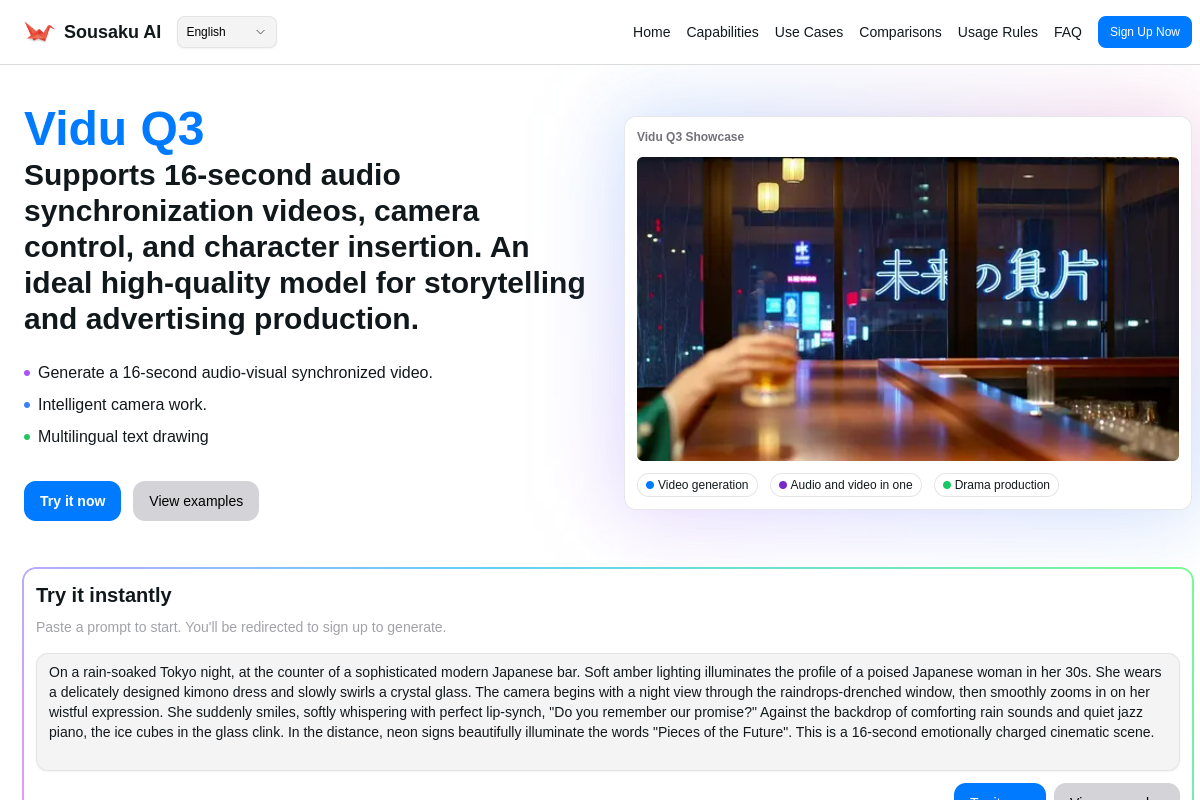
For Prompt designers seeking high-fidelity control over video generation, Vidu Q3 represents a significant leap forward in AI capability. Unlike previous generations of video models that often ignored complex instructions, Vidu Q3 is engineered with "Director-level" adherence in mind. It is exceptionally well-suited for prompt engineers who need to manipulate camera angles, synchronize audio, and render specific text within a scene, offering a level of granularity that transforms a prompt designer into a virtual director.
This model is fully integrated into the Sousaku.AI platform, allowing creators to access its advanced text-to-video and image-to-video capabilities within a unified workspace.
The Typical Creative and Work Needs of a Prompt Designer
Prompt designers operate at the intersection of technical syntax and creative direction. Their primary goal is not just to generate "cool content," but to achieve repeatable, controllable, and precise results based on specific textual inputs.
In a professional workflow, a prompt designer typically requires:
- Instruction Adherence: The model must strictly follow commands regarding lighting, composition, and style, rather than hallucinating random elements.
- Temporal Consistency: In video generation, the subject must remain consistent across the timeline without morphing.
- Granular Control: The ability to define camera movements (pan, zoom, tilt) and specific visual details via text.
- Efficiency: Minimizing the "gacha" element of AI generation to save time and credits.
How Vidu Q3 Meets the Needs of a Prompt Designer
Vidu Q3 aligns perfectly with the advanced requirements of prompt engineering. By shifting post-production elements (like sound design and text overlay) into the generation phase, it allows prompt designers to control the entire production pipeline through language.
1. Director-Level Camera Control
For prompt designers frustrated by static or random camera movements in other models, Vidu Q3 offers intelligent camera language understanding. You can explicitly prompt for "dolly zoom," "pan right," or "rack focus," and the model executes these cinematic techniques. This turns the prompt designer into a Director of Photography, allowing for deliberate visual storytelling.
2. Native Text Rendering
One of the hardest challenges in AI prompting has been getting legible text within an image or video. Vidu Q3 solves this by supporting native text rendering in English, Chinese, and Japanese. A prompt designer can now specify a neon sign reading "CYBERPUNK" or a shop banner, and the model renders it naturally within the environment, eliminating the need for external video editing tools for simple titling.
3. Audio-Visual Synchronization via Prompting
Vidu Q3 is not a silent film generator. It produces 16-second clips with integrated audio. For a prompt designer, this opens a new dimension: you are now prompting for soundscapes. You can describe the "sound of rain hitting the pavement" or "dialogue in a busy cafe," and the model generates audio that matches the visual rhythm and lip movements (lip-sync), requiring precise descriptive prompting to get the best results.
4. High Consistency in Image-to-Video
When using the Image-to-Video capability, Vidu Q3 maintains high fidelity to the source material. This is crucial for prompt designers working on character-centric projects where the subject's identity must remain stable while the environment or action changes.
Example Prompt for Testing Capabilities:
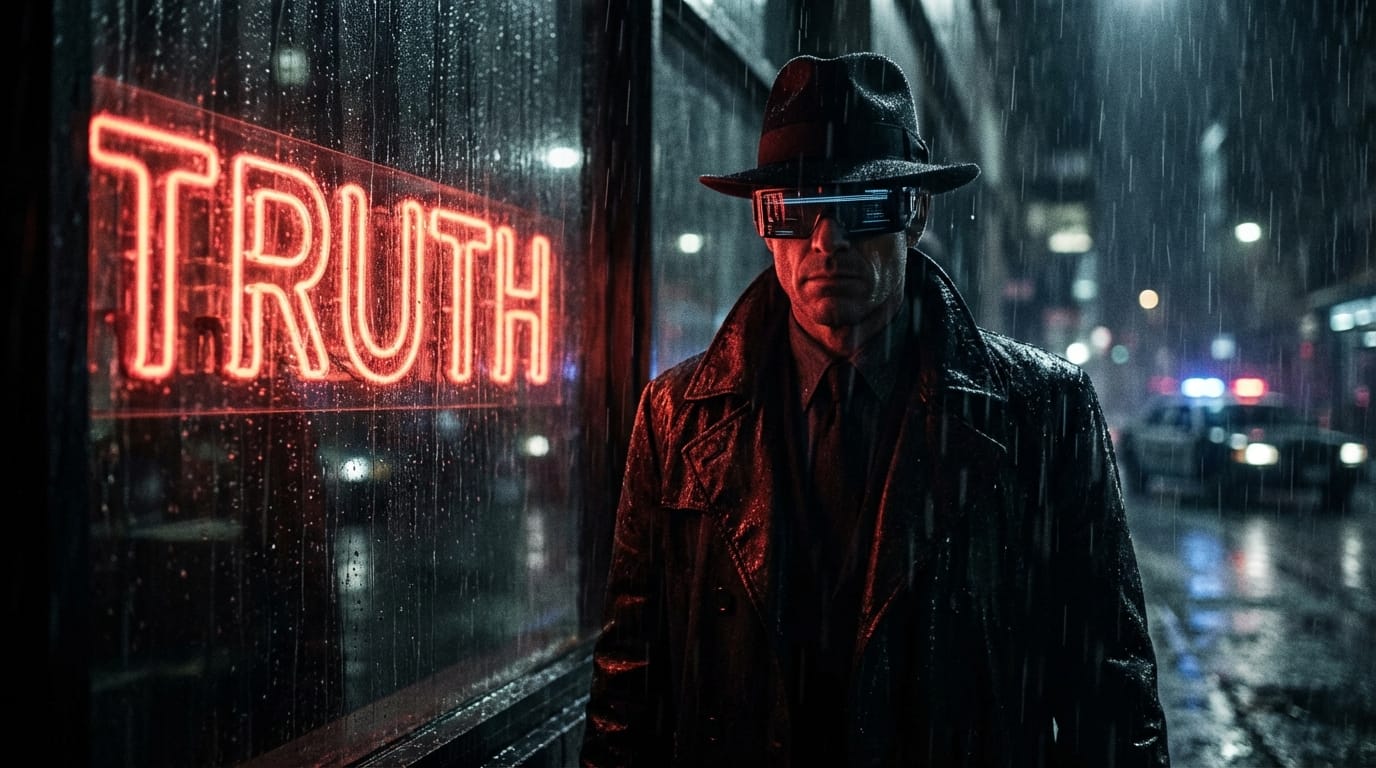
A cinematic wide shot zooming in slowly to a medium shot. A futuristic detective standing in rain, neon sign behind him reads "TRUTH" in red glowing letters. High contrast, film noir style, realistic 8k, sound of heavy rain and distant sirens.
Common Ways Prompt Designers Use Vidu Q3
Prompt designers can leverage Vidu Q3 on Sousaku.AI to build sophisticated workflows. Here are specific examples of how this model is utilized in professional settings.
1. Narrative Storyboarding (Text-to-Video)
Prompt designers use the extended 16-second generation window to create complete narrative beats. Instead of stitching together 3-second clips, they can prompt for a "mini-scene" that includes an establishing shot, an action, and a reaction, complete with dialogue or sound effects.
Example Prompt:
Cinematic 16:9, a young woman in a space station corridor looks out the window, camera tracks her movement from left to right, she turns to the camera and smiles, outside the window a giant blue planet rotates slowly, ambient engine hum and soft electronic beeps.
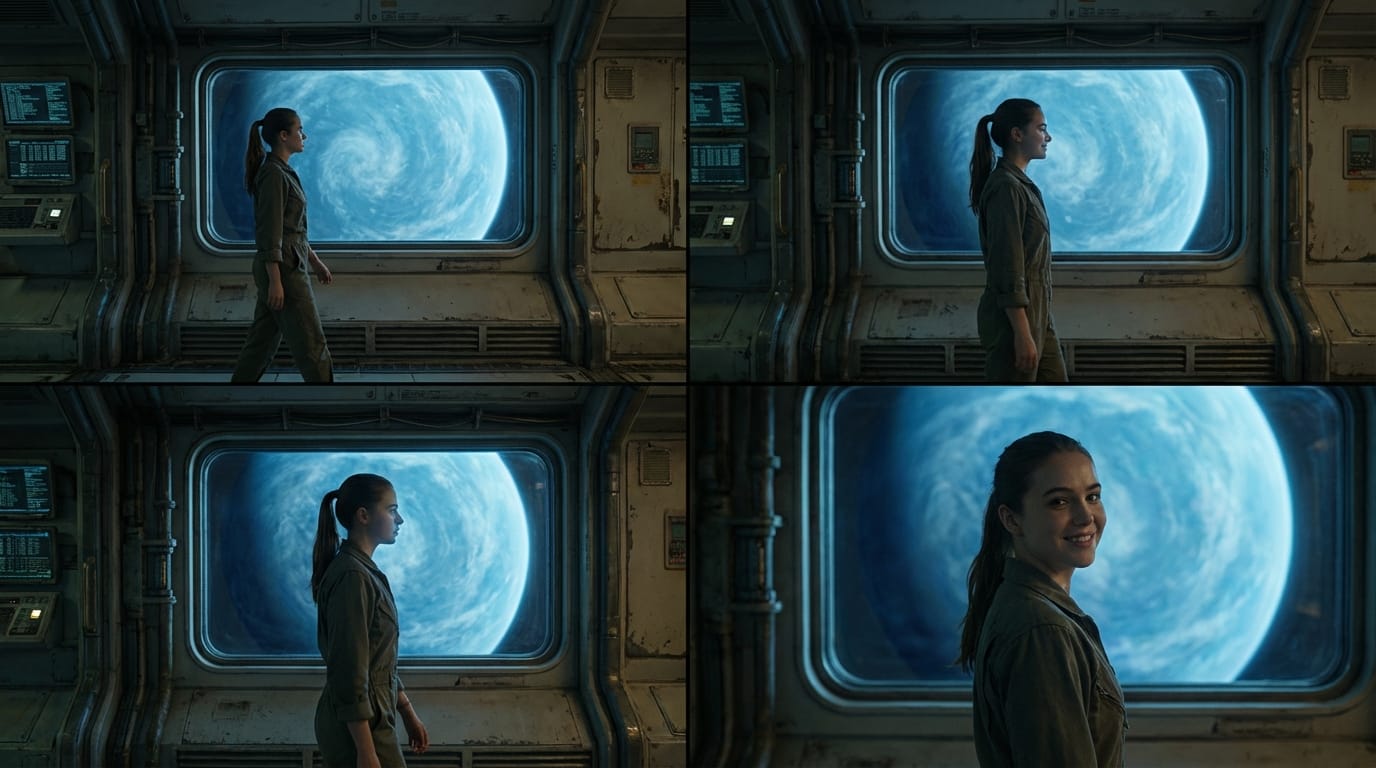
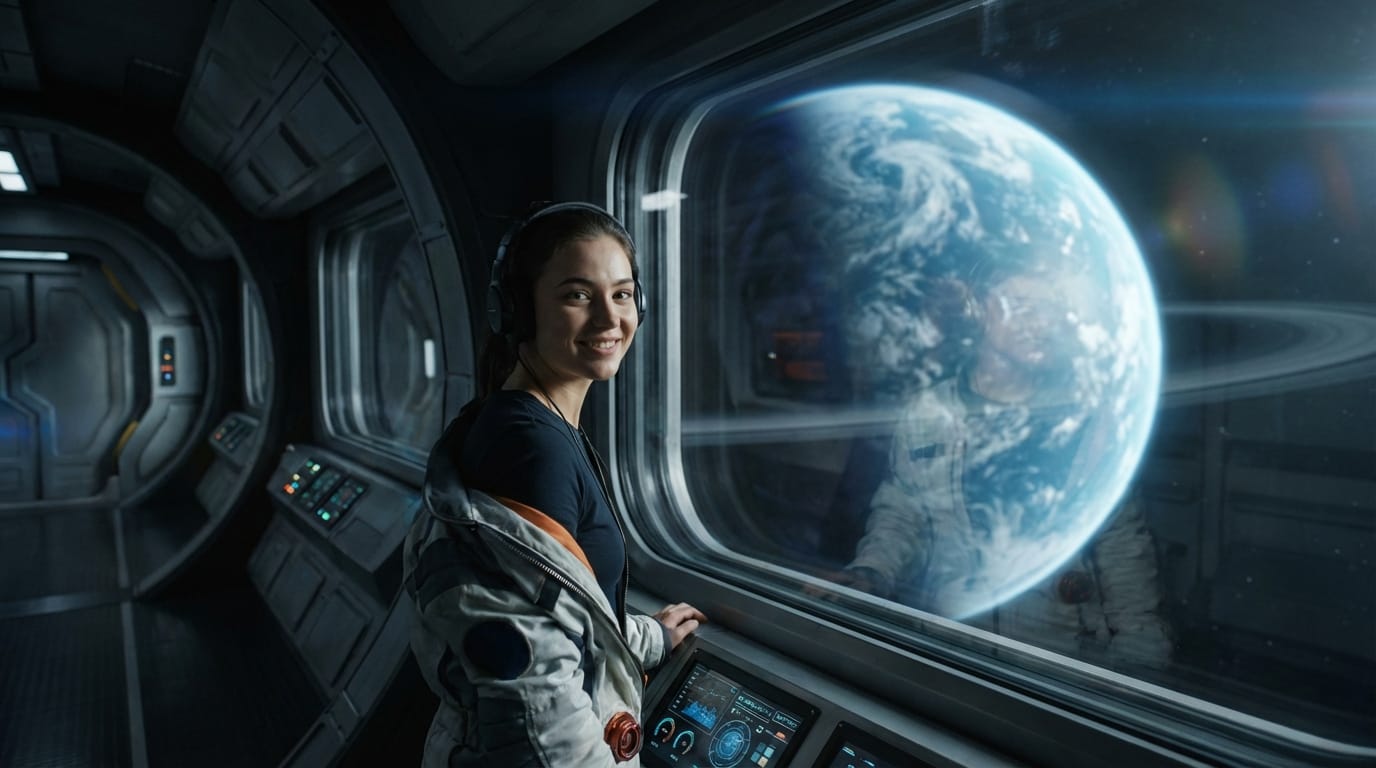
- Create here: Text to Video with Vidu Q3
2. Dynamic Commercial Visualization (Image-to-Video)
Designers often start with a perfect product shot generated by a model like Midjourney or Flux, and then use Vidu Q3 to animate it. The goal is to add specific physics (like pouring liquid or swirling smoke) without distorting the product branding.
Example Prompt:
(Input image of a perfume bottle) The camera slowly orbits around the perfume bottle, golden liquid swirls elegantly inside the bottle, soft golden light reflections moving across the glass, magical sparkles floating in the air, high-end commercial aesthetic, 4k resolution.

- Create here: Image to Video with Vidu Q3
What Prompt Designers Should Note When Using Vidu Q3
While Vidu Q3 is a powerhouse, prompt designers must navigate certain realities to optimize their workflow:
- Prompt Precision for Audio: Since the model generates audio and video simultaneously, vague prompts can lead to mismatched soundscapes. Designers need to learn how to describe audio textures (e.g., "muffled background noise" vs. "crisp dialogue") as clearly as visual elements.
- Credit Consumption: Video generation is computationally expensive. Iterating on a 16-second clip to get the perfect camera move consumes more credits than generating static images. Prompt designers should refine their text prompts carefully before hitting generate to maximize ROI.
- Physics Hallucinations: Although physical simulation is vastly improved over Q2, complex interactions (like hands manipulating small objects) can still occasionally glitch. Negative prompting and careful phrasing are still required to mitigate this.
Which Prompt Designers Are NOT Suitable for Vidu Q3
Despite its versatility, Vidu Q3 might not be the right tool for everyone:
- Infinite Loop Creators: If your primary goal is to create seamless, endless looping backgrounds (like lo-fi beats visuals) without a narrative structure, simpler, lower-cost models might be more efficient than Vidu Q3, which is optimized for narrative and camera movement.
- Raw Footage Editors: Designers who need raw, uncompressed video files for heavy VFX compositing might find the generated MP4s limiting compared to traditional CGI rendering pipelines. Vidu Q3 creates the final look, making it harder to separate layers later.
How to Use Vidu Q3 Efficiently on Sousaku.AI for Prompt Designers
Sousaku.AI provides the ideal environment for prompt designers to master Vidu Q3. The platform's unified interface allows you to:
- Asset Preparation: Use high-end image models on the platform to generate consistent character reference sheets.
- Seamless Animation: Instantly bridge those assets into Vidu Q3’s Image-to-Video workflow.
- Model Benchmarking: Easily compare Vidu Q3’s output against other video models to determine which engine best interprets your specific prompt syntax.
- Explore the full model library: https://sousaku.ai/models
- Compare model capabilities: https://sousaku.ai/models/compare
Summary: Is Vidu Q3 Worth a Try for Prompt Designers?
Absolutely. Vidu Q3 is arguably the most "prompt-responsive" video model currently available. For prompt designers who view themselves as technical directors, the ability to control camera movement, on-screen text, and audio-visual synchronization via text input is a game-changer. It moves the discipline from simple image generation to full-stack scene direction.
While the cost of iteration requires disciplined prompting, the output quality—especially the 16-second narrative capability—makes it an essential tool for any serious AI creative.
Start Creating
Ready to test your prompting skills on the next generation of video AI?
- Explore the Platform: Visit Sousaku.AI
- Try the Model: Experience Vidu Q3 Pro
- Join the Community: Sign In to Start Creating