Is Veo 3.0 Suitable for Generating Canvas Texture Style Content?
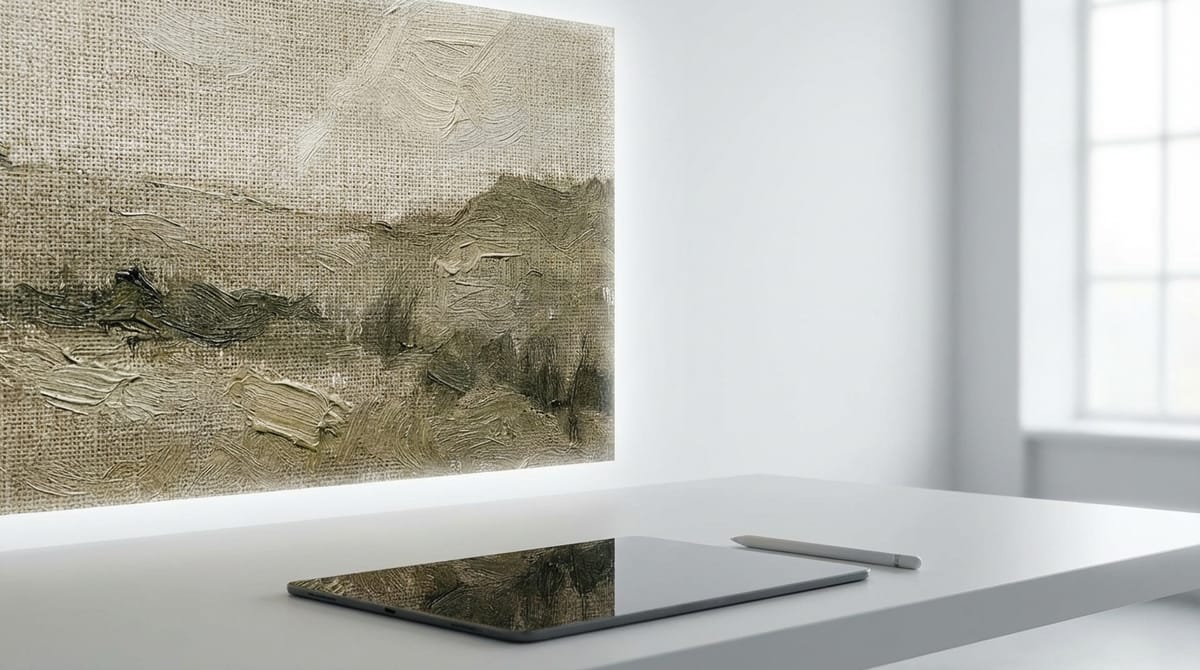
Canvas Texture style is defined by its tactile visual quality, simulating physical surfaces like coarse linen, rough paper, or oil painting substrates. It emphasizes the interplay of light on uneven surfaces, visible grain, and an organic, non-digital aesthetic. For creators, the challenge lies in maintaining this texture consistency during motion without creating distracting visual noise.
Veo 3.0, with its high-definition output (1080p+) and advanced understanding of physics and lighting, is surprisingly well-suited for this stylistic requirement. While primarily known for photorealism, its ability to render fine details allows it to capture the micro-shadows and surface irregularities required for a convincing Canvas Texture effect in video format. This model is available for immediate use within the Sousaku.AI platform.
Typical Visual and Content Characteristics of Canvas Texture Style
To successfully generate this style, it is essential to understand what makes "Canvas Texture" distinct from standard digital video. The style is not merely a filter; it is a structural visual component.
- Surface Detail: The presence of visible weave, grain, or fiber. The image should look like it was physically painted or printed on a material.
- Light Interaction: Specularity (shininess) on paint peaks and shadows in the canvas valleys. This gives the video depth.
- Color Saturation: Often leans towards pigment-based color profiles (oil, acrylic, watercolor) rather than digital RGB neon tones.
- Motion Quality: In a video context, the texture often remains static relative to the "screen" (overlay style) or moves naturally with the object (mapped texture), creating a "living painting" effect.
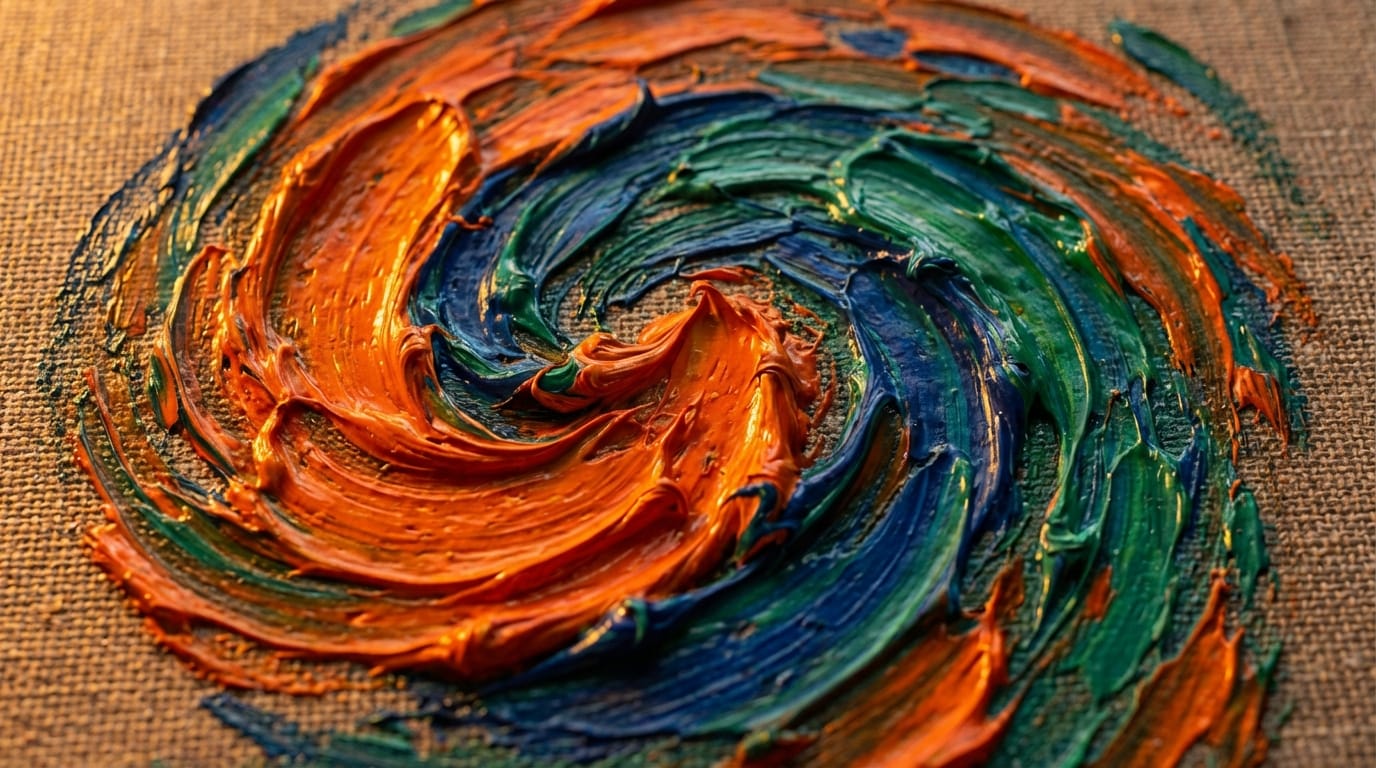
Analysis of Veo 3.0 Performance on Canvas Texture Style
Veo 3.0 is designed by Google DeepMind as a premier text-to-video and image-to-video model. Here is how its technical capabilities translate to the Canvas Texture style:
- Resolution and Detail: Because Veo 3.0 supports resolutions exceeding 1080p, it does not blur out the fine grain of a canvas texture. Lower-resolution models often smooth out these details, destroying the effect. Veo 3.0 preserves the "roughness" essential to the style.
- Prompt Adherence: The model has a high sensitivity to stylistic descriptors. When prompted with "heavy grain" or "oil on canvas," Veo 3.0 adjusts its rendering engine to simulate these materials rather than defaulting to standard video footage.
- Temporal Stability: One of the biggest issues with AI video and textures is "flicker." Veo 3.0 offers superior motion coherence (4–8 second clips), meaning the texture stays attached to the subject or background consistently, rather than morphing randomly between frames.
- Lighting Physics: The model's understanding of realistic lighting enhances the 3D effect of the texture, making brushstrokes or paper grain appear to have actual height and depth.
Typical Scenarios for Using Veo 3.0 to Generate Canvas Texture Style Content
The intersection of high-end video generation and artistic textures opens up specific use cases for professional creators:
- "Living Art" Exhibitions: Creating videos where famous static art styles appear to come to life for gallery displays or digital art installations.
- Music Lyric Videos: Using the textured, organic look to create a moody, lo-fi, or artistic backdrop that fits indie or acoustic genres.
- Historical Reenactments: Simulating the look of aged parchment or vintage physical media for documentary-style interludes.
- Concept Art Visualization: Game developers and filmmakers can use Veo 3.0 to visualize how a "painted world" aesthetic would look in motion before committing to 3D rendering pipelines.
- Social Media Motion Graphics: Creating scroll-stopping, tactile visuals that stand out against the clean, sharp look of standard phone camera footage.
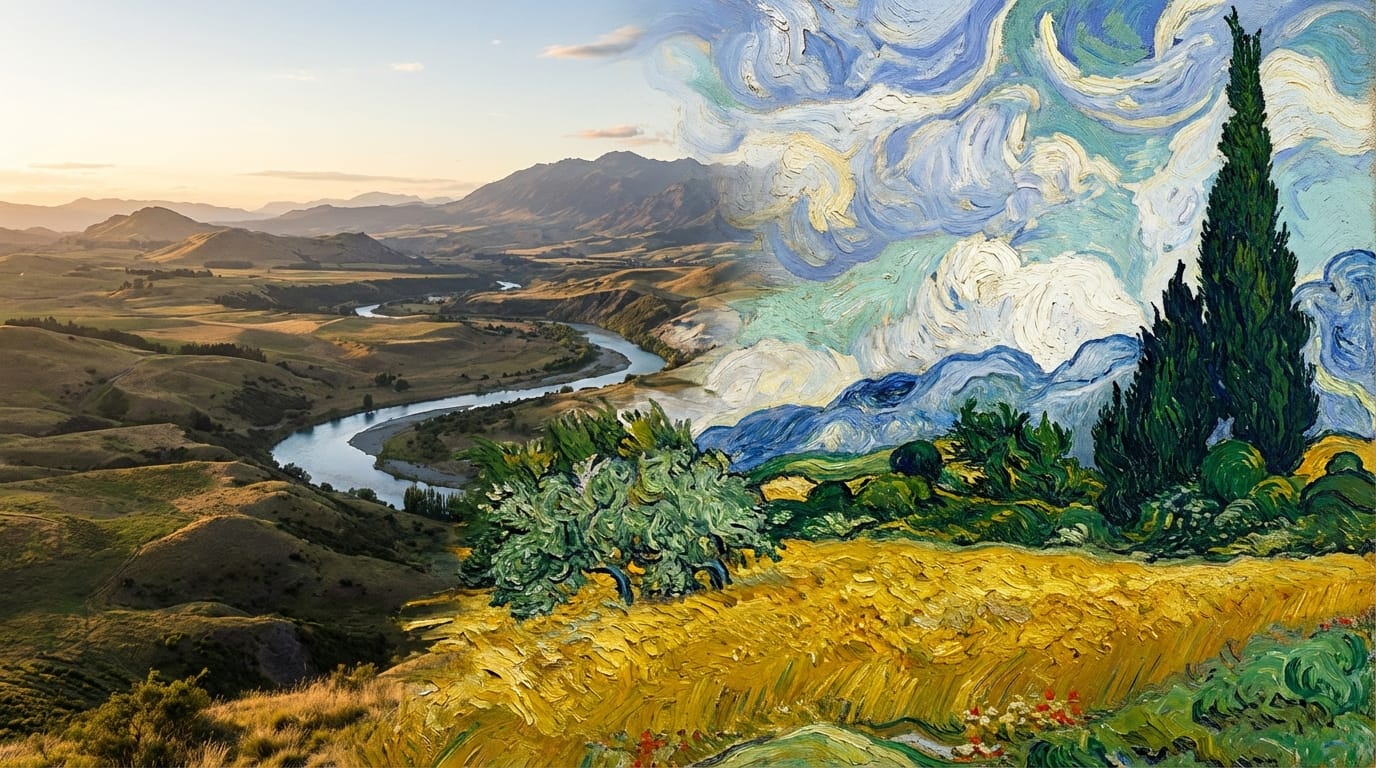
Key Points for Writing Canvas Texture Style Prompts (Based on Veo 3.0)
To get the best Canvas Texture results from Veo 3.0, your prompt structure should explicitly define the medium and the surface.
Prompt Structure Suggestion: [Subject Action] + [Artistic Medium] + [Surface/Texture Description] + [Lighting/Atmosphere] + [Motion Description]
Critical Keywords:
- Surface: "Coarse canvas," "rough linen," "textured paper," "visible grain."
- Medium: "Impasto," "thick oil paint," "palette knife strokes," "acrylic pour."
- Atmosphere: "Museum lighting," "raking light" (emphasizes texture), "matte finish."
Example Prompt:
"A cinematic wide shot of a stormy ocean, rendered in the style of a moving oil painting. Thick impasto brushstrokes, heavy canvas texture visible, raking light highlighting the paint ridges. The waves move with heavy, fluid motion, deep blues and greys, 4k, highly detailed texture."
Avoid:
- Conflicting terms like "photorealistic" combined with "oil painting" unless you want a surreal blend.
- Vague terms like "art style" (be specific about the material).
Common Ways to Use Veo 3.0 for Canvas Texture Style
On Sousaku.AI, creators can approach this style through two primary workflows depending on their starting material.
1. Text-to-Video
Ideal for generating fresh concepts where the texture is part of the initial generation. You describe the texture in the prompt, and Veo 3.0 builds the world with that surface property.
2. Image-to-Video (Recommended for Texture Control)
This is often the superior method for Canvas Texture. You can upload a static image that already possesses the perfect texture (e.g., a scan of a painting or a generated texture image) and use Veo 3.0 to animate it. This ensures the base texture is exactly what you want before motion is applied.
Which Creators Are Suitable for Using Veo 3.0 for Canvas Texture Style Creation
- Motion Designers & Animators: Professionals looking to generate "2.5D" or faux-traditional animation styles without manually texturing every frame.
- Brand Directors: Companies wanting to project an image of craftsmanship, heritage, or organic quality often use textured visuals over sleek, tech-heavy aesthetics.
- Digital Artists: Creators who want to expand their static portfolios into video formats while retaining their signature "painterly" look.
Explore More Canvas Texture Style Creation Methods on Sousaku.AI
While Veo 3.0 is a powerful tool for this style, the Sousaku.AI platform offers an aggregated environment to test different models. You might find that for certain abstract textures, other video models might offer a different interpretation of the prompt.
We recommend comparing the output of Veo 3.0 with other high-end video models to see which one best handles the specific grain density you require.
- Browse Model Library: https://sousaku.ai/models
- Compare Models: https://sousaku.ai/models/compare
Conclusion: Is Veo 3.0 Suitable for Canvas Texture Style Creation?
Yes, Veo 3.0 is highly suitable for generating Canvas Texture style content.
Its strength lies not just in its ability to generate the texture, but in its ability to keep that texture coherent during motion. The high resolution (1080p+) is a critical factor, as it prevents the texture from becoming muddy or pixelated. For creators looking to bridge the gap between physical art aesthetics and digital video motion, Veo 3.0 provides a robust, professional-grade solution.
If you are looking for precise control over the "feel" of the surface in your video content, Veo 3.0 is a recommended starting point.
To start experimenting with Canvas Texture prompts and see the results for yourself, visit the links below:
- Visit Sousaku.AI: https://sousaku.ai
- Start Creating: https://sousaku.ai/signin