Is Veo 3.0 Good for Cinematic Pre-visualization and Short Film Concepts?
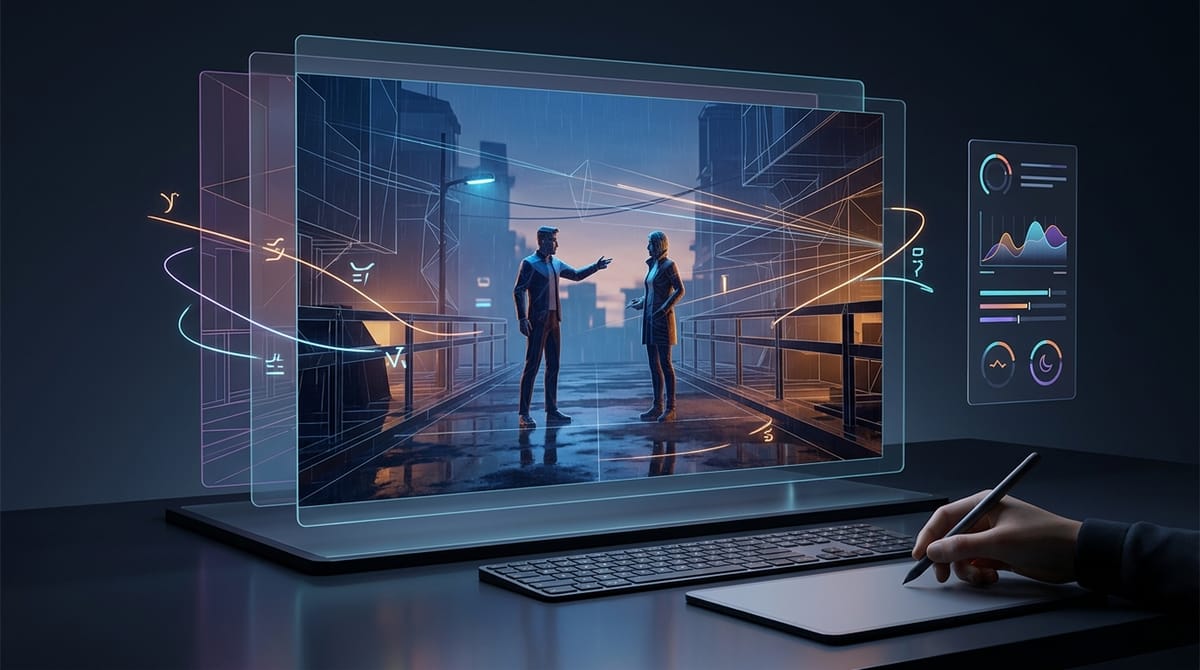
Cinematic pre-visualization and short film concepting require tools that can translate abstract scripts into tangible, high-fidelity visual sequences. Creators in this space need precise control over camera movements, lighting, and physical realism to pitch ideas effectively before committing to expensive production shoots.
Veo 3.0, developed by Google DeepMind, is highly capable in this scenario. It excels at generating 1080p+ short video clips with exceptional prompt adherence and cinematic composition. You can access and evaluate this model directly through the unified workflow on Hotgen.AI, allowing for seamless integration into your pre-production process.
Core Creative Needs in Cinematic Pre-visualization and Short Film Concepts
The primary objective in pre-visualization is to establish the visual tone, pacing, and spatial dynamics of a scene. Directors and visual effects teams rely on these early visuals to align the crew and secure client or studio approvals.
Professionals require outputs that go beyond static images. They need dynamic video clips that demonstrate specific camera language, such as tracking shots, dramatic pans, or subtle push-ins. Consistency in character movement and accurate physics are critical to making these conceptual sequences believable.
Furthermore, efficiency and cost-effectiveness are major factors. Traditional 3D pre-vis or storyboard animation is time-intensive. Teams need a solution that generates high-quality visual drafts rapidly, without compromising on the atmospheric and emotional details of the original script.
Advantages of Using Veo 3.0 for Cinematic Pre-visualization
Veo 3.0 brings several distinct technical advantages to the pre-production workflow. Its ability to generate high-resolution video natively (up to 1080p and beyond) ensures that pitch materials look professional and are suitable for large-screen presentations.
The model demonstrates exceptional physical realism and action continuity. When rendering complex scenes, Veo 3.0 maintains temporal consistency across its 4 to 8-second output window, reducing the jarring artifacts often seen in earlier generation video models.
Additionally, Veo 3.0 offers a deep understanding of cinematic language. Its high prompt adherence means creators can specify exact lighting setups, atmospheric conditions, and camera trajectories. It accurately translates technical terms from natural language prompts into precise visual executions.
Typical Use Cases of Veo 3.0 in Cinematic Pre-visualization
To integrate Veo 3.0 into a professional workflow, creators typically utilize both text and image inputs depending on the stage of ideation. Below are practical examples of how these features operate.
1. Generating Establishing Shots from Scripts
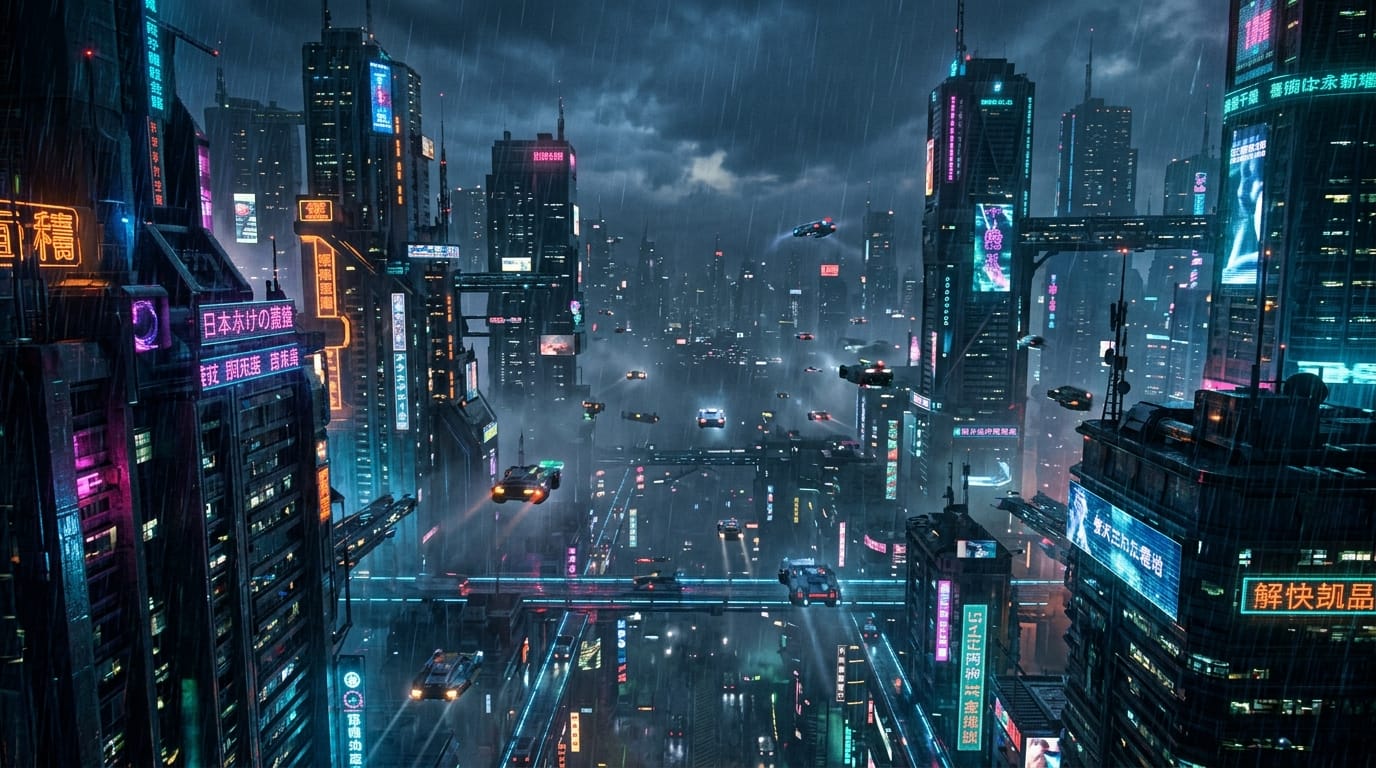
When breaking down a script, directors can use Text-to-Video to instantly visualize complex environments and establishing shots. This allows the team to test different lighting scenarios and camera angles before location scouting.
Example Prompt:
A cinematic wide shot of a dystopian cyberpunk city at dusk, raining heavily. The camera slowly pushes in through neon-lit skyscrapers, revealing flying vehicles navigating the dense fog. Cinematic lighting, highly detailed, anamorphic lens flare, 8k resolution.
2. Animating Static Storyboards
For sequences that already have drawn storyboards or concept art, the Image-to-Video capability is highly effective. Creators can upload a static reference frame and instruct the model to add specific camera movements and environmental dynamics, bringing the storyboard to life.
Example Prompt:
Make the camera slowly pan to the right, keeping the main character in focus. The wind gently blows the character's hair and the tall grass in the foreground. Soft golden hour lighting, realistic motion blur.

| Feature | Input Type | Best For in Pre-vis |
|---|---|---|
| Text-to-Video | Text Prompts | Brainstorming, establishing shots, mood exploration |
| Image-to-Video | Reference Image + Text | Animating storyboards, extending concept art |
Limitations and Considerations When Using Veo 3.0 in This Scenario
While Veo 3.0 produces high-quality visuals, its output is currently limited to short clips ranging from 4 to 8 seconds. This requires creators to generate multiple separate clips and edit them together for longer sequences, which can complicate continuity.
Another significant limitation is the absence of native audio and dialogue. Veo 3.0 is strictly a visual generation tool. Teams will need to rely on post-production software to add sound design and voiceovers, though this will be addressed in the upcoming Veo 3.1 update.
Finally, generating high-resolution, physically accurate video requires substantial computational power. Users should monitor their Credits usage, as rendering multiple iterations of a complex 1080p shot will consume resources faster than standard image generation.
Who Should Use Veo 3.0 for Cinematic Pre-visualization
Film directors and cinematographers will find Veo 3.0 highly useful for visual experimentation. It allows them to test complex camera blocking and lighting setups virtually, saving valuable time during actual production days.
Advertising agencies and creative pitch teams can leverage this model to build high-fidelity mood boards and dynamic pitch videos. Presenting a realistic video concept is often more persuasive to clients than presenting static slides or rough sketches.
VFX artists and post-production teams can also use Veo 3.0 to generate base plates or quickly conceptualize complex visual effects sequences. It serves as an excellent reference point before committing to intensive 3D modeling and rendering pipelines.
How to Start Cinematic Pre-visualization Creation on Hotgen.AI
Hotgen.AI provides a unified environment to access Veo 3.0 alongside other top-tier AI models. You can manage your entire pre-visualization workflow without the friction of switching between different platform subscriptions.
To understand how Veo 3.0 stacks up against other video generation tools for your specific shots, you can browse the comprehensive Model Library. This allows you to select the right tool based on your project's technical requirements.
For a deeper technical evaluation, utilize the Model Compare feature. This helps you benchmark Veo 3.0's motion consistency and prompt adherence against other available models before spending credits on heavy rendering tasks.
Conclusion: Does Veo 3.0 Fit Your Cinematic Pre-visualization Needs?
Veo 3.0 is a robust option for creators who need high-resolution, physically realistic video clips with precise cinematic control. Its strong prompt adherence makes it highly reliable for translating specific directorial visions into tangible visual drafts.
However, if your workflow demands long, uninterrupted takes or requires native audio generation out of the box, you will need to adapt your process or wait for future iterations. The 4 to 8-second limitation means it functions best as a shot-by-shot pre-vis tool rather than a full scene generator.
Ultimately, evaluating the model within your actual production pipeline is the best way to determine its value.
- Visit the official platform: https://hotgen.ai
- Explore Veo 3.0 capabilities: https://hotgen.ai/models/google-video-veo-3.0
- Sign in to start your pre-visualization workflow: https://hotgen.ai/signin