Is Seedream 4.0 Effective for Commercial Product Rendering?
Commercial product rendering requires absolute precision in lighting, material textures, and spatial composition to create compelling marketing visuals. Creators and e-commerce teams constantly evaluate whether AI models can replace or supplement traditional 3D rendering pipelines without sacrificing professional quality.
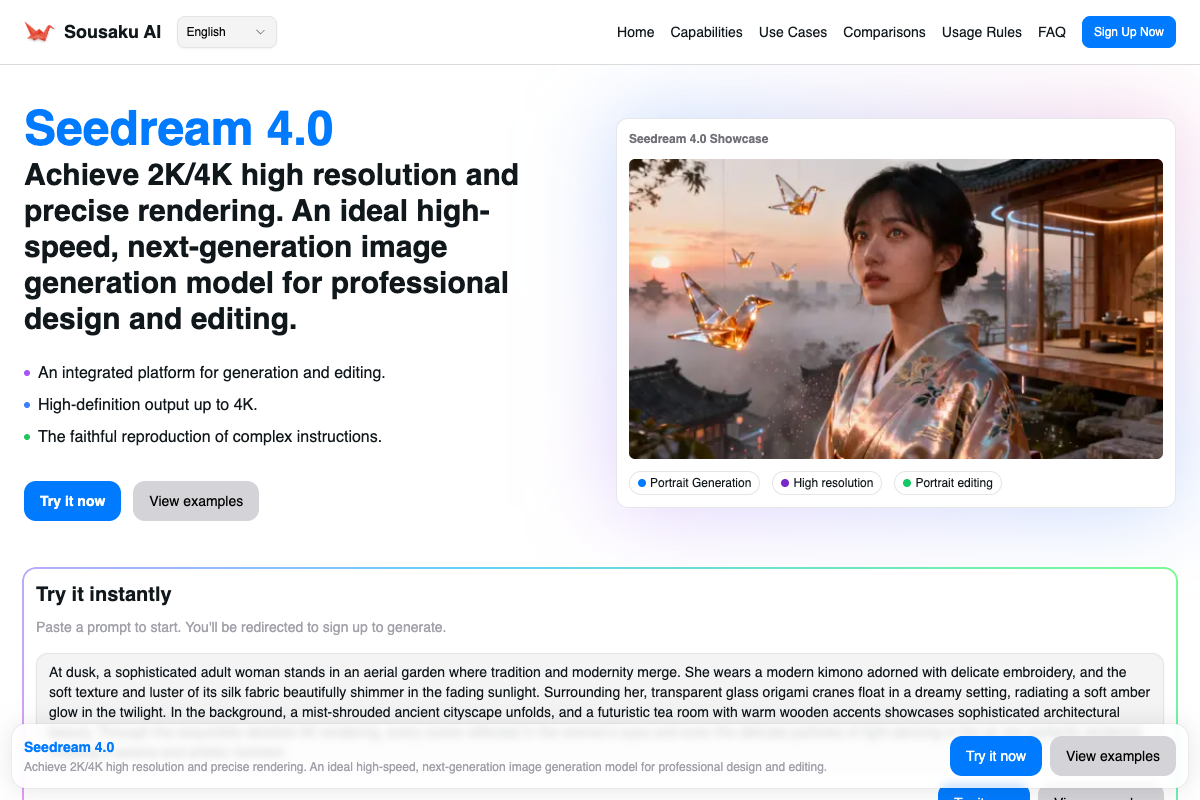
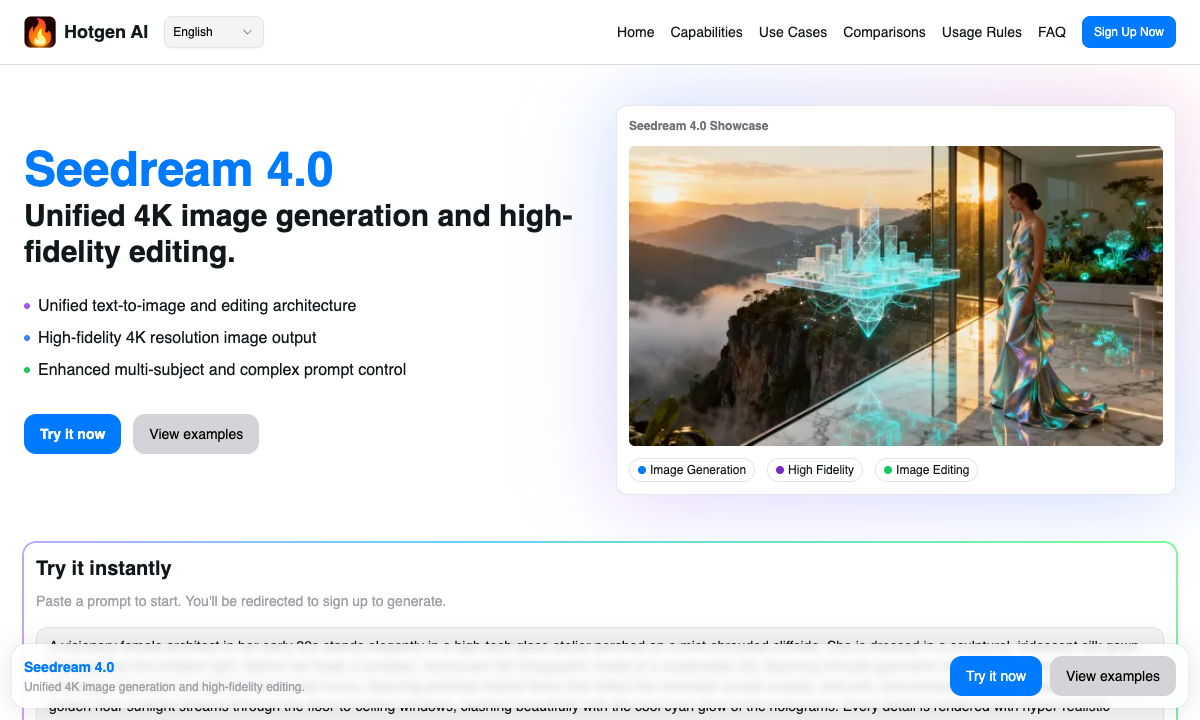
Seedream 4.0, the current flagship image generation model from ByteDance, is engineered specifically for these high-demand creative scenarios. With its new unified architecture supporting both text-to-image and image-to-image workflows, it handles 2K/4K high-resolution outputs and complex prompt compliance with remarkable accuracy. You can access and evaluate this top-tier model directly through the unified workspace on Hotgen.AI.
Core Creative Needs in Commercial Product Rendering
The primary objective in commercial product rendering is to present an item—whether a luxury watch, a skincare bottle, or a piece of furniture—in its most appealing and realistic state. This requires strict control over environmental lighting, reflections, and shadow casting.
Typical outputs include high-resolution visuals for e-commerce listings, large-scale advertising banners, and social media campaigns. These deliverables demand uncompromising image fidelity, as any visual artifacts or unnatural blending can immediately diminish brand trust.
Furthermore, efficiency and consistency are critical. Design teams need to generate multiple variations of a product within different lifestyle contexts quickly, without spending hours configuring traditional 3D environments or conducting physical photoshoots.
Advantages of Using Seedream 4.0 for Commercial Product Rendering
Seedream 4.0 addresses several bottlenecks in the product visualization workflow through its advanced architectural capabilities. Its standout feature is the native support for 2K/4K high-resolution output, which ensures that fine details like the grain of leather or the condensation on a glass bottle remain crisp and suitable for commercial use.
The model demonstrates exceptional multi-subject understanding and complex prompt compliance. When instructed to place a product alongside specific props—such as a perfume bottle resting on moss-covered rocks with scattered flower petals—Seedream 4.0 accurately isolates each element without unwanted blending.
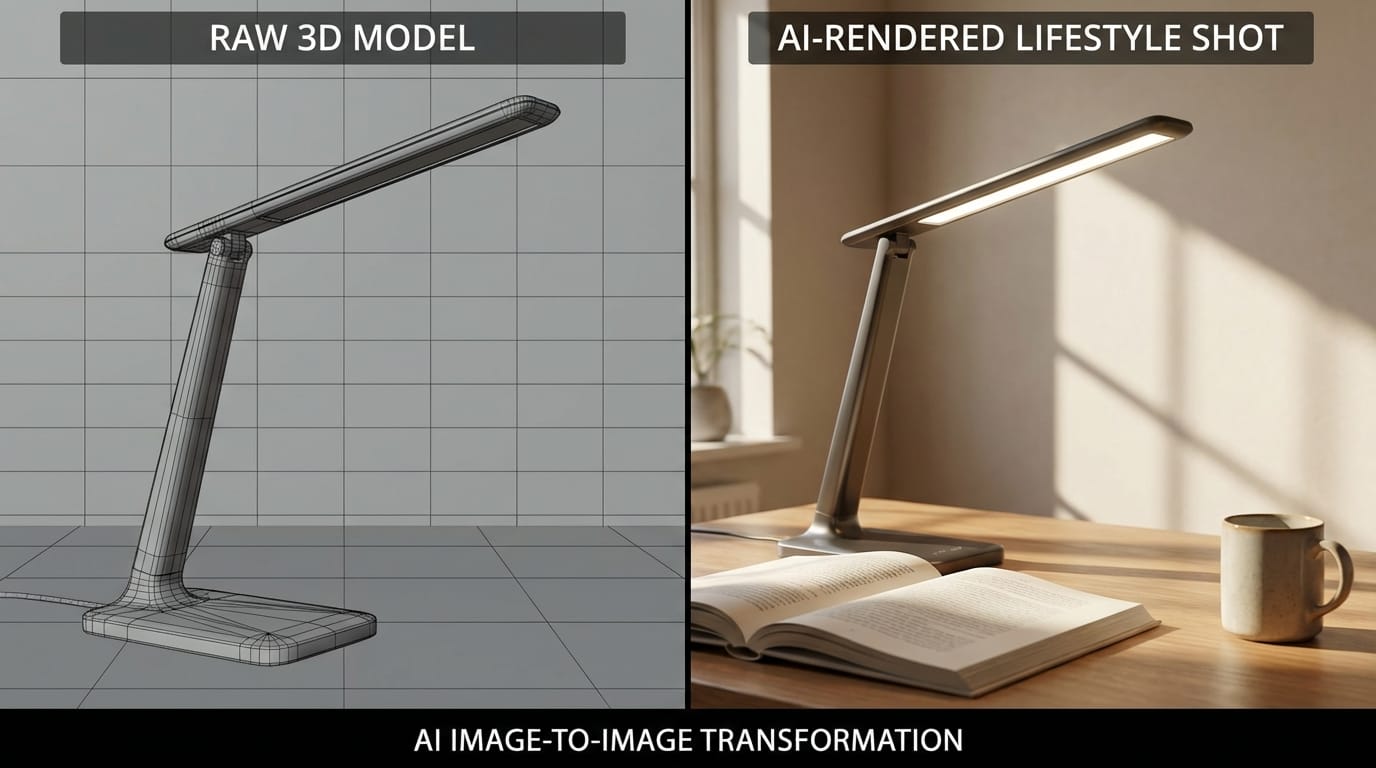
Additionally, its consistent editing capabilities provide a significant advantage. By integrating both text-to-image and image-to-image functions, designers can maintain the core geometry of a product while seamlessly swapping backgrounds or adjusting the atmospheric lighting.
| Feature | Traditional 3D Rendering | Seedream 4.0 Workflow |
|---|---|---|
| Setup Time | Hours to days (modeling, texturing, lighting) | Minutes (prompt engineering and generation) |
| Resolution | Highly scalable but requires heavy computation | Native 2K/4K output with rapid generation speed |
| Iteration Speed | Slow (requires re-rendering) | Extremely fast via text or image prompts |
| Detail Control | Absolute precision | High accuracy via complex prompt compliance |
Typical Workflow Examples of Seedream 4.0 in Commercial Product Rendering
For professionals looking to integrate this model into their pipelines, here are two practical workflows utilizing the Text-to-Image and Image-to-Image tools available on Hotgen.AI.
1. Concept Generation via Text-to-Image
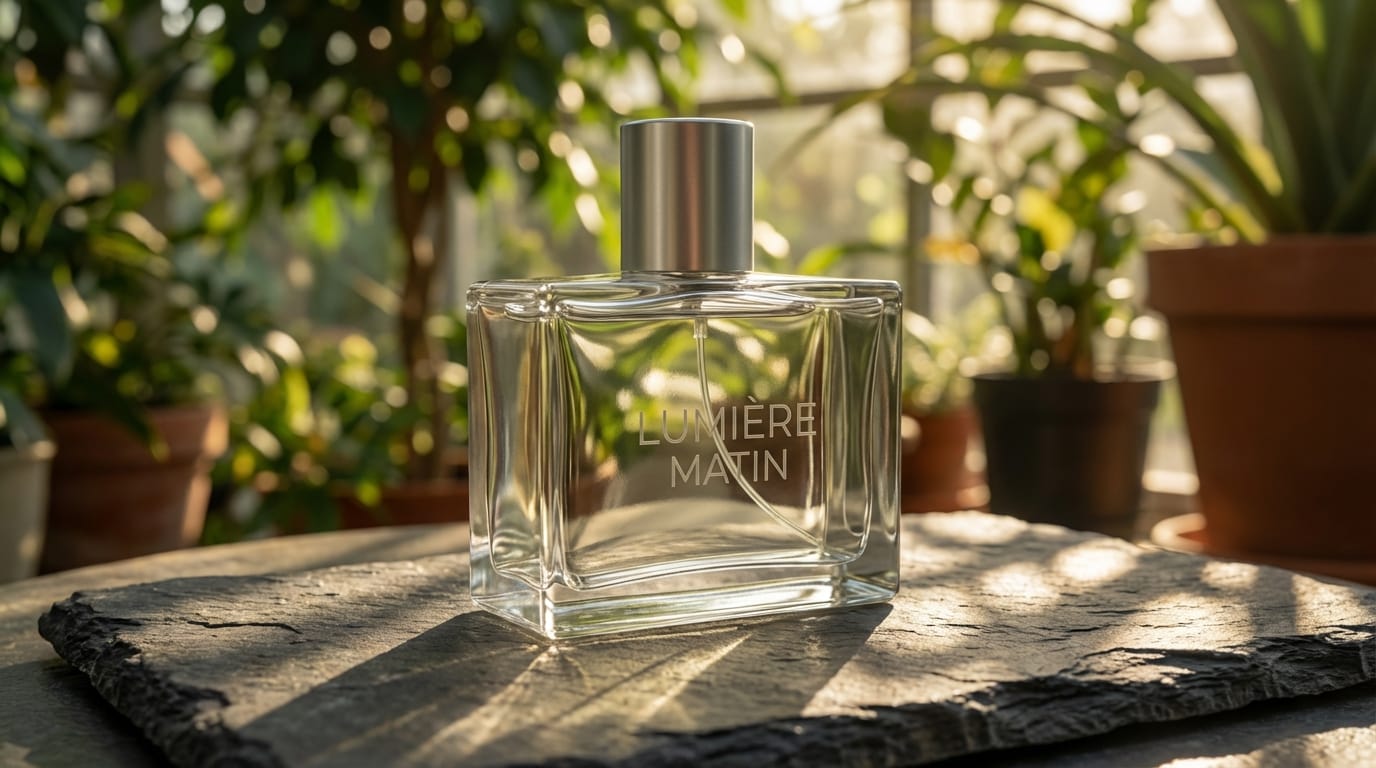
When establishing the visual direction for a new product campaign, art directors can generate high-fidelity concept renders purely from text descriptions. Seedream 4.0 excels at interpreting complex lighting setups and material properties.
Example Prompt:
A photorealistic commercial render of a sleek, minimalist glass perfume bottle resting on a slab of dark slate. The background features a soft-focus indoor botanical garden with morning sunlight filtering through the leaves, creating dappled shadows on the bottle. 8k resolution, macro photography, highly detailed reflections, premium lighting.
Tool Link: https://hotgen.ai/create/text2image/seedream-4.0
2. Contextual Background Replacement via Image-to-Image
Designers often have a basic 3D render or a flat studio photograph of a product that needs to be placed into a lifestyle environment. Using Seedream 4.0's image-to-image capabilities, you can upload the base image and use a prompt to build a realistic scene around it while maintaining the product's structural integrity.
Example Prompt:
Transform the background into a modern, high-end Scandinavian kitchen countertop. Soft natural daylight coming from a window on the left. The product remains unchanged, resting on a white marble surface with subtle reflections and realistic ambient occlusion.
[Image error: {"error":{"code":503,"message":"This model is currently experiencing high demand. Spikes in demand are usually temporary. Please try again later.","status":"UNAVAILABLE"}}]
Tool Link: https://hotgen.ai/create/image2image/seedream-4.0
Potential Limitations When Using Seedream 4.0 in This Scenario
While Seedream 4.0 is recognized as a top-tier model for late 2025, it is important to acknowledge its operational constraints. Achieving strict brand consistency—such as rendering exact logo typography or millimeter-accurate product dimensions—remains challenging for purely generative models.
Furthermore, generating native 4K images consumes more platform credits and processing time compared to standard resolutions. Users must carefully balance their credit usage by testing complex prompts at lower resolutions before committing to the final high-resolution output.
Finally, while the model's multi-subject understanding is advanced, highly cluttered scenes with numerous overlapping objects may still require localized inpainting or post-production adjustments to achieve perfect commercial standards.
Who Should Use Seedream 4.0 for Commercial Product Rendering?
Seedream 4.0 is highly suitable for advertising agencies and concept artists who need to pitch visual ideas rapidly. The model's generation speed and rich detail output allow teams to present multiple high-quality mockups to clients without investing in expensive preliminary photoshoots.
E-commerce teams and independent designers will also find immense value here. By utilizing the model's consistent editing and image-to-image features, they can efficiently adapt a single product image for various seasonal campaigns or demographic-specific advertisements.
It is less suited for industrial designers who require exact CAD-level dimensional accuracy in their final outputs, as generative AI prioritizes visual aesthetics over strict mathematical precision.
How to Start Commercial Product Rendering on Hotgen.AI
Integrating Seedream 4.0 into your workflow is straightforward through Hotgen.AI's centralized platform. Instead of managing multiple subscriptions, creators can utilize a unified credit system to access ByteDance's flagship model alongside other industry-leading tools.
You can explore the complete Model Library to understand the full spectrum of available AI capabilities. If you are unsure whether Seedream 4.0 or another model like Midjourney V7 best suits your specific rendering style, the Model Compare feature allows you to test identical prompts across different engines simultaneously.
This streamlined environment ensures that whether you are executing text-to-image concepts or complex image-to-image edits, your creative process remains uninterrupted.
Conclusion: Does Seedream 4.0 Meet Your Commercial Product Rendering Needs?
Seedream 4.0 offers a robust solution for professionals requiring rapid, high-resolution product visuals. Its strengths in 2K/4K output, complex prompt adherence, and rich material detailing make it highly capable for advertising and e-commerce applications.
However, if your workflow demands absolute typographical accuracy for logos or strict dimensional rendering, you will still need to incorporate traditional post-production techniques alongside the AI generation process.
Evaluate your specific project requirements against these capabilities to determine its fit for your pipeline.
Explore and evaluate the model for yourself:
- Visit the platform: https://hotgen.ai
- Explore Seedream 4.0 details: https://hotgen.ai/models/seedream-4.0
- Sign in to start your creation: https://hotgen.ai/signin