Is Seedance Lite Suitable for Photo Editors?
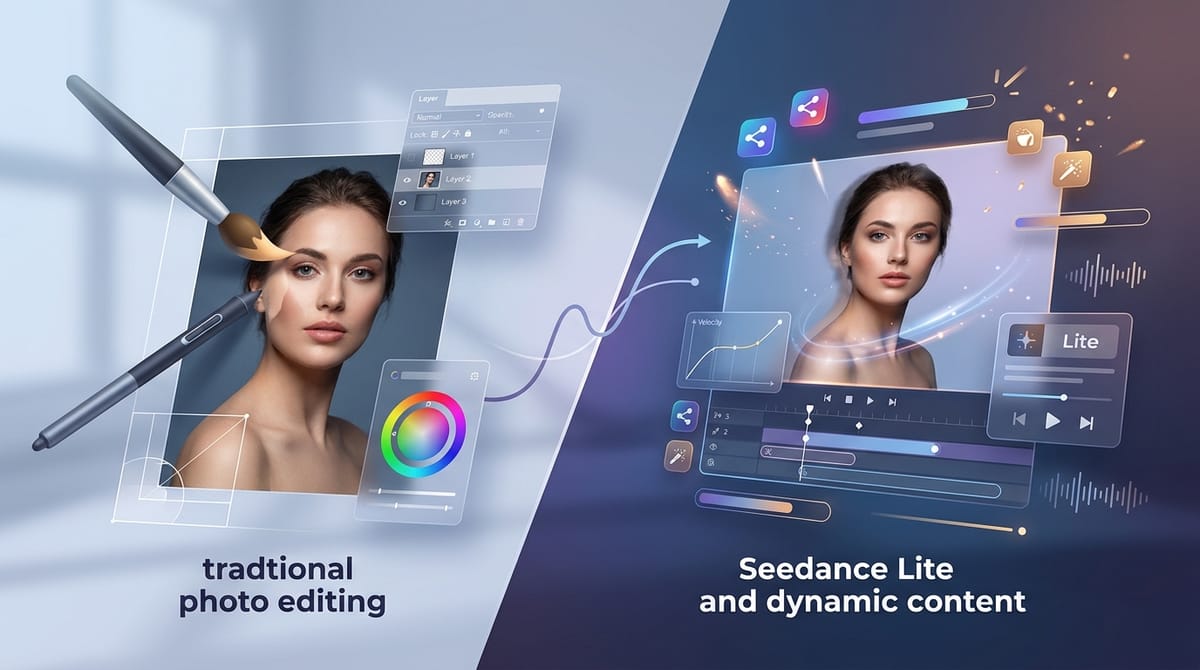
Photo editors traditionally focus on perfecting static pixels, spending hours on retouching, color grading, and compositing. However, the growing demand for dynamic social media content requires professionals to bridge the gap between still imagery and motion. Seedance Lite offers a practical entry point for this transition.
As a lightweight text-to-video and image-to-video model, Seedance Lite is highly suitable for photo editors who need to animate their static assets quickly and cost-effectively. It provides a streamlined way to create motion graphics, subtle cinemagraphs, or behind-the-scenes clips without requiring heavy video editing software or extensive rendering times.
This model is readily accessible within the Hotgen.AI platform, allowing editors to incorporate motion into their existing workflows seamlessly.
Typical Creative or Workflow Needs of Photo Editors
A photo editor's primary objective is to deliver visually flawless static images that meet specific client aesthetics. Their daily tasks involve precise color correction, skin retouching, background manipulation, and maintaining visual consistency across large batches of photos.
The standard deliverables are high-resolution images for print, editorial layouts, e-commerce platforms, and digital marketing. However, clients increasingly expect supplementary dynamic content to accompany static deliverables, specifically for platforms like Instagram Reels or TikTok.
For photo editors, the main concern when stepping into video generation is efficiency. They need tools that do not disrupt their established static workflows, require minimal computational overhead, and maintain the aesthetic integrity of their original retouched files.
How Seedance Lite Meets the Needs of Photo Editors
Seedance Lite directly addresses the efficiency requirement through its low-cost, high-speed generation capabilities. Because it is optimized for low compute consumption, photo editors can rapidly prototype different motion concepts without waiting hours for rendering.
The model's image-to-video feature is particularly valuable here. Instead of generating video from scratch, editors can upload their finalized, color-graded photos and apply subtle motion. This transforms a standard portrait into a dynamic asset, adding significant value to client delivery packages with minimal extra effort.
While it lacks the hyper-refined details of heavier Pro models, its cost-effectiveness makes it ideal for batch-processing social media teasers or creating quick portfolio highlights. For instance, an editor working on an editorial spread can easily generate subtle motion assets to accompany the magazine release.
Example Prompt:
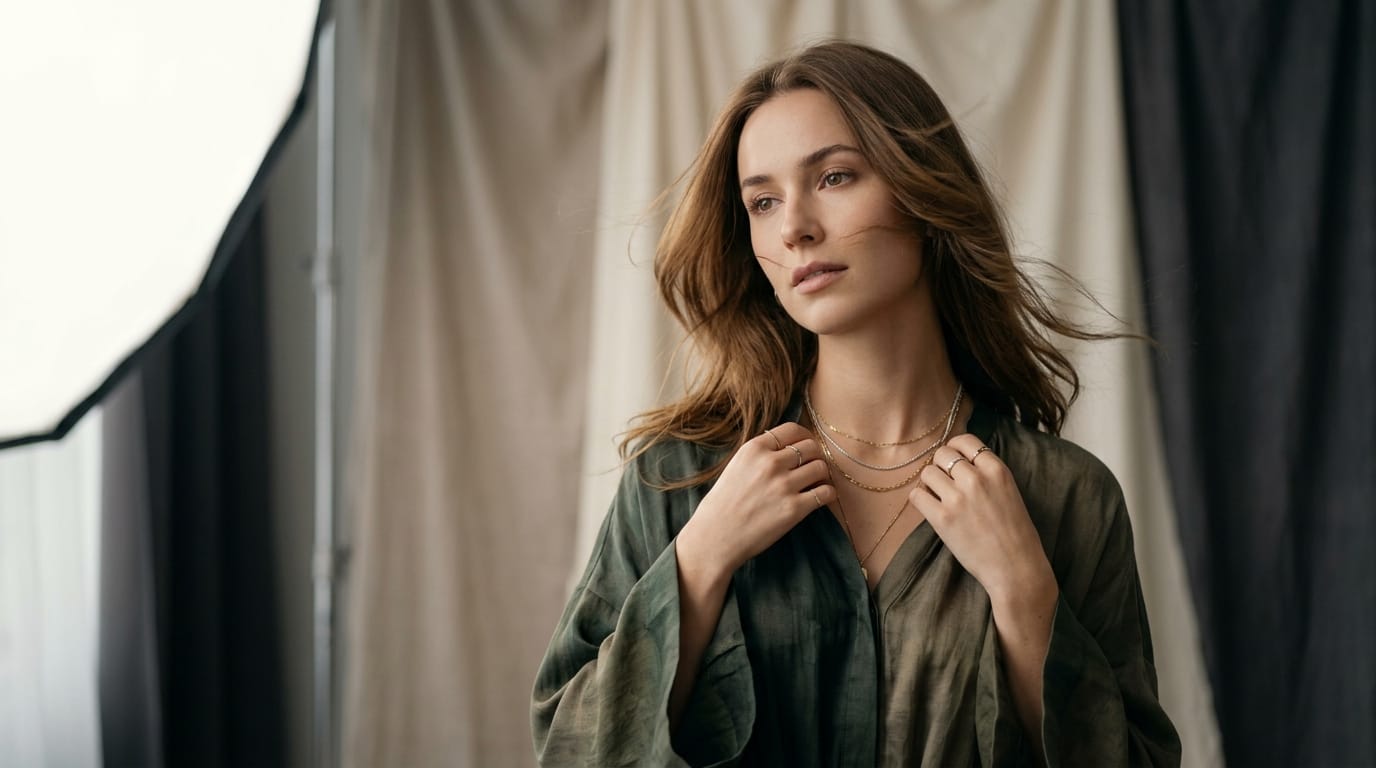
A fashion editorial portrait of a woman, subtle wind blowing her hair, soft studio lighting, slow motion, elegant atmosphere.
Common Use Case Examples of Seedance Lite for Photo Editors
Integrating Seedance Lite into a photo editing workflow opens up new avenues for content delivery. Here are practical ways editors utilize this model.
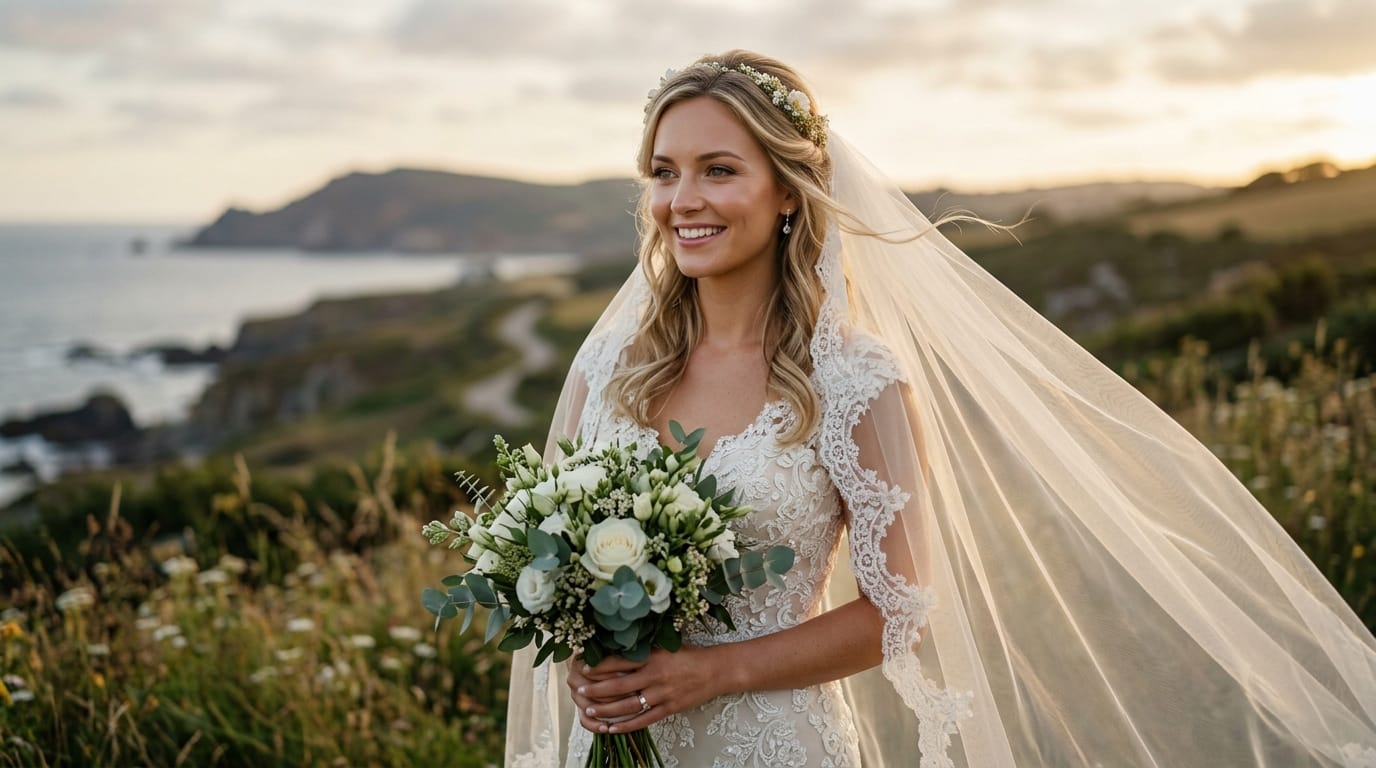
1. Animating Retouched Portraits (Image-to-Video)
Photo editors often deliver static portraits for weddings or fashion shoots. By utilizing the image-to-video capability, they can upload a fully retouched photo and add environmental motion, creating a "living photo" effect perfect for social media teasers.
Example Prompt:
A beautifully retouched portrait of a bride, gentle breeze moving her veil, cinematic lighting, photorealistic, subtle natural movement.
2. Generating Studio B-Roll (Text-to-Video)
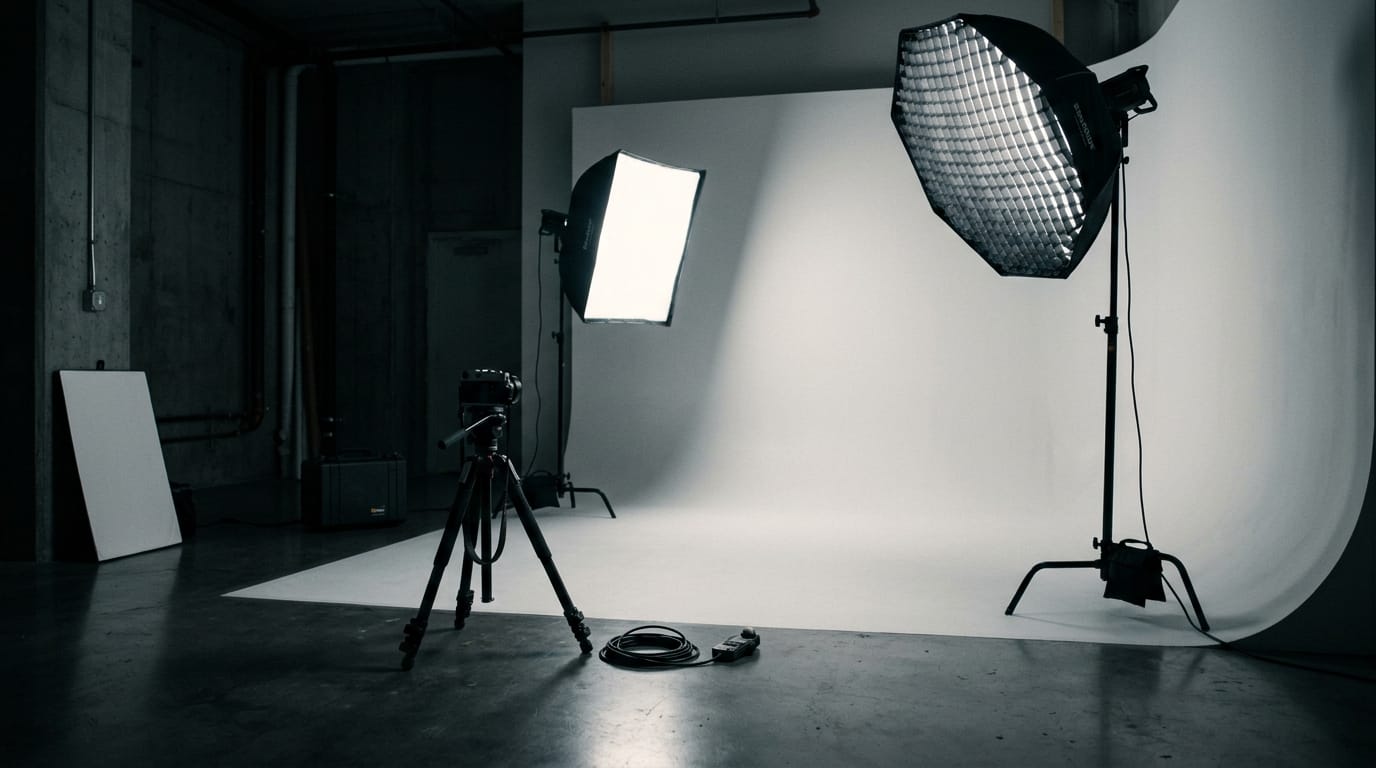
When presenting a portfolio or building a personal brand, photo editors often need atmospheric footage. Using the text-to-video feature, they can quickly generate supplementary B-roll that matches their photographic style without having to set up a physical camera.
Example Prompt:
A slow panning shot of a minimalist photography studio setup, seamless white backdrop, softbox lights turned on, moody cinematic atmosphere.
What Photo Editors Need to Keep in Mind When Using Seedance Lite
While Seedance Lite is efficient, it is explicitly designed as a lightweight model. Photo editors accustomed to pixel-perfect control in software like Photoshop must adjust their expectations regarding fine details and complex action consistency.
The model prioritizes speed and low resource consumption over ultimate visual refinement. When animating highly detailed composites, you might notice slight artifacts or softening of textures compared to the crispness of the original static file.
Additionally, achieving the exact desired motion requires practice with prompt engineering. Because it is an entry-level solution, complex, multi-stage movements may not render as cohesively as they would in heavier, more expensive video generation models.
Which Photo Editors Are Not Suitable for Seedance Lite
High-end commercial retouchers working on global advertising campaigns should likely bypass Seedance Lite. If your deliverables require 4K resolution, absolute pixel fidelity, and complex, highly directed character movements, the limitations in visual refinement will be apparent.
Similarly, photo editors looking to expand into full-scale narrative video production or heavy VFX workflows will find this model insufficient. Those professionals require Pro-level models that offer higher consistency and advanced motion control capabilities.
How to Efficiently Use Seedance Lite on Hotgen.AI
Operating Seedance Lite within Hotgen.AI provides a streamlined experience for photo editors. The platform's unified credit system means you can generate reference images, refine them, and animate them without managing multiple subscriptions across different tools.
If you are unsure whether the Lite version meets a specific project's quality standards, you can utilize the Model Library to explore alternatives. The platform allows you to quickly pivot to heavier models if a particular task demands higher fidelity.
For a clearer understanding of how Seedance Lite stacks up against other video generators in terms of speed and detail, utilizing the Model Compare feature is highly recommended. This helps editors make data-driven decisions on which tool fits their current workflow constraints.
Conclusion: Is Seedance Lite Worth Trying for Photo Editors?
Seedance Lite serves as an excellent, low-risk bridge for photo editors looking to incorporate motion into their static workflows. Its fast generation times and low compute costs make it perfectly suited for rapid prototyping and batch social media content creation.
While it may not replace high-end video production tools for complex commercial campaigns, it effectively solves the problem of generating quick, engaging dynamic assets from still photographs.
Evaluate your current client demands and workflow bottlenecks to determine if a lightweight video model aligns with your output goals.
Explore the capabilities of this model and integrate it into your creative process:
- Visit the Hotgen.AI platform: https://hotgen.ai
- Review Seedance Lite specifications: https://hotgen.ai/models/seedance-lite
- Access your workspace and start creating: https://hotgen.ai/signin