Is Seedance Lite Suitable for an Online Instructor?

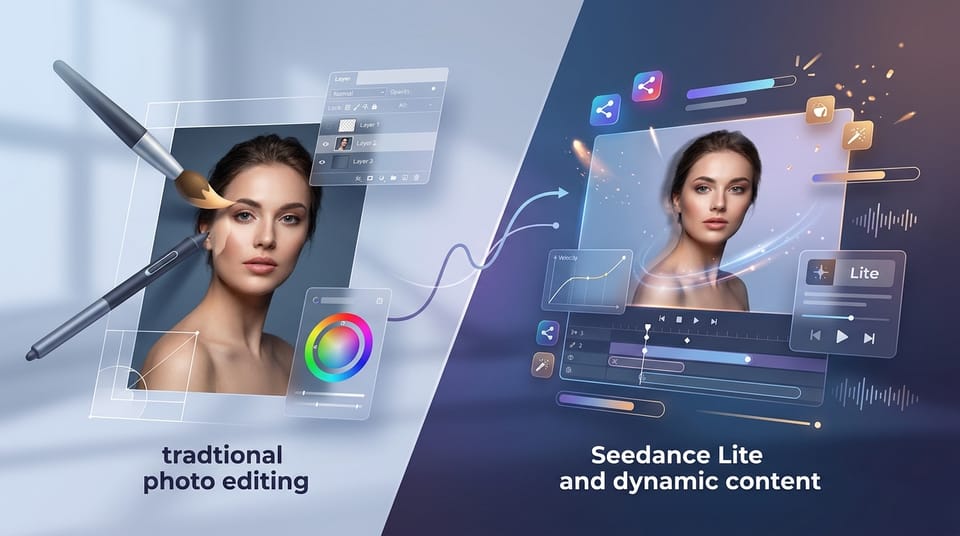
For online instructors, the battle for student attention is constant. Creating engaging course materials often requires a balance between high-quality visuals and the time constraints of lesson planning. Seedance Lite, a lightweight AI video generation model available on Hotgen.AI, promises speed and efficiency for creators who need video assets without high computational costs.
Seedance Lite is designed for rapid video generation, offering Text-to-Video and Image-to-Video capabilities that prioritize speed and lower resource consumption over the ultra-high fidelity found in "Pro" models. For an educator, this suggests a potential tool for quickly generating b-roll, animating static diagrams, or creating social media teasers for courses. However, because it is a "Lite" version, it is essential to understand its capabilities and limitations before integrating it into a curriculum.
Typical Creative and Workflow Needs of an Online Instructor
An online instructor's primary goal is to transfer knowledge effectively while maintaining student engagement. Whether teaching on platforms like Udemy, Coursera, or a private LMS, the workflow usually involves:
- Visual Explanation: converting abstract concepts into visual aids.
- Content Volume: Producing hours of content, which requires a significant amount of supporting visual material.
- Marketing: Creating short, punchy promotional videos for TikTok, Instagram Reels, or YouTube Shorts to drive course enrollment.
- Budget & Efficiency: Most independent instructors operate with limited budgets and cannot afford expensive stock footage subscriptions or hours of rendering time for a single clip.
How Seedance Lite Meets the Needs of an Online Instructor
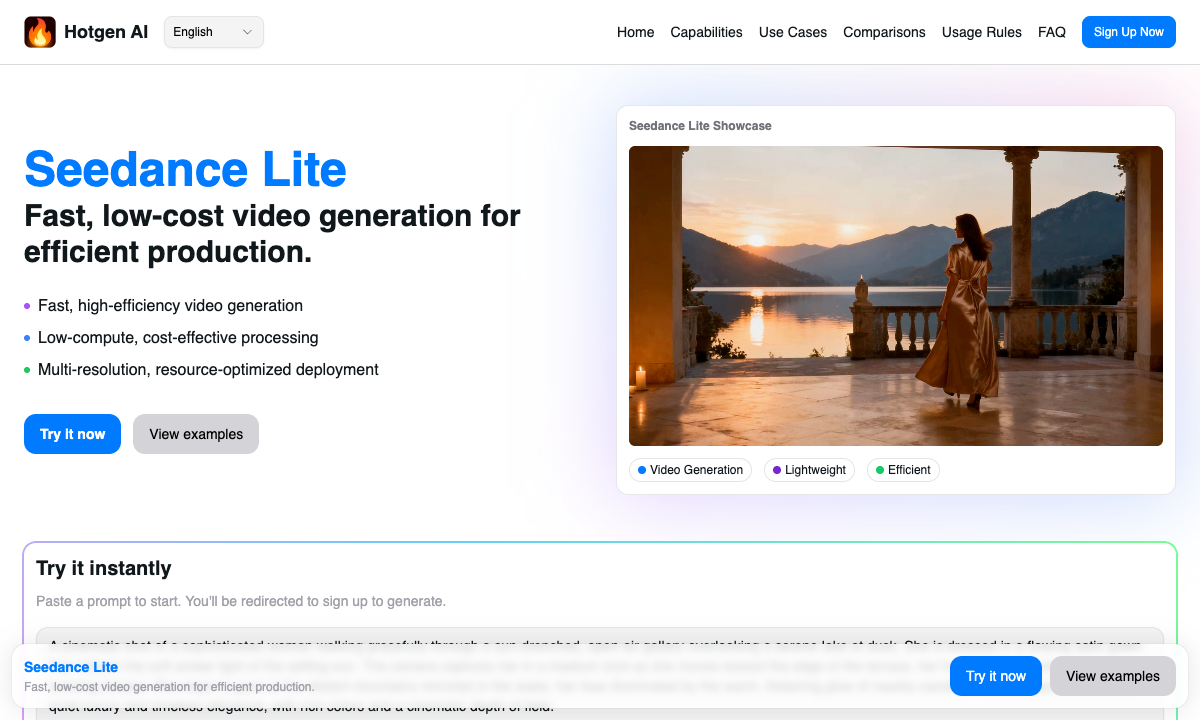
Seedance Lite aligns well with the "lean" production methodology many online instructors prefer. Its architecture is built for low-cost, high-efficiency video generation, making it a practical choice for educators who need volume over cinematic perfection.
- Rapid Prototyping and Bulk Creation: Since Seedance Lite is optimized for speed, instructors can generate multiple variations of a concept quickly. If you are explaining a historical event or a scientific concept, you can generate background visuals in minutes rather than hours.
- Cost-Effectiveness: As a lightweight model, it consumes fewer credits on the Hotgen.AI platform compared to heavier models like Sora or Kling. This allows instructors to stretch their budget further when creating comprehensive courses.
- From Static to Dynamic: The Image-to-Video capability is particularly useful for educators who already have a library of static slides or diagrams and wish to breathe life into them to keep students watching.
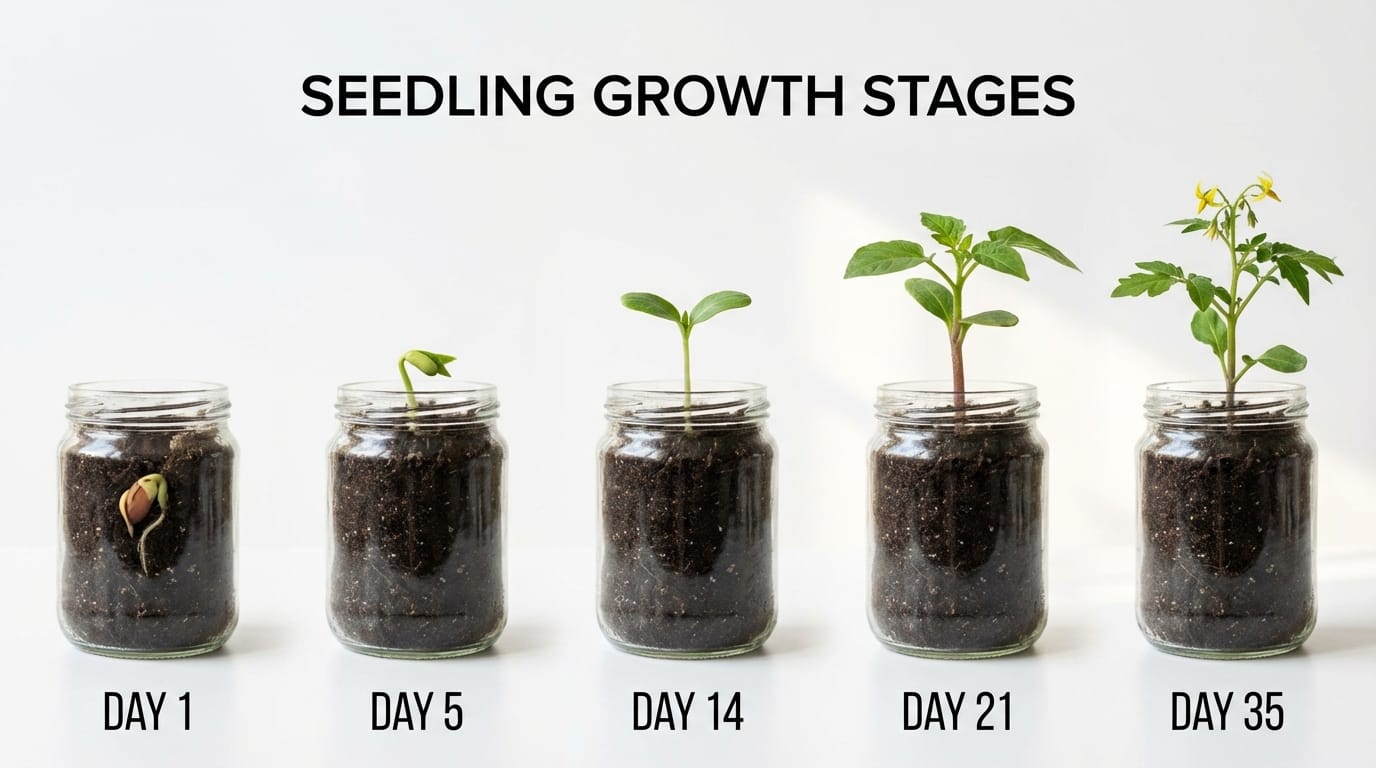
Example Prompt for Educational Context:
A time-lapse animation of a seedling sprouting from the soil and growing into a small plant, educational style, clear background, realistic lighting.
Common Ways Online Instructors Use Seedance Lite
Here are specific workflows where Seedance Lite proves valuable for educational content creation.
1. Creating Course Intros and Chapter Transitions (Text-to-Video)
Instructors often need short, thematic clips to signal the beginning of a new module. Using Text-to-Video, you can generate abstract backgrounds or thematic scenes that match the subject matter of the lesson.
Example Prompt:
Cinematic drone shot flying over an ancient library filled with books, dust motes dancing in the light, 4k, scholarly atmosphere.

2. Animating Static Course Assets (Image-to-Video)
Many instructors possess high-quality static images or diagrams. Seedance Lite’s Image-to-Video feature allows you to upload these reference images and apply motion. This is excellent for history teachers wanting to animate old photos or science teachers wanting to show movement in a biological diagram.
Example Prompt:
The water in the river flows gently, the trees sway slightly in the wind, realistic motion.

3. Producing Social Media Teasers
Marketing is a huge part of online education. Seedance Lite generates video fast enough to keep up with the daily demands of social media algorithms. You can quickly create visual hooks for Instagram or TikTok to direct traffic to your main course page.
Example Prompt:
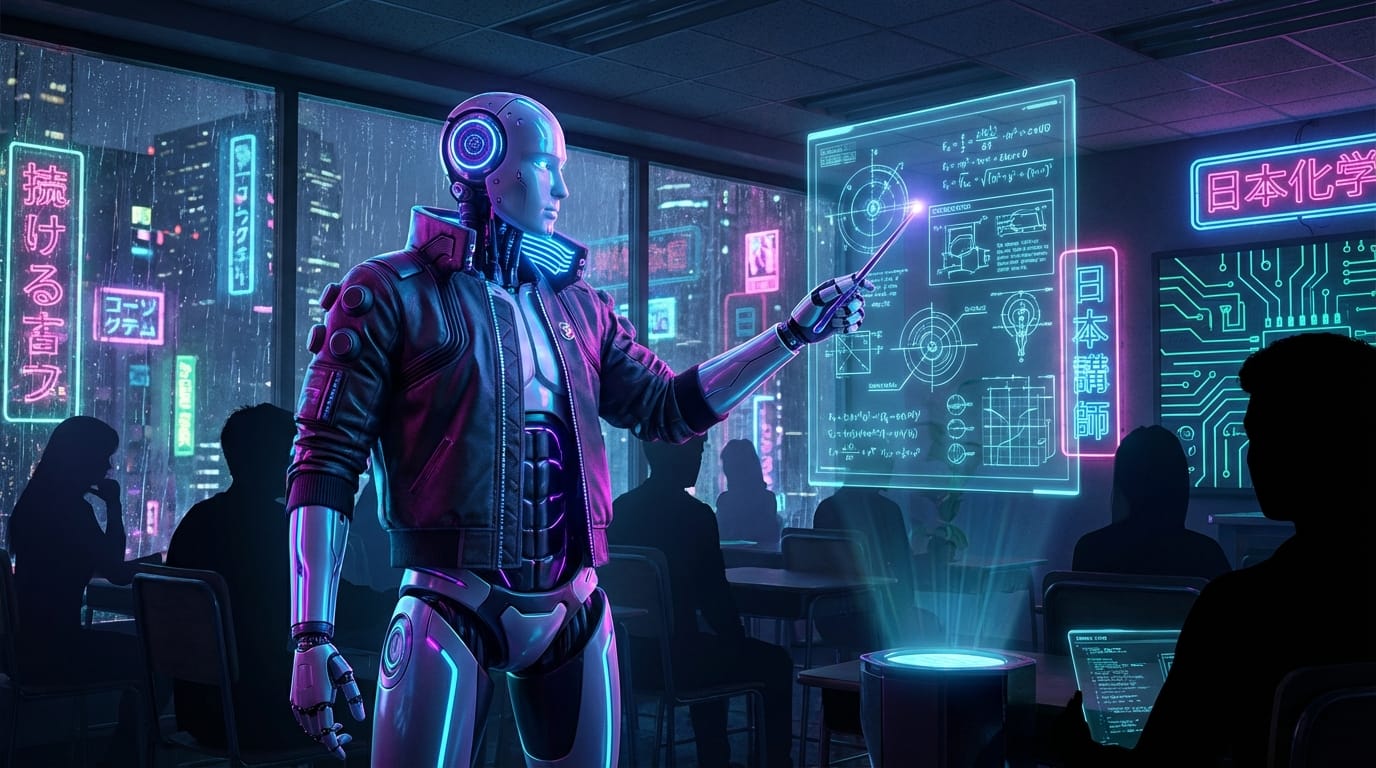
A futuristic robot teacher pointing at a holographic blackboard, cyberpunk style, neon lights, engaging and dynamic.
What Online Instructors Should Watch Out For
While Seedance Lite is efficient, it is not a "Pro" level model. Instructors should be aware of the following:
- Consistency: As a "Lite" model, character consistency across multiple generated clips may vary. It is better suited for B-roll or atmospheric shots rather than storytelling involving a specific recurring character.
- Complex Motion: If you require highly complex, precise movements (e.g., a specific yoga pose transition or a complex mechanical engineering breakdown), the model might struggle with physics accuracy compared to high-end alternatives.
- Resolution Limits: While it supports multiple aspect ratios, ensure the output resolution meets the standards of your hosting platform (e.g., 1080p for most course platforms).
Which Online Instructors Are NOT Suitable for Seedance Lite
Seedance Lite is not the right tool for everyone. You should consider other models in the Hotgen.AI Model Library if you fall into these categories:
- Medical or Technical Instructors: If you are teaching surgery, advanced engineering, or any subject where visual precision is a matter of safety or strict accuracy, the "Lite" nature of this model may not provide the necessary fidelity.
- Long-form Narrative Educators: If your teaching style relies on long, continuous animated stories with consistent characters, you may find the coherence of a lightweight model limiting.
- High-End Production Studios: Instructors competing with Netflix-quality documentary courses should look toward Pro models available on the platform for maximum visual quality.
How to Efficiently Use Seedance Lite on Hotgen.AI
To get the most out of Seedance Lite, instructors should leverage the ecosystem provided by Hotgen.AI.
- Model Comparison: Before committing to a batch of generations, use the Model Compare feature. You can test a prompt on Seedance Lite alongside other models like Kling or Luma to see if the speed trade-off is worth the difference in quality for your specific lesson.
- Unified Workflow: You can use other tools on the platform, such as Text-to-Image, to generate a perfect base image, and then immediately switch to Seedance Lite to animate it via Image-to-Video. This integrated workflow saves time transferring files between different software.
Summary: Is Seedance Lite Worth a Try for Online Instructors?
Seedance Lite is a strong contender for the "everyday" online instructor. It solves the problems of cost and speed, allowing educators to populate their courses and social media channels with video content without breaking the bank or spending days rendering.
It is best used for supplementary visuals, atmospheric B-roll, and marketing materials. While it may not replace high-end technical animation software, its accessibility makes it an excellent addition to an educator's toolkit for rapid content creation.
Ready to enhance your course materials?
- Visit the official site: https://hotgen.ai
- Explore the model: https://hotgen.ai/models/seedance-lite
- Start creating now: https://hotgen.ai/signin