Is Seedance Lite Good for Rapid Video Prototyping?
For creators and teams working in fast-paced environments, the ability to visualize concepts quickly is often more valuable than achieving immediate cinematic perfection. Rapid Video Prototyping requires tools that balance speed, cost, and sufficient visual fidelity to convey an idea. The core question for many users is whether a lightweight model can handle the demands of a professional workflow.
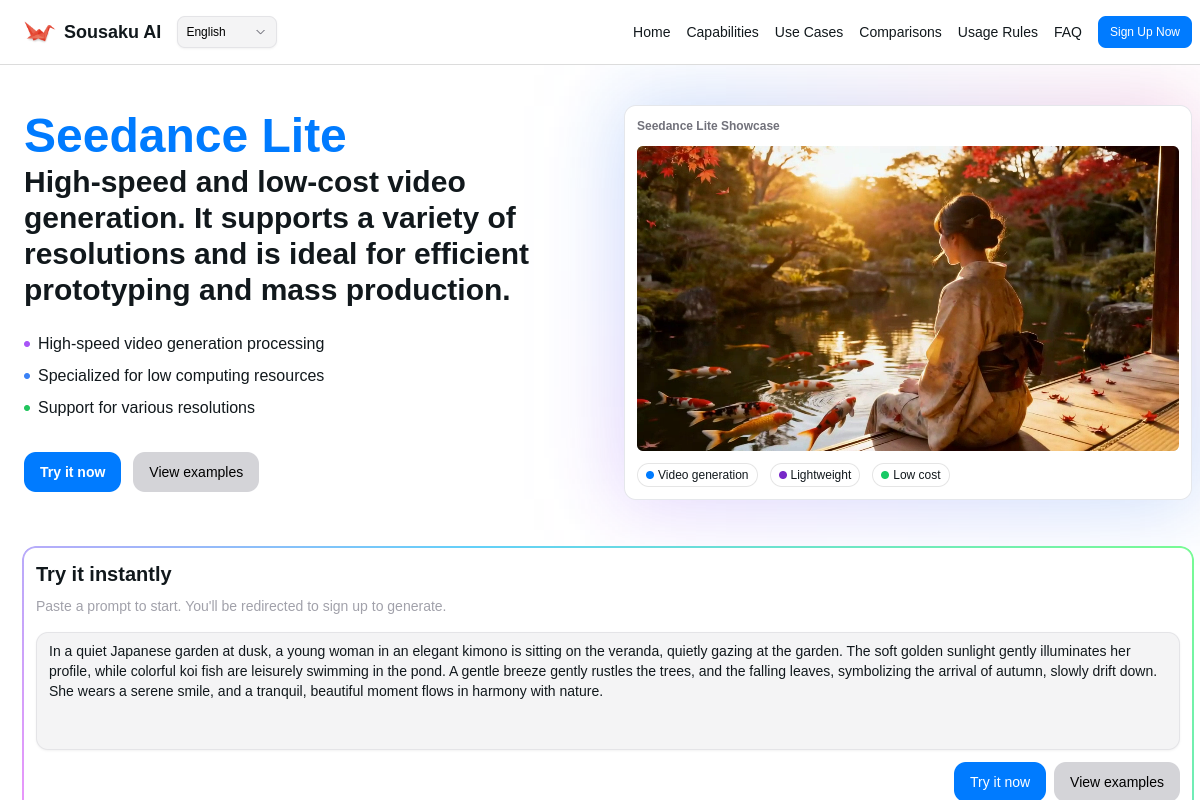
Seedance Lite positions itself as an economic and efficient solution within the Seedance 1.0 series. It is designed specifically to lower the barrier to entry for video generation, offering fast render times and low credit consumption. While it may not rival the "Pro" series in terms of intricate detail or complex motion consistency, its architecture makes it a potentially ideal candidate for storyboarding, animatics, and quick concept validation on the Sousaku.AI platform.
Core Creative Needs of Rapid Video Prototyping
In the context of prototyping, the objective is rarely the final deliverable. Instead, the focus shifts to iteration and communication. Whether you are a game developer, an advertising agency, or a short-form content creator, the specific requirements for this scenario usually include:
- Speed of Iteration: The ability to generate multiple variations of a scene in minutes rather than hours.
- Cost Efficiency: High-frequency generation shouldn't deplete the entire project budget before the final production phase begins.
- Concept Visualization: The output must be clear enough to communicate camera movement, lighting, and general action, even if the textures aren't fully polished.
- Platform Versatility: The need to test different aspect ratios (e.g., vertical for TikTok vs. horizontal for YouTube) quickly.
Advantages of Using Seedance Lite for Video Prototyping
Based on its technical specifications, Seedance Lite addresses several specific pain points found in the prototyping workflow. Here is how its capabilities map to the needs of this scenario:
1. High-Volume Iteration at Low Cost
The most significant advantage of Seedance Lite is its economic structure. Because it is a "Lite" model, it consumes fewer credits per generation compared to the Pro series. This allows creators to run batch generations—testing ten different prompt variations for a storyboard frame—without worrying about excessive resource drain. For early-stage development, quantity often leads to quality by allowing you to explore more creative directions.
2. Accelerated Feedback Loops
Time is a critical factor in prototyping. Seedance Lite is optimized for lower compute consumption, resulting in faster generation speeds. This reduced latency means a director or lead creative can review a clip, adjust the prompt, and see a revised version almost immediately. This responsiveness is crucial for "live" brainstorming sessions.
3. Flexible Aspect Ratio Support
Prototyping often involves testing how a scene looks on different screens. Seedance Lite supports multiple resolutions and aspect ratios natively. You can quickly generate a vertical version of a scene to check mobile framing and a wide version for cinematic composition within the same session.
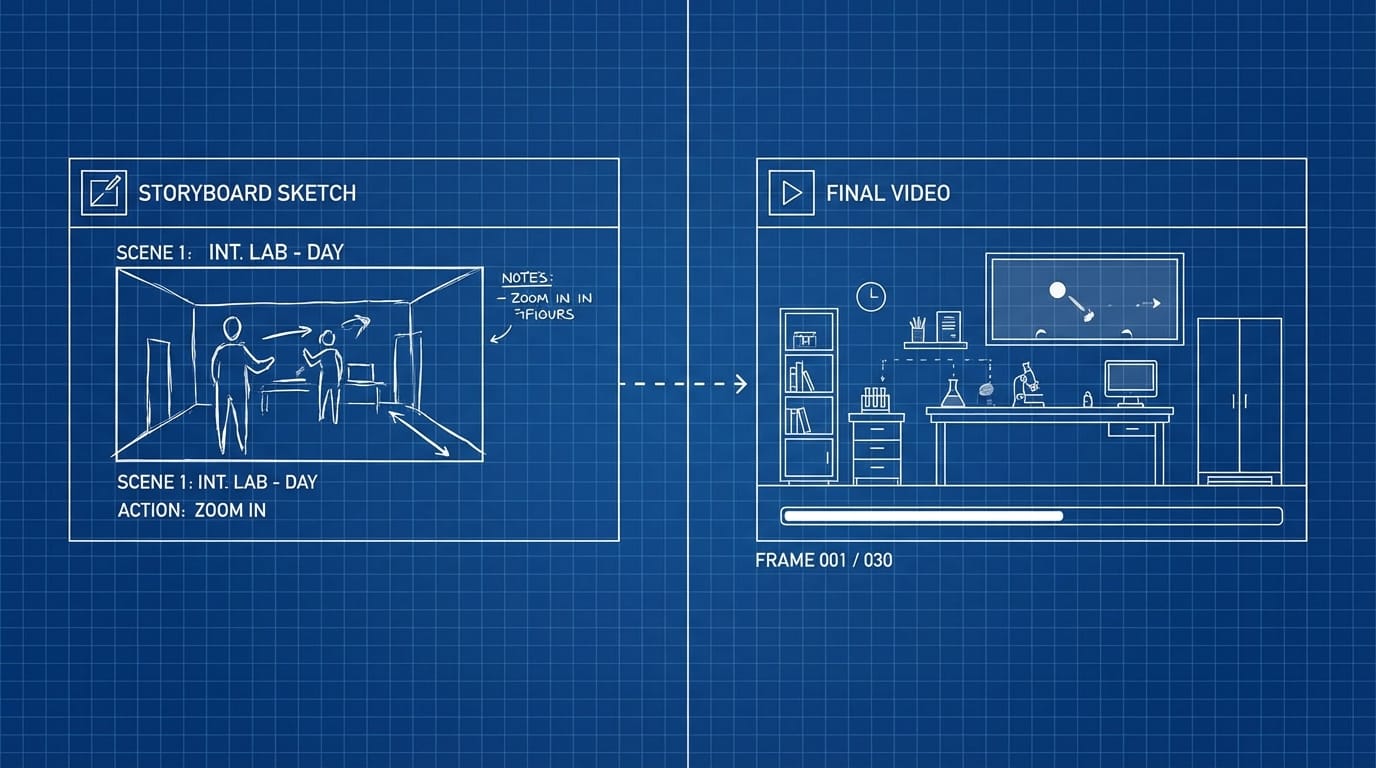
Typical Usage Examples of Seedance Lite in Prototyping
To understand how this model fits into a real workflow, here are typical examples of how Seedance Lite is utilized for rapid visualization.
1. Text-to-Video: Creating Dynamic Storyboards
Instead of static sketches, creators can use Seedance Lite to generate "moving storyboards" (animatics) to test pacing and camera angles.
Example Prompt:
A cyberpunk detective walking down a rainy neon street, low angle camera shot, lo-fi anime style, rough sketch aesthetic, cinematic lighting, 4k.
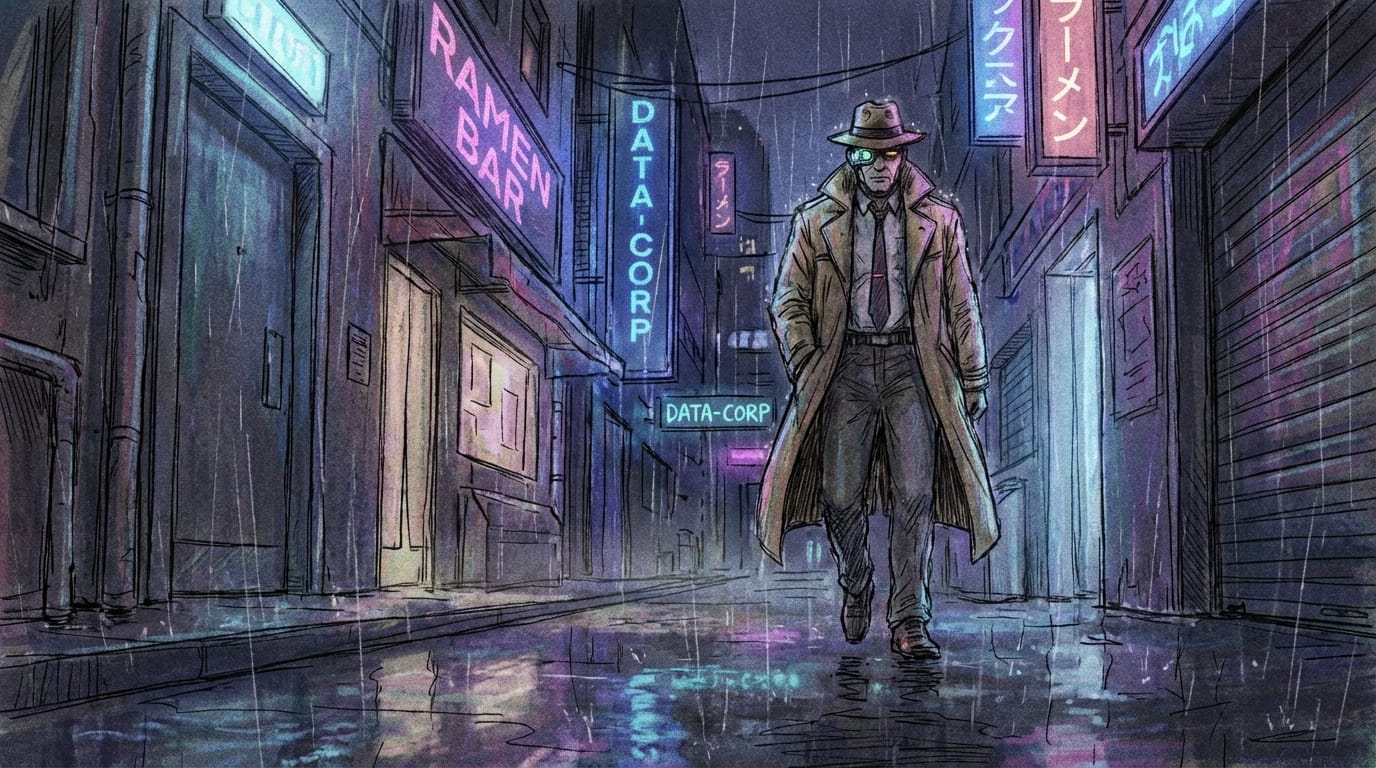
Try it here: Create Text-to-Video with Seedance Lite
2. Image-to-Video: animating Concept Art
Designers often have a static piece of concept art and need to show stakeholders how the environment "feels" in motion. Seedance Lite can add simple atmospheric motion to these images quickly.
Example Prompt:
Camera pans slowly to the right, trees swaying in the wind, falling leaves, fantasy landscape, peaceful atmosphere.

Try it here: Create Image-to-Video with Seedance Lite
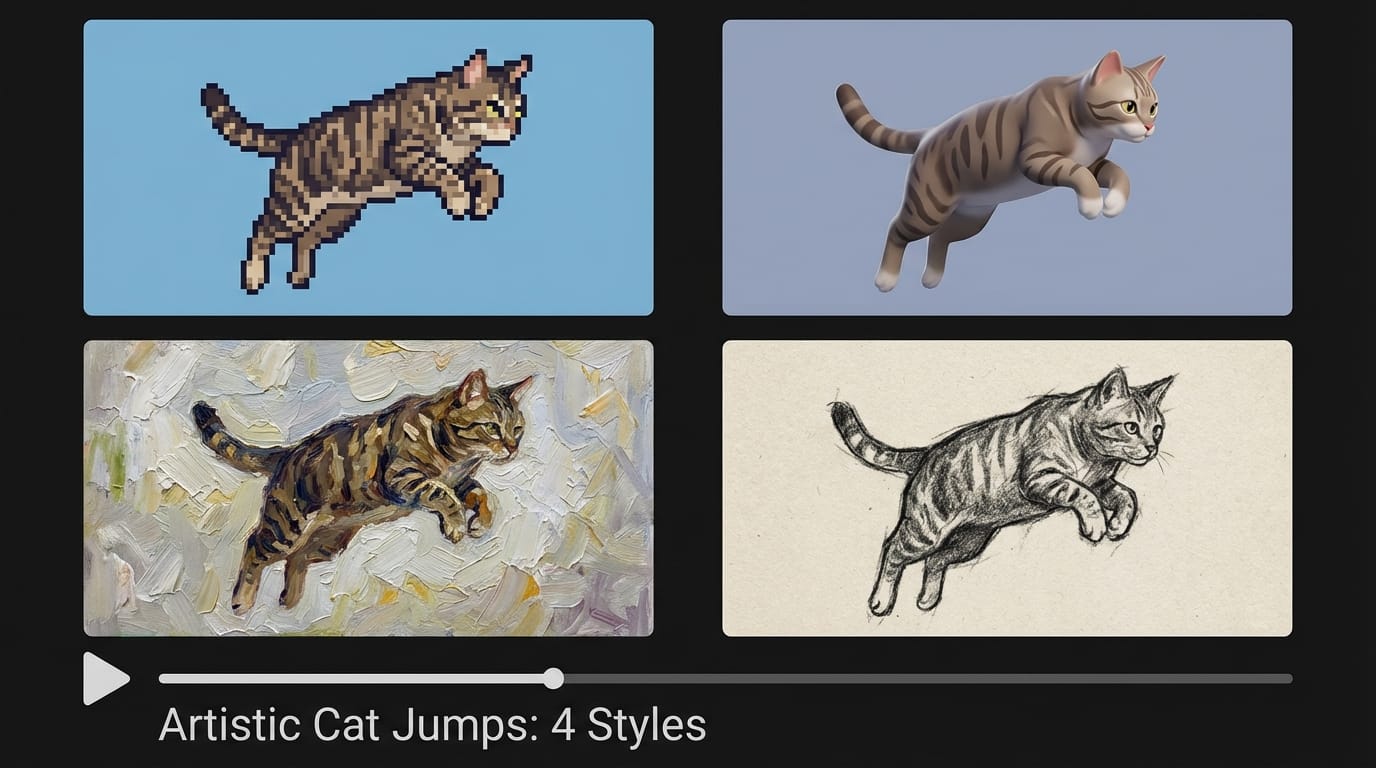
3. Batch Variation Testing
When undecided on a visual style, users can input the same motion prompt but vary the art style keywords (e.g., "watercolor," "photorealistic," "cyberpunk") to generate a grid of style options for client review.
Caveats When Using Seedance Lite for Prototyping
While Seedance Lite is excellent for efficiency, users must be aware of its limitations to manage expectations correctly:
- Detail and Texture Quality: As a lightweight model, it sacrifices some pixel-perfect details found in the Pro series. Faces in the background or intricate textures may appear smoother or less defined.
- Complex Motion Consistency: For scenes requiring highly complex physics or long-duration consistency, the model may exhibit morphing or artifacts. It is better suited for shorter clips or simpler movements.
- Not for Final Broadcast: Generally, the output from Seedance Lite is intended for internal use, social media shorts, or pre-visualization. High-end commercial deliverables usually require upscaling or re-generating selected clips using a Pro model.
Who is Best Suited for Seedance Lite in this Scenario?
Individual Creators & YouTubers: For content creators who need to produce daily content or B-roll footage, the speed and low cost of Seedance Lite make it a sustainable choice for maintaining a posting schedule.
Indie Game Developers: Small teams can use the model to visualize cutscenes or gameplay concepts without dedicating an animator's time to rough drafts.
Advertising & Marketing Agencies: Teams that need to pitch ten different concepts to a client in a short timeframe will benefit from the ability to generate high volumes of "mood videos" rapidly.
How to Start Prototyping on Sousaku.AI
Sousaku.AI integrates Seedance Lite into a unified creative environment, allowing you to switch seamlessly between text and image inputs.
- Select the Model: Navigate to the creation dashboard and choose Seedance Lite from the model dropdown.
- Choose Your Mode: Decide if you are starting from scratch (Text-to-Video) or animating an existing asset (Image-to-Video).
- Manage Credits: Because of the low consumption rate, you can experiment freely. Check the Models Library to see how it stacks up against other options.
- Compare Results: If a prototype shows promise, you can use the Model Comparison feature to see how the same prompt would look rendered by a heavier model.
Conclusion: Is Seedance Lite Right for Your Prototyping Needs?
If your primary goal is efficiency, cost-reduction, and speed, Seedance Lite is an excellent choice for rapid video prototyping. It allows for a high volume of experimentation that would be prohibitively expensive or slow with heavier models. However, if your project requires flawless consistency and photorealistic detail for the final output, you should view Seedance Lite as a drafting tool—a powerful stepping stone before moving to production-grade models.
For most day-to-day creative exploration and storyboard visualization, Seedance Lite offers the best balance of performance and economy.
Ready to test your ideas?
- Visit the platform: Sousaku.AI
- Try the model now: Experience Seedance Lite
- Start creating: Sign In to Sousaku.AI