Is Nano Banana Good for Rapid Concept Iteration?

When designers and content creators need to visualize ideas quickly, waiting minutes for a single render breaks the creative flow. Rapid concept iteration requires a tool that prioritizes speed and volume over pixel-perfect realism, allowing teams to sift through dozens of visual directions in a fraction of the usual time.
Nano Banana answers this specific need by functioning as one of the fastest lightweight generation models available today. Accessible directly through the Hotgen.AI platform, it trades high-end physical realism for near-instantaneous output, making it highly effective for early-stage drafting and high-frequency batch testing.
Core Creative Requirements for Rapid Concept Iteration
The primary goal during the concept iteration phase is to generate a high volume of visual drafts to establish art direction, composition, or narrative flow. Creators are not looking for final production assets at this stage. Instead, the focus is on translating abstract text or rough sketches into readable visual formats immediately.
Efficiency and low latency are the most critical metrics here. A delay of even thirty seconds per image can bottleneck a brainstorming session. Furthermore, the cost of generation must remain low, as the vast majority of these early drafts will be discarded once the final visual direction is chosen.
Advantages of Using Nano Banana for Rapid Concept Iteration
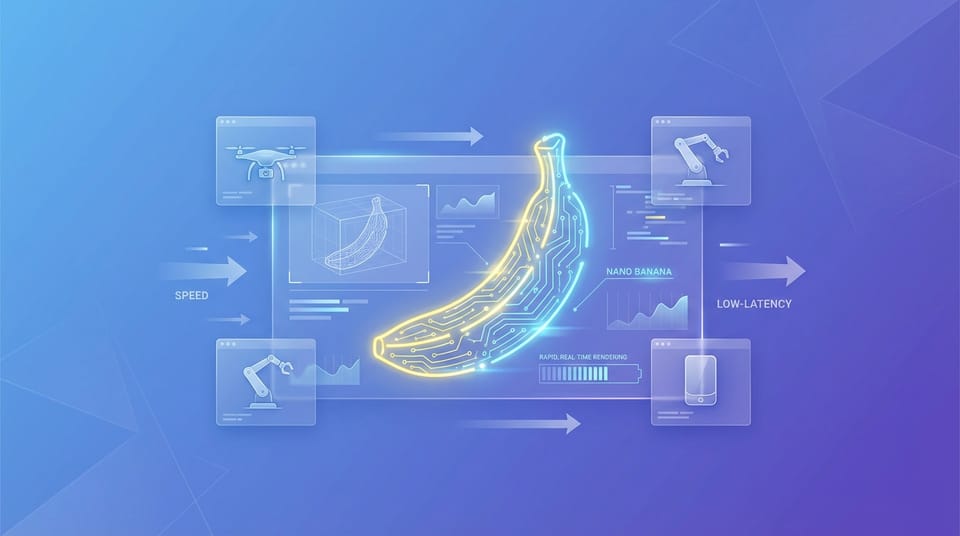
Nano Banana is specifically engineered for real-time preview and low-latency creation. By utilizing an optimized branch architecture, it drastically reduces generation time, often delivering outputs in just a few seconds. This rapid response rate keeps the creative momentum uninterrupted during intensive brainstorming sessions.
Another significant advantage is its extreme cost-effectiveness. Because it requires less computational overhead than heavyweight flagship models, users can generate massive batches of images for A/B testing or storyboard sequencing without rapidly depleting their Credits.
Its lightweight nature makes it exceptionally well-suited for mobile use and on-the-go creation. Creators can quickly test prompts and generate visual drafts directly from their mobile devices, ensuring that inspiration can be captured the moment it strikes.
| Feature | Nano Banana Capability | Impact on Rapid Iteration |
|---|---|---|
| Generation Speed | Seconds per image | Enables real-time brainstorming |
| Credit Consumption | Highly cost-effective | Allows massive batch testing |
| Device Compatibility | Mobile-friendly | Supports on-the-go creation |
| Visual Quality | Draft-level coherence | Sufficient for art direction |
Typical Workflow Examples with Nano Banana in Rapid Concept Iteration
Integrating Nano Banana into a daily workflow involves leveraging its speed for immediate visual feedback. Below are practical examples of how this model operates within the Hotgen.AI ecosystem for rapid drafting.
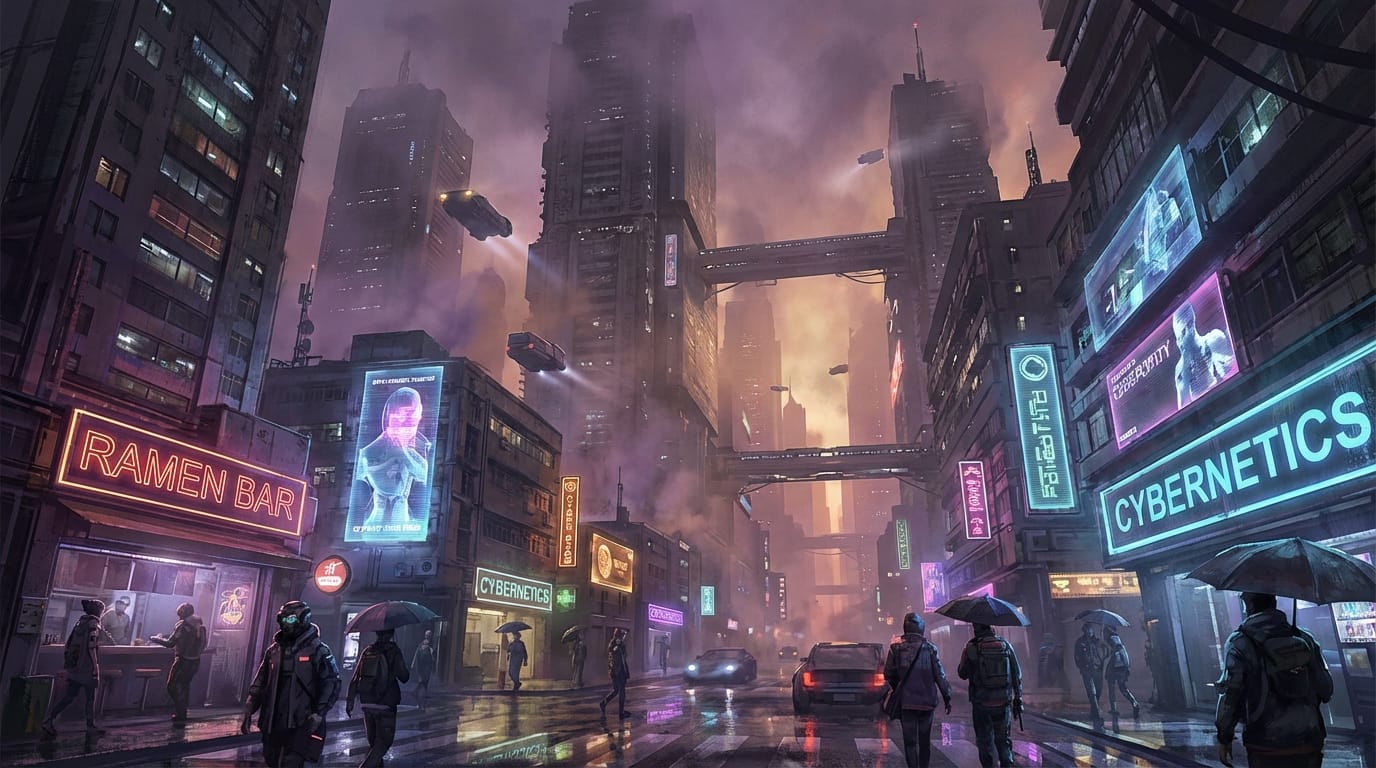
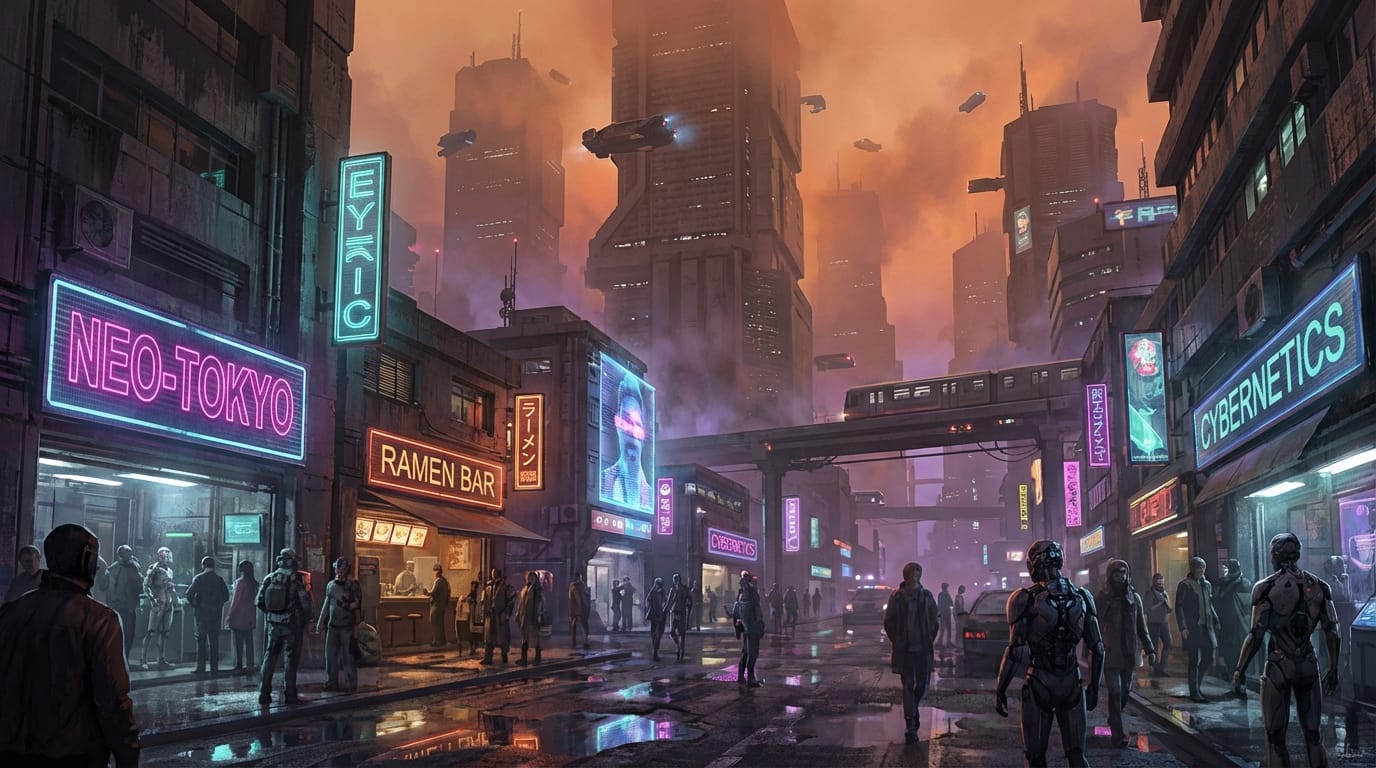
Workflow 1: Rapid Text-to-Image Brainstorming When an art director needs to establish the mood for a new sci-fi project, they can use the Text-to-Image feature to generate multiple environmental concepts in seconds. This allows the team to review various lighting and architectural styles instantly.
Example Prompt:
A futuristic cyberpunk city street at dusk, neon lights reflecting on wet pavement, towering skyscrapers fading into smog, cinematic lighting, concept art style, wide angle.
Workflow 2: Image-to-Image Storyboard Refinement A storyboard artist can upload a basic black-and-white line drawing and use the Image-to-Image function to quickly apply color palettes and lighting schemes. This transforms a flat sketch into a presentable mood board asset almost instantly.
Example Prompt:
Cinematic lighting, moody atmosphere, cinematic color grading, applying realistic textures to the sketch, high contrast, dramatic shadows.


Limitations and Risks When Using Nano Banana
While Nano Banana excels in speed, it intentionally sacrifices certain aspects of image fidelity. The physical realism and intricate detail reproduction are noticeably lower than what you would expect from top-tier flagship models. Users expecting photorealistic human anatomy or precise text generation will likely encounter artifacts.
Style control can also be less rigid. Because the model prioritizes rapid output, it may occasionally misinterpret complex, multi-layered prompts or struggle to maintain strict stylistic consistency across a large batch of images. It is best utilized as a directional tool rather than a precision instrument.
Who Should Use Nano Banana for Rapid Concept Iteration?
Independent creators, such as illustrators and social media managers, will find Nano Banana highly beneficial for drafting daily content. Its speed allows solo operators to maintain a high output volume without spending hours waiting for renders.
Advertising agencies and content production teams can integrate it into their pitch processes. When a client requests multiple visual directions during a live meeting, the team can use Nano Banana to generate and adjust concepts in real-time, facilitating faster approvals and clearer communication.
How to Start Rapid Concept Iteration on Hotgen.AI
Accessing Nano Banana is straightforward within a unified workspace. Instead of navigating multiple standalone applications, users can access the Model Library to select Nano Banana directly alongside other industry-leading tools. This centralized approach streamlines the transition from rapid drafting to final high-fidelity production.
For users unsure if a lightweight model fits their specific project, the Model Compare feature allows for side-by-side evaluations. You can run the same prompt through Nano Banana and a flagship model simultaneously to assess the trade-off between speed and detail for your specific use case.
Summary: Does Nano Banana Fit Your Rapid Concept Iteration Needs?
Nano Banana serves a highly specific function: delivering visual concepts at maximum speed with minimal latency. It successfully fulfills the requirements of rapid iteration, storyboard drafting, and high-frequency testing where raw output volume is prioritized over microscopic detail.
If your current workflow is hindered by long generation times and you need a responsive, cost-effective tool for early-stage visualization, this model is highly capable. However, for the final rendering of production-ready assets requiring flawless physical realism, transitioning to a heavier model will be necessary.
To explore how this lightweight model handles your specific prompts, visit Hotgen.AI. You can test its speed directly on the Nano Banana model page or sign in to start creating your next batch of visual drafts.