Is Nano Banana Effective for Rapid Concept Prototyping?

Rapid concept prototyping requires tools that can keep pace with a creator's thought process. When testing visual ideas, layout structures, or thematic directions, latency is the primary bottleneck. Creators need to generate dozens of iterations in minutes to identify the most viable direction before committing to high-fidelity rendering.
Nano Banana addresses this specific bottleneck effectively. Designed as an ultra-fast, lightweight model optimized for real-time preview and low-latency generation, it excels at translating initial ideas into visual drafts within seconds. While it trades some flagship-level realism for sheer speed, it serves as a highly functional engine for early-stage visual exploration. You can access and evaluate this model directly within the Hotgen.AI platform.
Core Requirements of Rapid Concept Prototyping
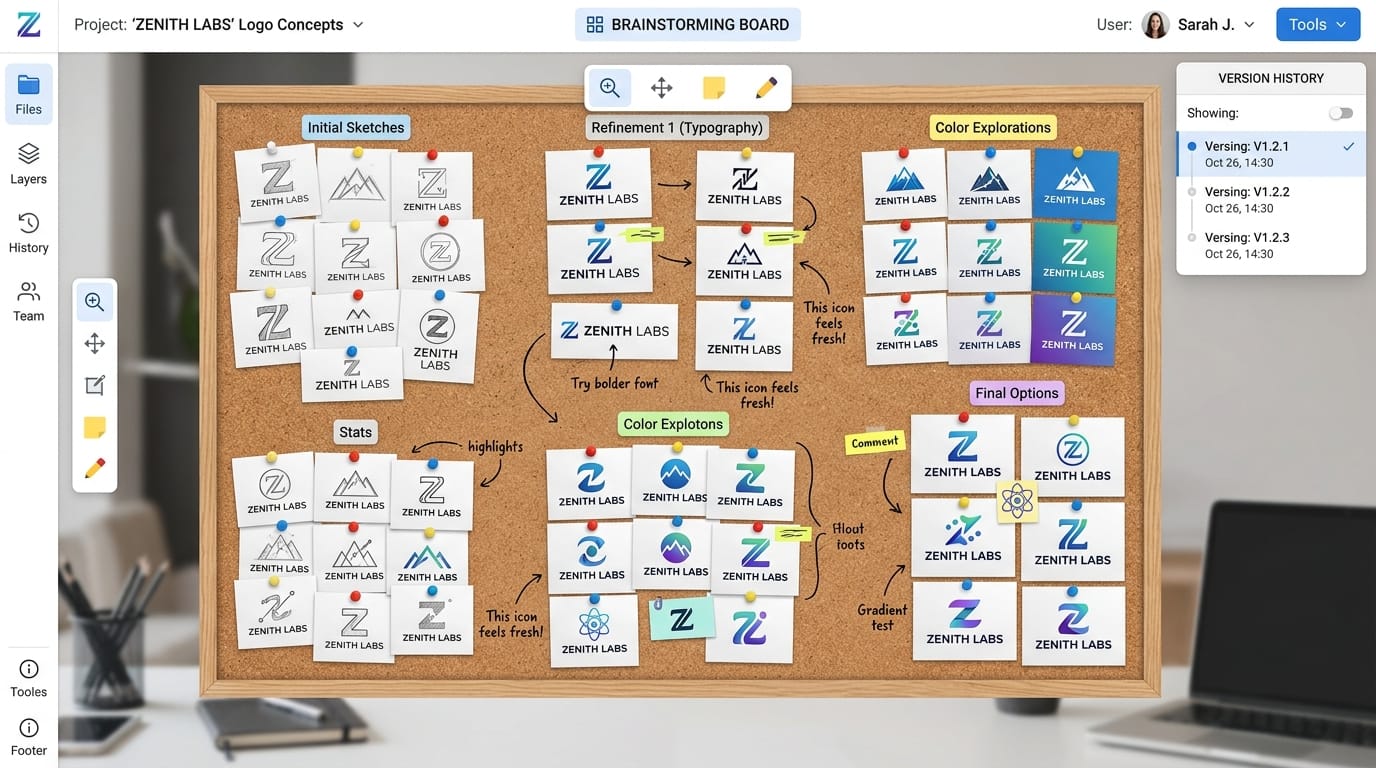
The primary objective in rapid prototyping is volume and velocity. Designers and content creators need to validate concepts, establish mood boards, or map out storyboards without waiting minutes for a single image to process.
Outputs in this phase are rarely final products. Instead, they take the form of rough design assets, social media layout tests, or foundational sketches. The critical requirements here are immediate visual feedback, structural accuracy, and the ability to generate variations rapidly at a low computational cost.
Advantages of Using Nano Banana for Rapid Concept Prototyping
Nano Banana's architecture is specifically tuned for scenarios where speed outweighs absolute physical realism. Its lightweight nature allows it to process inputs and return visual outputs in a fraction of the time required by heavier models.
This low-latency response makes it highly suitable for mobile use and real-time iteration. When working through a high volume of prompts, the model maintains a high cost-efficiency ratio. Users can batch-test multiple creative directions simultaneously without rapidly depleting their generation resources.
Furthermore, Nano Banana maintains an acceptable baseline of visual quality. While it operates as a draft-tier model, the outputs are coherent enough to convey lighting, composition, and color theory accurately, providing a reliable foundation for further development.
Typical Usage Examples of Nano Banana in Rapid Concept Prototyping
When integrating Nano Banana into a daily workflow, users typically leverage its speed for early-stage visual mapping. Below are two standard implementations based on its core capabilities.
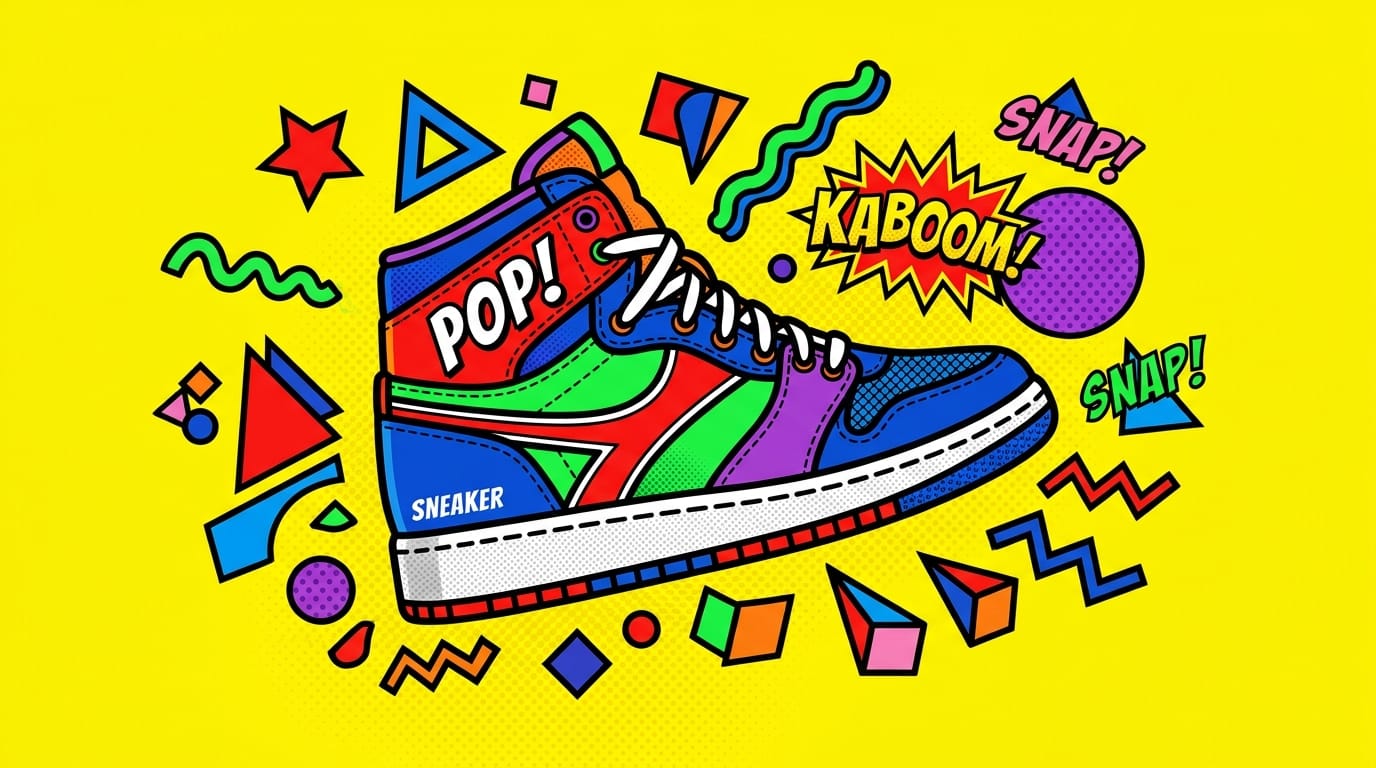
1. High-Frequency Social Media Visual Drafting (Text-to-Image) Social media managers often need to visualize ad layouts before passing them to the design team. Using the Text-to-Image function, a user can quickly test different color palettes and subject placements.
Example Prompt:
A vibrant pop-art style illustration of a sneaker surrounded by floating geometric shapes, bright yellow background, bold colors, simple flat shading.
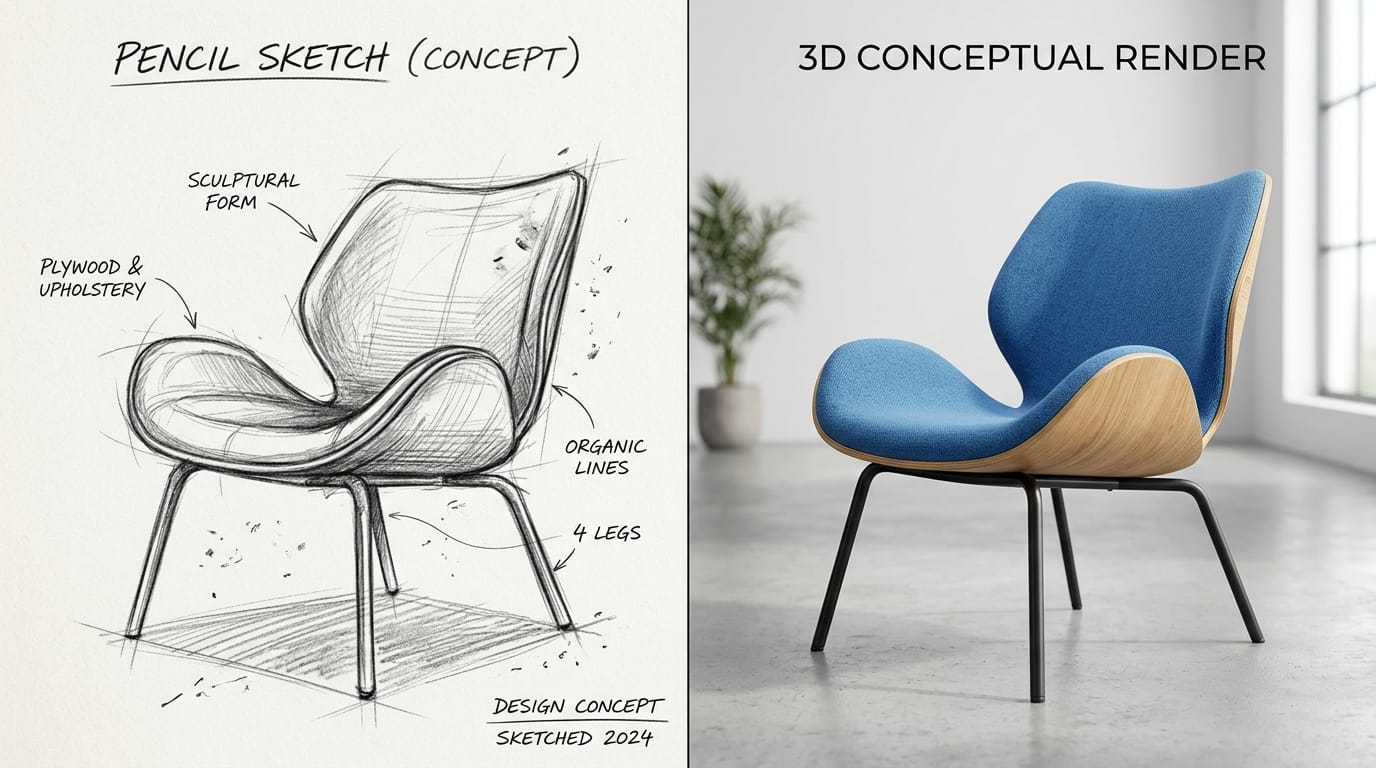
2. Storyboard and Sketch Colorization (Image-to-Image) Art directors working with rough black-and-white sketches can use the Image-to-Image feature to rapidly apply lighting and texture concepts. This workflow transforms flat line art into dimensional drafts for client presentations.
Example Prompt:
A futuristic living room interior, cozy lighting, minimalist furniture, large windows overlooking a cyberpunk city, neon accents, architectural concept sketch turned into a 3D render.

Potential Limitations When Using Nano Banana
While highly efficient, Nano Banana operates with specific architectural constraints. The most prominent limitation is its ceiling for physical realism and intricate detailing. When examining complex textures—such as human skin, micro-fabrics, or precise typography—the outputs will lack the polish found in flagship models.
Additionally, maintaining strict stylistic consistency across a large batch of generations can be challenging without rigid reference controls. Because the model prioritizes speed, it may occasionally take creative liberties that deviate slightly from precise prompt instructions.
Users should view Nano Banana as a starting point rather than a finishing tool. Attempting to use it for high-resolution commercial print assets or hyper-realistic product photography will likely yield unsatisfactory results.
Who Should Use Nano Banana for Rapid Concept Prototyping?
Individual creators, such as illustrators and social media content producers, will find Nano Banana highly practical for daily use. It allows them to generate thumbnails, test visual hooks, and build reference libraries quickly without heavy resource expenditure.
For enterprise and team users, particularly in advertising and e-commerce, the model serves as an excellent communication tool. Account managers and art directors can use it to generate immediate visual references during client meetings, aligning expectations before allocating hours to high-end rendering.
Developers building API-driven applications or automated content pipelines also benefit from its high response rate, making it an ideal choice for backend prompt testing and system optimization.
How to Start Rapid Concept Prototyping on Hotgen.AI
Executing a rapid prototyping workflow requires an environment that supports seamless iteration. On Hotgen.AI, users operate within a unified Credit System, allowing them to test lightweight models like Nano Banana without managing separate subscriptions.
You can browse the Model Library to locate Nano Banana and initiate your drafts. If you need to evaluate its output quality against heavier, detail-oriented models for a specific project, the Model Compare feature allows you to run the same prompt across multiple architectures simultaneously. This infrastructure ensures you can use Nano Banana for the initial sprint, then switch to a flagship model for the final render within the same interface.
Conclusion: Does Nano Banana Fit Your Rapid Concept Prototyping Needs?
Nano Banana serves a highly specific, structural role in the creative pipeline. If your primary objective is to generate a high volume of visual ideas, test compositions, and iterate with near-zero latency, this model is highly capable.
Conversely, if your workflow demands immediate hyper-realism, intricate physical details, or final-stage commercial polish directly from the prompt, you will likely need to transition to a heavier model after the drafting phase.
To determine how it fits into your specific workflow, you can explore the platform and test its generation speed directly.
- Visit the platform: https://hotgen.ai
- Explore Nano Banana capabilities: https://hotgen.ai/models/nano-banana
- Start testing your concepts: https://hotgen.ai/signin