Is Midjourney V7 Suitable for Generating 3D Render Style Content?
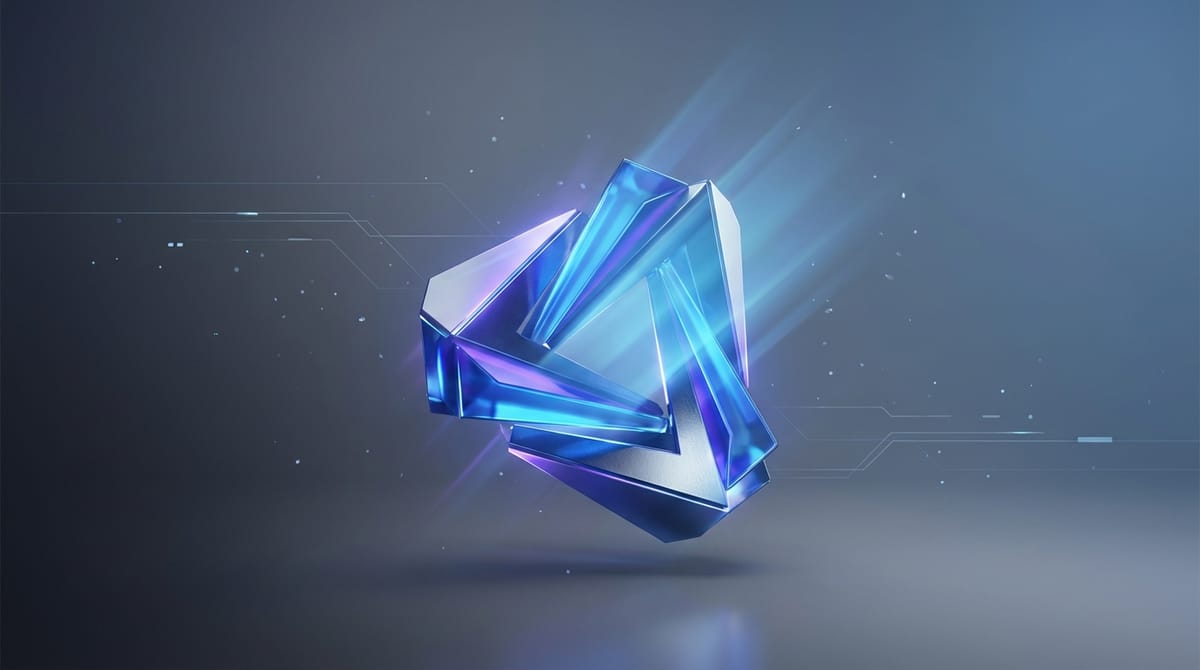
The 3D Render style is characterized by precise volumetric lighting, realistic material textures, and physical spatial depth. It simulates the output of professional 3D software engines like Unreal Engine, Blender, or Cinema 4D. For creators looking to produce these visuals without complex modeling workflows, choosing the right AI generator is critical.
Midjourney V7 is highly suitable for generating 3D Render style content. Released with a completely new architecture, this 7th-generation model offers a massive leap in prompt comprehension and physical realism. It accurately reproduces intricate textures, lighting bounces, and spatial consistency required for high-end 3D visuals.
Creators can directly access and utilize this model through Hotgen.AI, an all-in-one AI creative and model aggregation platform. This allows users to test the model's capabilities without switching between different ecosystem accounts.
Typical Visual and Content Characteristics of 3D Render Style
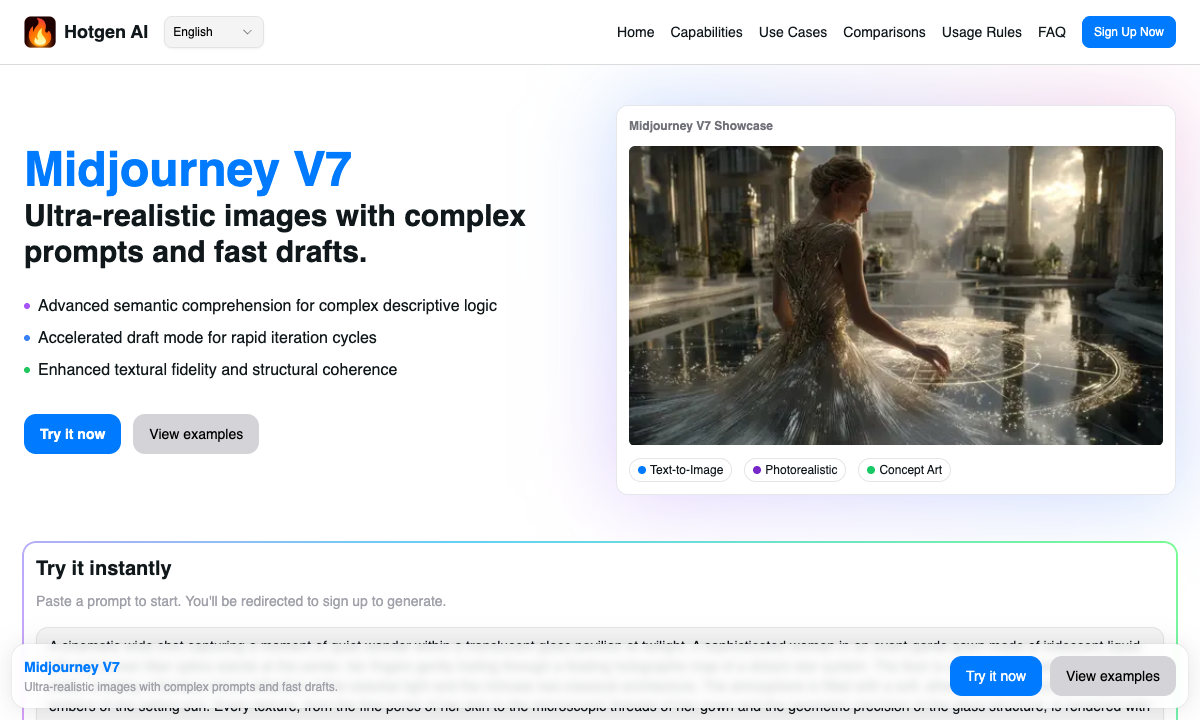
The core visual appeal of the 3D Render style lies in its simulation of physical light behavior. This includes ray-traced reflections, subsurface scattering on softer materials, and distinct contrasts between matte and glossy surfaces. You will often see materials like brushed metal, frosted glass, or smooth vinyl acting as the focal point.
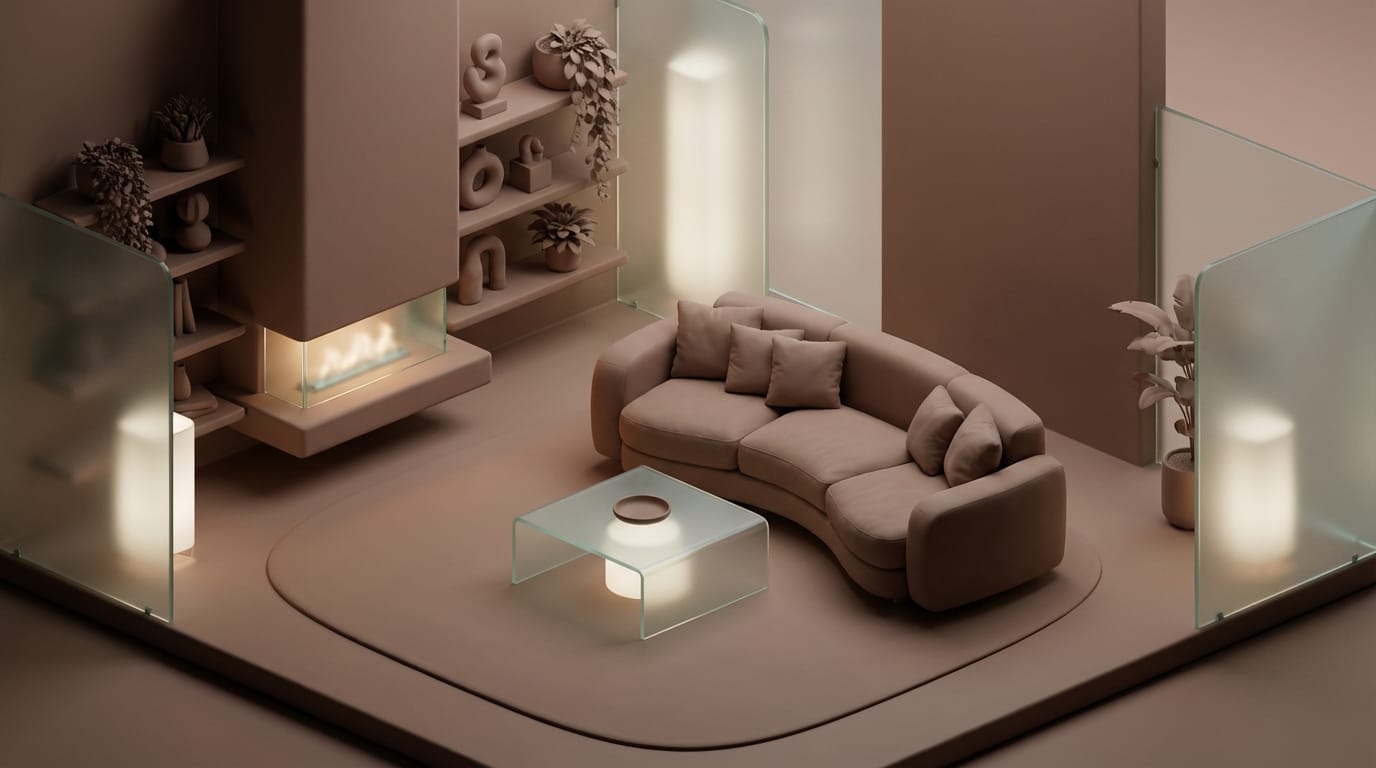
From a structural perspective, this style frequently utilizes isometric perspectives, macro photography angles, or studio lighting setups. The composition is usually clean, focusing heavily on the subject's geometry and spatial relationship with the environment.
Narratively, 3D Render visuals tend to evoke a modern, polished, or sometimes surreal atmosphere. Whether it is a hyper-realistic architectural mockup or a stylized, toy-like character design, the style relies on visual tangibility to engage the viewer.
Midjourney V7 Performance Analysis in 3D Render Style
When evaluating Midjourney V7 as a 3D Render AI model, its style restoration capability is exceptional. The model natively understands rendering terminology such as "Octane Render," "Redshift," or "ambient occlusion." It translates these technical keywords into accurate visual outputs, mimicking the exact lighting and material behaviors expected from those specific engines.
Consistency and stability have seen significant improvements in this version. The model maintains spatial logic and body coherence much better than its predecessors. This means fewer structural errors in complex geometric shapes and more reliable reflections on curved 3D surfaces.
Prompt dependency is noticeably lower due to the model's enhanced ability to process complex, abstract, and long-sentence descriptions. While previous versions required rigid keyword structures to force a 3D aesthetic, Midjourney V7 can generate a realistic 3D scene from natural language instructions, though it still benefits from targeted material keywords.
Typical Scenarios for Using Midjourney V7 to Generate 3D Render Content
Social Media Visuals and Icons Designers frequently use this model to create 3D app icons, UI elements, or stylized avatars. The popular "blind box" or vinyl toy aesthetic is easily achieved, providing eye-catching assets for digital platforms.
Commercial Posters and Key Visuals (KV) Marketing teams utilize the model to generate abstract 3D backgrounds, product podiums, or typography environments. The high realism makes it suitable for premium brand presentations without the need for a dedicated 3D artist.
Video Covers and Storyboards For content creators, generating cinematic 3D scenes helps establish a strong visual hook for video thumbnails. The model's ability to handle extreme style control allows directors to pre-visualize sci-fi or fantasy environments quickly.
Character and World Concept Art Game developers and concept artists use Midjourney V7 to explore 3D character designs and environmental concepts. The model provides rapid iterations of how a 2D concept might look once fully modeled and rendered in a game engine.
Key Points for Writing 3D Render Style Prompts (Based on Midjourney V7)
To get the best results from a 3D Render AI prompt, structure your text to guide the model's rendering logic. Start with a clear subject, define the specific 3D engine or aesthetic, specify the materials, and conclude with lighting instructions.
Avoid mixing conflicting 2D and 3D keywords (like "watercolor" and "octane render" in the same prompt) unless you are intentionally aiming for a hybrid experimental style. Midjourney V7 responds very well to specific lighting terms like "studio lighting," "rim light," or "global illumination."
Here is a typical prompt example for this style:
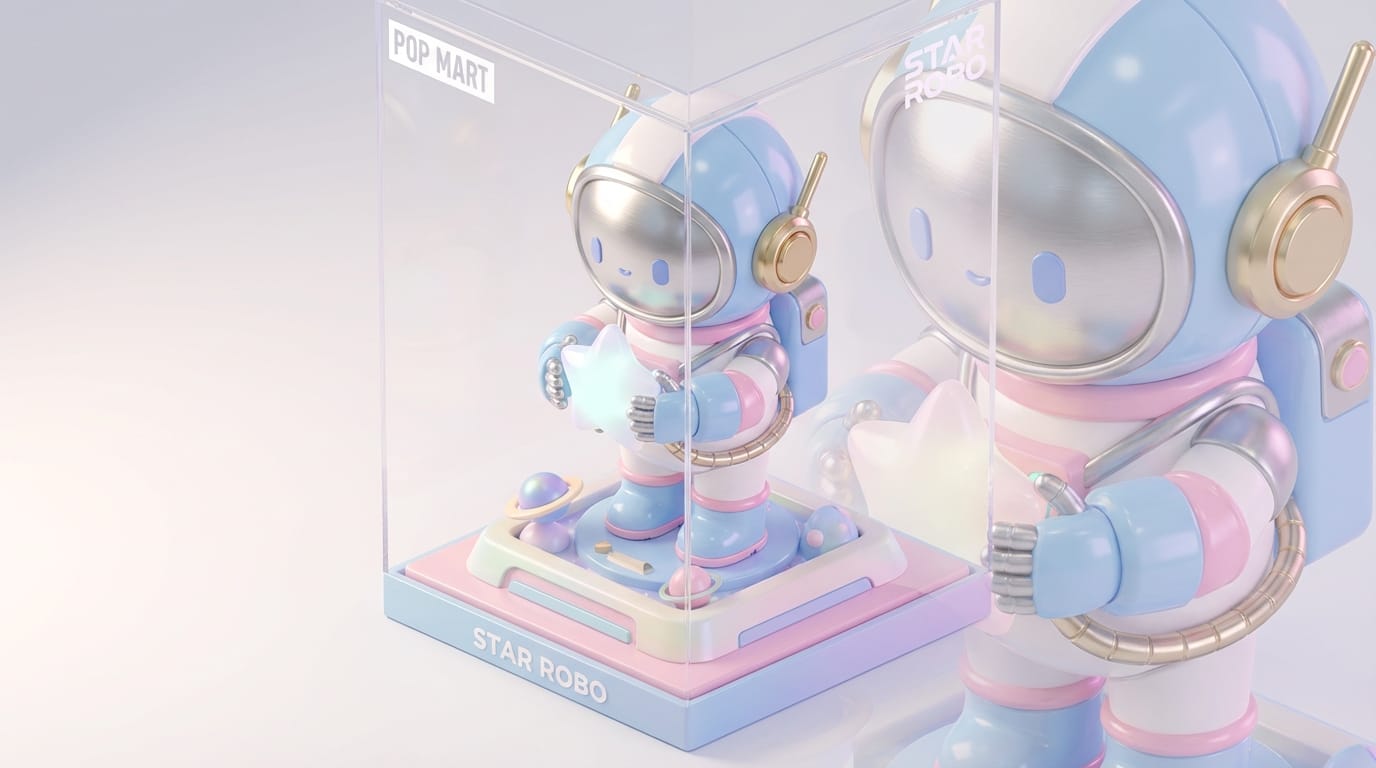
3D render of a cute robotic astronaut character holding a glowing star, isometric view, pop-mart blind box style, glossy plastic and brushed metal textures, soft studio lighting, pastel color palette, rendered in Cinema 4D, hyper-detailed, 8k resolution --v 7.0
Common Methods to Generate 3D Render Style with Midjourney V7
The most straightforward approach is using the Text-to-Image method. By inputting a detailed prompt, creators can ideate from scratch. This is particularly powerful when combined with V7's new Draft Mode, which allows for 10x faster draft generation, making rapid brainstorming highly efficient. You can access this directly via the High-Quality Image Generation interface.
Another highly effective workflow is the Image-to-Image method. Creators can upload a basic 2D sketch, a flat vector graphic, or a simple block-out, and use prompts to transform it into a fully rendered 3D asset. This workflow maintains the original compositional intent while upgrading the visual fidelity. Explore this feature through the Image Style Transfer tool.
Which Creators are Suitable for Using Midjourney V7 for 3D Render Style?
Individual creators, such as illustrators and content creators, will find this model highly beneficial. It allows solo artists to bypass the steep learning curve of traditional 3D software, enabling them to produce high-quality 3D assets, thumbnails, and visual elements independently.
Commercial and team users, including brand designers and advertising agencies, are also a perfect fit. The model's enhanced prompt adherence and the fast ideation capabilities of Draft Mode align well with fast-paced agency workflows. Teams can generate mood boards, product mockups, and campaign key visuals efficiently.
Explore More 3D Render Style Creation Methods on Hotgen.AI
While Midjourney V7 is a flagship model, different projects may require different visual nuances. A unified platform allows you to test various approaches without friction. You can browse the complete Model Library to see all supported engines that might offer unique 3D aesthetics.
For users unsure which model best fits their specific project, utilizing the Model Compare feature is highly recommended. This allows you to run the exact same 3D Render prompt across different top-tier models simultaneously, evaluating the results side-by-side to find the perfect visual tone.
Conclusion: Is Midjourney V7 Suitable for 3D Render Style Creation?
Midjourney V7 is highly capable of producing top-tier 3D Render style content. Its advanced architecture delivers exceptional realism, accurate material textures, and precise lighting simulations that rival traditional rendering engines.
The boundaries of the model lie in the fact that it generates a 2D image of a 3D scene, not an exportable 3D mesh. It is ideal for visual assets, concept art, and illustrations, but cannot replace CAD or modeling software for functional 3D production.
To determine if this model fits your specific creative workflow, the best approach is hands-on testing. Visit Hotgen.AI to explore the platform's capabilities, and sign in to start creating your own 3D Render visuals today.