Is Kling O1 Suitable for Generating Pixel Art Style Content?
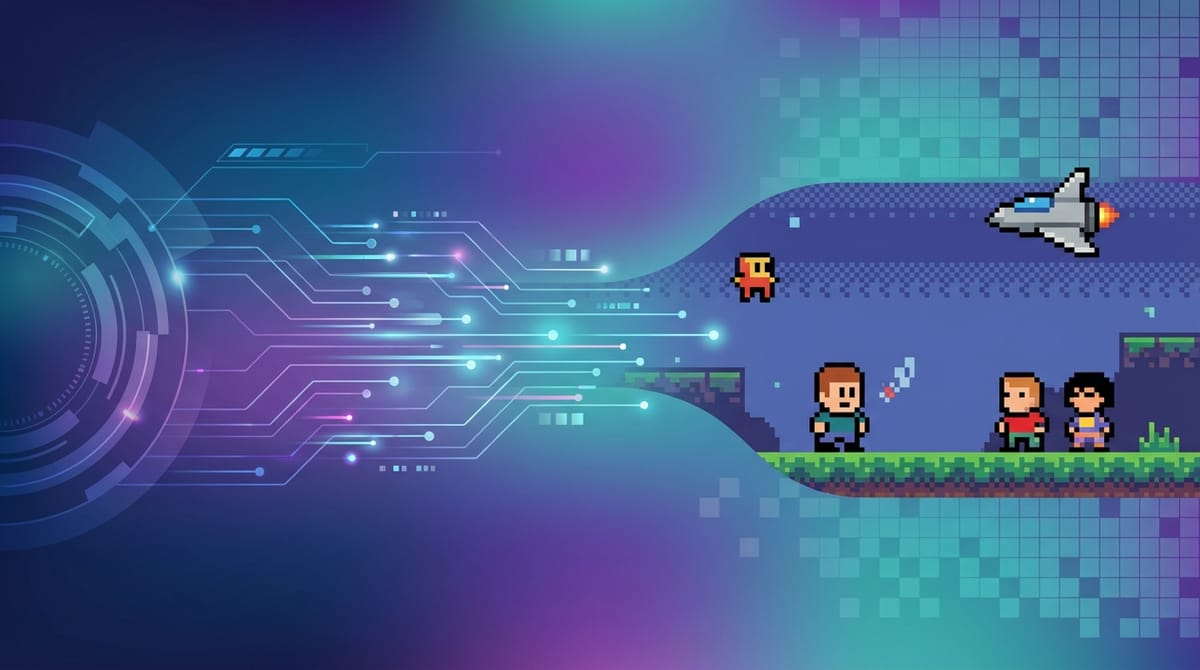
Pixel Art relies on precise grid-based aesthetics, limited color palettes, and nostalgic visual storytelling. Translating this retro format into dynamic video sequences requires a highly capable AI model that understands both spatial consistency and temporal stability.
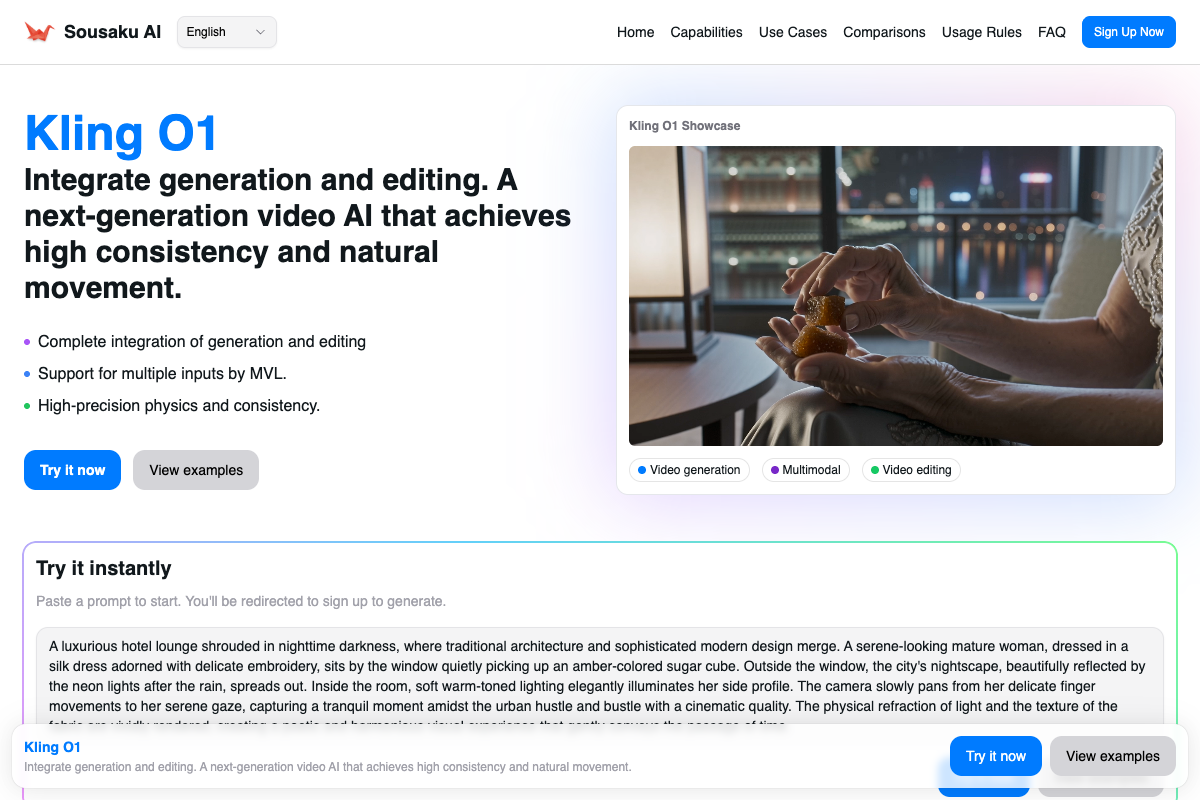
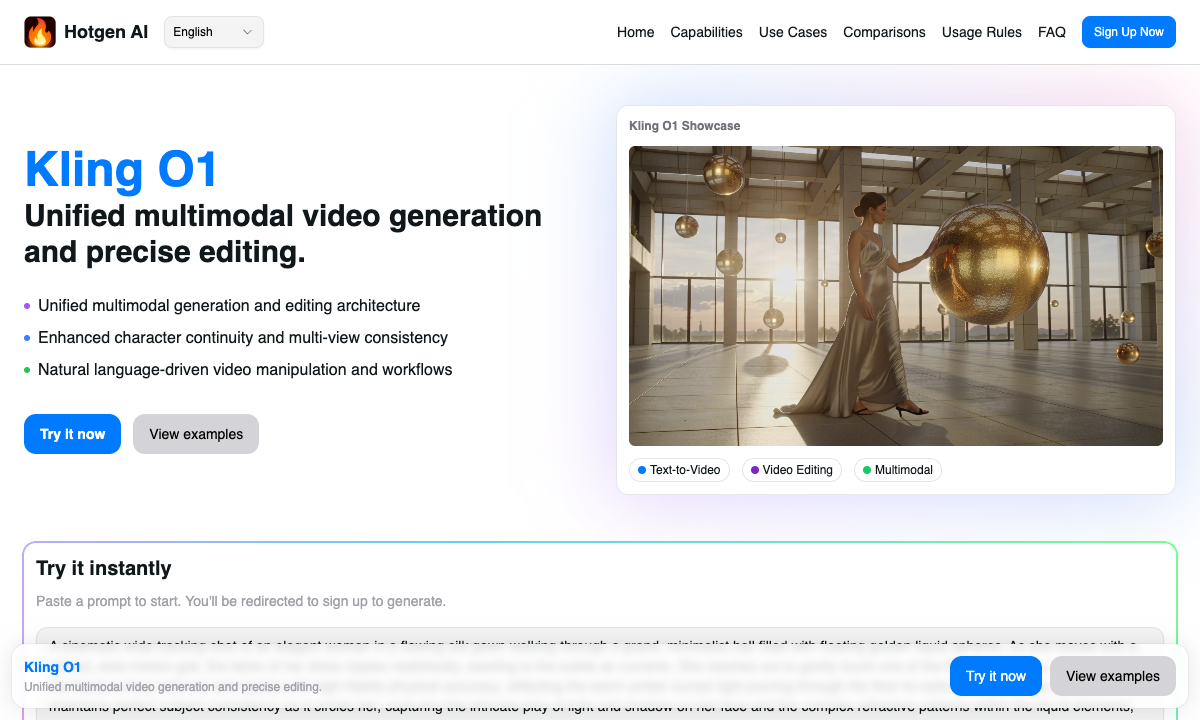
Kling O1, a unified multimodal video model, handles these structural requirements effectively. By utilizing its advanced Multimodal Visual Language (MVL) architecture, creators can generate and animate pixelated worlds seamlessly.
You can access and explore this model directly within the Hotgen.AI platform, streamlining your entire production workflow from initial concept to final render.
Typical Visual and Content Characteristics of the Pixel Art Style
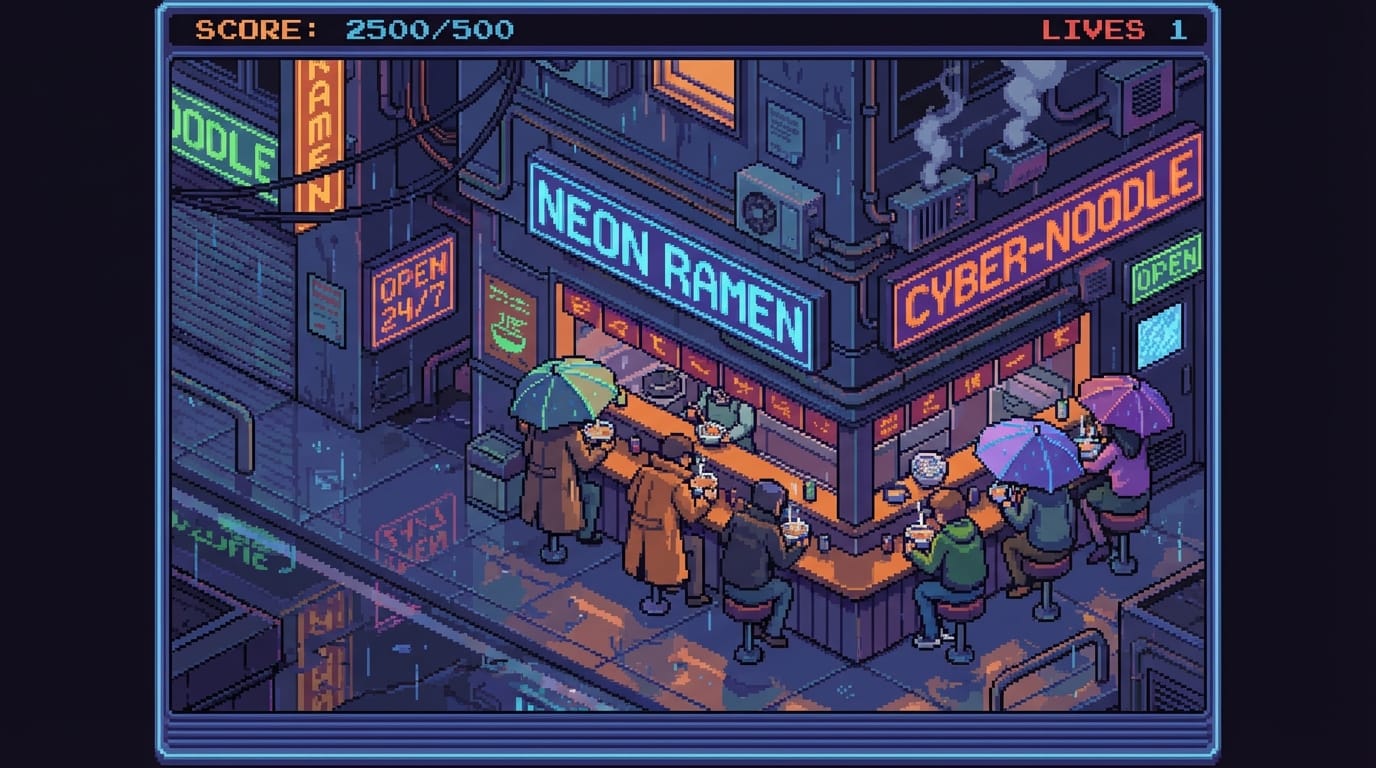
The core of this style lies in its strict grid structure, utilizing distinct, unblended square pixels to form shapes and characters. It completely avoids anti-aliasing, resulting in the sharp, jagged edges that define classic 8-bit or 16-bit aesthetics.
Color palettes are intentionally restricted, often relying on high-contrast hues and dithering techniques to simulate shading and depth. This limitation creates a highly stylized, nostalgic atmosphere reminiscent of early arcade and console gaming.
Narratively, Pixel Art often leans into cyberpunk, fantasy RPG, or cozy slice-of-life themes. A reliable Pixel Art ai generator must understand these specific visual constraints rather than simply applying a low-resolution filter over standard footage.
Kling O1 Performance Analysis in Pixel Art Style
When evaluating Kling O1 Pixel Art capabilities, its advanced MVL architecture plays a crucial role. The model demonstrates strong multi-angle consistency, ensuring that pixelated characters maintain their precise grid structures even during complex camera movements.
Unlike a standard realistic ai generator that might struggle with sharp, unblended edges, Kling O1 respects the stylistic boundaries of pixel art when prompted correctly. Its physics simulation accurately handles dynamic elements like pixelated fire, water, or wind without breaking the 16-bit illusion.
However, because Kling O1 is inherently designed for high-fidelity and cinematic outputs, it requires highly specific prompting. Without clear instructions, the model may attempt to add unwanted realistic lighting or smooth out the intentional pixel grids.
Typical Scenarios for Generating Pixel Art Content with Kling O1
The ability to generate temporally stable pixel animations opens up several practical applications for commercial and independent creators.
Indie Game Trailers and Cutscenes: Developers can rapidly prototype and render cinematic sequences for their games, maintaining strict character continuity across different scenes and environments.
Lo-Fi Music Video Visuals: Music producers frequently use looping pixel art animations as engaging, nostalgic backgrounds for their audio tracks on streaming and video platforms.
Retro Marketing Campaigns: Brands looking to tap into 80s or 90s nostalgia can use this Pixel Art ai model to create eye-catching social media advertisements and dynamic promotional banners.
Concept Art for World-Building: Creators can quickly visualize isometric cities, fantasy landscapes, or character designs before committing to manual, frame-by-frame pixel animation.
Pixel Art Prompt Writing Essentials (Based on Kling O1)
To achieve the best results, a Pixel Art ai prompt for Kling O1 must explicitly override the model's default tendency toward realism. Start by defining the exact era or bit-depth, such as "16-bit style" or "retro arcade aesthetic".
Use structural keywords to prevent anti-aliasing and unwanted blending. Terms like "sharp edges", "limited color palette", "isometric view", and "flat shading" help the model lock into the correct visual constraints.
When directing camera movements, keep instructions simple to maintain the integrity of the pixel grid. Complex, rapid pans can sometimes cause the pixels to blur or lose their sharp definition during generation.
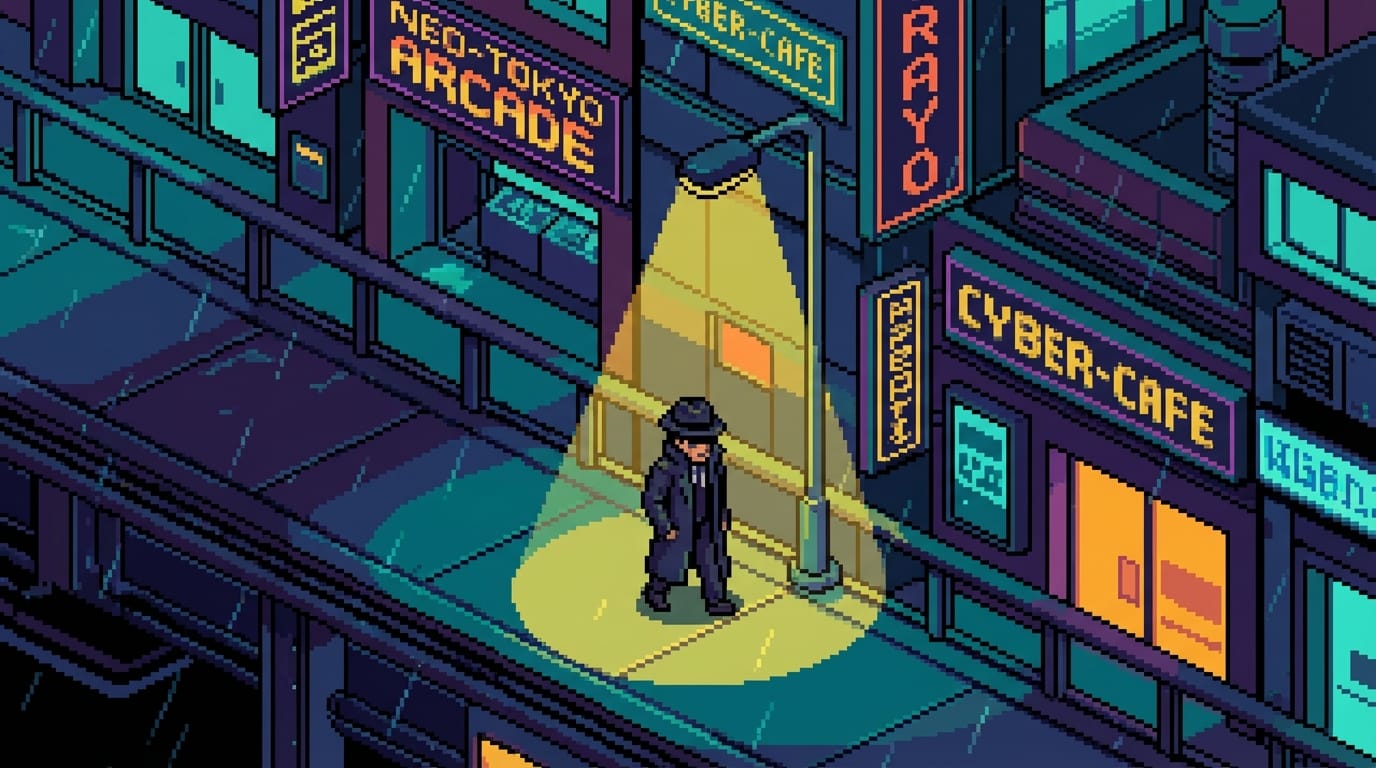
16-bit pixel art style, an isometric view of a cyberpunk city street at night. Neon signs reflecting in rain puddles, limited color palette, sharp edges, no anti-aliasing. A character in a trench coat walks slowly under a streetlamp. Cinematic slow pan, retro arcade aesthetic.
Common Ways to Generate Pixel Art Style with Kling O1
The unified architecture of Kling O1 allows creators to approach pixel art generation through multiple workflows, depending on their starting assets.
For those starting purely from text concepts, the Text-to-Video capability translates descriptive prompts directly into dynamic, retro animations. You can access this workflow here: https://hotgen.ai/create/text2video/kling-video-o1.
If you already have static pixel art illustrations or character sheets, the Image-to-Video function is highly effective. It brings existing 2D assets to life while preserving the original artist's grid and color choices: https://hotgen.ai/create/image2video/kling-video-o1.
The model also supports reference-to-video capabilities, allowing creators to maintain strict character continuity and style consistency across longer narrative sequences.
Which Creators are Suited to Use Kling O1 for Pixel Art Creation
Independent game developers benefit significantly from this model. It allows them to bypass the time-consuming process of manual frame-by-frame pixel animation for promotional materials, visual novel backgrounds, or complex cutscenes.
Video editors looking to inject stylized, nostalgic segments into their broader projects will find Kling O1 highly adaptable. Its ability to handle dynamic camera control makes it superior to traditional static pixel art tools.
Creative agencies and marketing teams can utilize the model to quickly produce retro-themed commercial assets. The platform's unified credit system makes iterating on these concepts highly efficient for commercial teams.
Exploring More Pixel Art Creation Methods on Hotgen.AI
While Kling O1 offers powerful video capabilities, creators often need to test different approaches to achieve the perfect retro aesthetic. Hotgen.AI aggregates multiple top-tier models, allowing you to seamlessly switch between tools without changing accounts.
You can browse the extensive Model Library to find specialized tools for initial static image generation before animating them. Discover available options at https://hotgen.ai/models.
To evaluate which tool handles sharp edges and limited palettes best, utilize the Model Compare feature. This allows you to test the exact same pixel art prompt across different architectures: https://hotgen.ai/models/compare.
Summary: Is Kling O1 Suitable for Pixel Art Style Creation?
Kling O1 proves to be a highly capable tool for Kling O1 Pixel Art style generation, particularly when dynamic movement and narrative continuity are required. Its advanced physics simulation and spatial understanding translate well into the rigid constraints of a pixelated world.
The primary boundary lies in its prompt dependency; users must be highly specific to prevent the model from defaulting to its native cinematic tendencies. It requires clear, structural instructions regarding color limits and edge sharpness.
Ultimately, for creators needing to animate retro worlds or build complex pixel art scenes with dynamic camera movements, Kling O1 provides a robust, professional-grade solution.
Ready to test these capabilities for your own projects? Visit https://hotgen.ai to access the platform.
You can start experimenting with different prompts and workflows immediately by logging in at https://hotgen.ai/signin.