Is Kling 2.5 Turbo Suitable for Generating Sketch Style Content?
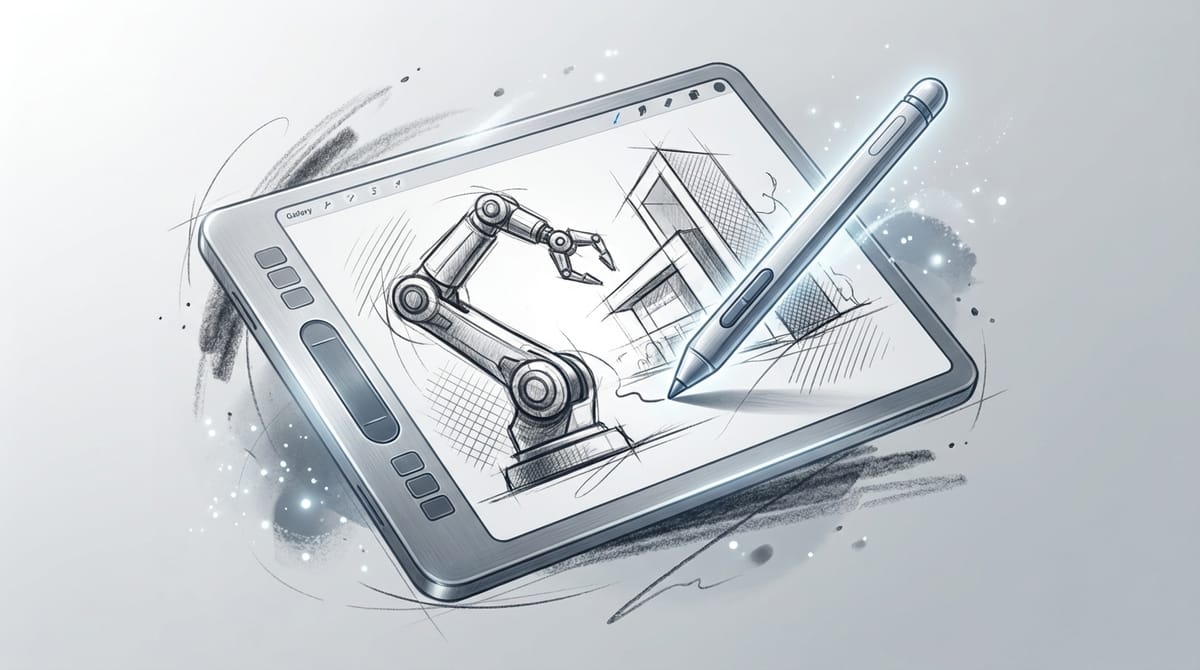
The Sketch style is defined by its raw, expressive lines, monochromatic palettes, and a focus on form and motion rather than photorealistic rendering. It mimics traditional media like pencil, charcoal, or ink, often conveying a sense of artistic spontaneity or preliminary ideation. For creators looking to animate these concepts, Kling 2.5 Turbo offers a compelling solution.
As a high-speed video generation model available on Sousaku.AI, Kling 2.5 Turbo is engineered for rapid iteration and efficiency. While it is optimized for speed, its ability to maintain motion consistency makes it surprisingly effective for generating "hand-drawn" animation effects and dynamic storyboards that define the Sketch aesthetic.
Typical Visual and Content Characteristics of Sketch Style
To successfully generate Sketch content, it is essential to understand the visual language that defines this style. Unlike realistic generations, Sketch relies on abstraction and essentialism.
Key Visual Features:
- Line Work: Dominance of outlines, ranging from clean, continuous strokes to rough, "scratchy" hatching textures.
- Texture: Simulation of paper grain, graphite smudges, or ink bleed.
- Color Palette: Predominantly black and white, sepia, or grayscale, sometimes with selective spot colors for emphasis.
- Lighting: High contrast between the dark strokes and the white/light background; lighting is often implied by shading density rather than realistic ray tracing.
Narrative and Motion:
- Boiling Effect: In video generation, the slight flickering of lines (common in hand-drawn animation) adds life to the content.
- Focus: The background is often minimal or faded, keeping the viewer's attention on the moving subject.
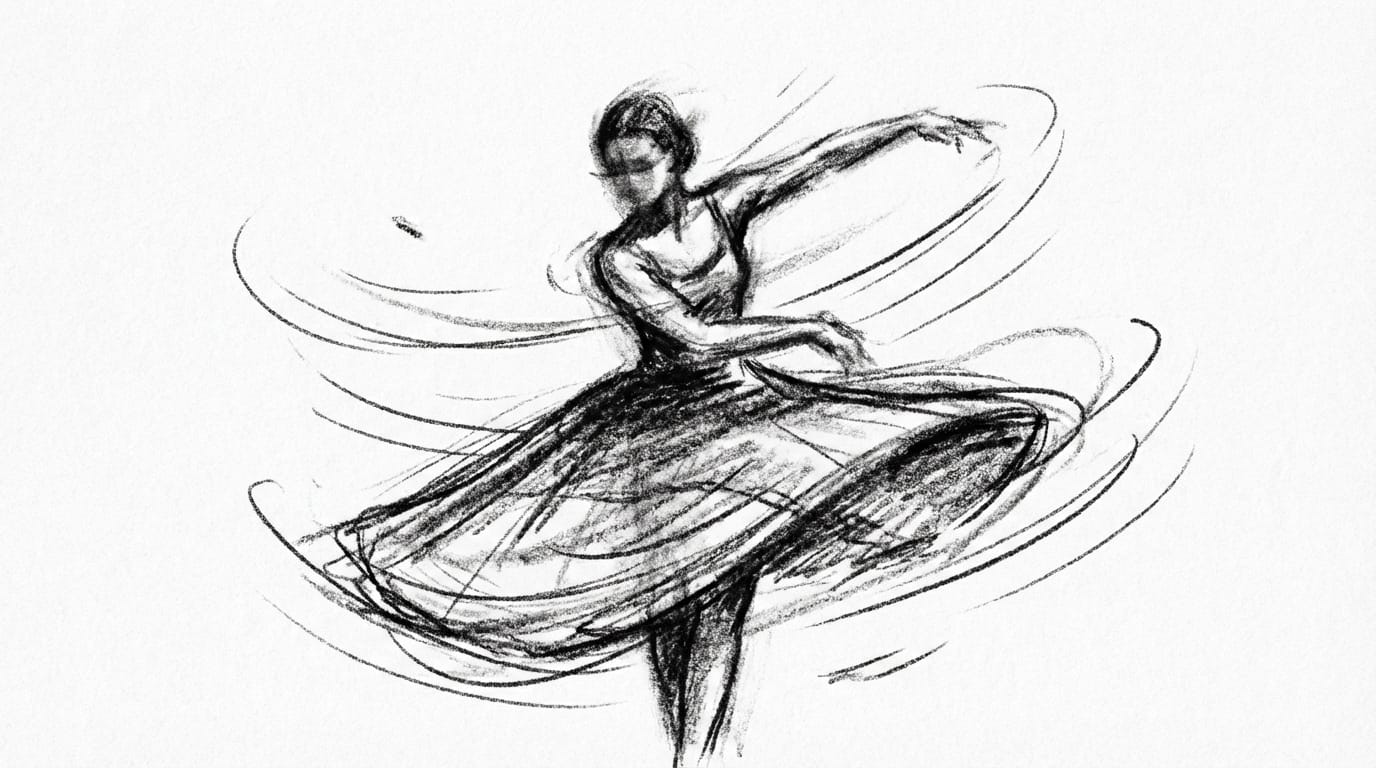
Performance Analysis of Kling 2.5 Turbo on Sketch Style
Kling 2.5 Turbo is positioned as a high-efficiency model, prioritizing generation speed over the extreme high-fidelity detail found in "Pro" or "Master" variants. This positioning actually creates a unique advantage for Sketch style content.
Style Fidelity: The model handles the abstraction of sketches well. Because Sketch style does not require pixel-perfect skin textures or realistic lighting physics, the "Turbo" optimization does not detract from the artistic intent. The model captures the essence of pencil strokes and ink lines effectively.
Motion Stability: Kling 2.5 Turbo excels in maintaining fluid motion even at lower step counts. For Sketch videos, this results in smooth character movements that resemble high-frame-rate animatics. The model is less prone to the "morphing" artifacts that can plague slower models when dealing with abstract lines.
Prompt Responsiveness: The model responds quickly to medium-complexity prompts. However, creators should note that extremely complex, multi-layered artistic instructions might be simplified by the model. It performs best when the prompt clearly defines the medium (e.g., "charcoal sketch") and the action.
Typical Scenarios for Using Kling 2.5 Turbo to Generate Sketch Style Content
Given its speed and motion capabilities, Kling 2.5 Turbo is particularly suited for workflows that require volume and quick visualization.
- Animatics and Storyboards: Filmmakers and animators can use the model to quickly visualize scenes. The Sketch style naturally fits the "work-in-progress" look required for pitch decks or blocking out scenes.
- Music Video Visualizers: The gritty, raw aesthetic of animated charcoal or ink is popular for lyric videos and lo-fi music visualizers.
- Architectural Concepting: generating "living sketches" of buildings or interiors where lines draw themselves or trees sway in the wind, providing a conceptual rather than literal view.
- Social Media Reels: Creating distinct, artistic short-form content that stands out from the generic "AI realism" look.
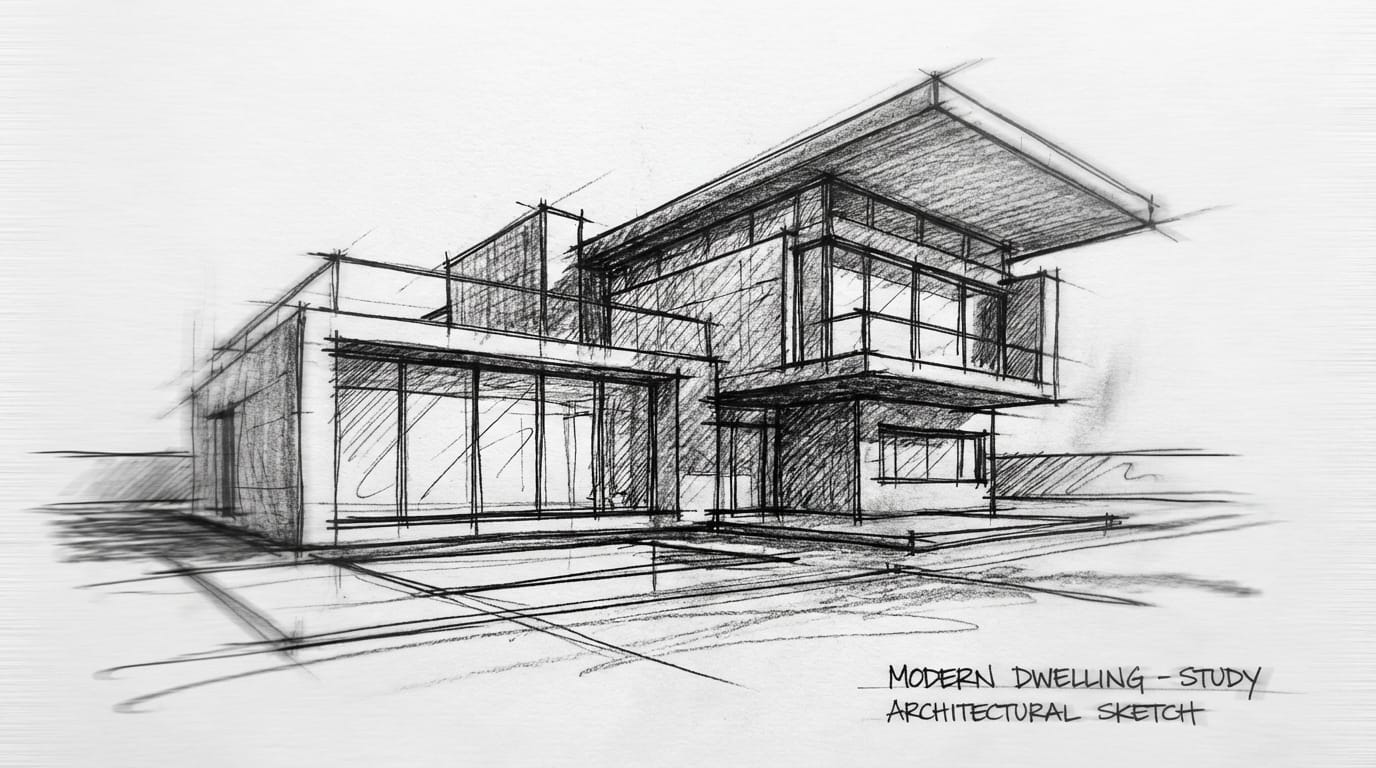
Key Points for Writing Sketch Style Prompts (Based on Kling 2.5 Turbo)
To get the best Sketch results from Kling 2.5 Turbo, prompts should focus on the artistic medium and the nature of the movement.
Structural Recommendations:
- Define the Medium: Start by explicitly stating the art style (e.g., rough pencil sketch, ink wash painting, charcoal drawing).
- Describe the Background: Force a clean background to prevent the model from attempting to render realistic environments (e.g., on white paper, minimalist background).
- Specify Motion: Since this is a video model, describe how the lines or subject move (e.g., morphing lines, dynamic strokes).
Example Prompt:
rough charcoal sketch animation of a noir detective walking in rain, high contrast black and white, heavy shadows, flickering lines, hand-drawn animation style, white paper texture background --ar 16:9
Avoid:
- Overloading the prompt with realistic descriptors like "4k," "photorealistic," or "octane render," as these conflict with the Sketch intent.
Common Ways to Generate Sketch Style Using Kling 2.5 Turbo
On Sousaku.AI, there are two primary pathways to utilize Kling 2.5 Turbo for this specific aesthetic.
1. Text-to-Video Generation This is the most direct method for creating fresh concepts from scratch. It is ideal for ideation and generating random artistic variations. Create Text-to-Video with Kling 2.5 Turbo
2. Image-to-Video Generation For greater control, creators can upload a static sketch (created by a human or an image model) and use Kling 2.5 Turbo to animate it. This ensures the initial character design or composition remains consistent while adding the "Turbo" speed motion. Create Image-to-Video with Kling 2.5 Turbo
Which Creators Are Suitable for Using Kling 2.5 Turbo for Sketch Style Creation
The combination of the Sketch aesthetic and the Turbo model's speed appeals to specific user groups:
- Concept Artists & Directors: Professionals who need to communicate motion and mood quickly without spending hours rendering final assets. The "sketchy" look signals that the work is a draft, inviting feedback.
- Indie Game Developers: For creating cutscenes or loading screens that require a stylized, hand-drawn aesthetic but lack the budget for traditional frame-by-frame animation.
- Content Marketers: Teams needing to produce high volumes of video content for A/B testing. The fast generation time allows for testing multiple artistic variations in minutes.
Explore More Sketch Style Creation Methods on Sousaku.AI
While Kling 2.5 Turbo is excellent for fast video generation, Sousaku.AI aggregates various models that can complement this workflow. You might generate a high-detail static sketch using a specialized image model and then animate it using Kling.
- Browse Model Library: https://sousaku.ai/models
- Compare Model Capabilities: https://sousaku.ai/models/compare
Conclusion: Is Kling 2.5 Turbo Suitable for Sketch Style Creation?
Yes. Kling 2.5 Turbo is a highly effective tool for generating Sketch style content, particularly when the goal is dynamic motion and rapid visualization rather than static perfection. Its "fast and stable" nature mimics the quick, gestural quality of real-world sketching.
For creators who need to produce animated storyboards, artistic visualizers, or concept drafts, Kling 2.5 Turbo offers the right balance of speed and aesthetic coherence.
To start experimenting with Sketch style video generation, visit Sousaku.AI and explore the capabilities of the Turbo model.