Is Kling 2.1 Master the Right Choice for Generative AI Creators?

Generative AI creators constantly seek tools that bridge the gap between rough concept generation and final production-ready assets. Kling 2.1 Master steps into this space as a high-end solution tailored for rigorous visual demands. Available directly through Hotgen.AI, this model offers a specific set of capabilities designed for complex video generation tasks.
Typical Creative and Workflow Needs of Generative AI Creators
Generative AI creators operate in a fast-paced environment where visual fidelity and temporal consistency are paramount. Their daily output often includes cinematic teasers, dynamic concept art, and visual effects (VFX) previews.
They require models that understand intricate spatial layouts and maintain character consistency across moving frames. Efficiency is critical, but not at the expense of output quality.
Reducing the time spent on post-production fixes—like correcting warped limbs or unnatural camera movements—is a primary objective for these professionals.
How Kling 2.1 Master Meets the Needs of Generative AI Creators
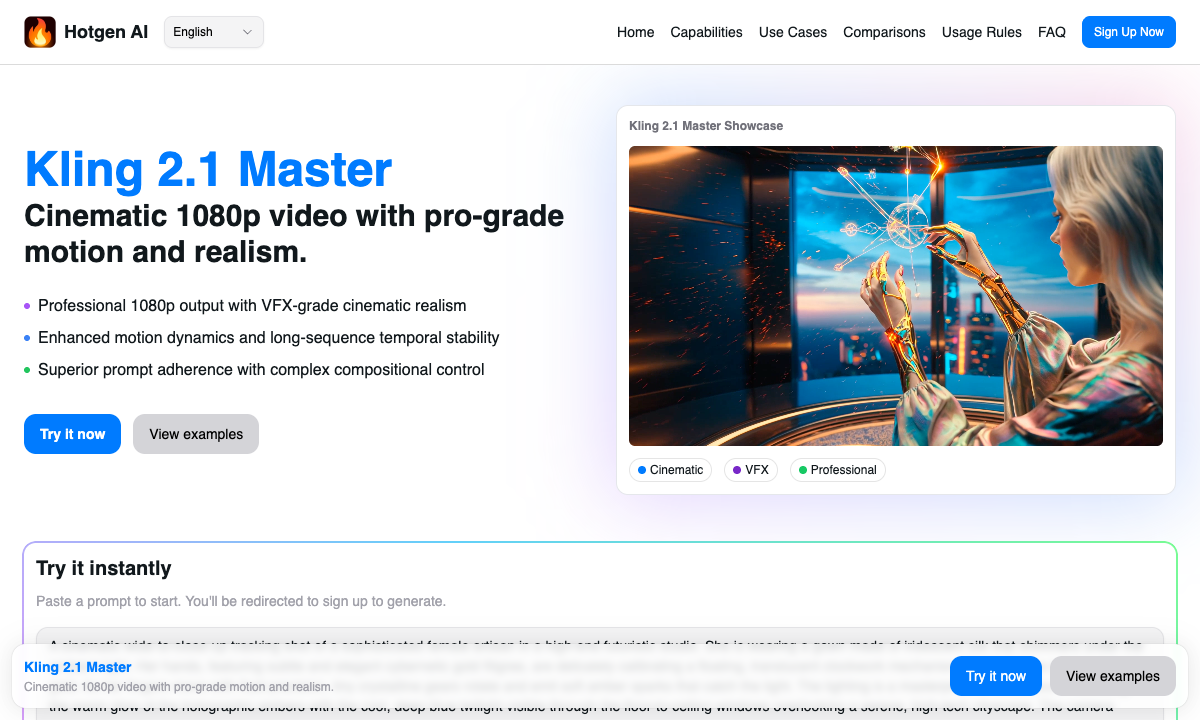
Kling 2.1 Master directly addresses the core pain points of AI video generation by offering native 1080p output and VFX-grade effects. The model excels in maintaining long-sequence stability, ensuring that complex scenes do not degrade over time.
For creators demanding precise control, its enhanced prompt adherence allows for complex layout and composition direction. The model significantly improves limb coordination and natural movement, bringing raw outputs much closer to post-production refinement.
Whether rendering realistic textures or handling extreme camera movements, Kling 2.1 Master delivers a cinematic quality that standard models often struggle to achieve.
Here is an example prompt demonstrating its capability in generating a high-fidelity cinematic scene:
A cinematic sweeping drone shot of a neon-lit cyberpunk city during a heavy rainstorm. Volumetric lighting piercing through the fog, reflections on the wet asphalt, a lone figure in a glowing trench coat walking slowly. Ultra-realistic textures, 8k resolution, highly detailed, moody atmosphere.
Common Workflows: How Generative AI Creators Use Kling 2.1 Master
Integrating this model into daily production requires understanding its strengths in specific generation tasks. Here are two primary workflows utilizing the Text-to-Video and Image-to-Video capabilities.
Workflow 1: Direct Text-to-Video for Cinematic Trailers
Creators often need to generate B-roll footage or trailer sequences from scratch. By inputting highly descriptive text, they can leverage Kling 2.1 Master's deep understanding of cinematic language to produce dynamic, multi-layered shots with accurate lighting.
Example Prompt:
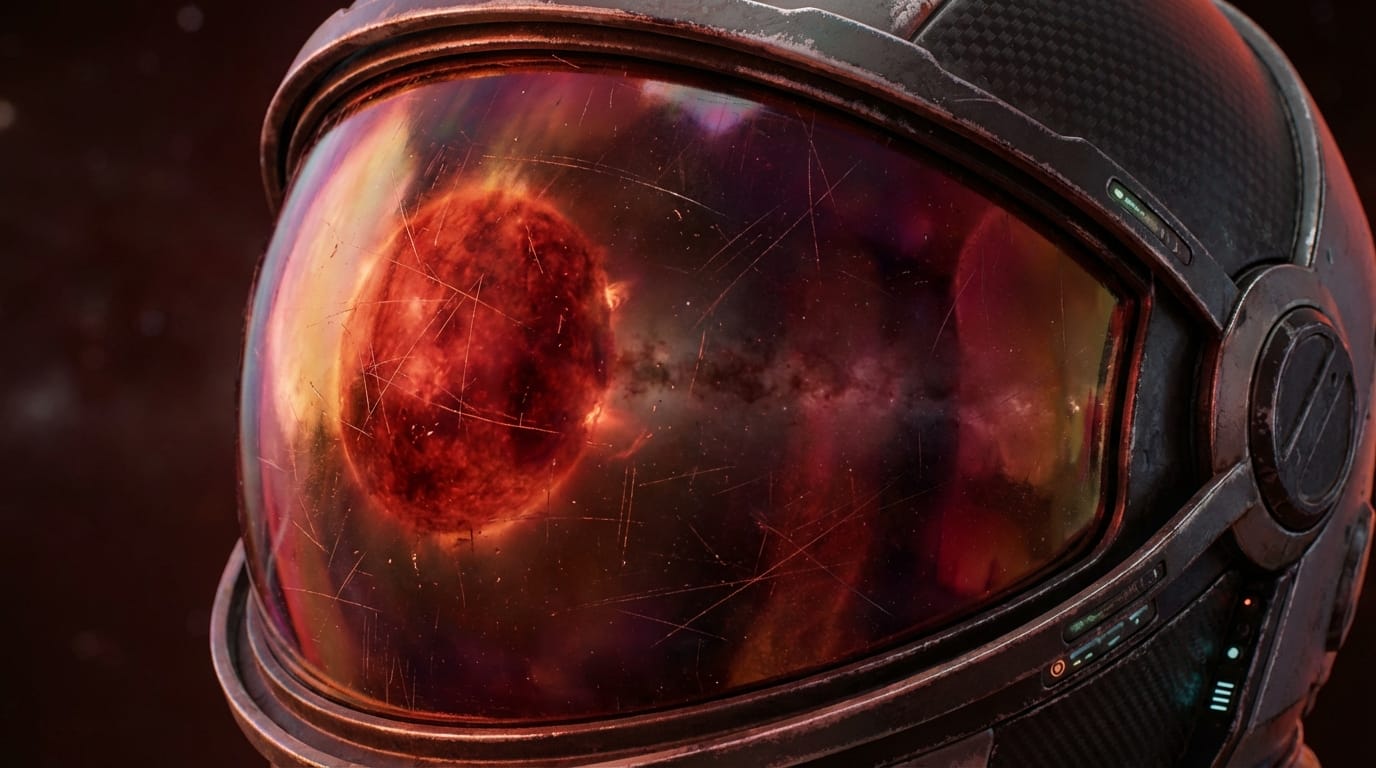
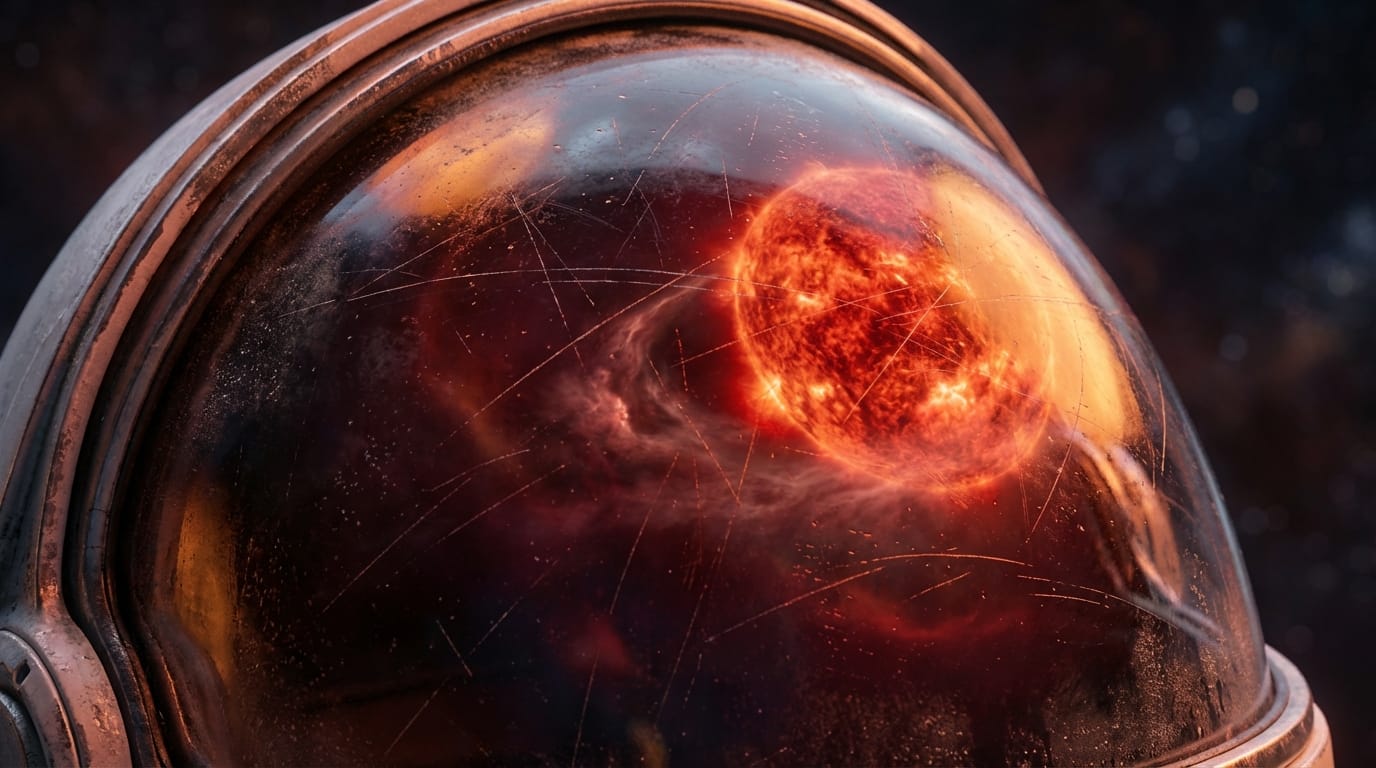
Extreme close-up of a futuristic astronaut helmet reflecting a dying red giant star. The camera slowly pans around the helmet, revealing intricate scratches on the visor and realistic lighting shifts. High-end VFX quality, smooth motion, 1080p.
Workflow 2: Image-to-Video for Concept Art Animation
Many artists begin with a static reference image generated by other tools and use Kling 2.1 Master to bring it to life. This workflow ensures the original art style is strictly preserved while adding complex, natural movement to characters or environments.
Example Prompt:
Animate the static image of a medieval knight standing in a windy wheat field. The wheat sways naturally in the strong breeze, the knight's cape billows dynamically, and the lighting shifts slightly as clouds pass overhead. Stable long-sequence motion.


What Generative AI Creators Need to Know Before Using Kling 2.1 Master
The primary consideration is resource management. Operating the Master mode consumes approximately 1.5 to 2 times the Credits of the Standard version due to its intensive rendering requirements.
Users must craft highly detailed prompts; the model's strict adherence means vague instructions might not fully utilize its complex composition capabilities.
While generation times might be slightly longer for 1080p outputs, the resulting quality often eliminates the need for external upscaling or extensive post-production corrections.
Which Generative AI Creators Should Avoid Kling 2.1 Master
Creators focused on rapid, high-volume prototyping may find this model inefficient. If your goal is simply to generate quick, low-resolution storyboards to test ideas, the higher credit cost will quickly drain your budget.
Similarly, creators producing casual social media memes or simple looping animations do not need VFX-grade lighting or complex multi-layer interactions. In these cases, standard models are far more cost-effective.
How to Maximize Efficiency with Kling 2.1 Master on Hotgen.AI
Operating within an All-in-One AI Creative & Model Aggregation Platform significantly streamlines the creative process. Instead of managing separate subscriptions, creators can utilize a unified Credit System to access multiple top-tier models seamlessly.
When planning a complex project, users can explore the Model Library to identify the best tools for different pipeline stages.
To ensure Kling 2.1 Master is the right fit for a specific shot, creators can utilize the Model Compare feature, evaluating its 1080p output against other leading video models before committing to a full rendering batch.
Final Verdict: Is Kling 2.1 Master Worth Trying for Generative AI Creators?
For professionals demanding near post-production refinement, Kling 2.1 Master is undoubtedly a flagship choice. Its ability to handle extreme camera movements and maintain long-sequence stability justifies the higher credit expenditure.
If your workflow requires cinematic textures, precise limb coordination, and high-fidelity 1080p output, this model provides the necessary technical depth. Assess your project requirements to determine if this level of quality aligns with your current production goals.
Explore the full capabilities of the platform by visiting the Hotgen.AI Official Website.
Review the technical specifications and try Kling 2.1 Master for your next cinematic project.
Ready to build your visual pipeline? Sign in to start creating with top-tier AI models today.