Is Kling 2.1 Master Right for Professional Video Creators?
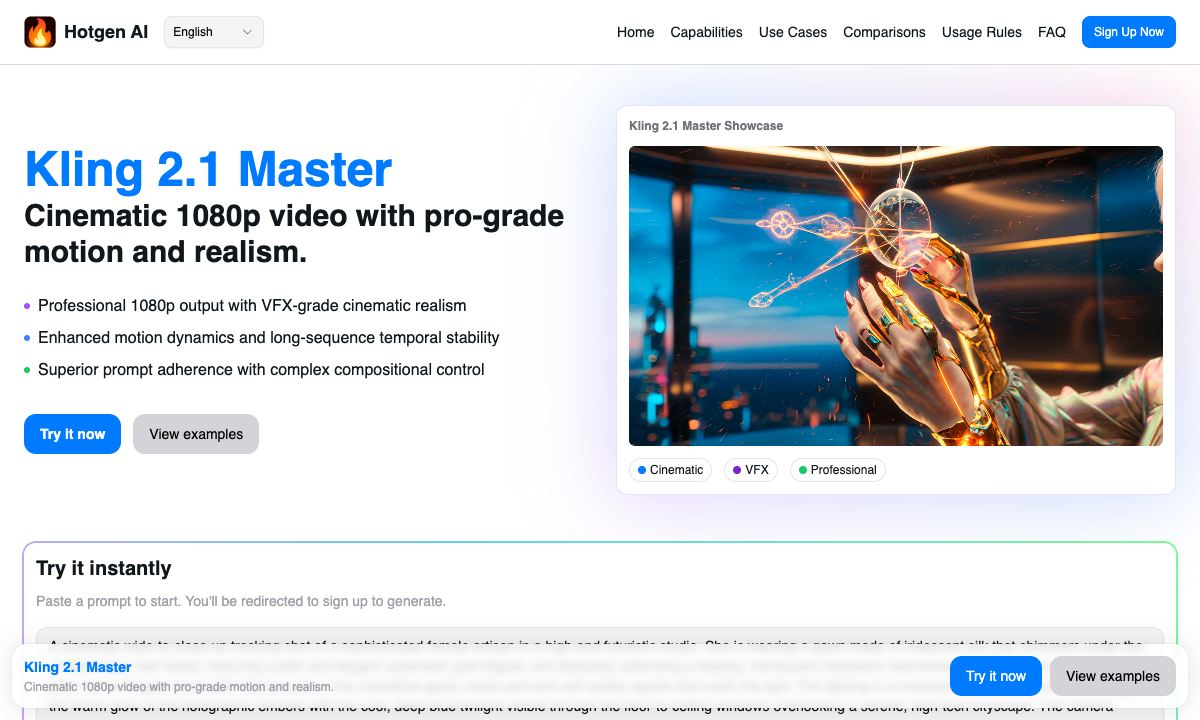
Professional video creators and film production teams demand absolute precision in their workflows. Kling 2.1 Master is a flagship upgrade designed specifically for these high-end creators, offering a significant leap in cinematic output and structural stability.
As a premium model available natively on the Hotgen.AI platform, it bridges the gap between AI generation and post-production polished footage. By leveraging the platform's optimized GPU clusters, creators can access this top-tier visual engine without managing multiple external subscriptions.
Typical Creative Needs of Professional Video Creators
High-end filmmakers, VFX artists, and commercial directors operate under strict quality standards. They require absolute control over scene composition, lighting realism, and extreme camera movements to tell compelling visual stories.
Their daily output includes cinematic trailers, commercial B-roll, and visual effects pre-visualizations. In these demanding workflows, visual consistency and realistic physical interactions are non-negotiable requirements.
Efficiency matters, but not at the expense of output quality. A reliable generative model must reduce post-production cleanup, especially regarding complex character movements, hand coordination, and temporal stability over longer sequences.
How Kling 2.1 Master Meets the Needs of Professional Video Creators
Kling 2.1 Master addresses the core pain points of high-end production by offering native 1080p output and VFX-level effects support. The generation quality is exceptionally high, providing highly realistic textures and cinematic lighting right out of the box.
Unlike standard models, the Master mode excels in ultra-fine dynamic performance and complex layout control. It significantly improves hand and limb coordination, effectively eliminating the uncanny "AI jitter" often seen in character movements.
For scenes requiring extreme camera movements or long-sequence stability, Kling 2.1 Master maintains remarkable structural integrity. It accurately renders multi-layer element interactions, making it ideal for high-stakes visual effects previews.
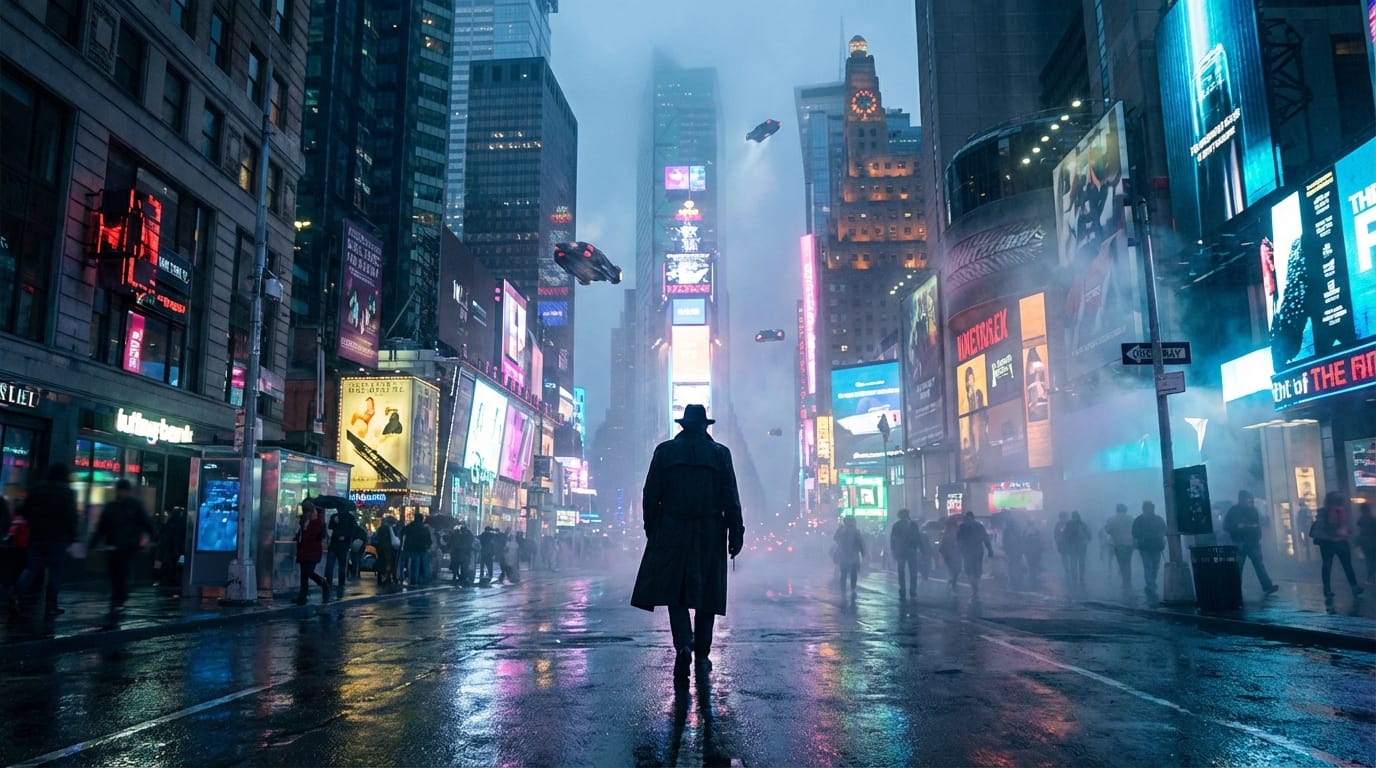
Common Workflows for Professional Video Creators Using Kling 2.1 Master
Integrating Kling 2.1 Master into a professional pipeline is straightforward on Hotgen.AI. Here are two practical workflows utilizing its core capabilities for high-end production.
1. Generating Cinematic Establishing Shots (Text-to-Video) Directors often need high-quality establishing shots for storyboarding or final production. Using the Text-to-Video feature, creators can generate complex, multi-layered environments with precise camera directions.
Example Prompt:
Drone sweeping shot over a dense pine forest covered in morning mist, golden hour sunlight piercing through the canopy, hyper-realistic foliage, smooth cinematic pan, 1080p, highly detailed.

2. Animating Concept Art for VFX Pre-visualization (Image-to-Video) VFX teams frequently animate static concept art to preview dynamic scenes. By uploading a reference image to the Image-to-Video module, the model breathes life into static assets while maintaining the original artistic style and lighting.
Example Prompt:
Animate the static glowing portal to slowly rotate, emitting blue sparks, while the surrounding debris gently floats upward in zero gravity, realistic physics, smooth transition, VFX quality.

What Professional Video Creators Should Keep in Mind When Using Kling 2.1 Master
While the output quality is exceptional, Kling 2.1 Master consumes more platform resources. The credit cost is typically 1.5 to 2 times higher than the Standard version due to the intensive computational requirements.
Teams must manage their Hotgen.AI credits effectively. It is highly recommended to reserve the Master mode for final renders or high-stakes client presentations, while using standard models for early-stage brainstorming.
Additionally, achieving optimal results requires precise prompt engineering. Users must clearly define camera movements, lighting setups, and material textures to fully utilize the model's superior prompt adherence capabilities.
Which Video Creators Should Avoid Kling 2.1 Master
Casual content creators producing fast-paced social media memes or short-form comedic clips do not need this level of detail. The higher credit cost will not yield a proportional return on investment for platforms that compress video quality anyway.
Similarly, creators who only need basic background B-roll without complex character interactions or extreme camera movements should opt for the Standard version. It provides sufficient quality for simple tasks while conserving project budgets.
How to Efficiently Use Kling 2.1 Master on Hotgen.AI
Hotgen.AI provides a unified environment that simplifies the creative process. You can browse the comprehensive Model Library to see all available tools without constantly switching between different service providers.
To ensure you are using the right tool for your specific scene, utilize the Model Compare feature. This allows you to evaluate Kling 2.1 Master against other top-tier models side-by-side to justify the credit spend for a particular shot.
The platform's flexible credit system ensures you only pay for high-end processing power when you actually need it. This allows production teams to scale their resources dynamically based on the demands of each project phase.
Summary: Is Kling 2.1 Master Worth Trying for Professional Video Creators?
For high-end creators and film teams, Kling 2.1 Master absolutely justifies its higher credit cost. The leap in natural movement, limb coordination, and long-sequence stability is currently unmatched in the generative space.
If your project demands extreme cinematic quality, VFX-level previews, and minimal post-production corrections, this model serves as the premier flagship choice. It translates complex creative visions into highly polished visual realities.
Explore the capabilities of the platform by visiting the Hotgen.AI Official Website. Dive deep into the technical specifications on the Kling 2.1 Master page. Sign in now to start testing this model in your professional video workflow.