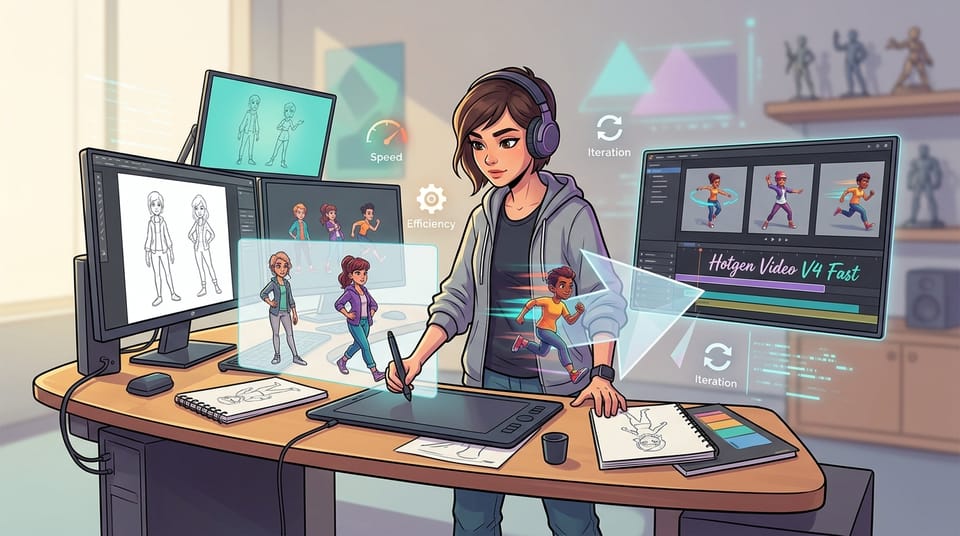
Is Hotgen Video V4 Fast Suitable for Generating Sketch Style Content?
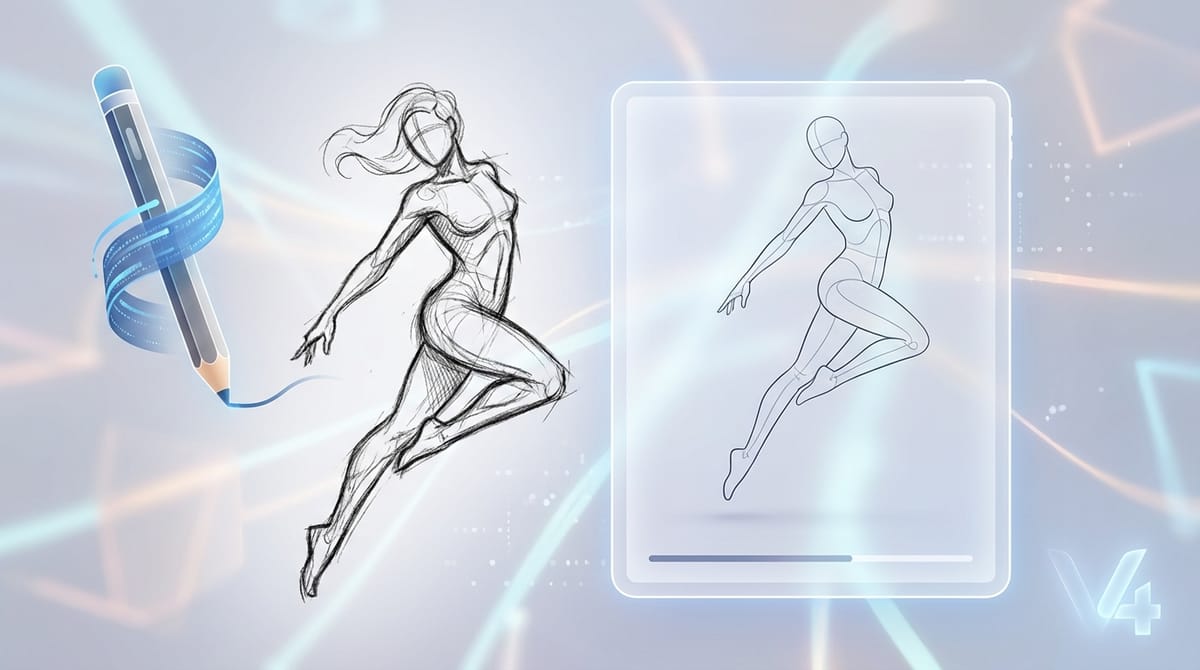
When evaluating a Sketch ai model, creators often look for systems that can capture raw energy, dynamic lines, and unpolished aesthetics. The Sketch style relies heavily on foundational strokes rather than hyper-realistic rendering. Hotgen Video V4 Fast aligns surprisingly well with these specific visual requirements.
As a high-speed, lightweight version of the V4 architecture, this model deliberately sacrifices deep micro-details and complex background compositions to achieve rapid generation times. Because the Sketch style inherently lacks deep detail, this technical trade-off becomes an advantage, allowing creators to produce dynamic sketch videos with minimal wait times on the Hotgen.AI platform.
Typical Visual and Content Characteristics of the Sketch Style
The Sketch style is defined by its raw, foundational aesthetic. Visually, it is dominated by visible strokes, hatching, and cross-hatching techniques that build volume and shadow without relying on smooth gradients. Color palettes are typically monochromatic, utilizing graphite grey, charcoal black, or sepia tones, though minimal color splashes can be applied for emphasis.
Content-wise, sketches focus on capturing the essence of a subject or movement. The edges might be undefined or rough, and the background is often left blank or minimally indicated. This style conveys a sense of work-in-progress, raw emotion, or structural conceptualization, making it highly effective for storyboarding and early-stage visual development.
Performance Analysis of Hotgen Video V4 Fast in Sketch Style
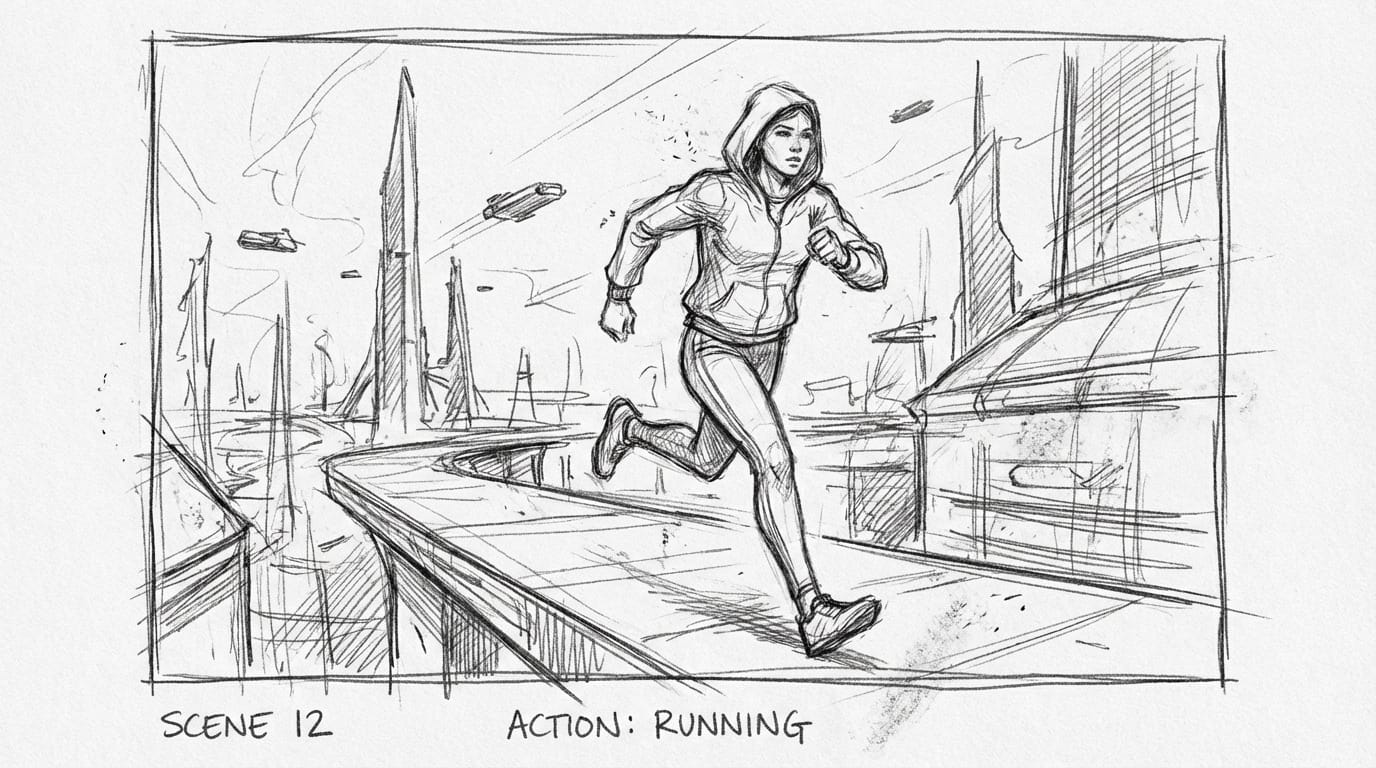
Analyzing Hotgen Video V4 Fast Sketch generation capabilities reveals a strong alignment between the model's architecture and the style's demands. The model is optimized for lower step counts and faster queue processing. While this limits its ability to render photorealistic skin textures or intricate lighting, it perfectly replicates the unrefined nature of pencil or charcoal strokes.
The model maintains the strong prompt adherence inherited from the core V4 architecture. This means it accurately follows instructions for specific sketch mediums, such as "rough ink" or "charcoal smudge." Furthermore, its stability in generating motion makes it highly effective for creating animatics, where the structural consistency of the sketch is maintained across frames without needing heavy computational rendering.
Typical Scenarios for Generating Sketch Content with Hotgen Video V4 Fast
Understanding where to apply a Sketch ai generator can significantly streamline creative workflows. Here are the most practical applications for this specific fast model:
| Generation Scenario | Practical Application | Why Hotgen Video V4 Fast Fits |
|---|---|---|
| Video Storyboarding | Creating dynamic animatics to pitch video concepts or plan camera angles. | Rapid generation speed allows for quick iteration of multiple scenes. |
| Character Concept Art | Testing poses, expressions, and basic anatomy for new character designs. | Excellent prompt adherence for structural ideation without over-rendering. |
| Social Media Teasers | Producing "behind-the-scenes" or raw aesthetic short videos for audience engagement. | Fast output suitable for high-frequency social media content schedules. |
| NSFW/Semi-NSFW Drafting | Establishing foundational poses and anatomy for mature content before final rendering. | The model's specific optimization for this niche combined with rapid sketch output. |
Prompt Writing Essentials for Sketch Style (Based on Hotgen Video V4 Fast)
To maximize the potential of the Hotgen Video V4 Fast Sketch style, your prompts must guide the model away from its default rendering tendencies. Use strong stylistic keywords such as "rough pencil sketch," "charcoal drawing," "monochrome," and "visible loose lines."
Avoid terms that force the model to calculate unnecessary details. Words like "hyper-realistic," "8k resolution," "cinematic lighting," or "highly detailed" will conflict with the lightweight nature of the Fast model and dilute the sketch aesthetic. Keep the subject matter focused and the background descriptions minimal.
Example Prompt: Rough graphite pencil sketch, dynamic animation of a woman looking over her shoulder, loose hatching lines, monochrome grey, unpolished edges, white background, storyboard style, clear structural lines, minimal shading.
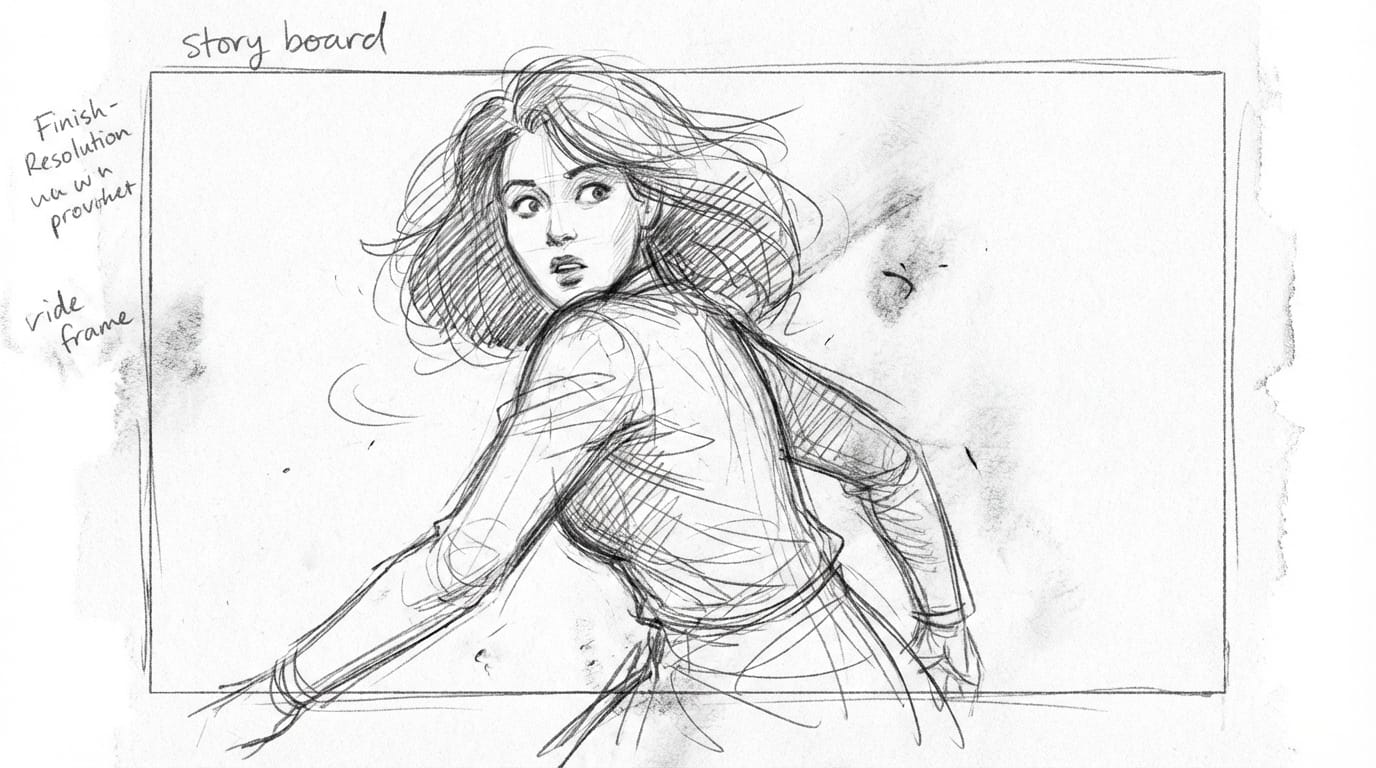
Common Ways to Generate Sketch Style with Hotgen Video V4 Fast
The workflow for creating sketch content depends on your starting assets. Since this model is optimized for motion, the primary generation methods revolve around video outputs.
For creators starting purely from concepts, the Text-to-Video capability allows you to translate written prompts directly into dynamic sketch animations. This is ideal for rapid ideation and testing out structural concepts quickly.
If you already have a static character reference or a basic hand-drawn frame, you can use the Image-to-Video feature. By uploading your static sketch and prompting the model to add motion, you can efficiently create animatics or bring flat storyboards to life while maintaining the original raw aesthetic.
Which Creators Should Use Hotgen Video V4 Fast for Sketch Style?
Solo animators and independent illustrators benefit immensely from this model. When working alone, the ability to generate rapid sketch frames and animatics saves hours of manual drafting. The low wait times mean solo creators can iterate on complex action sequences visually before committing to final animation.
Commercial video production teams and advertising agencies will also find this tool valuable. During the pitching phase, directors can use the model to quickly generate moving storyboards that communicate pacing and composition to clients, without the cost or time associated with rendering polished 3D or realistic previews.
Explore More Sketch Style Creation Methods on Hotgen.AI
While Hotgen Video V4 Fast is excellent for rapid, dynamic sketches, creative needs can shift throughout a project. The Hotgen.AI platform aggregates multiple top-tier models, allowing you to transition your workflow seamlessly. You might use the Fast model for initial sketch ideation, and later switch to a cinematic ai model or realistic ai generator for the final output.
To understand how different architectures handle the sketch aesthetic, you can browse the comprehensive Model Library. If you want to see exactly how Hotgen Video V4 Fast stacks up against heavier, detail-oriented models when given the same sketch prompt, utilize the Model Compare feature to evaluate stroke quality and motion stability side-by-side.
Conclusion: Is Hotgen Video V4 Fast the Right Choice for Sketch Style?
Hotgen Video V4 Fast is highly capable of generating compelling Sketch style content, specifically because its architectural trade-offs align with the raw, unpolished nature of sketches. Its reduced step count and focus on speed make it an exceptional tool for rapid ideation, storyboarding, and dynamic animatics.
However, if your project requires highly refined, museum-quality digital illustrations with intricate cross-hatching and complex background compositions, a heavier model might be necessary. For creators prioritizing workflow efficiency, structural testing, and fast visual communication, this model serves as an ideal starting point.
To test these capabilities for your own storyboards and concept art, visit Hotgen.AI and sign in to start creating your next dynamic sketch project.