Is Hotgen Video V4 Fast Suitable for Character Designers?
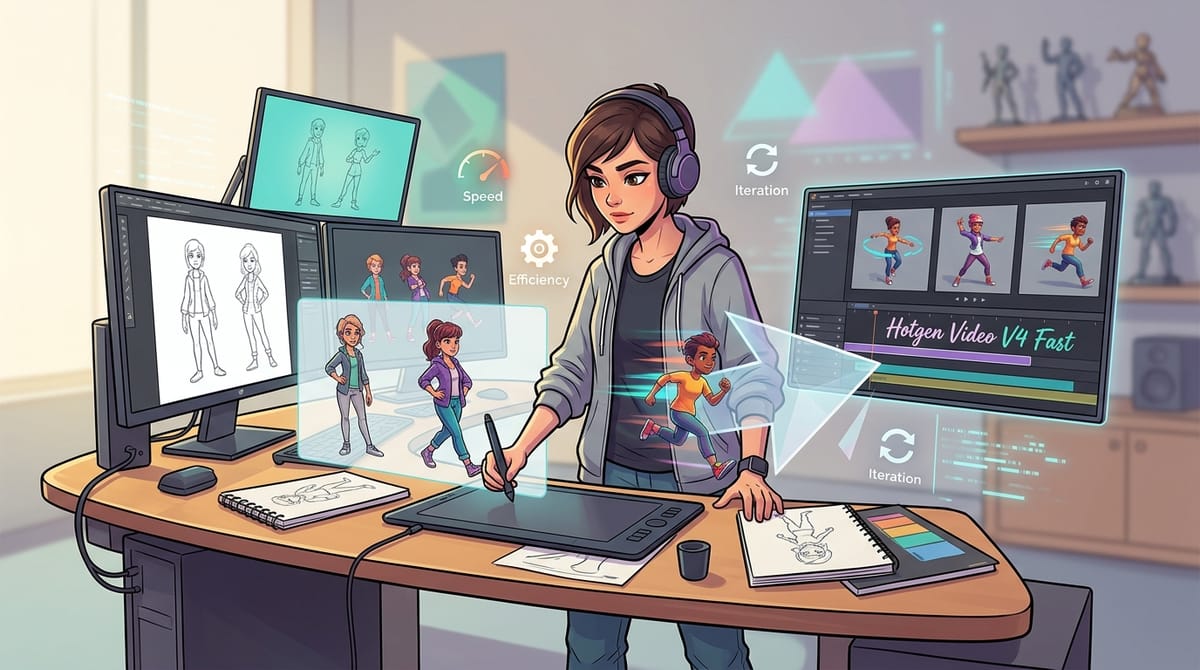
Character designers constantly seek ways to visualize concepts quickly, moving from static sketches to dynamic presentations. The Hotgen Video V4 Fast model serves as a high-speed, lightweight engine specifically optimized for rapid ideation and batch generation.
Available directly on the Hotgen.AI platform, this model allows creators to bypass long queues and generate dynamic character tests in seconds. It is designed for artists who need immediate visual feedback without waiting for heavy processing times.
Typical Creative or Workflow Needs of Character Designers
A character designer’s primary goal is to establish visual identity, anatomical accuracy, and personality through design. They often produce turnaround sheets, action poses, and expression charts.
Efficiency is critical during the initial concept phase. Designers need to iterate rapidly to present multiple options to art directors or clients before committing to detailed rendering.
Additionally, seeing how a character moves or behaves in a dynamic state helps validate the design's functionality. This makes video generation an increasingly valuable asset in the modern conceptual workflow.
How Hotgen Video V4 Fast Meets the Needs of Character Designers
Hotgen Video V4 Fast is engineered for speed, drastically reducing generation time and step counts. This allows designers to test dozens of prompt variations or input images without waiting in long server queues.
The model supports both text-to-video and image-to-video generation. Designers can input a flat character sketch and watch it animate, instantly revealing how clothing, hair, and proportions hold up in motion.
Furthermore, its strong prompt adherence and support for diverse themes—including NSFW and semi-NSFW content—make it versatile for game developers and artists working in mature or highly stylized niches.
Example Prompt:
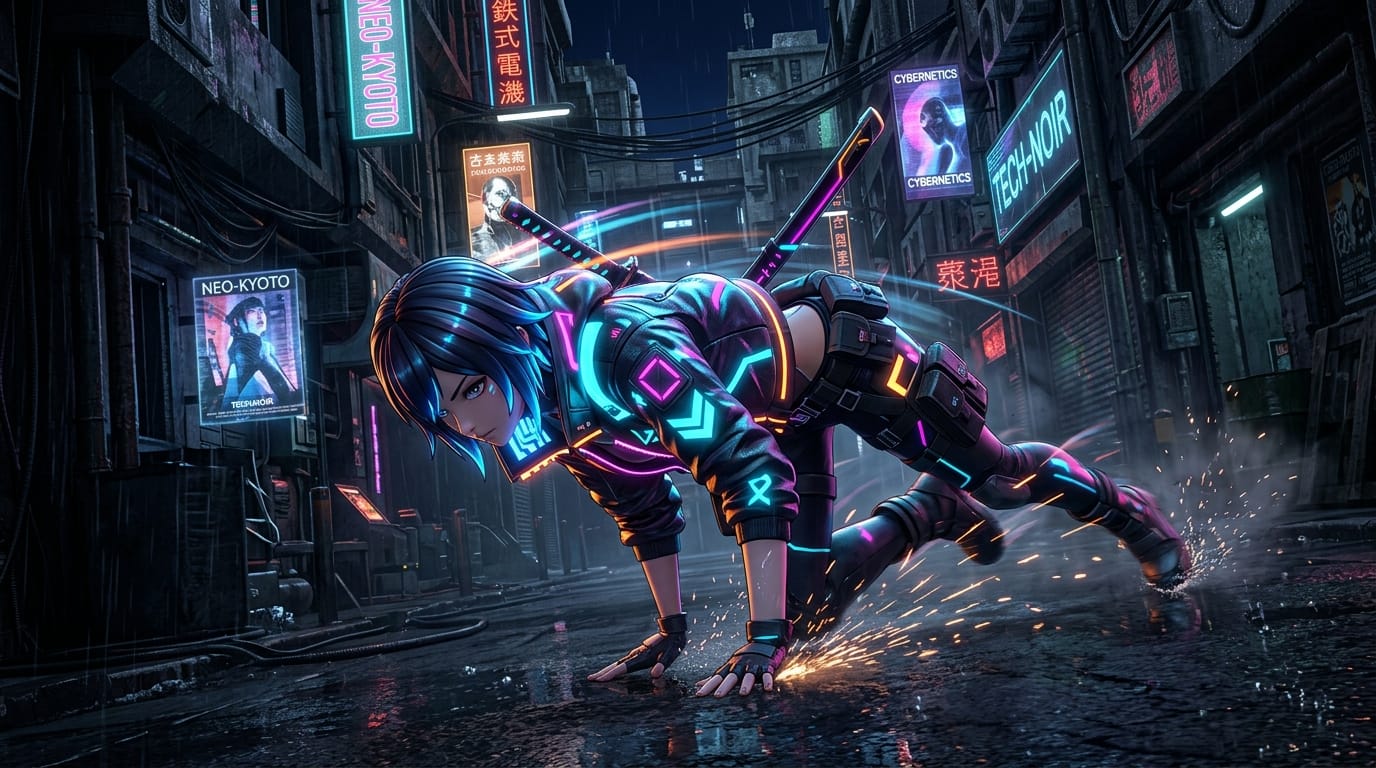
A dynamic 3D anime style character design of a cyberpunk rogue, neon glowing jacket, performing a quick combat roll, fluid motion, high frame rate, dark futuristic alleyway background.
Examples of How Character Designers Use Hotgen Video V4 Fast
Workflow 1: Rapid Concept Animation (Image-to-Video)
Designers often have a static base drawing that needs dynamic validation. By uploading their initial sketch into the Image-to-Video tool, they can generate a short animation to check physics and silhouette readability.
Example Prompt:
Animate the character performing a slow walking cycle, wind blowing through the hair and cape, cinematic lighting, maintaining the original anime art style, smooth transition.

Workflow 2: Batch Ideation for Action Poses (Text-to-Video)
When starting from scratch, a designer might need to visualize how a specific character archetype moves. Using the Text-to-Video feature, they can generate multiple quick iterations of combat or traversal animations to serve as reference material.
Example Prompt:
A fantasy female warrior in silver armor swinging a massive broadsword, dynamic camera angle, motion blur, cel-shaded animation style, high energy movement.

What Character Designers Should Keep in Mind When Using Hotgen Video V4 Fast
The primary trade-off of this fast model is a slight reduction in detail depth and complex composition capabilities. It prioritizes speed and volume over intricate, cinematic perfection.
Cost control is favorable, as the Hotgen.AI unified Credits system allows for high-frequency testing without draining resources quickly. However, users should monitor their usage during heavy batch generation sessions.
It functions best as a drafting and ideation tool. For final, high-fidelity commercial outputs, designers should use the generated video as a structural reference rather than the final deliverable.
Which Character Designers Are Not Suited for Hotgen Video V4 Fast
Designers requiring ultra-high-definition, photorealistic renders with complex multi-character interactions will find this lightweight model limiting.
Artists who need perfect anatomical consistency across long cinematic sequences without any artifacting should opt for heavier, detail-oriented models rather than a speed-focused variant.
How to Efficiently Use Hotgen Video V4 Fast on Hotgen.AI
Operating within the Hotgen.AI ecosystem means you do not have to juggle multiple subscriptions. You can use Hotgen Video V4 Fast for rapid drafting, then seamlessly switch to other tools for different tasks.
If you are unsure whether this model fits your current project, you can browse the comprehensive Model Library to see all available options on the platform.
To ensure you are using the right tool for your specific rendering needs, utilize the Model Compare feature to evaluate outputs side-by-side with other leading AI models.
Conclusion: Is Hotgen Video V4 Fast Worth Trying for Character Designers?
Hotgen Video V4 Fast is highly recommended for character designers who prioritize workflow efficiency, rapid iteration, and immediate visual feedback.
While it may not replace high-fidelity rendering engines for final commercial assets, it is an exceptional tool for the ideation and drafting phases.
By integrating this high-speed model into your daily process, you can significantly reduce the time spent testing concepts and focus more on refining your core designs.
To explore these capabilities and test the model for your own workflow:
- Visit the official platform at Hotgen.AI
- Review the model details on the Hotgen Video V4 Fast page
- Sign in to start creating and streamline your character design process today.