Is Hotgen Image V4 Suitable for Visual Designers?
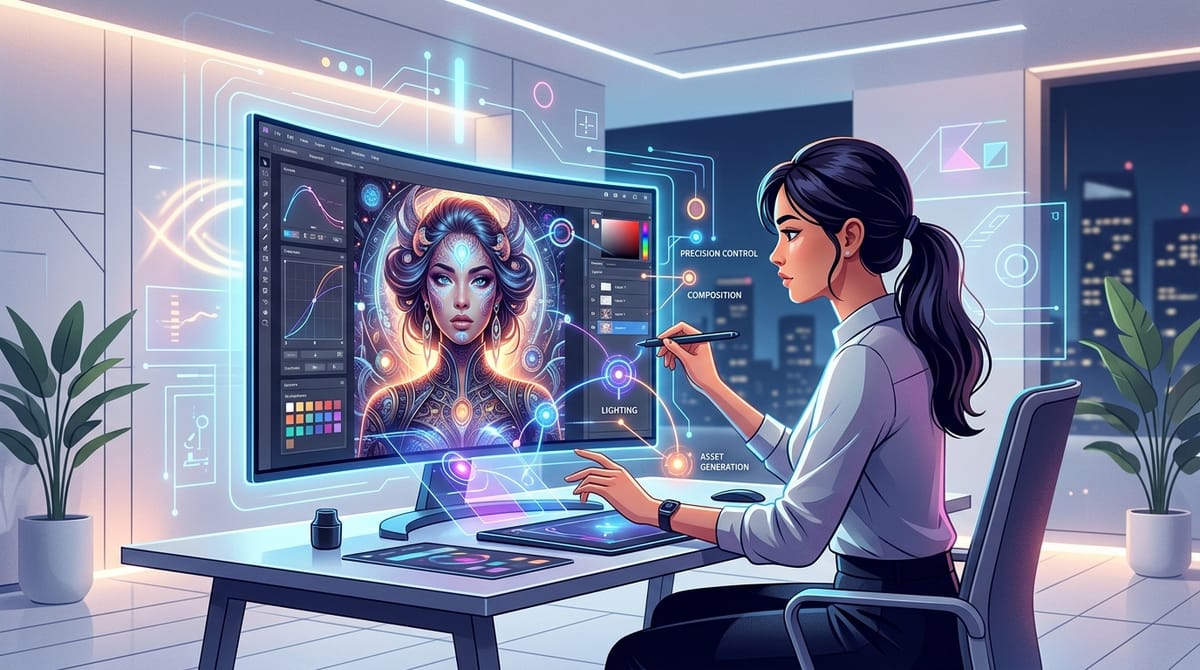
Visual designers constantly seek tools that bridge the gap between abstract concepts and high-fidelity final outputs. Their core needs revolve around precise control over lighting, composition, and intricate details. Finding an engine that consistently delivers commercial-grade assets without requiring endless prompt tweaking is a common challenge in the industry.
Hotgen Image V4 emerges as a highly suitable solution for this demographic. Positioned as an all-around realistic and semi-realistic style engine, it excels in detail rendering, background integrity, and multi-subject consistency. Whether a designer is working on product rendering, fashion photography, or complex character concepts, this model adapts seamlessly to professional workflows.
You can access and utilize this model directly within the Hotgen.AI platform. It operates seamlessly alongside other top-tier models, allowing designers to maintain a unified workspace without juggling multiple subscriptions.
Typical Creative or Workflow Needs of a Visual Designer
A visual designer's daily workflow is heavily driven by the need to produce polished, client-ready commercial assets. Their core objective is to translate brand identities and marketing strategies into compelling visual narratives. This often involves generating high-quality mockups, advertising materials, social media graphics, and character concept art.
Efficiency and output consistency are critical factors in their process. Designers cannot afford models that generate distorted anatomy, chaotic backgrounds, or inconsistent lighting. They require a reliable tool that respects specific compositional boundaries and understands the physical properties of light and shadow.
Furthermore, visual designers frequently need to integrate typography and branding elements into their work. The ability to accurately render text, logos, and specific environmental interactions is a major priority. They need an engine that minimizes the post-production hours spent fixing structural AI errors in software like Photoshop.
How Hotgen Image V4 Meets the Needs of Visual Designers
Hotgen Image V4 directly addresses the precision requirements of visual designers through its advanced lighting physics and compositional balance. The model consistently generates images with accurate shadows, reflections, and depth of field. This significantly reduces the time designers spend correcting lighting anomalies in post-production.
For commercial and advertising work, the model's enhanced ability to render text and logos is a massive advantage. Unlike older generation models that output garbled lettering, Hotgen Image V4 can accurately integrate typographic elements into the environment. This makes it highly effective for creating packaging mockups, storefront concepts, and editorial layouts.
The engine also demonstrates top-tier prompt adherence, particularly regarding complex poses and hand/face details. When visual designers need specific human interactions or dynamic character positioning, the model follows instructions closely.
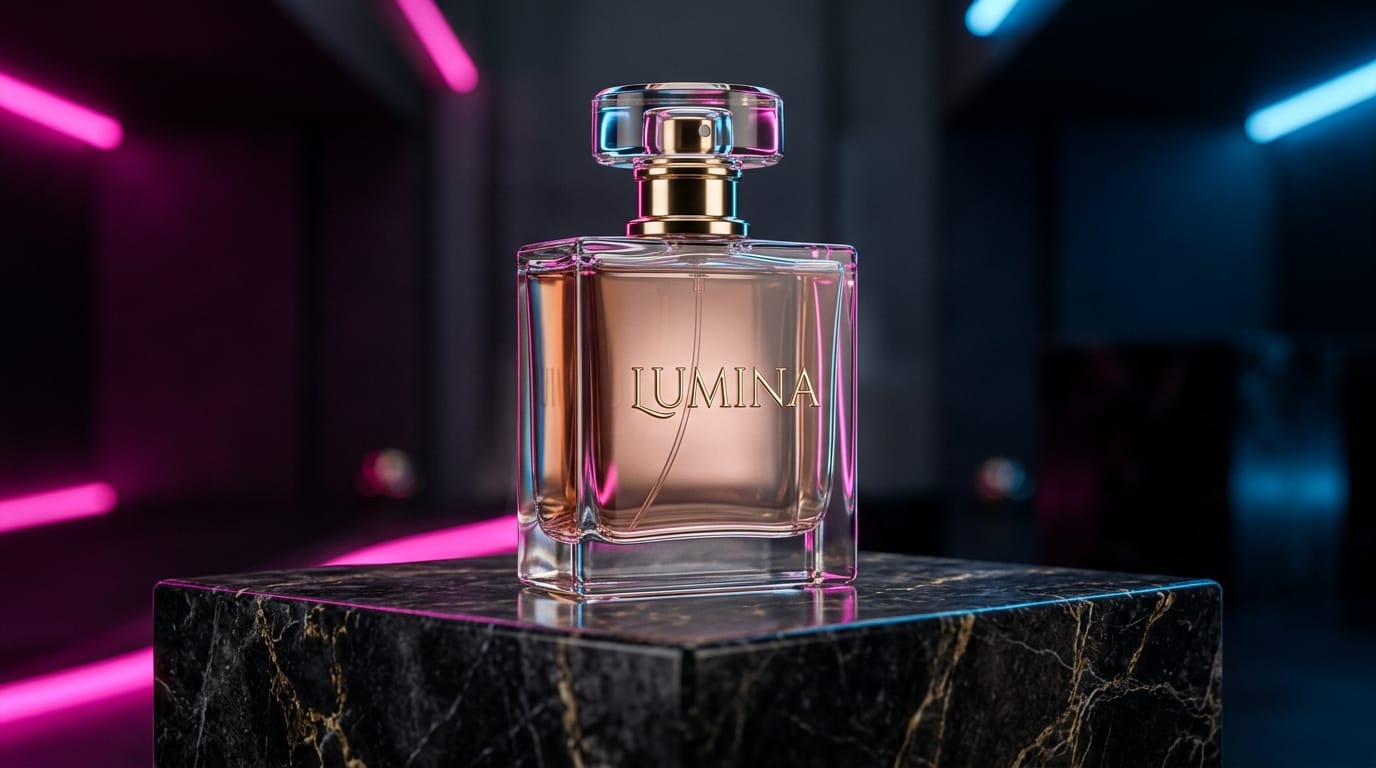
To illustrate its capability in a commercial context, here is a text-to-image prompt tailored for a visual designer creating an advertising poster:
Example Prompt:
A high-end commercial product shot of a sleek glass perfume bottle resting on a dark marble pedestal. Dramatic studio lighting with soft shadows, neon pink and electric blue rim lights reflecting off the glass. The word 'LUMINA' is elegantly embossed on the bottle. Hyper-realistic, 8k resolution, cinematic composition.
Common Use Cases of Hotgen Image V4 for Visual Designers
Visual designers can integrate Hotgen Image V4 into their workflows through various methods. The model supports both text-to-image and image-to-image generation, providing flexibility for different stages of the creative process.
1. Generating Commercial Advertising Assets
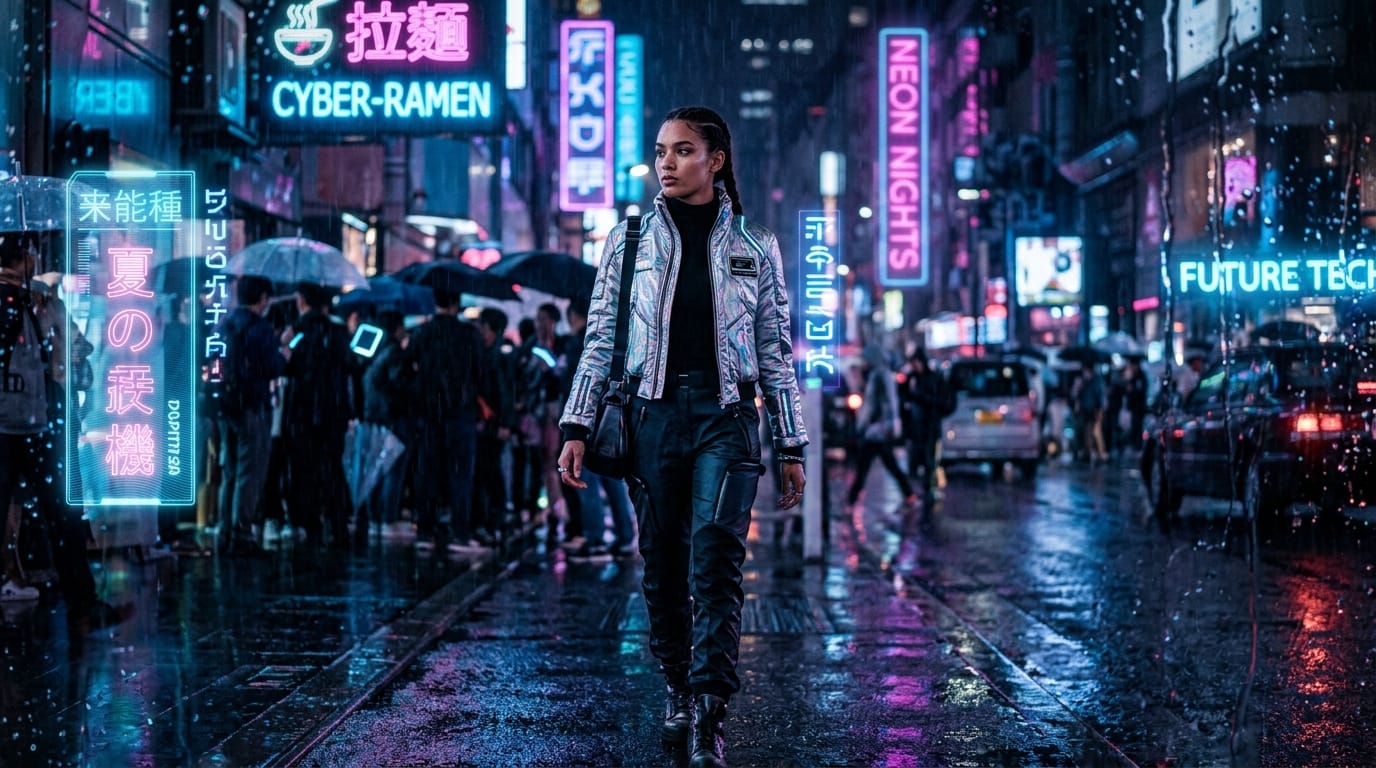
Designers often need to create striking visuals for social media campaigns or digital billboards. Using the Text-to-Image capability, they can input detailed descriptions of the desired scene, lighting, and product placement. This allows for rapid iteration of visual concepts before committing to a final art direction.
Example Prompt:
A dynamic fashion photography shot of a female model wearing a futuristic silver jacket, walking down a neon-lit cyberpunk street at night. Raindrops on the camera lens, cinematic lighting, shallow depth of field, sharp focus on the model's face, ultra-detailed skin texture, 8k resolution.
2. Refining Rough Sketches into Polished Concepts
When starting with a basic composition or a client's rough sketch, designers can use the Image-to-Image feature. By uploading a base image and providing a descriptive prompt, the model acts as a rendering engine. It adds realistic lighting, textures, and details while maintaining the original structural intent of the designer.
Example Prompt:
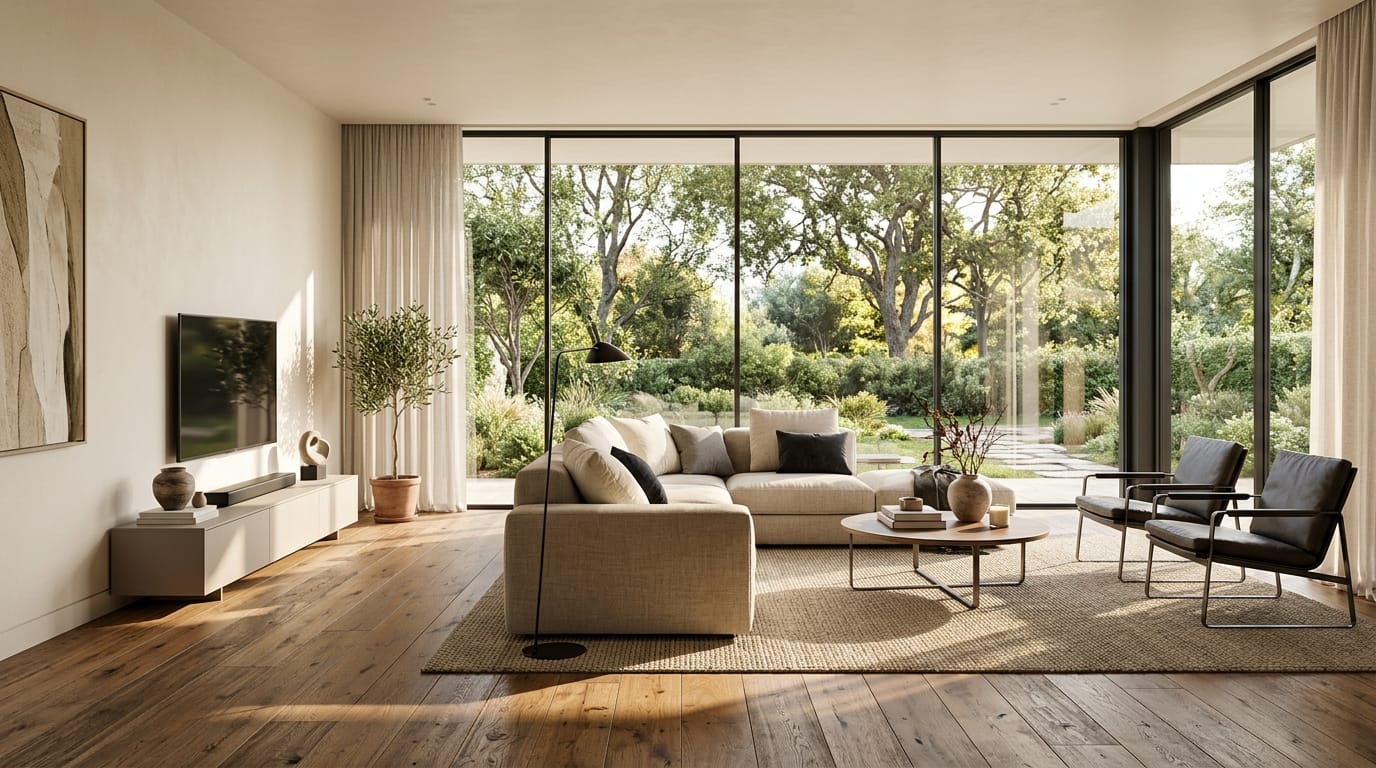
Transform this rough sketch into a fully rendered, hyper-realistic architectural visualization of a modern minimalist living room. Floor-to-ceiling windows, natural warm sunlight streaming in, realistic wood floor textures, high-end contemporary furniture, photorealistic, architectural photography.
What Visual Designers Should Keep in Mind When Using Hotgen Image V4
While Hotgen Image V4 is highly capable, designers must understand its operational nuances. The model thrives on detailed, structured prompts. To extract the best high-fidelity results, users should specify lighting conditions, camera angles, and material textures rather than relying on brief, vague descriptions.
Cost control is another practical consideration. High-resolution generations and complex image-to-image processing consume platform credits. Visual designers should establish a workflow where they generate low-resolution initial concepts first, only spending additional credits to upscale or refine the approved compositions.
Additionally, designers should be aware of the model's capabilities regarding adult-oriented content. Because it excels in NSFW and semi-NSFW domains when the toggle is active, designers working on strictly corporate or brand-safe projects must ensure their settings and prompts align with their client's compliance guidelines.
Which Visual Designers Might Not Find Hotgen Image V4 Suitable
Designers whose primary focus is strictly vector-based graphic design will not find this model suitable. Hotgen Image V4 generates raster images (pixels), which cannot be infinitely scaled without quality loss. Those needing SVG files for logo design or large-scale print typography will still need dedicated vector software.
Furthermore, designers exclusively seeking flat, cel-shaded anime aesthetics might find this model over-engineered for their needs. While it can handle light fantasy, its core architecture is optimized for high-fidelity, realistic, and semi-realistic rendering rather than pure 2D anime stylization.
How Visual Designers Can Efficiently Use Hotgen Image V4 on Hotgen.AI
Operating within the Hotgen.AI ecosystem provides a streamlined experience for visual designers. Instead of managing separate accounts for different AI tools, designers can access Hotgen Image V4 alongside other leading engines. This centralized approach simplifies asset management and accelerates the creative pipeline.
To maximize efficiency, designers should actively utilize the Model Library to understand the full spectrum of available tools. When a specific project requires a unique aesthetic, they can easily switch from Hotgen Image V4 to a specialized model without leaving the interface.
For complex projects, evaluating different outputs is essential. Designers can use the Model Compare feature to test the exact same prompt across Hotgen Image V4 and other top-tier models like Midjourney V7 or Flux. This side-by-side comparison ensures the chosen visual direction perfectly aligns with the client's expectations.
Final Verdict: Is Hotgen Image V4 Worth Trying for Visual Designers?
Hotgen Image V4 presents a compelling option for visual designers focused on high-fidelity, realistic, and semi-realistic imagery. Its strong grasp of lighting physics, precise detail rendering, and capability to handle text and complex poses make it a highly practical tool for commercial workflows.
If your daily tasks involve generating polished advertising materials, detailed character concepts, or product mockups, this model aligns closely with those demands. The unified Hotgen.AI platform further enhances its utility by integrating it into a broader suite of creative tools.
Evaluate your current workflow and consider how a high-fidelity rendering engine could optimize your production time.
- Explore the platform: https://hotgen.ai
- Review the model details: https://hotgen.ai/models/hotgen-image-nsfw
- Start creating today: https://hotgen.ai/signin