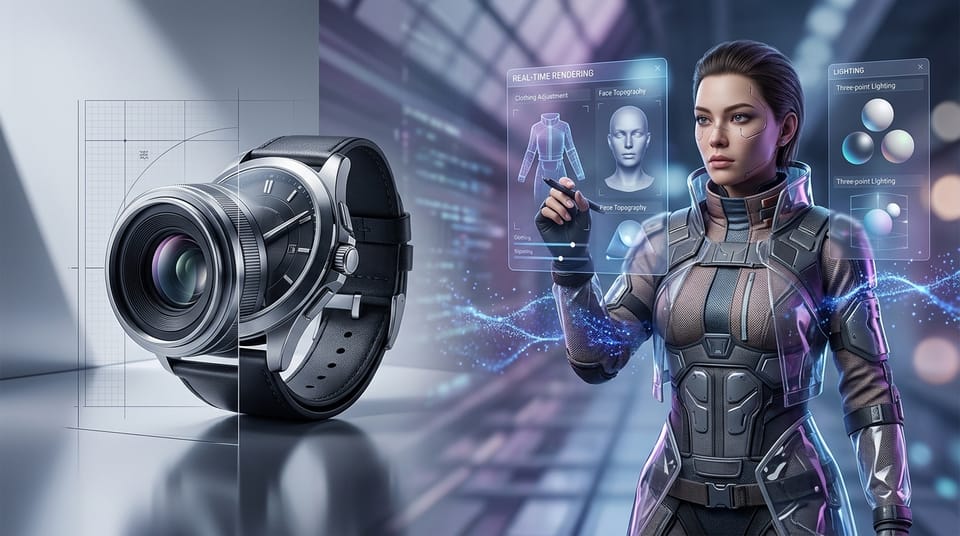
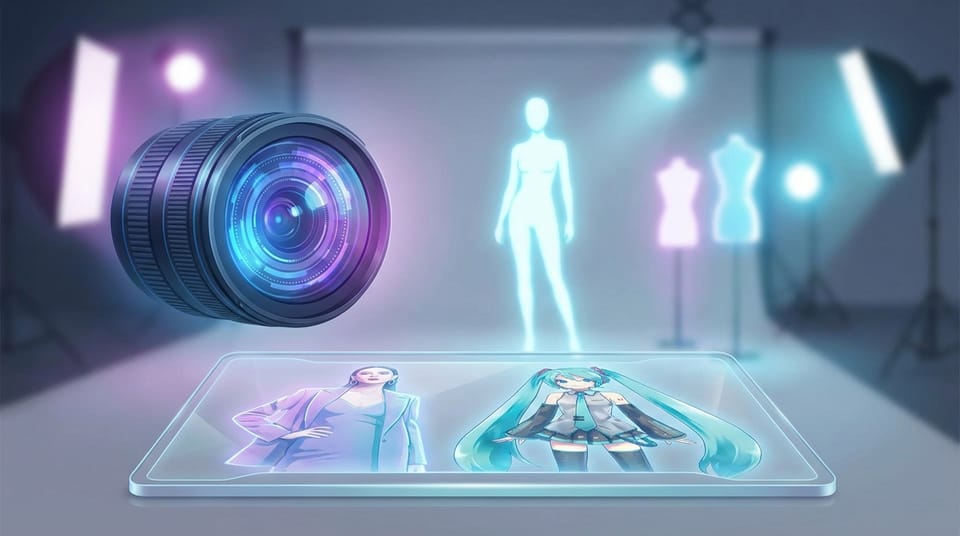
Is Hotgen Image V4 Pro Effective for High-End Portrait and Commercial Magazine Cover Generation?
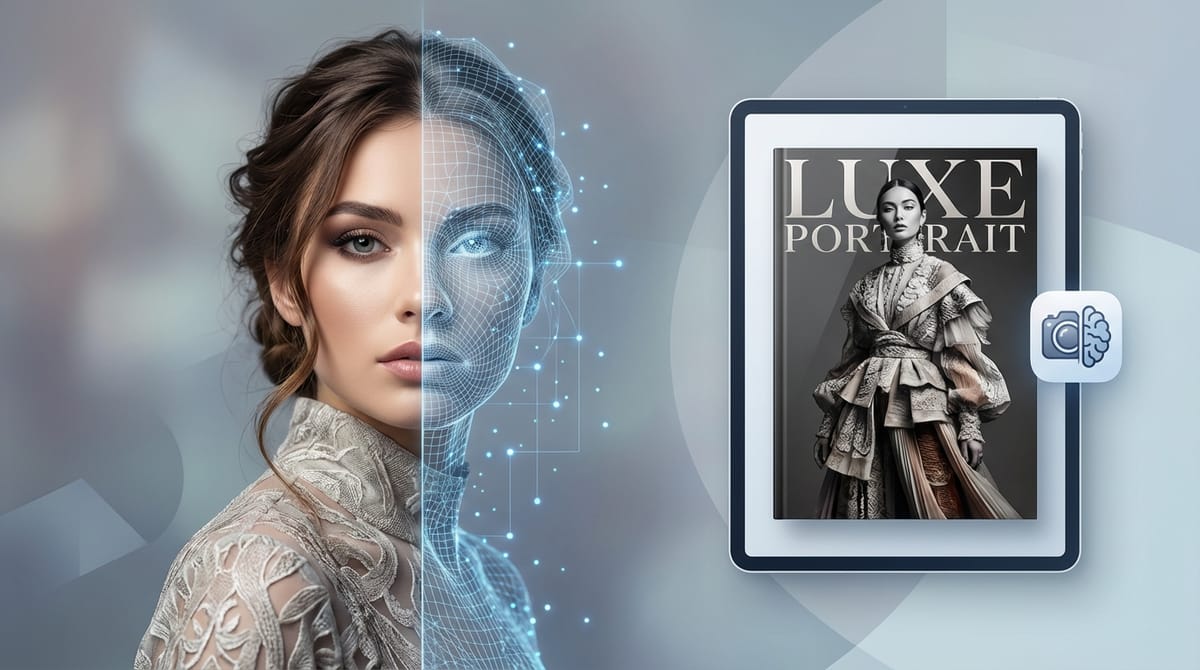
Creating commercial-grade portraits and magazine covers requires absolute precision in lighting, material textures, and anatomical accuracy. Professionals in this space need models that can handle complex prompts involving multi-layered clothing, dynamic hair physics, and studio-level atmospheric effects without structural collapse.
Hotgen Image V4 Pro is specifically engineered to meet these strict requirements. As a professional-grade checkpoint available on the Hotgen.AI platform, it focuses on delivering extreme detail sharpness and realistic rendering that closely mirrors high-end CG or professional photography post-processing.
Core Creative Needs in High-End Portrait and Magazine Cover Generation
In commercial editorial and high-end portrait workflows, the primary objective is producing assets that require minimal to zero manual retouching. Outputs usually take the form of high-resolution digital illustrations, virtual idol concept art, or photorealistic commercial photography replacements.
Consistency and control are the most critical factors here. Creators need the AI to accurately interpret precise composition instructions and multi-angle references.
Furthermore, handling intricate details—such as the way light interacts with different fabrics or how hair flows in a specific environment—determines whether an image is usable for commercial output.
Advantages of Using Hotgen Image V4 Pro for High-End Portraits
Hotgen Image V4 Pro addresses the specific challenges of commercial output through an upgraded rendering resolution and enhanced detail sharpness. It effectively manages extreme lighting and atmospheric effects, ensuring that studio-style dramatic lighting looks natural rather than artificially generated.
One of its distinct technical advantages is its handling of physics and layers. The model excels at rendering long hair dynamics and multi-layer clothing deconstruction, which are notoriously difficult for standard models to process without blending errors.
Additionally, the Pro checkpoint is optimized for complex prompt adherence. It responds accurately to multi-style blending and precise composition directives, significantly reducing the probability of anatomical distortion or structural collapse in demanding scenarios.
Typical Workflow Examples of Hotgen Image V4 Pro
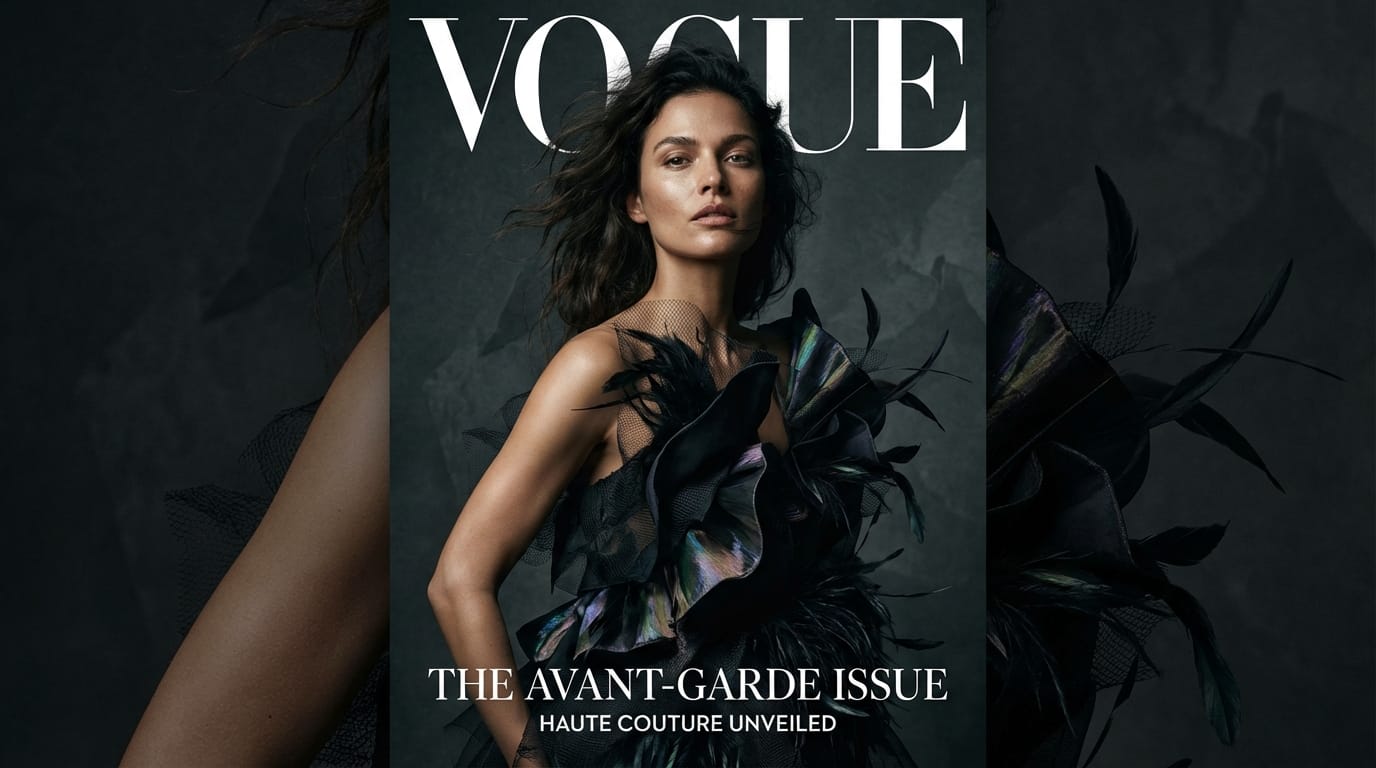
1. Text-to-Image: Commercial Fashion Magazine Cover
When generating original editorial assets from scratch, creators can utilize the Text-to-Image capability to establish exact lighting and material parameters. This workflow is ideal for producing high-resolution, photorealistic covers.
Example Prompt:
A high-end fashion magazine cover featuring a beautiful female model with realistic skin texture, wearing a multi-layered avant-garde haute couture dress. Dramatic studio lighting, sharp focus, 8k resolution, photorealistic, intricate fabric details, dynamic blowing long hair, dark moody background.
2. Image-to-Image: Virtual Idol Concept Art Refinement
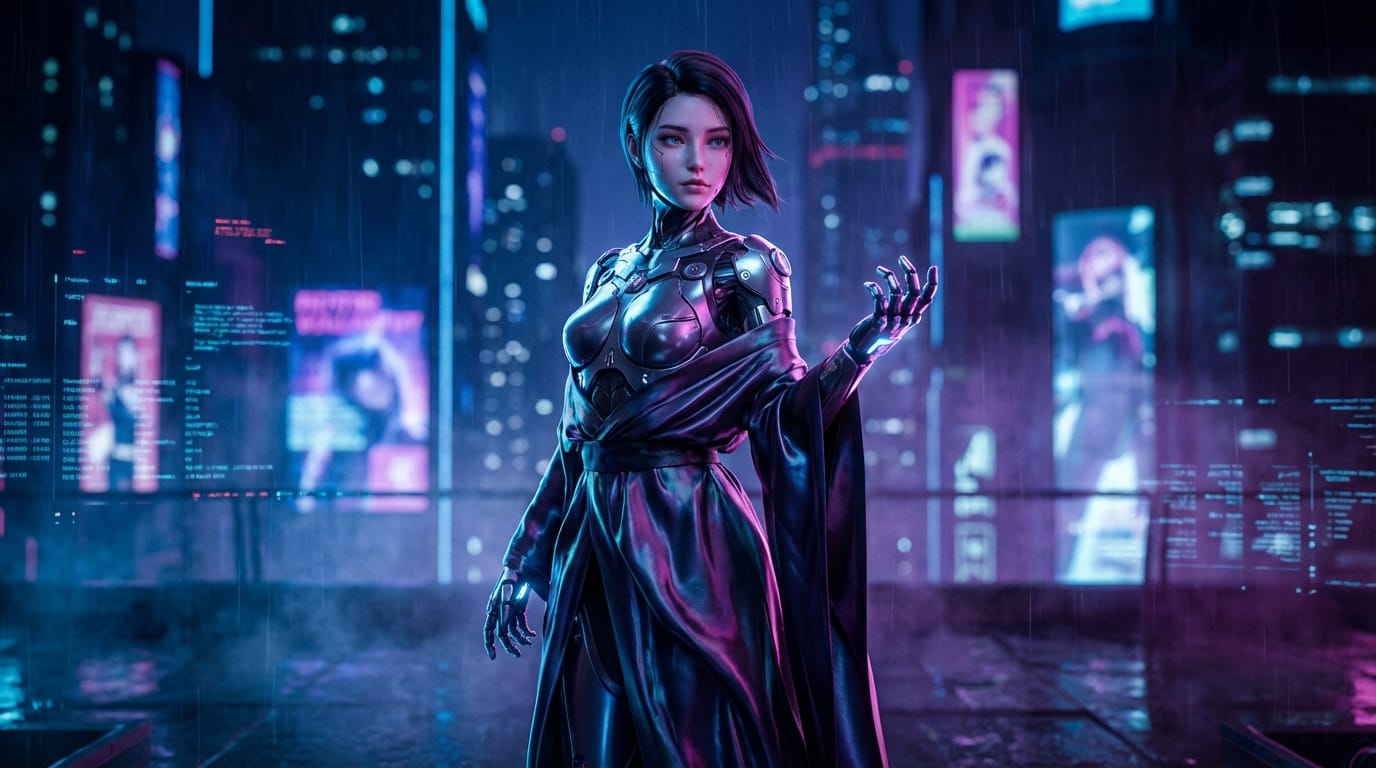
For creators who already have a base sketch or a 3D block-out, the Image-to-Image function allows for professional-grade rendering while maintaining the original pose and composition.
Example Prompt:
Masterpiece, high-end CG rendering of a virtual idol, cyberpunk style, neon rim lighting, detailed mechanical accessories mixed with flowing silk garments, highly detailed face, professional color grading, cinematic atmosphere, maintaining the original pose and composition.
Limitations and Considerations When Using Hotgen Image V4 Pro
While highly capable, Hotgen Image V4 Pro requires highly specific and complex prompting to utilize its full potential. Users relying on short, vague prompts may not trigger the advanced detail and lighting algorithms effectively.
Because it is a Pro-tier checkpoint with higher queue priority and enhanced rendering speed, it may consume more platform credits per generation compared to standard models.
Stylistically, the model is heavily biased toward professional photography and high-end CG aesthetics. It is not the optimal choice for users seeking simple flat vector graphics, rough sketches, or minimalist line art.
Who Should Use Hotgen Image V4 Pro in This Scenario?
Professional illustrators and CG artists will find this model highly suitable for generating base renders or finalizing complex visual concepts. Its ability to handle intricate clothing layers saves significant time in the drafting phase.
Commercial advertising teams and editorial designers can use it to generate magazine-quality assets efficiently, especially when organizing physical photoshoots is constrained by time or budget.
Virtual idol creators and game developers are also a strong fit, as they require consistent, highly detailed character portraits with specific atmospheric lighting and material accuracy.
How to Start High-End Portrait Generation on Hotgen.AI
Executing these workflows is straightforward within the unified Hotgen.AI environment. Users can access Hotgen Image V4 Pro directly without needing to configure local GPU environments or manage separate software subscriptions.
To see how this model aligns with your specific requirements alongside other tools, you can browse the full Model Library available on the platform.
For a more analytical approach, utilizing the Model Compare feature allows you to test the exact same high-end portrait prompts across different checkpoints to evaluate the rendering differences firsthand.
Conclusion: Does Hotgen Image V4 Pro Fit Your High-End Portrait Needs?
Hotgen Image V4 Pro provides the structural stability, texture realism, and prompt adherence necessary for commercial-grade portraits and magazine covers. Its strengths in handling complex lighting and multi-layered clothing make it highly effective for professional use.
However, its focus on high-end CG and photorealism means it requires detailed prompt engineering and is less suited for minimalist art styles.
To determine if its output quality aligns with your current project standards, you can evaluate its rendering capabilities directly.
- Visit the platform: https://hotgen.ai
- Explore Hotgen Image V4 Pro: https://hotgen.ai/models/hotgen-image-pro-nsfw
- Start creating: https://hotgen.ai/signin