Is Grok Image 2.0 Suitable for 3D Artists?
For 3D artists, the workflow involves far more than just modeling geometry; it requires rapid concept iteration, texture generation, and post-processing. Grok Image 2.0, developed by xAI, has emerged as a distinct player in the generative AI space. Known for its high creative freedom, exceptional text rendering, and ability to handle complex compositions without heavy censorship, it presents a unique value proposition for digital artists.
While it is a text-to-image model and not a 3D mesh generator, Grok Image 2.0 serves as a powerful pre-production and asset-creation tool. Its ability to understand multi-subject scenes and render specific artistic styles (such as cyberpunk or dark fantasy) makes it highly suitable for 3D artists looking to speed up their ideation phase or generate unique texture assets. You can access this model directly within the Sousaku.AI platform.

Typical Creative and Workflow Needs of a 3D Artist
To understand if a generative model fits a 3D artist's toolkit, we must look at their core objectives. 3D artists generally work across three main stages where AI can intervene:
- Concept & Ideation: Before opening Blender, Maya, or Cinema 4D, artists need clear references. They require "mood boards" and concept art that accurately reflect lighting, composition, and style.
- Asset Generation (Textures & Decals): Creating custom textures, graffiti, signage, or background matte paintings from scratch is time-consuming. Artists need high-resolution, specific 2D assets to map onto their 3D geometry.
- Post-Processing & Paintovers: After rendering, artists often composite 2D elements or use AI to enhance details in a "kitbash" workflow.
The priority here is fidelity to the prompt, resolution, and the ability to generate specific, sometimes "edgy" or complex themes that standard stock photos cannot provide.
How Grok Image 2.0 Meets 3D Artist Requirements
Grok Image 2.0 is particularly well-aligned with the needs of concept artists and environment designers. Unlike some competitors that heavily filter prompts, xAI’s philosophy of "maximum truth and freedom" allows 3D artists to explore gritty, mature, or highly stylized concepts without hitting constant safety barriers.
- Complex Scene Composition: 3D artists often need to visualize how multiple objects interact in a scene. Grok Image 2.0 excels at understanding spatial relationships and multiple subjects, providing a solid reference for blocking out scenes in 3D software.
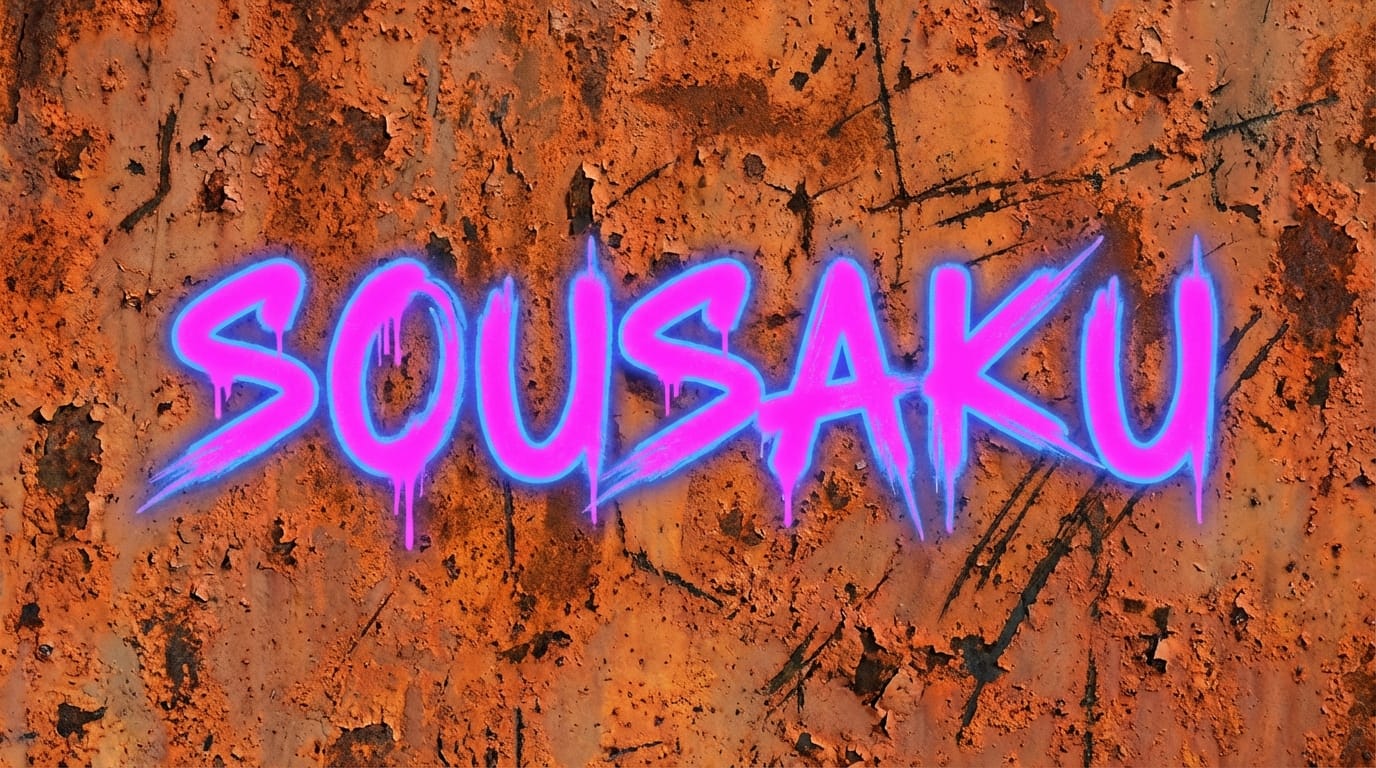
- Text and Decal Generation: One of Grok Image 2.0's standout features is its text rendering capability. For 3D environment artists, this is invaluable for generating futuristic signage, neon shop names, or graffiti textures that include legible text, which can be directly applied as textures in the 3D viewport.
- Creative Freedom: Whether you are designing a dystopian cyberpunk city or a dark fantasy creature, the model's tolerance for diverse and intense artistic styles allows for more experimental concept art.
Common Use Cases for 3D Artists Using Grok Image 2.0
Here are specific ways a 3D artist can integrate Grok Image 2.0 into their pipeline using Sousaku.AI.
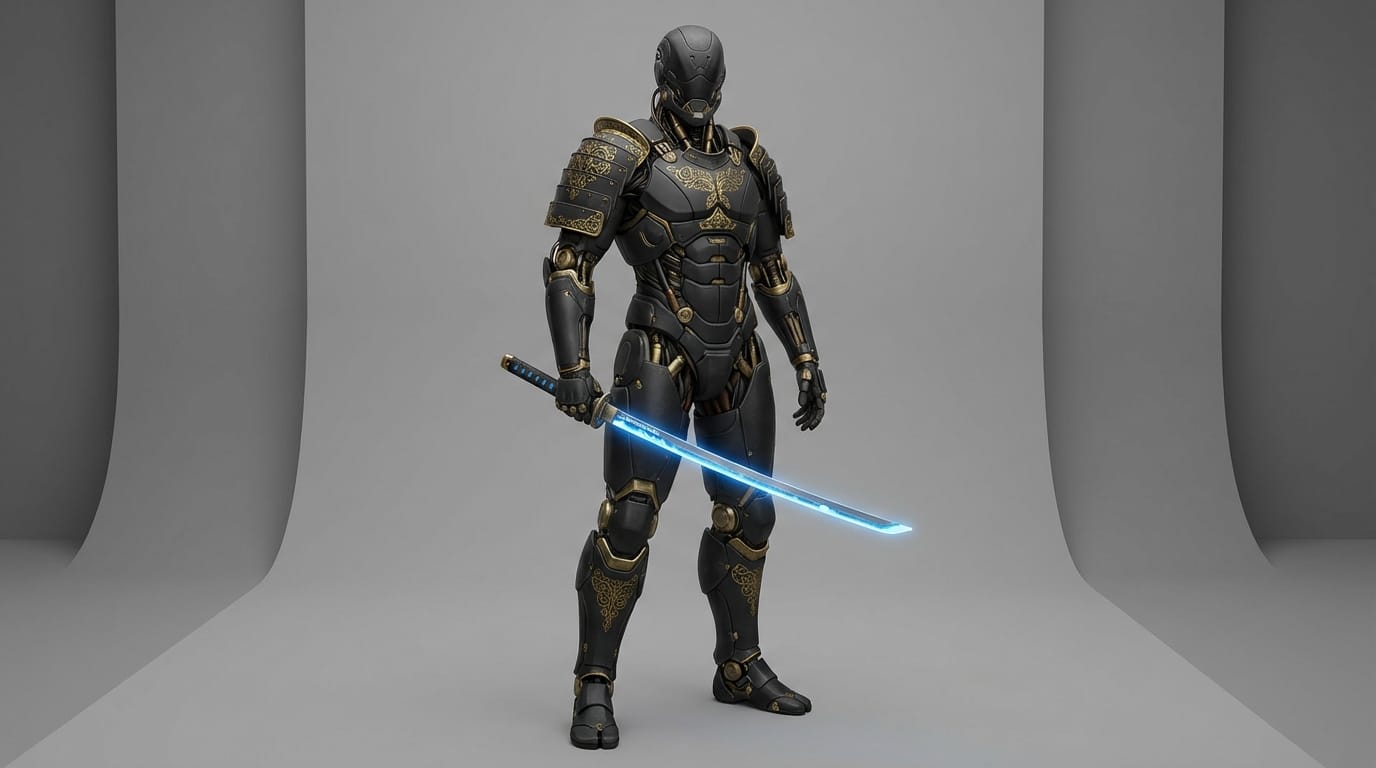
1. Generating Reference Sheets for Character Modeling
Before sculpting a character in ZBrush, artists need front, side, and back views, or at least a strong dynamic pose reference. Grok Image 2.0's prompt adherence ensures that specific equipment or clothing styles are rendered accurately.
Example Prompt:
A full-body character design of a futuristic samurai cyborg, wearing matte black armor with gold filigree, holding a glowing energy katana, neutral studio lighting, 4k, concept art style, detailed mechanical parts.
2. Creating Custom Decals and Signage
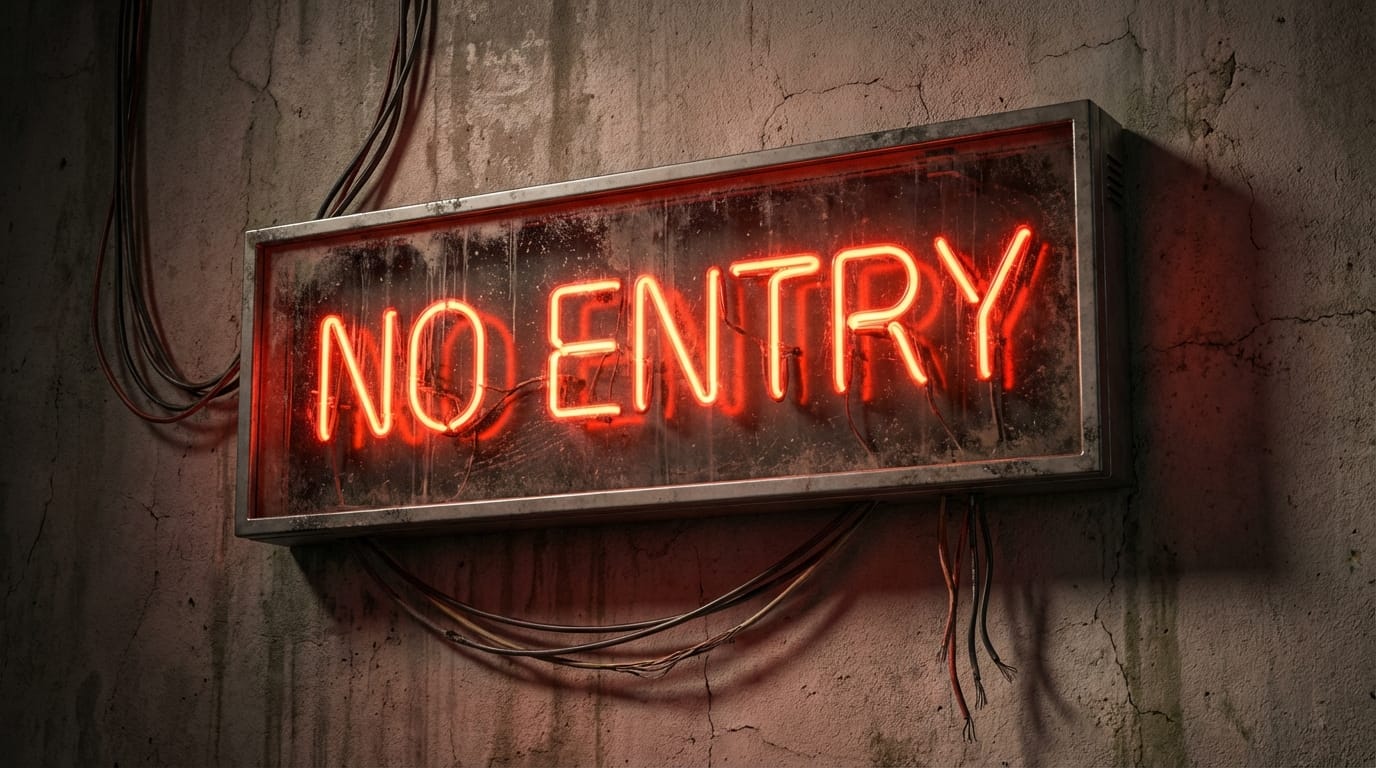
Environment artists can save hours by generating specific signage for their scenes rather than designing them in vector software.
Example Prompt:
A rectangular neon sign hanging on a wall that reads "NO ENTRY" in bold red cyber font, dirty glass texture, wires hanging loose, cinematic lighting, photorealistic.
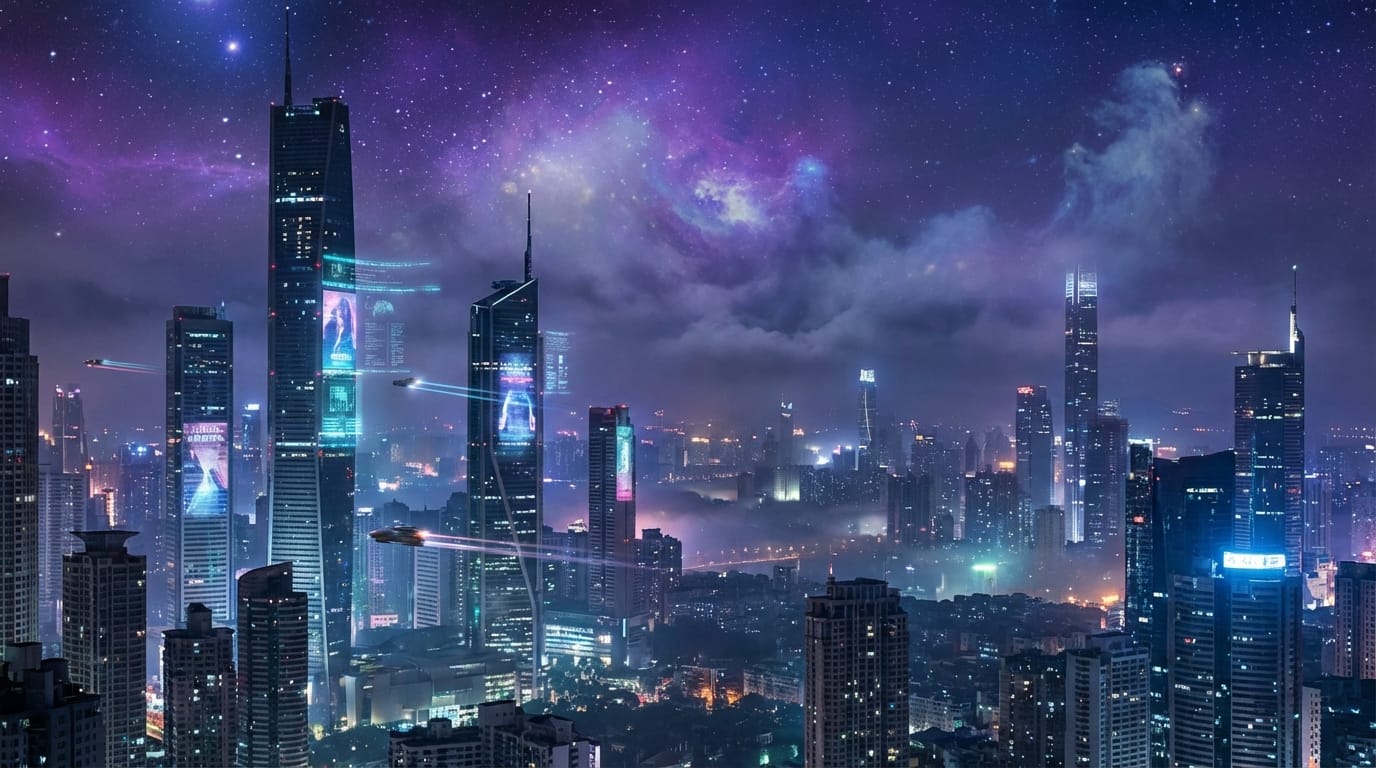
3. Background Matte Painting
For 3D renders that require a distant background (like a cityscape outside a window), generating a high-fidelity 2D image is much faster than modeling the entire city.
Example Prompt:
A sprawling sci-fi metropolis skyline at night, purple and blue nebula in the sky, towering skyscrapers with holograms, wide angle, hyper-realistic, atmospheric depth.
What 3D Artists Should Note When Using Grok Image 2.0
While powerful, Grok Image 2.0 is a 2D generator. There are nuances to keep in mind:
- Physics vs. Aesthetics: While the model creates stunning visuals, the lighting logic is artistic rather than physically based (PBR). Do not rely on it 100% for accurate light transport reference if you are aiming for architectural simulation.
- Not a Mesh Generator: It generates pixels, not polygons. You cannot export an
.objor.fbxfile from this model. It is strictly for visual reference and texture creation. - Consistency: Like most diffusion models, generating the exact same character from different angles can be challenging without advanced control techniques (like Inpainting or using specific seeds), though Grok's prompt adherence helps mitigate this.
Which 3D Artists Are NOT Suited for Grok Image 2.0
- CAD and Precision Engineers: If your work requires manufacturing-grade precision or exact measurements, a creative AI model is not a substitute for CAD software.
- Pure Geometry Generators: If you are looking for a tool that automatically creates 3D topology (meshes) from text, Grok Image 2.0 is not the correct tool. You would need specific 3D-generative AI for that purpose.
How to Efficiently Use Grok Image 2.0 on Sousaku.AI
Sousaku.AI provides a unified environment where 3D artists can streamline their workflow. Instead of switching between different apps, you can access Grok Image 2.0 alongside other top-tier models.
- Model Comparison: Use the platform to test your prompts. You might use Grok Image 2.0 for a text-heavy sign and another model for a photorealistic face.
- Asset Library: Organize your generated textures and references directly within your account, making it easier to download and import them into your 3D software when ready.
Summary: Is Grok Image 2.0 Worth Trying for 3D Artists?
Yes. For 3D artists focused on concept art, environment design, and texture asset creation, Grok Image 2.0 is an excellent addition to the pipeline. Its ability to handle text generation solves a specific pain point for environment artists, and its lack of creative restrictions makes it perfect for brainstorming unique, edgy concepts that drive 3D projects forward.
While it doesn't replace the 3D modeling process, it significantly accelerates the pre-production and texturing phases.
Ready to enhance your 3D workflow?
- Visit Sousaku.AI to explore all features: https://sousaku.ai
- Try Grok Image 2.0 now: https://sousaku.ai/models/grok-image-model-2
- Sign in to start creating: https://sousaku.ai/signin