Hotgen Photo for Realistic AI Portrait & Virtual Idol Creation: Is it Good?

Creating digital humans that are indistinguishable from real photography is one of the most demanding tasks in generative AI. Whether for virtual idol management, digital fashion catalogs, or high-fidelity photobooks, the core requirement is hyper-realism—authentic skin textures, accurate anatomy, and natural lighting.
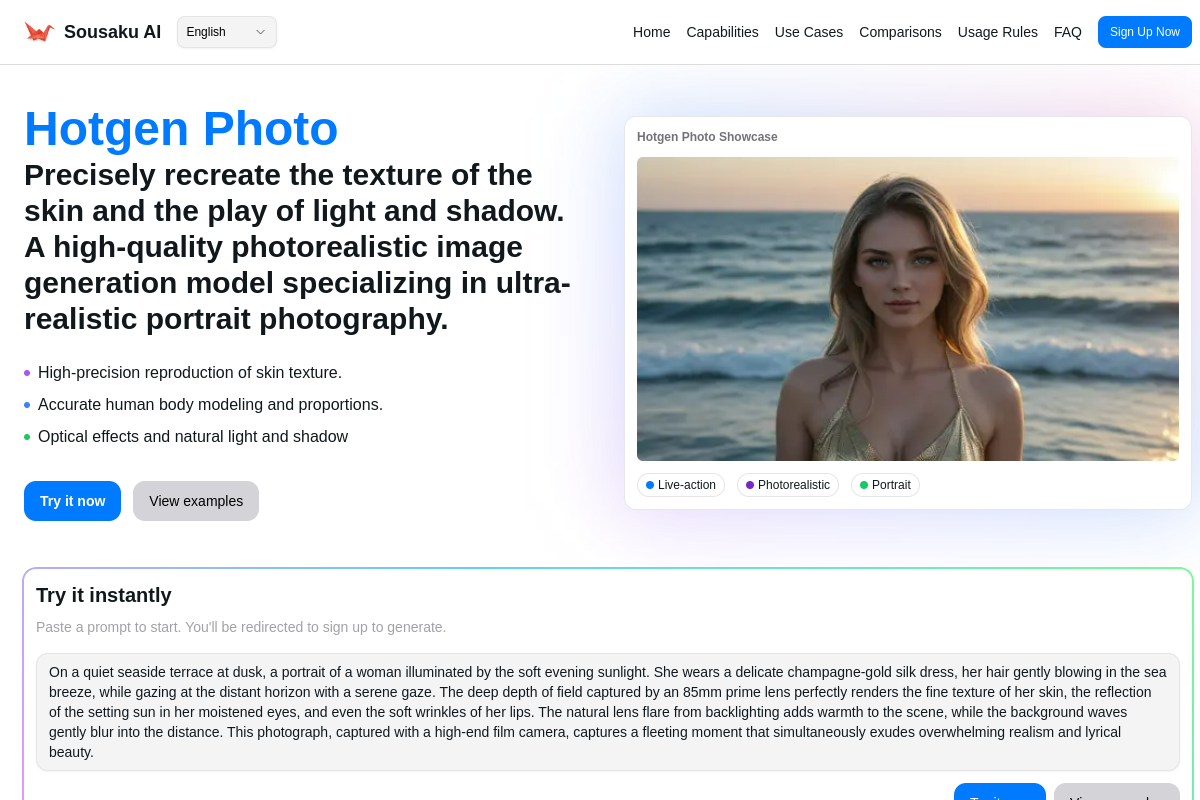
Hotgen Photo is a specialized text-to-image model available on the Sousaku.AI platform designed specifically to address this need. Unlike general-purpose models that often lean towards artistic or "plastic" aesthetics, Hotgen Photo focuses entirely on photographic fidelity, making it a strong candidate for creators seeking to generate photorealistic human portraits and full-body shots.
The Core Creative Needs in Realistic Portrait Creation
For creators focusing on realistic portraits and virtual idols, the objective is to bypass the "uncanny valley" and produce images that look like they were taken with a high-end camera.
The specific requirements for this scenario include:
- Texture Fidelity: The ability to render skin pores, imperfections, and vellus hair rather than smooth, airbrushed surfaces.
- Anatomical Accuracy: Correct proportions for limbs and facial features, which is critical for full-body shots and semi-NSFW or NSFW content where anatomy is exposed.
- Lighting and Optics: Simulation of real-world photography elements like depth of field (bokeh), lens distortion, film grain, and natural light fall-off.
- Consistency: The ability to maintain a consistent style across different poses and environments.
Advantages of Using Hotgen Photo for Portraits
Hotgen Photo distinguishes itself from general models by stripping away cartoonish or illustrative biases. Based on its architecture, here is how it addresses the specific needs of realistic portrait creation:
1. Superior Skin and Texture Rendering
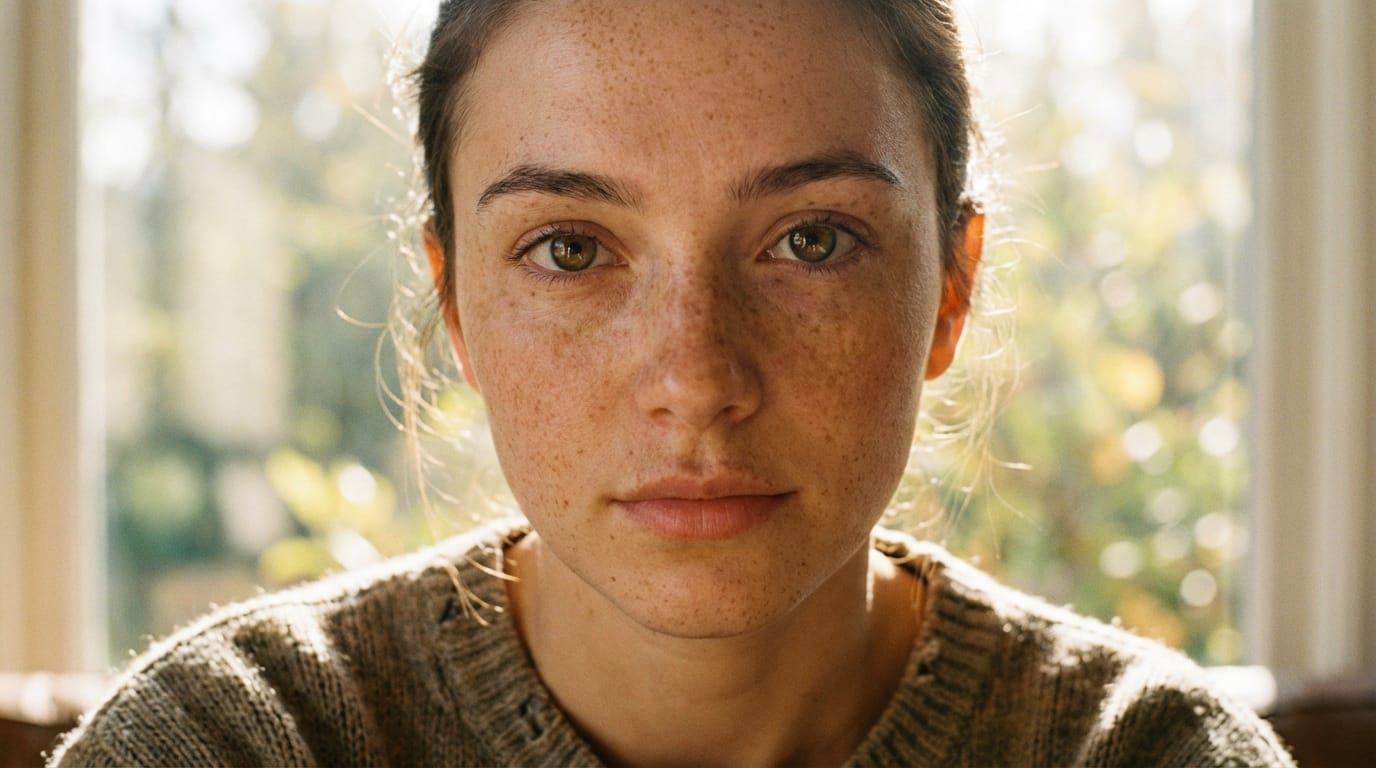
Hotgen Photo is engineered to emphasize "photographic reality." It excels at generating skin textures that include natural irregularities, such as pores and moles, which adds a layer of believability often missing in standard models. This makes it particularly effective for close-up portraits where texture details are the focal point.
2. Advanced Optical Simulation
The model simulates the characteristics of both film and digital cameras. It naturally handles light halos, lens distortion, and shadows. This capability allows creators to produce images that possess the "atmosphere" of a professional photoshoot without needing extensive post-processing or complex LoRAs to force a realistic look.
3. Anatomical Precision in Complex Poses
In the realm of virtual idols and fashion, full-body shots are essential. Hotgen Photo demonstrates a high level of coordination in facial features and body proportions. It is particularly robust in handling clothing folds and material physics, as well as maintaining anatomical correctness in semi-NSFW or exposed skin scenarios.
Typical Usage Examples of Hotgen Photo
Hotgen Photo is a Text-to-Image model. Below are typical workflows and prompt structures used to maximize its potential for realistic portraits on Sousaku.AI.
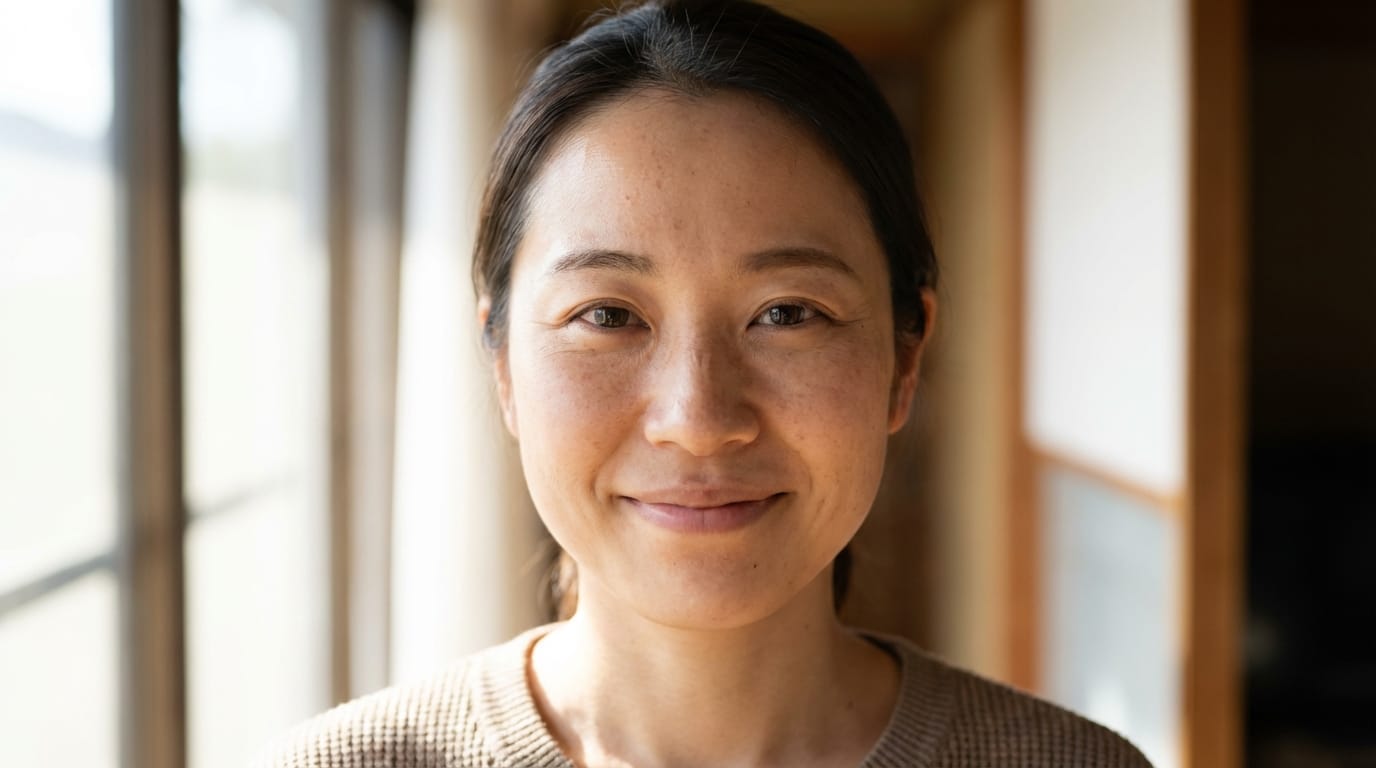
1. The "Virtual Idol" Close-Up
This workflow focuses on facial details and emotional expression, ideal for social media avatars or digital influencer profiles.
Example Prompt:
Raw photo, close-up portrait of a Japanese female model, looking directly at the viewer, gentle smile, natural lighting, soft shadows, high detail skin texture, 8k resolution, shot on Sony A7R IV, 85mm lens.
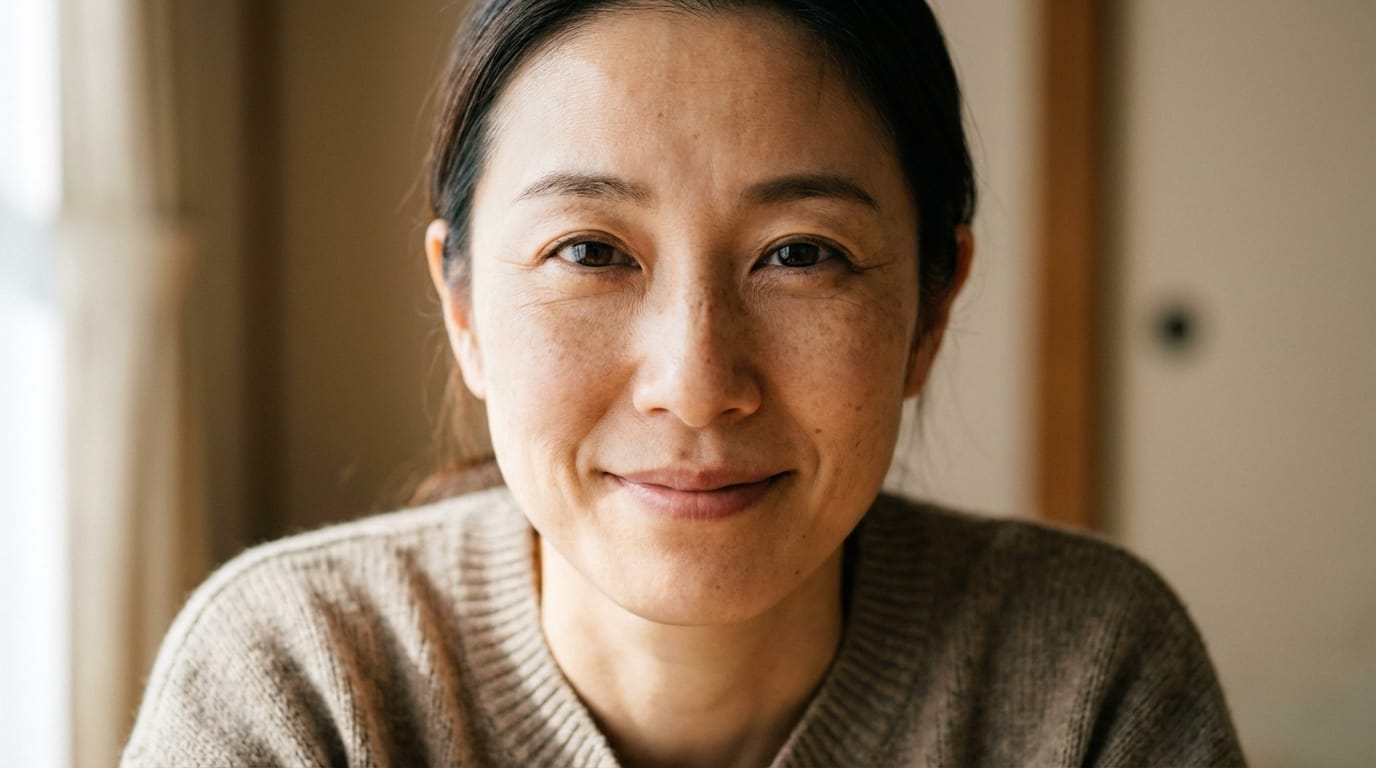
To try this workflow: Create Text-to-Image with Hotgen Photo
2. Full-Body Fashion / Photobook Shot
This workflow tests the model's ability to handle body proportions, clothing physics, and environmental interaction.
Example Prompt:
Full body shot, realistic photograph of a woman standing on a city street at night, wearing a casual leather jacket and jeans, neon lights in background, bokeh effect, realistic body proportions, cinematic lighting, photorealistic, 4k.
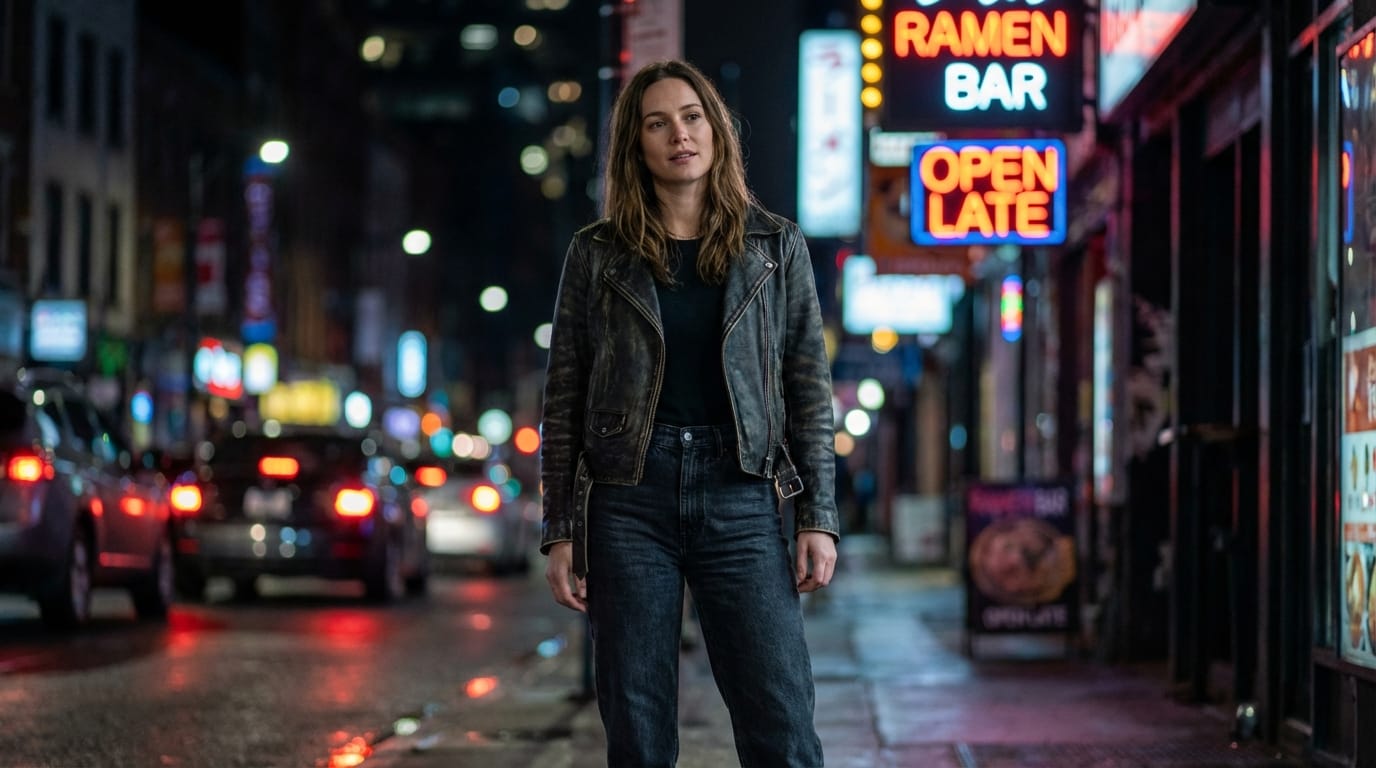
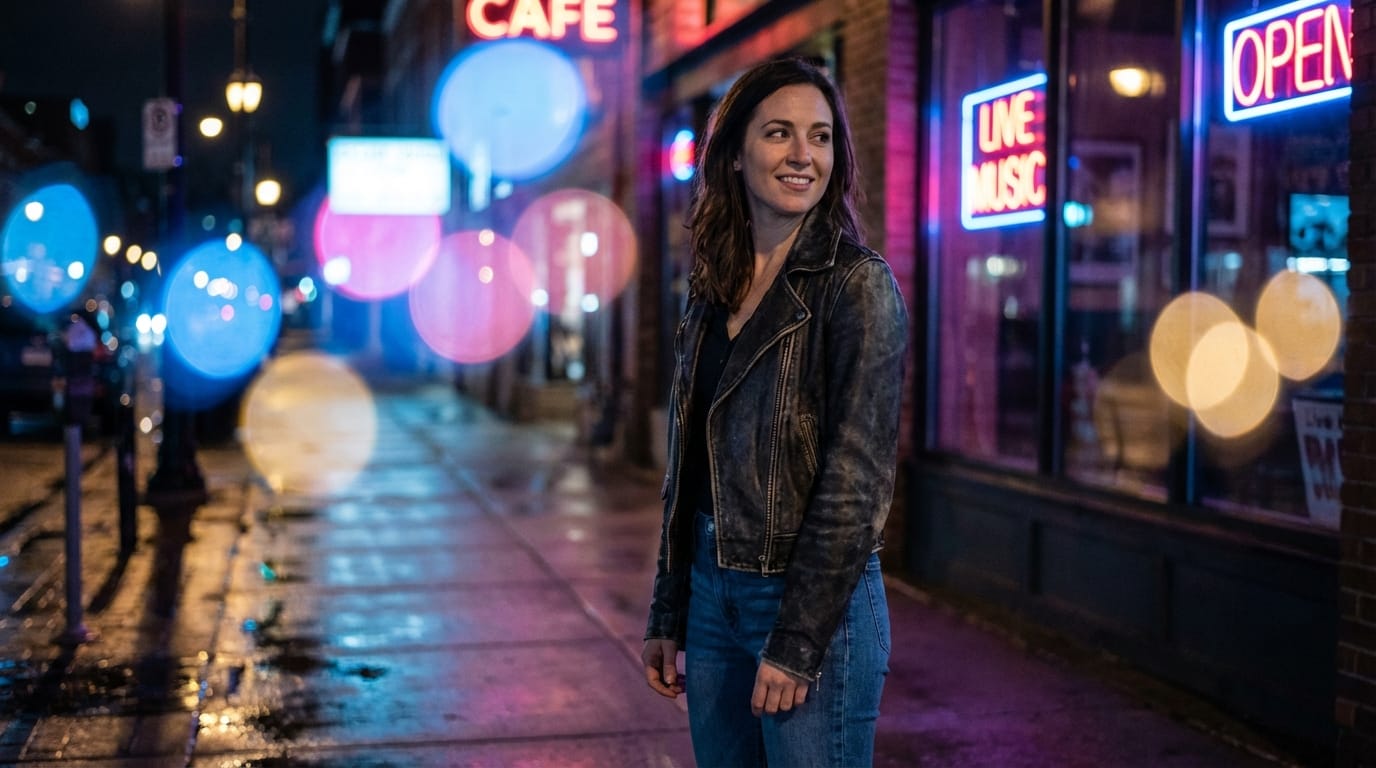
To try this workflow: Create Text-to-Image with Hotgen Photo
Important Considerations When Using Hotgen Photo
While Hotgen Photo is powerful, users should be aware of certain constraints to ensure optimal results:
- Stylization Limits: As a model dedicated to "Pure Photography," it is resistant to stylized prompts. If you are attempting to generate 2D anime or semi-realistic oil painting styles, this model may struggle to deviate from its photorealistic baseline.
- Prompt Specificity: To get the best lighting and texture effects, prompts should include specific photographic terminology (e.g., "film grain," "natural light," "85mm lens"). Vague prompts may result in generic output.
- Content Sensitivity: Given its strength in NSFW and semi-NSFW generation, the model is highly sensitive to anatomical keywords. Users aiming for strictly commercial, safe-for-work (SFW) content should ensure their negative prompts are robust to avoid unintended exposure.
Who Should Use Hotgen Photo for Portrait Creation?
Hotgen Photo is best suited for specific user groups who prioritize realism over artistic interpretation:
- Virtual Idol & Influencer Operators: Teams managing digital personas who need a consistent stream of "daily life" photos that look authentic on social media feeds.
- Photobook Creators: Artists compiling digital gravure or fashion collections where skin texture and lighting accuracy are the primary metrics of quality.
- Fashion & E-commerce Designers: Professionals needing to visualize clothing fits or makeup looks on realistic human models without organizing physical photoshoots.
How to Start Creating with Hotgen Photo on Sousaku.AI
Sousaku.AI provides a unified environment to access Hotgen Photo alongside other generation tools. The credits-based system allows for high-frequency iteration, which is often necessary when refining realistic details.
- Navigate to the Model Library to view all available options: https://sousaku.ai/models
- Select Hotgen Photo to open the dedicated generation interface.
- Input your text prompts focusing on photographic descriptors.
- If you are unsure which model best fits your specific style, you can use the comparison tool: https://sousaku.ai/models/compare
Summary: Is Hotgen Photo Right for Your Portrait Needs?
If your goal is uncompromising photorealism—specifically focusing on human anatomy, skin texture, and photographic lighting—Hotgen Photo is likely the most suitable choice within the Hotgen series. It excels in scenarios requiring "camera-like" output, such as virtual idol content and realistic photobooks.
However, if your project requires heavy artistic stylization, abstract concepts, or strictly 2D anime aesthetics, you may find the "General" version of the model or other stylized models on the platform to be more flexible.
To evaluate if the quality matches your standards:
- Visit Sousaku.AI: https://sousaku.ai
- View Model Details: https://sousaku.ai/models/hotgen-photo-nsfw
- Start Creating: https://sousaku.ai/signin