Complete Guide to Creating Stock Illustrations with Hailuo 01-Director

Hailuo 01-Director is a specialized text-to-video model available on the Hotgen.AI platform, designed for users who require precise cinematic control and narrative consistency. While "Stock Illustrations" traditionally refer to static images, the digital landscape is shifting towards motion. This guide explores how to utilize Hailuo 01-Director to create "Living Illustrations"—high-quality stock video footage and motion backgrounds that serve the same commercial and narrative purposes as static stock art, but with the added engagement of cinematic movement.
Core Creation Points for Stock Illustrations
When creating content intended for stock usage—whether for commercial libraries, presentation backgrounds, or website headers—clarity and utility are paramount. The goal is to produce assets that are versatile enough for various buyers while maintaining a high aesthetic standard.
Key Requirements for Stock Content:
- Visual Clarity: The subject must be immediately recognizable. Cluttered scenes often fail as stock assets because they distract from the text or UI elements that might be overlaid later.
- Commercial Applicability: Themes should revolve around business, lifestyle, technology, nature, or abstract concepts that have high demand in marketing and media production.
- Neutrality: Emotional expressions and stylistic choices should often remain neutral or generally positive to fit a wide range of contexts.
Advantages and Limitations of Hailuo 01-Director for Stock Content
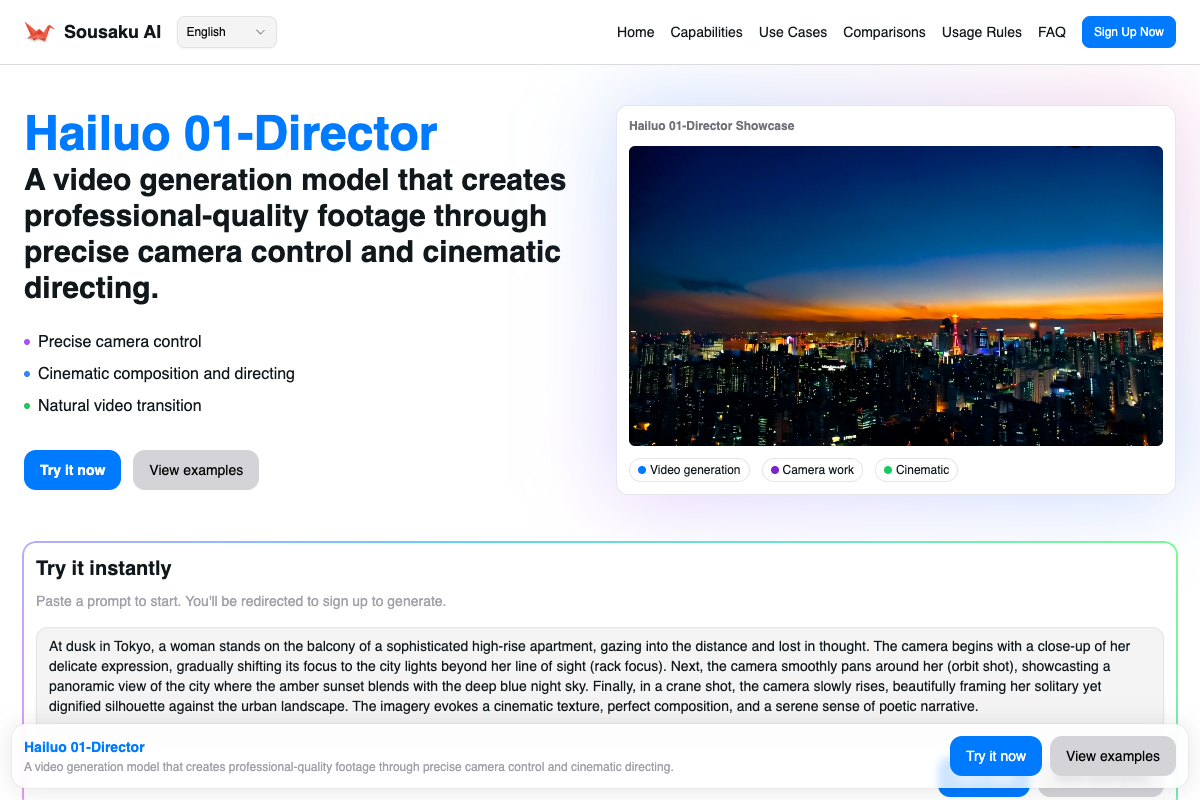
It is crucial to understand the medium before starting. Hailuo 01-Director is a Text-to-Video model. It does not generate static vector graphics or PNG illustrations. Instead, it generates video clips.
Advantages for Stock Video Creation:
- Precise Camera Control: Unlike standard video models that hallucinate motion, Hailuo 01-Director responds accurately to commands like "dolly zoom," "orbit," and "rack focus." This allows for professional, deliberate shots typical of high-end stock footage.
- Narrative Consistency: The "Director" mode reduces random artifacts, making it ideal for creating sequences of clips that share a cohesive look.
- Cinematic Aesthetic: The model excels at lighting and composition, delivering the "high production value" look required for commercial video assets.
Limitations:
- Not for Static Print: You cannot use this model to create a 300 DPI vector file for a brochure. It produces video files (MP4).
- Motion Complexity: While it handles camera movement well, complex character interactions (like specific hand gestures or intricate machinery operation) can sometimes still result in morphing artifacts common in generative video.
Universal Stock Illustration Prompt Templates (For Hailuo 01-Director)
These templates are designed to generate high-quality, commercially viable video clips. They focus on lighting, composition, and camera movement rather than complex narratives.
Cinematic Business Environment
A modern minimalist office space with glass walls, soft natural light streaming in from the left, a sleek laptop on a wooden desk, slow smooth dolly forward camera movement, 4k resolution, professional corporate atmosphere, cinematic depth of field
Abstract Tech Background
Glowing blue data lines flowing through a dark digital space, abstract geometric shapes floating, slow orbit camera movement, soft bokeh effect, futuristic technology concept, high definition, 3d render style
Nature and Wellness
A peaceful zen garden with smooth white stones and green moss, soft morning sunlight, gentle breeze moving the leaves, static camera with rack focus from foreground stone to background bamboo, realistic texture, serene atmosphere
High-Quality Prompt Examples for Stock Video Assets
Below are specific examples of how to utilize Hailuo 01-Director to create assets that function as motion-based stock illustrations.
1. The "Living" Concept Shot
This approach creates a video that acts like a moving photograph, perfect for website hero sections where a static image feels too flat.
Example Prompt:
A close-up of a hand holding a ceramic coffee cup with steam rising gently, soft warm lighting, blurred cafe background, slow tracking shot moving slightly to the right, cozy and relaxing atmosphere, cinematic 8k quality

Create this video: https://hotgen.ai/create/text2video/MiniMax-Hailuo-01-Director
2. The Corporate Establishing Shot
Stock libraries have a high demand for establishing shots of cityscapes or offices that imply business activity without showing specific identifiable faces.
Example Prompt:
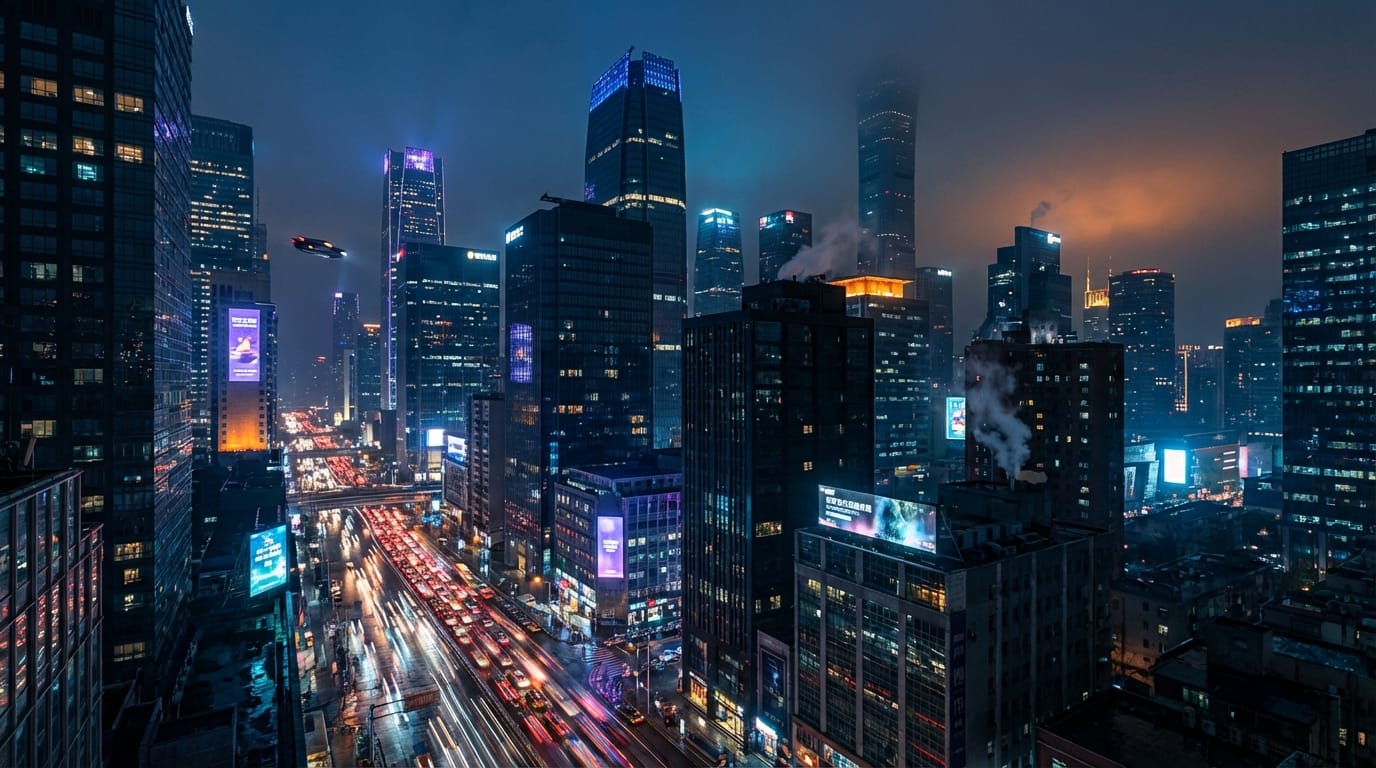
A futuristic city skyline at dusk with lights turning on in skyscrapers, busy traffic flow below appearing as light trails, wide angle lens, slow crane up camera movement, cyberpunk aesthetic, high contrast, detailed architecture
Create this video: https://hotgen.ai/create/text2video/MiniMax-Hailuo-01-Director
How to Test and Optimize Stock Content on Hotgen.AI
Creating the perfect stock asset often requires refining the camera movement to ensure the motion doesn't distract from the subject.
Testing Camera Movements
Hailuo 01-Director is unique in its ability to handle complex camera directions. Use this to guide the viewer's eye.
Example Prompt:
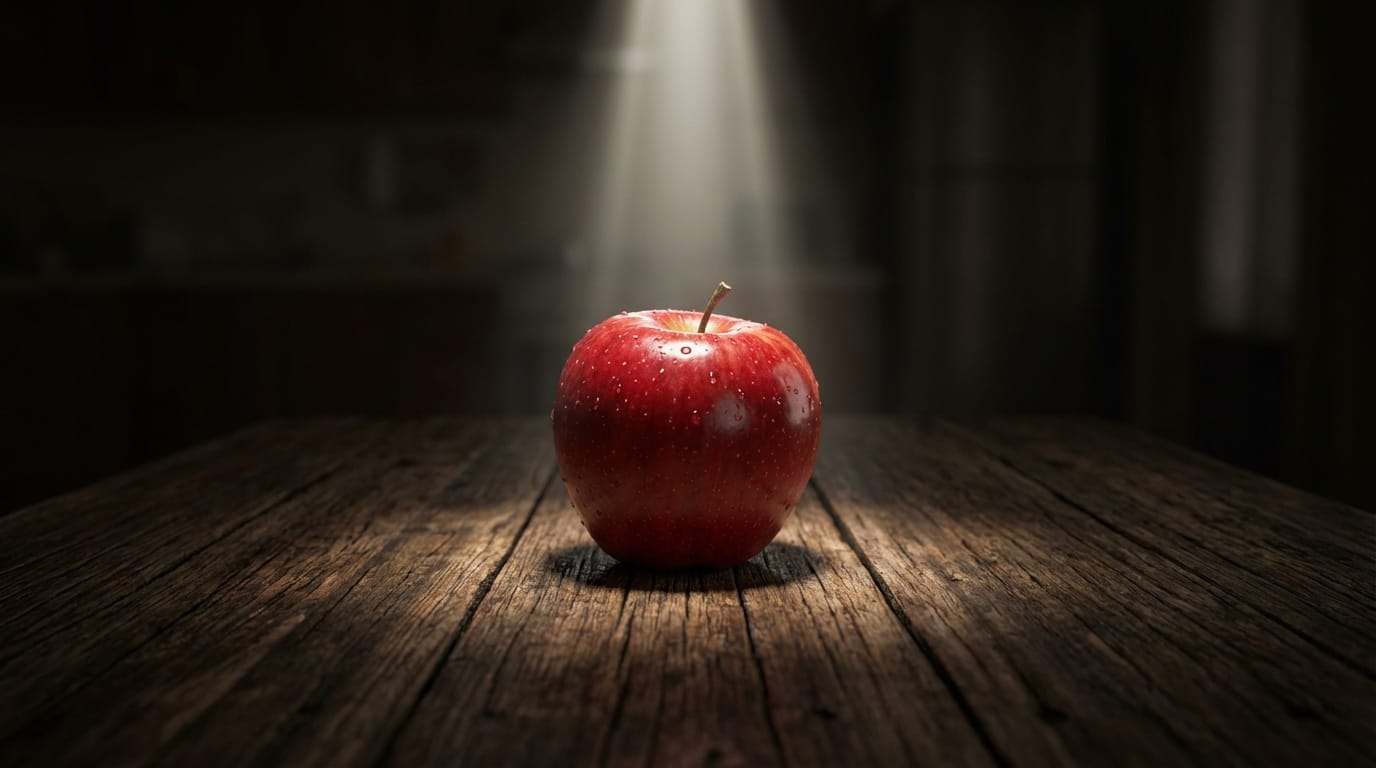
A single red apple sitting on a wooden table in a dark room, dramatic spotlight from above, camera performs a dolly zoom effect isolating the subject, high texture detail, cinematic food photography style
Create this video: https://hotgen.ai/create/text2video/MiniMax-Hailuo-01-Director
Testing Composition and Focus
For stock content, you often need "negative space" (empty areas) where text can be placed. Use focus commands to achieve this.
Example Prompt:
A vast empty desert landscape with sand dunes, clear blue sky with space for text, sharp focus on the sand texture in the foreground, soft blur in the distance, slow panning camera movement from left to right, national geographic style

Create this video: https://hotgen.ai/create/text2video/MiniMax-Hailuo-01-Director
Summary: Efficiently Using Hailuo 01-Director for Stock Creation
Hailuo 01-Director transforms the concept of stock illustrations by adding the dimension of time. While it does not replace the need for static vector art, it offers a powerful tool for creators looking to generate cinematic stock footage and motion backgrounds.
To succeed with this model, focus on prompts that leverage its strength in camera mechanics (dolly, pan, crane) and lighting control. Always review your generated content to ensure it meets safety guidelines and maintains a professional aesthetic suitable for commercial use.
Ready to create professional motion assets?
Visit Hotgen.AI: https://hotgen.ai Start creating with Hailuo 01-Director: https://hotgen.ai/signin