Complete Guide to Creating Sticker Packs with Hotgen Image V4 Pro

Creating high-quality sticker packs requires a balance of distinct character consistency, clear visual boundaries, and expressive capability. Hotgen Image V4 Pro is particularly well-suited for this task due to its enhanced control over detail sharpness and complex prompt adherence. While many models struggle with the precise "die-cut" aesthetic or maintaining character features across different emotions, the Pro version offers the stability needed for commercial-grade assets.
You can access this model directly on the Hotgen.AI platform to start your project.
Core Creation Points for Sticker Pack Content
When designing a sticker pack, the primary goal is to communicate specific emotions or actions instantly. Unlike full illustrations, stickers require a strong focal point, usually a character or object, isolated against a clean background. The visual language must be readable at small sizes, meaning high contrast and distinct silhouettes are essential.
Common finished forms include digital sticker sets for messaging apps (like Telegram or WhatsApp) or physical printable sheets. To achieve a professional look, the output needs a consistent "sticker cut" effect—typically a white border surrounding the subject—and a unified artistic style, whether that is flat vector art, 3D clay render, or anime-style cel shading.
Advantages and Limitations of Hotgen Image V4 Pro for Sticker Packs
Based on the capabilities of Hotgen Image V4 Pro, here is how it performs specifically for sticker generation:
Advantages
- Edge Definition: The model's upgrade in detail sharpness significantly improves the separation between the subject and the background. This makes removing backgrounds for transparency much easier during post-processing.
- Material Rendering: For 3D or "clay style" stickers, the Pro version excels at rendering realistic textures and lighting. It handles the subtle shadows required to make a sticker look like a physical object.
- Complex Instruction Adherence: Sticker prompts often require describing specific facial expressions (e.g., "rolling eyes," "laughing to tears"). Hotgen Image V4 Pro follows these anatomical instructions with a lower rate of distortion compared to the standard V4 model.
Limitations
- Character Consistency: While better than average, generating the exact same character from scratch across 20 different poses using only text prompts can still vary. You may need to generate multiple batches to select the best matches.
- Text Rendering: If your sticker design includes speech bubbles or specific text, the model may produce illegible glyphs. It is recommended to generate the graphic first and add typography in external design software.
Universal Sticker Pack Prompt Templates
The following templates are designed for immediate use with Hotgen Image V4 Pro. They do not contain variables; simply copy and paste them to test the style, then modify the subject nouns as needed for your specific project.
3D Clay Render Style
A cute glossy 3D render sticker of a chubby orange cat holding a coffee mug, smooth plastic texture, soft studio lighting, white die-cut border, solid color background, high definition, c4d style, blender render
Flat Vector Icon Style
A flat vector sticker design of a futuristic robot head, minimalist style, bold black outlines, vibrant blue and white colors, white offset border, simple shapes, 2d illustration, clean background
Expressive Anime Style
A high-quality anime sticker of a silver-haired girl making a peace sign, vibrant colors, cel shading, expressive eyes, white contour border, emotional expression, detailed clothing, isolated on plain background
High-Quality Prompt Examples for Sticker Packs
Here are practical workflows for creating specific sticker assets using the Hotgen Image V4 Pro model.
Workflow 1: Creating a "Reaction" Sticker (Text-to-Image)
This workflow focuses on generating a single, highly expressive sticker often used in messaging apps to convey shock or surprise. The prompt emphasizes facial exaggeration and the "sticker" format to ensure the image isn't cropped like a standard photograph.
Example Prompt:
A die-cut sticker illustration of a shocked cartoon rabbit dropping a carrot, exaggerated wide eyes, open mouth, comic style, vibrant orange and white colors, thick white outline, isolated on a dark background, high resolution, expressive emotion
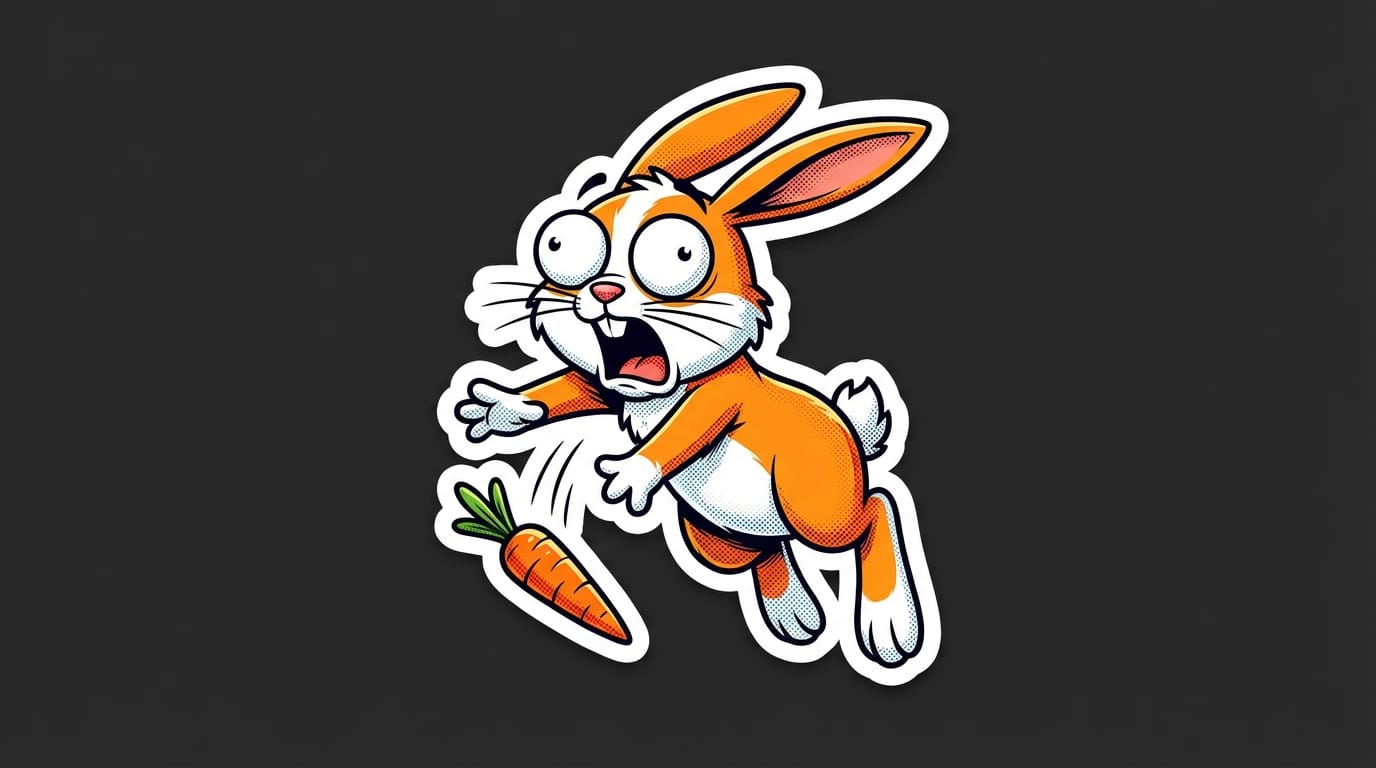
- Create this content: Text-to-Image with Hotgen Image V4 Pro
Workflow 2: Creating a Decorative Object Sticker (Text-to-Image)
Sticker packs often include objects alongside characters. This example generates a stylized food item suitable for digital journals or aesthetic collections. The prompt utilizes the model's strength in texture and lighting.
Example Prompt:
A realistic sticker of a delicious strawberry frosted donut with colorful sprinkles, soft cinematic lighting, macro details, wet glaze texture, white paper border, isolated on grey background, 8k resolution, food photography style
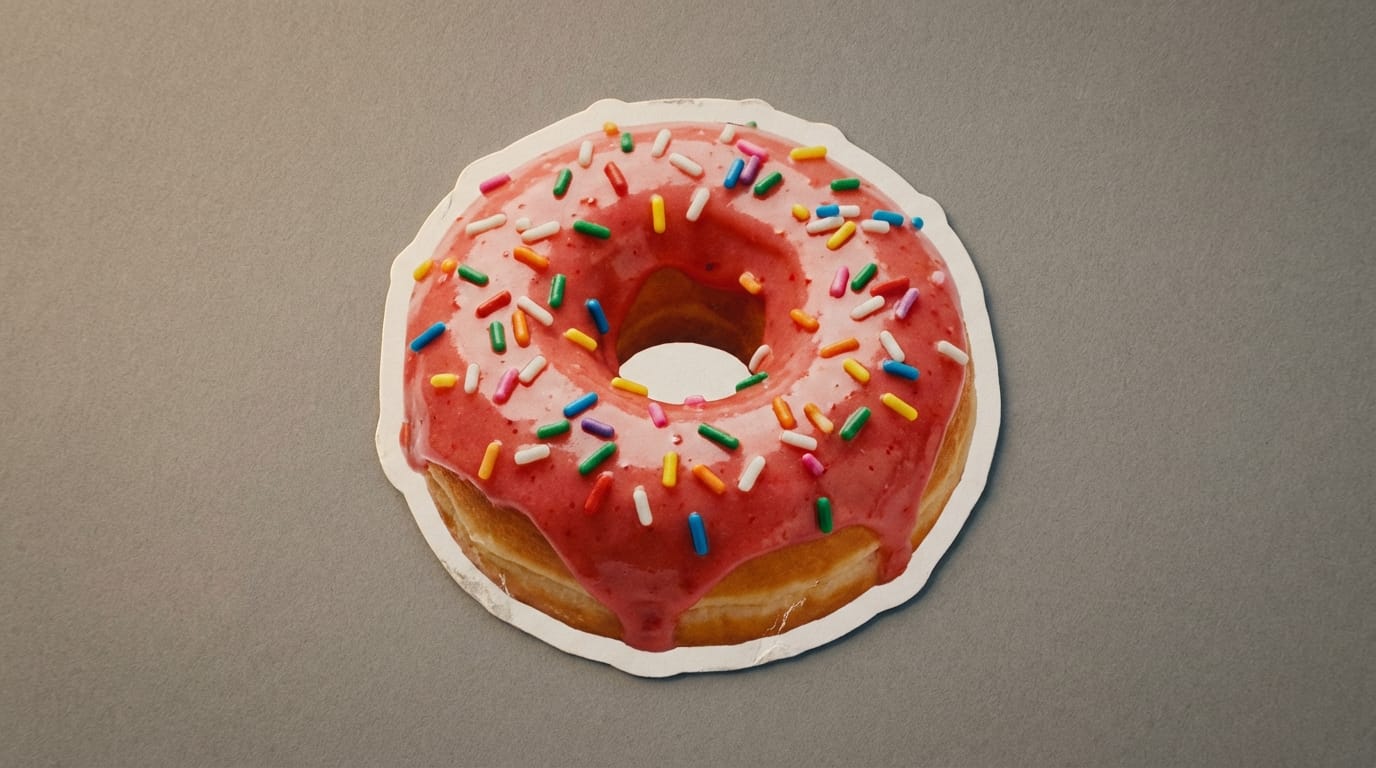
- Create this content: Text-to-Image with Hotgen Image V4 Pro
How to Test and Optimize Sticker Pack Content
Testing and refining your output is crucial when building a cohesive pack. Hotgen Image V4 Pro supports Image-to-Image workflows, which helps in maintaining style consistency.
Workflow 1: Refining Sketches into Stickers (Image-to-Image)
If you have a rough sketch of your sticker concept, you can use the Image-to-Image function to finalize the render while keeping your original composition. This is excellent for designers who want to control the exact pose.
Example Prompt:
A polished vector sticker art based on the reference, clean lines, professional illustration, vibrant colors, white sticker border, high quality finish, flat design

- Create this content: Image-to-Image with Hotgen Image V4 Pro
Workflow 2: Style Variation Testing (Text-to-Image)
Before committing to a full pack, test how the model handles different lighting on the same subject. This prompt tests a "holographic" aesthetic, leveraging the Pro model's advanced lighting capabilities.
Example Prompt:
A holographic sticker design of a crystal skull, iridescent colors, rainbow reflections, metallic texture, shiny surface, white die-cut edge, futuristic style, studio lighting, high detail
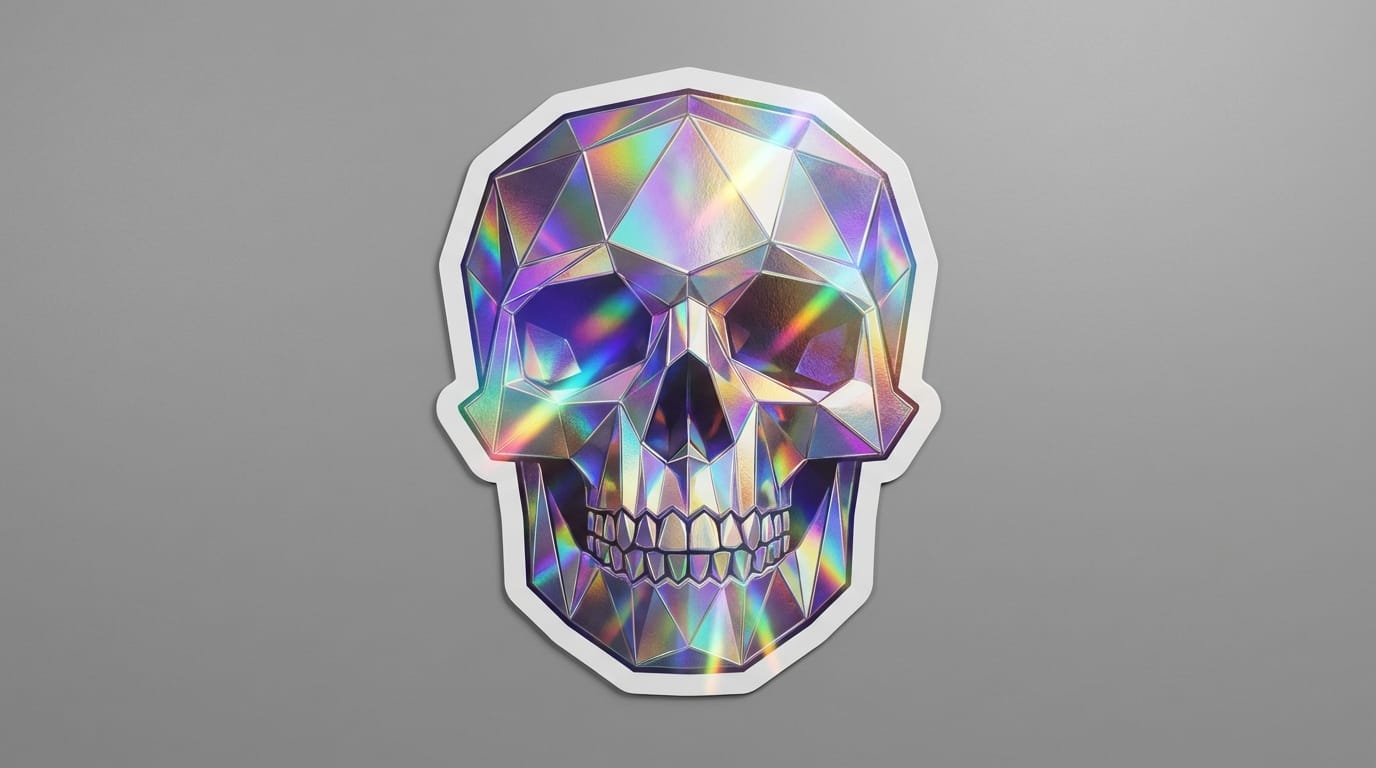
- Create this content: Text-to-Image with Hotgen Image V4 Pro
Conclusion: Efficiently Using Hotgen Image V4 Pro for Sticker Packs
To maximize your efficiency when creating Sticker Packs with Hotgen Image V4 Pro, focus on precise prompting for the "white border" or "die-cut" element. This simple addition saves significant time in post-production. The model's strength lies in its ability to render high-fidelity textures and complex lighting, making it ideal for premium, commercial-grade stickers rather than simple sketches.
Always ensure your content adheres to platform safety guidelines. Focus on creativity, aesthetics, and clear communication of emotion. With the right prompts, V4 Pro can function as a powerful engine for your digital art business or personal collection.
Ready to start designing?
Visit Hotgen.AI to explore the platform. Start Creating Now