A Complete Guide to Creating Web Anime Content with WAN Video 2.6
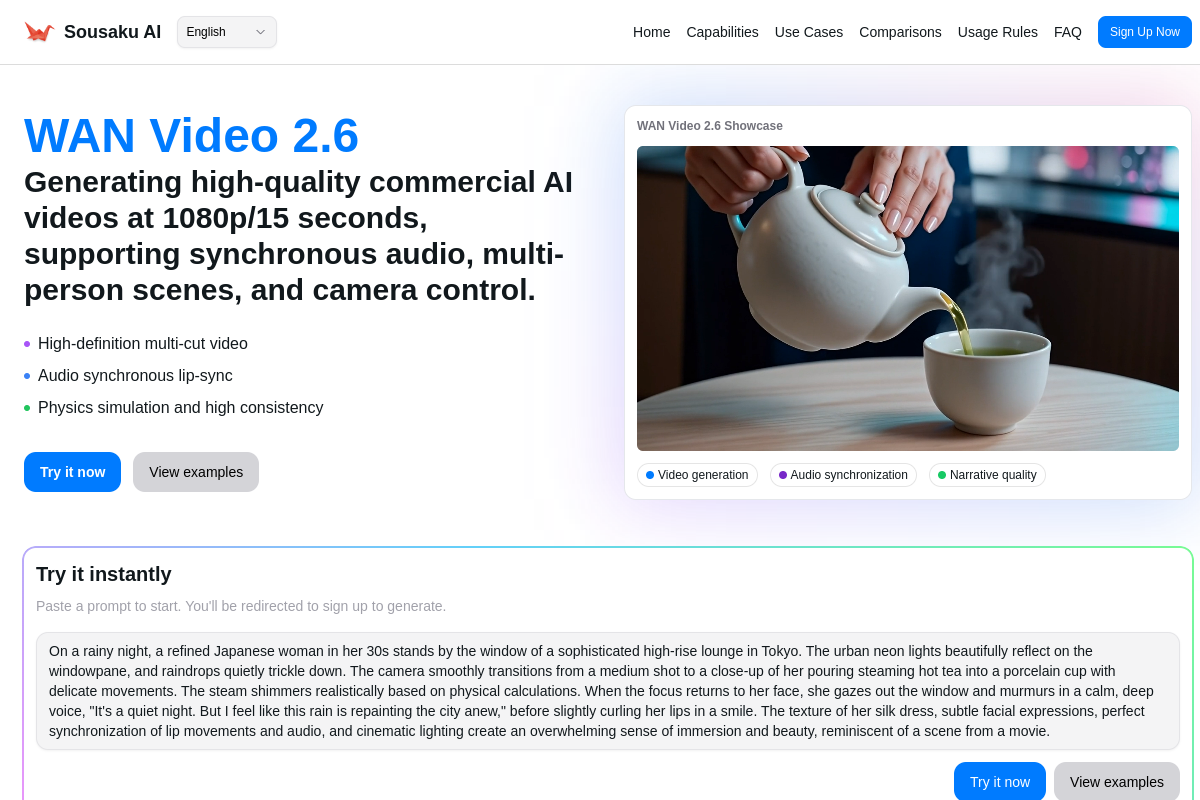
WAN Video 2.6 represents a significant leap in AI video generation, offering capabilities that align perfectly with the demands of modern Web Anime creation. Released by Alibaba in late 2025, this model is engineered to support high-definition output at 1080p and 24fps, with a crucial ability to generate up to 15 seconds of multi-shot narrative video.
For creators on SousakuAI, WAN Video 2.6 introduces native audio synchronization, including lip-syncing and character voices, which are essential for anime storytelling. Its advanced understanding of camera language and physical simulation makes it a robust tool for visualizing storyboards or producing finished short-form anime content.
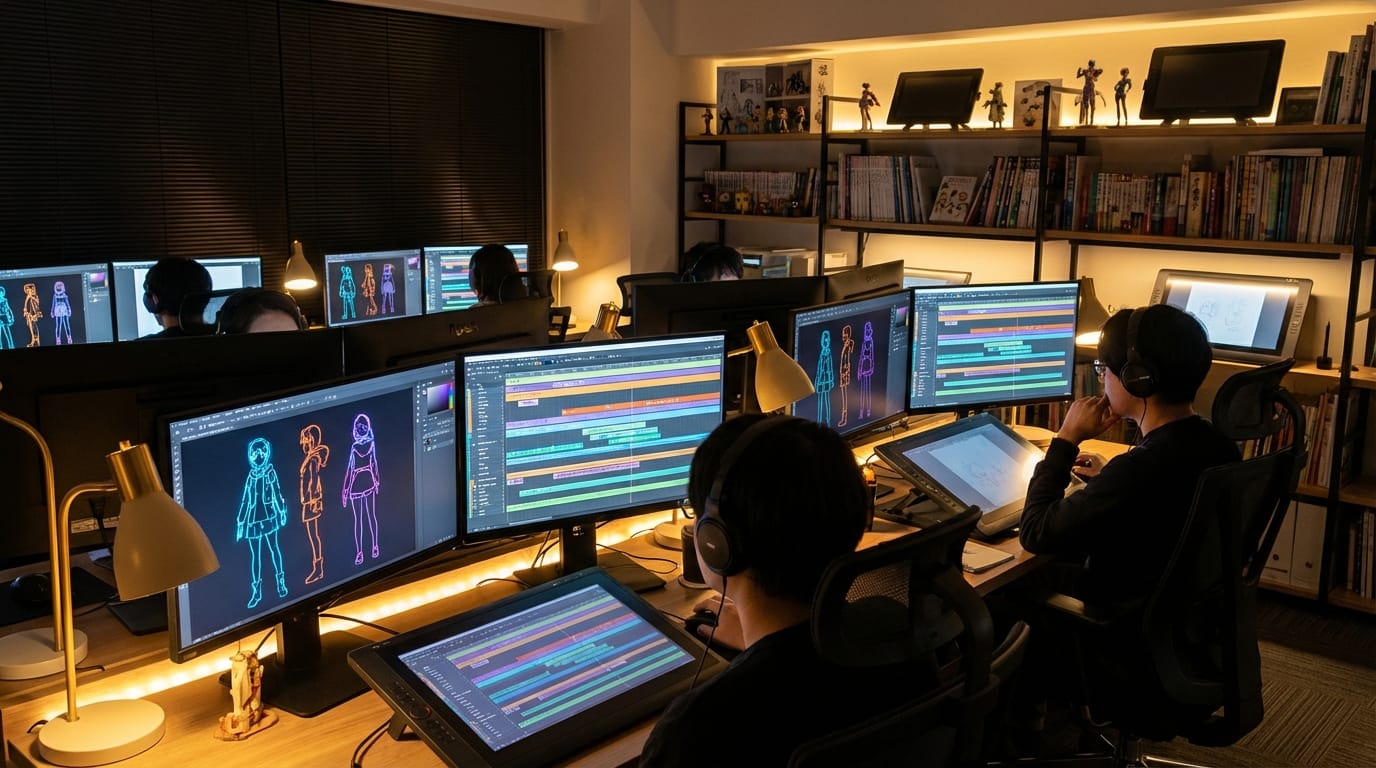
Core Creation Points for Web Anime Content
Web Anime differs from traditional broadcast animation by focusing on shorter, digital-first formats often distributed via streaming platforms or social media. The primary goal is to capture immediate visual attention through distinct art styles, fluid motion, and concise storytelling. Creators often prioritize "sakuga" (high-quality animation sequences) moments even in short loops.
Successful Web Anime requires a specific balance of visual fidelity and stylistic consistency. The aesthetic usually leans towards cel-shaded rendering, vibrant color palettes, and expressive character designs. Unlike photorealistic video, Web Anime demands that the AI understand 2D animation logic—how light hits a drawn character, how exaggerated expressions work, and how background art interacts with moving foreground elements.
Advantages and Limitations of WAN Video 2.6 in Web Anime Creation
Based on the technical architecture of WAN Video 2.6, the model offers distinct advantages for anime production, though creators should be aware of certain boundaries.
Advantages:
- Audio and Lip-Sync: The native audio synchronization capability allows characters to speak naturally. This is critical for Web Anime, where dialogue often drives the short narrative.
- Longer Duration: The 15-second generation window enables creators to produce complete scenes rather than just fleeting GIFs, allowing for multi-shot storytelling within a single generation.
- Character Consistency: WAN Video 2.6 demonstrates high consistency in character appearance across frames, reducing the "flickering" often seen in AI animation.
- Camera Language: The model understands cinematic camera movements (pans, zooms, tracking shots), adding professional production value to anime scenes.
Limitations:
- Complex Choreography: While capable of motion, highly complex fight sequences with multiple interacting characters may require several attempts or the use of the Reference Video to Video (R2V) feature to guide the physics.
- Text Rendering: Generating specific, legible text (like subtitles or shop signs) within the anime scene can still be inconsistent and may require post-production editing.
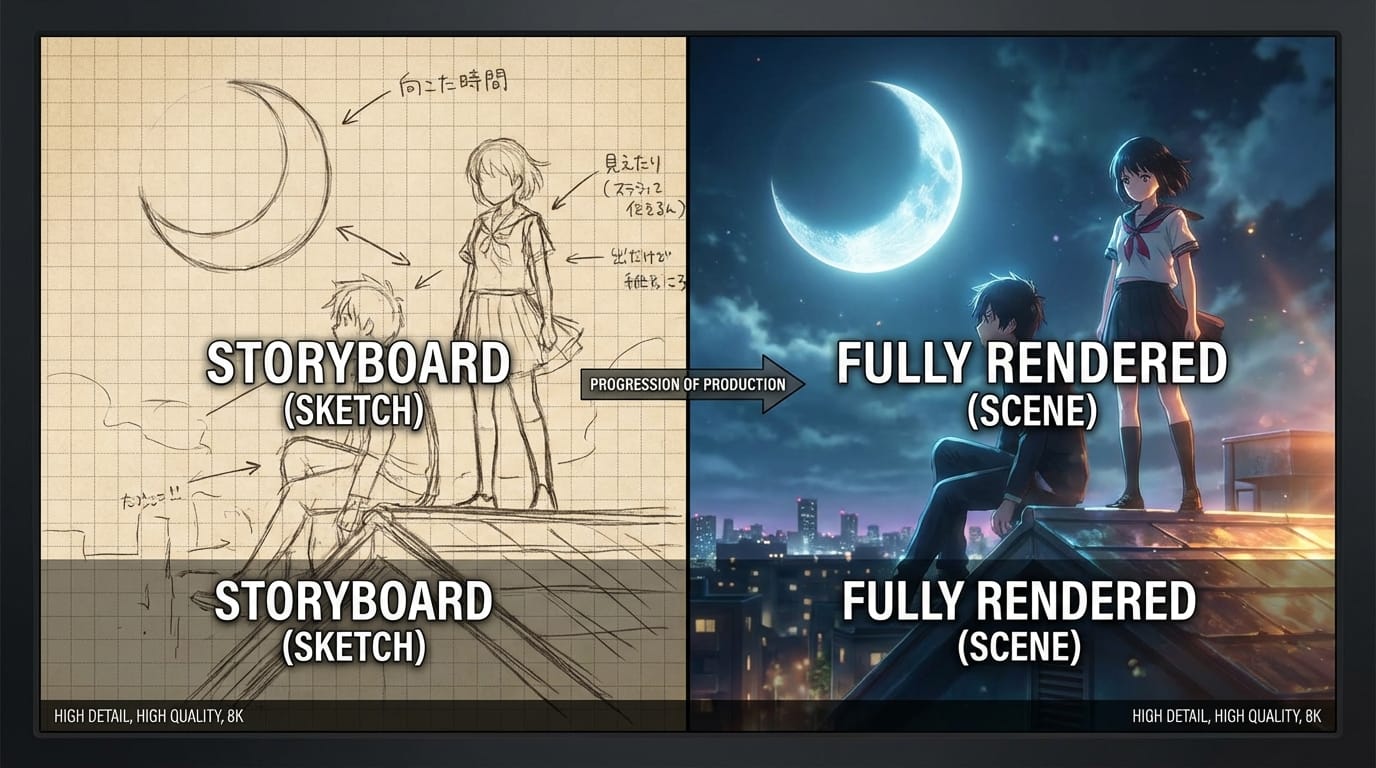
Universal Web Anime Prompt Templates (for WAN Video 2.6)
These templates are designed to be used immediately without modification. They leverage the model's understanding of art styles and camera dynamics.
High-quality anime production still, a cyberpunk city street at night with neon rain, a mysterious hooded figure standing on a rooftop overlooking the skyline, dynamic camera angle looking down, volumetric lighting, bloom effect, highly detailed background art, 1080p resolution, smooth animation style.
A slice-of-life anime scene, a high school classroom bathed in golden hour sunset light, dust motes dancing in the air, a student writing in a notebook by the window, sentimental atmosphere, Makoto Shinkai art style, lens flare, high fidelity, cinematographic composition.
Intense anime action sequence, a fantasy warrior charging up a magical energy attack, glowing particle effects swirling around the character, wind blowing hair and clothes violently, camera zooms in rapidly on the face, expressive eyes, cel shaded, vivid colors, 24fps fluid motion.
High-Quality Prompt Examples for Web Anime
The following examples demonstrate how to utilize WAN Video 2.6 for specific production workflows, focusing on Text-to-Video and Image-to-Video capabilities.
1. Creating a Dialogue Scene (Text-to-Video)
This workflow utilizes the model's lip-sync and audio capabilities to create a character-driven moment. The prompt focuses on facial expression and audio cues.
Example Prompt:
A close-up anime shot of a female protagonist with pink hair speaking passionately to the camera, tears welling in her eyes, emotional dialogue, mouth moving in sync with speech, soft background blur, high-quality anime art style, emotional lighting, 1080p.

Create this content: Text-to-Video with WAN Video 2.6
2. Animating a Character Concept (Image-to-Video)
This workflow takes a static character design and breathes life into it using the Image-to-Video function. This ensures the design remains exactly as intended while adding environment and movement.
Example Prompt:
The character in the image begins to walk forward through a magical forest, leaves falling around them, soft wind movement in hair and clothing, maintaining exact character details, high-quality animation, smooth loop, cinematic lighting.
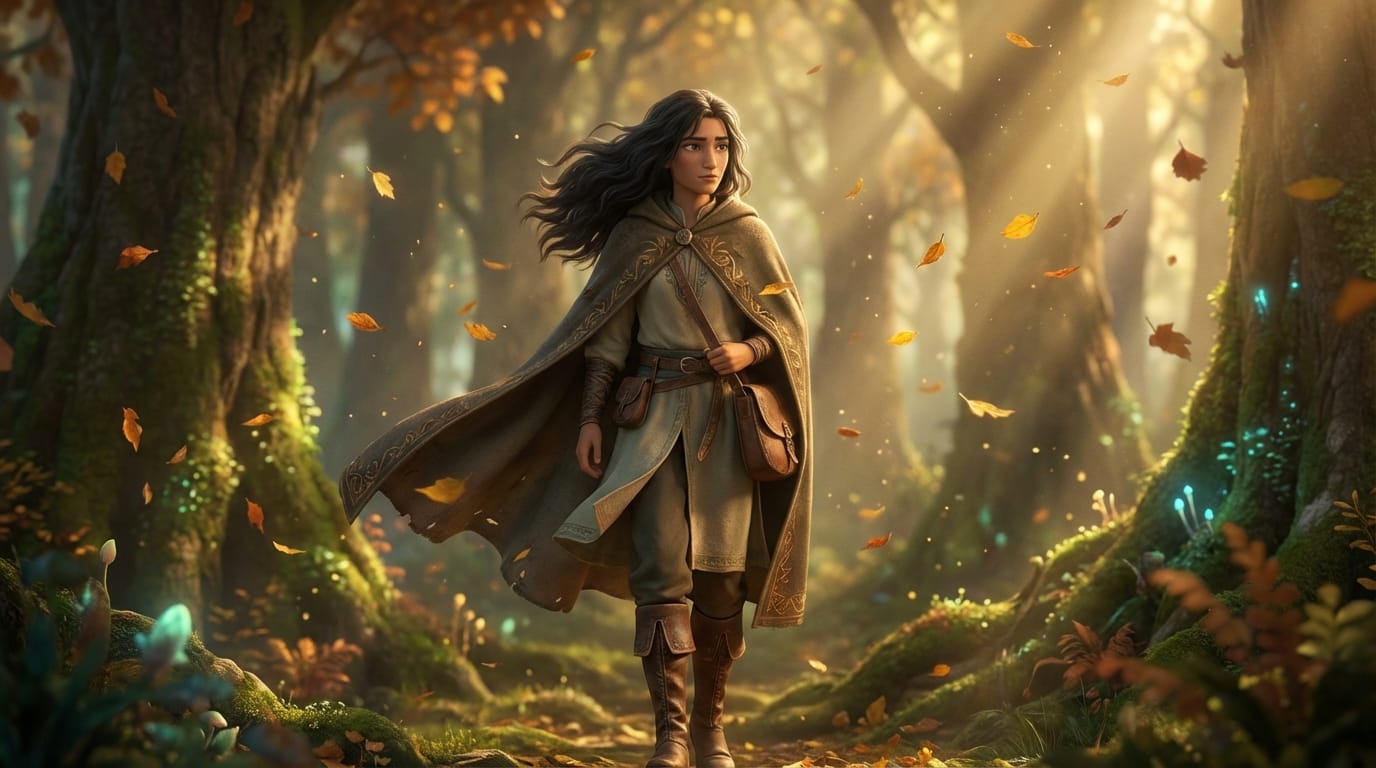
Create this content: Image-to-Video with WAN Video 2.6
How to Test and Optimize Web Anime Content on SousakuAI
Testing and optimization are key to achieving broadcast-ready results. These examples show how to refine outputs using advanced features like Reference Video to Video (R2V).
1. Style Transfer using Reference Video (Video-to-Video)
If you have a rough 3D block-out or a live-action video, you can use the R2V feature to convert it into a Web Anime style. This ensures the motion is physically accurate while the aesthetic changes completely.
Example Prompt:
Convert this video into a classic 90s anime style, hand-drawn cel animation aesthetic, grain filter, retro color palette, maintaining the original movement and composition, high definition anime rendering.
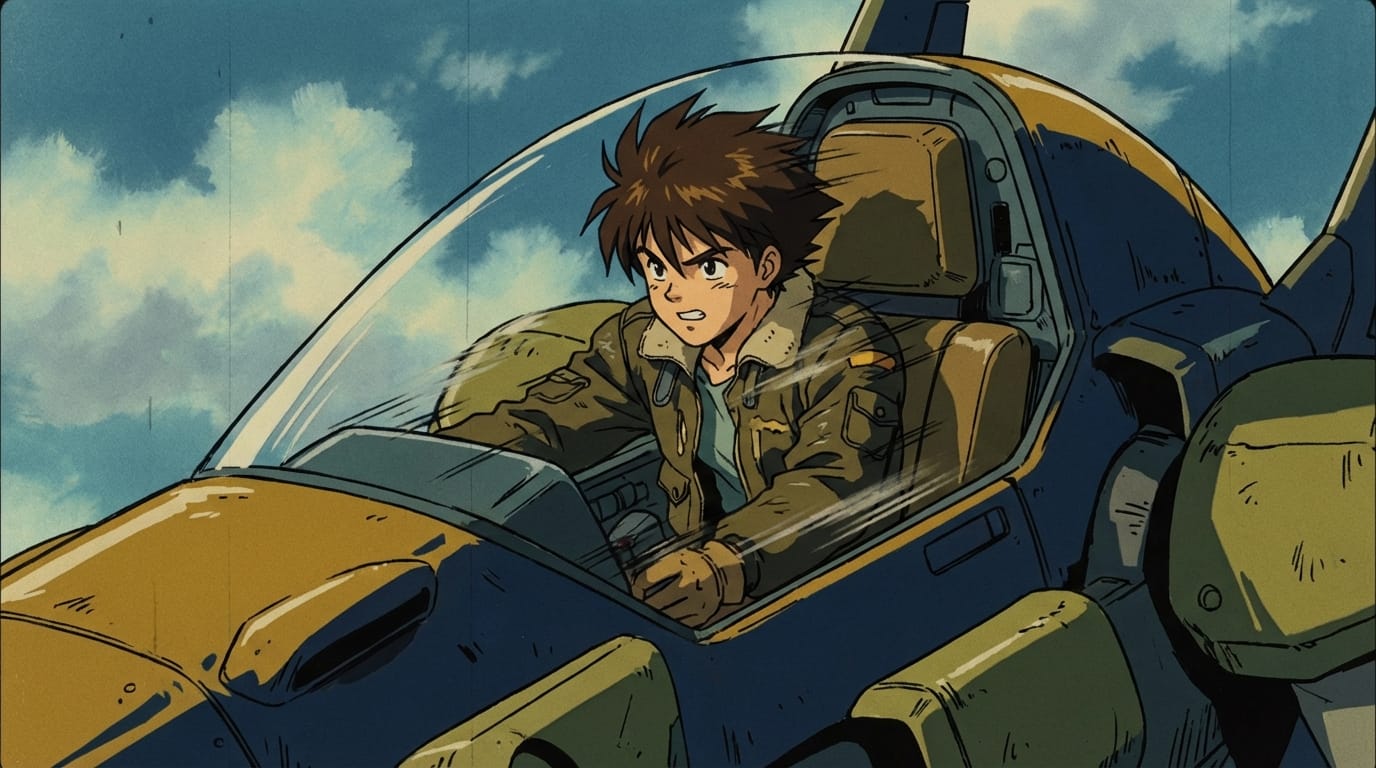
Create this content: Video-to-Video with WAN Video 2.6
2. Rapid Prototyping with Flash Mode (Text-to-Video)
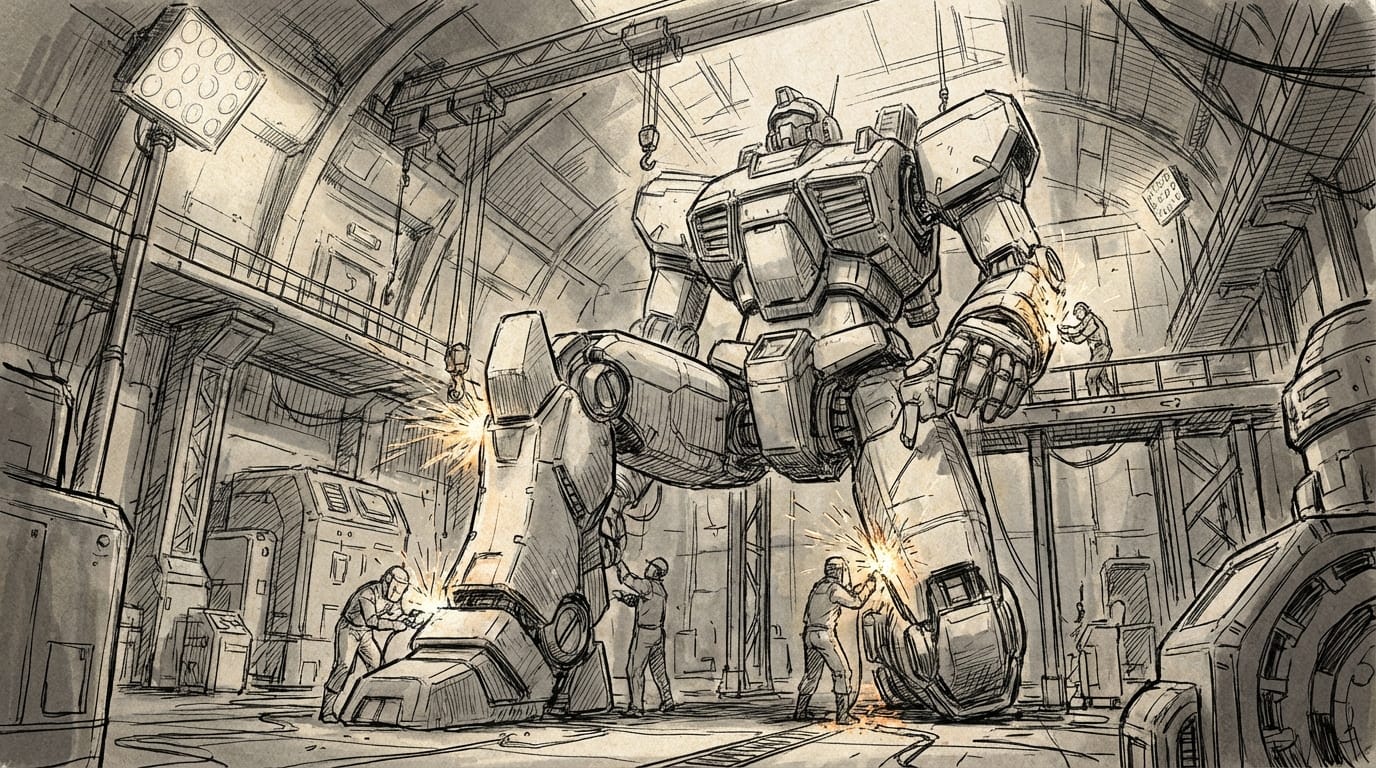
When brainstorming storyboards, use the Flash mode for faster generation to iterate on composition and lighting before committing to a final render.
Example Prompt:
A wide shot of a futuristic mecha hangar, engineers working on a giant robot, sparks flying, industrial lighting, anime concept art style, rough sketch aesthetic, dynamic perspective.
Create this content: Text-to-Video with WAN Video 2.6
Summary: How to Efficiently Use WAN Video 2.6 for Web Anime
Creating Web Anime with WAN Video 2.6 requires a clear understanding of the interplay between prompt descriptiveness and the model's native animation logic. The model excels when given clear instructions regarding lighting, art style (e.g., "cel shaded," "cinematic anime"), and camera movement.
To maximize efficiency, creators should leverage the 15-second generation window to build longer narrative arcs and utilize the audio synchronization features to reduce post-production work. While the model handles physics and motion well, complex interactions are best handled by providing reference images or videos to guide the generation. Always prioritize creating content that is aesthetically pleasing and respects copyright and community safety guidelines.
Explore the capabilities of WAN Video 2.6 and start your creation journey today at Sousaku.AI.
Ready to create? Sign in to start.