A Complete Guide to Creating Training Video Content Using Kling O1
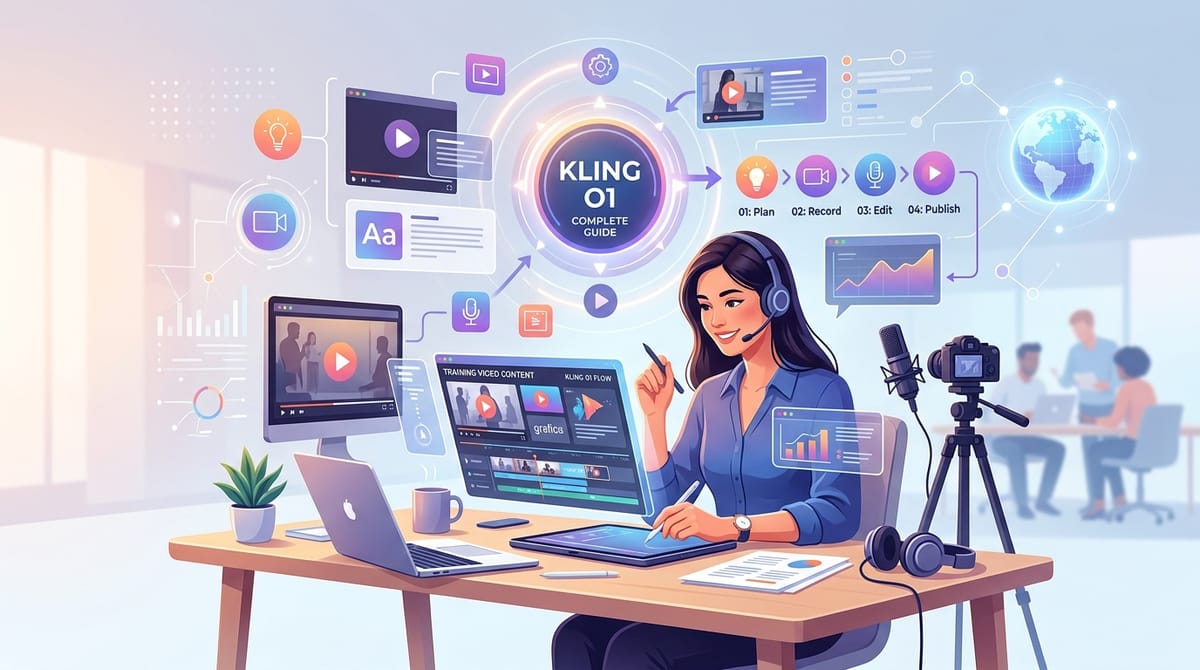
Creating effective instructional materials requires precise visual communication and logical narrative flow. The combination of Kling O1 and training video production offers a highly efficient workflow for educators, corporate trainers, and instructional designers.
Kling O1, a unified multimodal video model developed by Kuaishou, handles text, image, and video inputs to generate highly consistent visual sequences. Its advanced Multimodal Visual Language (MVL) architecture makes it exceptionally well-suited for producing professional, structured instructional content.
You can directly access and utilize this model for your instructional projects within the Hotgen.AI platform.
Core Creation Essentials for Training Video Content
Training videos aim to educate, onboard, or instruct viewers through clear, step-by-step visual narratives. Common formats include corporate compliance modules, industrial safety demonstrations, software concept visualizations, and customer service scenario simulations.
The primary requirement for this content type is visual clarity and narrative consistency. The footage must maintain a professional atmosphere, keep the visual focus on the instructional subject, and ensure that sequential steps flow logically without distracting visual artifacts.
Advantages and Limitations of Kling O1 in Training Video Creation
Kling O1 excels in maintaining character continuity and multi-view consistency across different shots. This is a significant advantage for training videos that require a recurring instructor or a stable spatial environment throughout a module.
The model demonstrates strong dynamic camera control and accurate physical simulation. These capabilities ensure that instructional movements, such as navigating a workspace or interacting with standard objects, appear natural and physically grounded.
However, Kling O1 has boundaries when dealing with highly intricate technical micro-movements. Scenarios requiring precise finger articulation on complex machinery or specific software interface interactions may not remain perfectly stable.
In these highly specific technical cases, the model may require multiple generation attempts or careful manual curation to achieve the strict accuracy needed for professional compliance.
Universal Training Video Prompt Templates
Below are foundational text-to-video prompts designed specifically for Kling O1 to generate high-quality training footage.
Corporate Onboarding Scenario
A professional tracking shot of a diverse corporate team sitting in a modern, well-lit conference room, focusing on an instructor pointing at a whiteboard, soft cinematic lighting, clear visual focus, realistic textures, professional corporate atmosphere
Industrial Safety Demonstration
A steady medium shot of a warehouse worker wearing a high-visibility vest and yellow hard hat safely lifting a standard cardboard box, bending at the knees, maintaining proper ergonomic posture, bright industrial lighting, highly detailed environment
Customer Service Training
A close-up over-the-shoulder shot of a retail employee calmly smiling and nodding while listening to a customer at a clean checkout counter, soft natural light coming from a nearby window, professional and welcoming atmosphere, stable camera
Laboratory Protocol Instruction
A slow panning shot across a clean, modern laboratory bench showing a scientist in a crisp white lab coat and safety goggles carefully holding a clear glass beaker, sterile cool blue lighting, sharp focus on the safety equipment, highly realistic
High-Quality Prompt Examples for Training Videos
To build a comprehensive training module, you will often need to mix different generation methods. Here are practical workflows utilizing Kling O1.
Establishing the Instructional Environment (Text-to-Video)
Starting a training video often requires a wide establishing shot to set the context for the learner. Kling O1 handles spatial understanding exceptionally well.
Example Prompt:
A wide establishing shot of a modern culinary training kitchen, stainless steel workstations neatly arranged, bright overhead fluorescent lighting, a chef instructor standing at the front workstation preparing ingredients, clean and structured composition
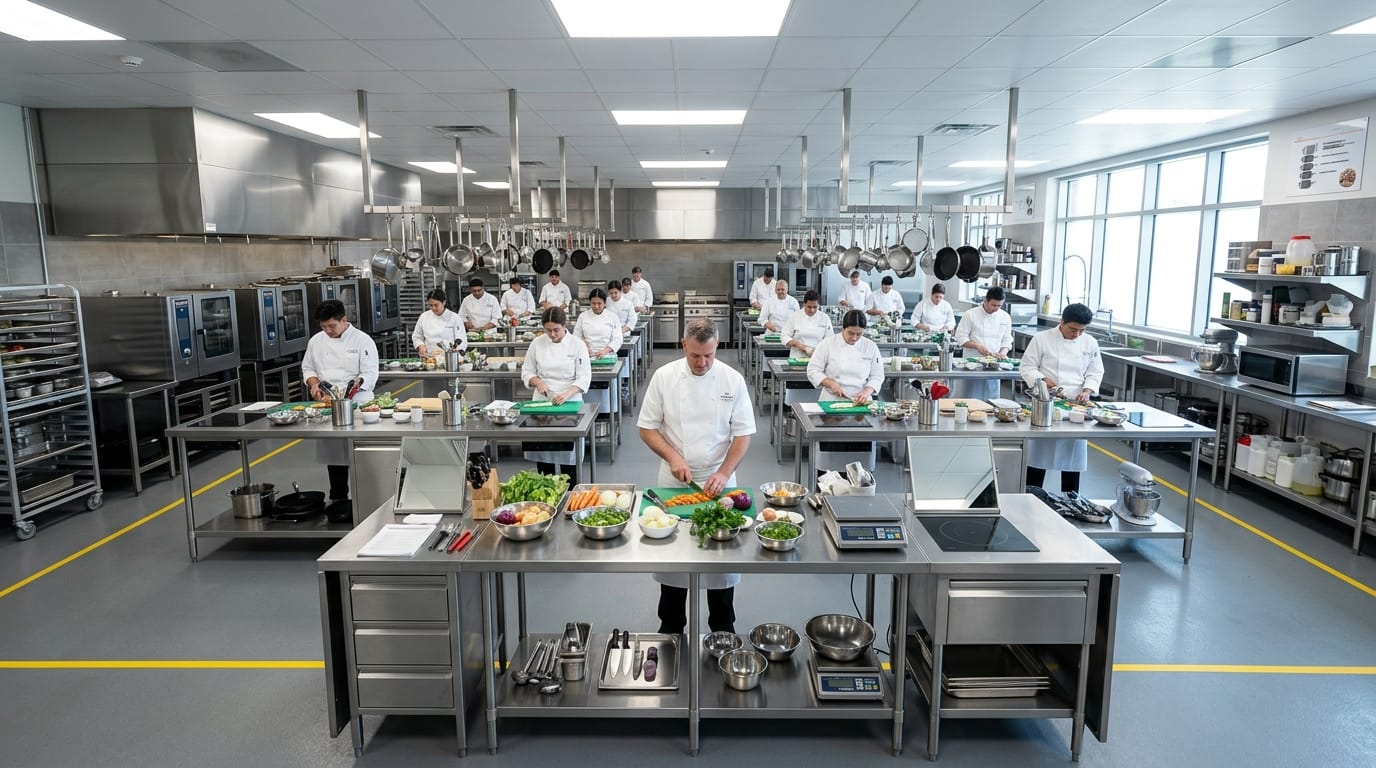
Create this scene using Text-to-Video: https://hotgen.ai/create/text2video/kling-video-o1
Demonstrating Specific Steps (Image-to-Video)
When you need to animate a specific diagram, storyboard frame, or a previously generated character to maintain visual consistency, image-to-video is the optimal approach.
Example Prompt:
The chef smoothly chops fresh vegetables on a wooden cutting board, maintaining a steady and safe knife technique, soft natural lighting illuminating the workspace, shallow depth of field focusing strictly on the hands and the cutting board
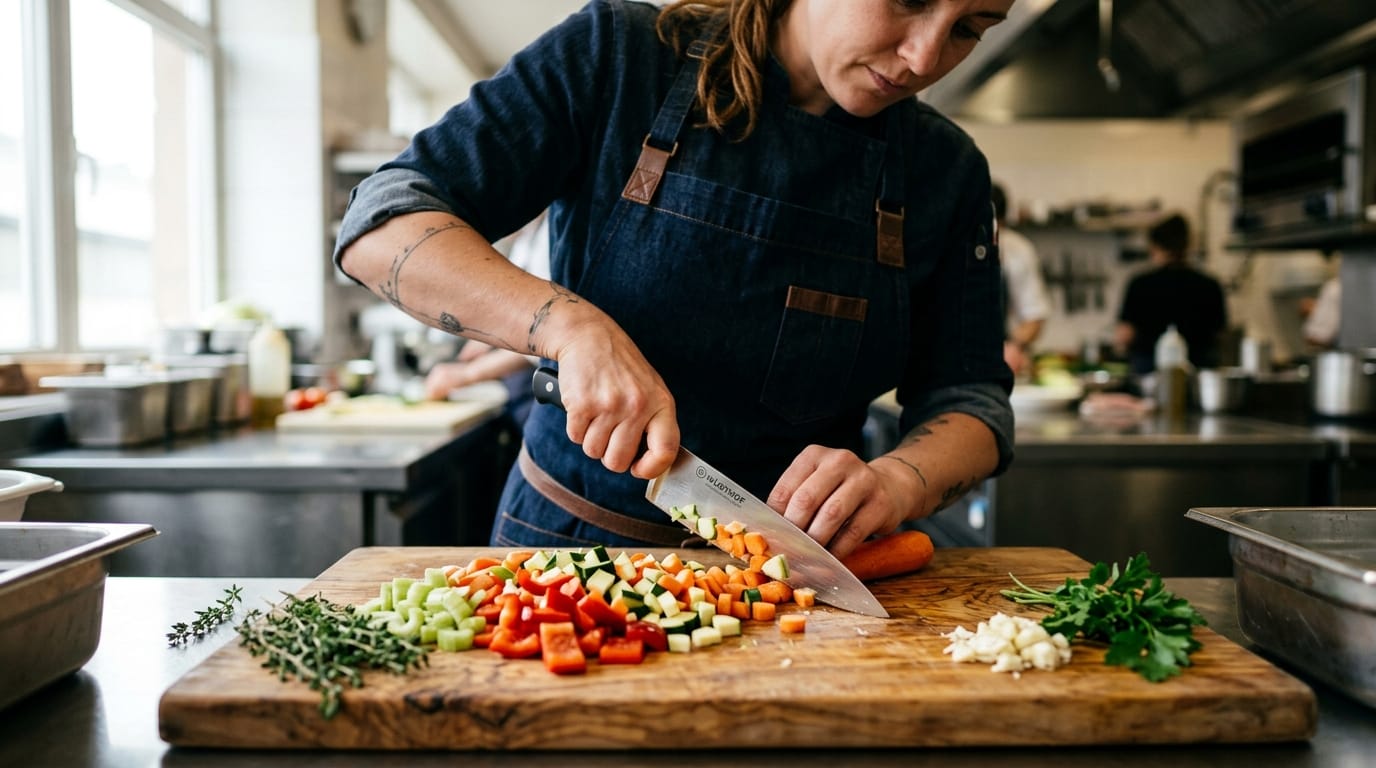
Create this sequence using Image-to-Video: https://hotgen.ai/create/image2video/kling-video-o1
How to Test and Optimize Training Video Content on Hotgen.AI
Building a professional training video requires iterative testing to ensure the tone and pacing match your curriculum.
Iterating Character Consistency (Text-to-Video)
When generating a recurring host for your training series, start by establishing a clear, descriptive baseline prompt. Test the prompt multiple times to observe the model's interpretation of the character's professional demeanor.
Example Prompt:
A medium shot of a female corporate trainer in a navy blue blazer standing in a bright modern office, speaking directly to the camera with a warm and professional expression, holding a digital tablet, stable tripod shot, 4k resolution
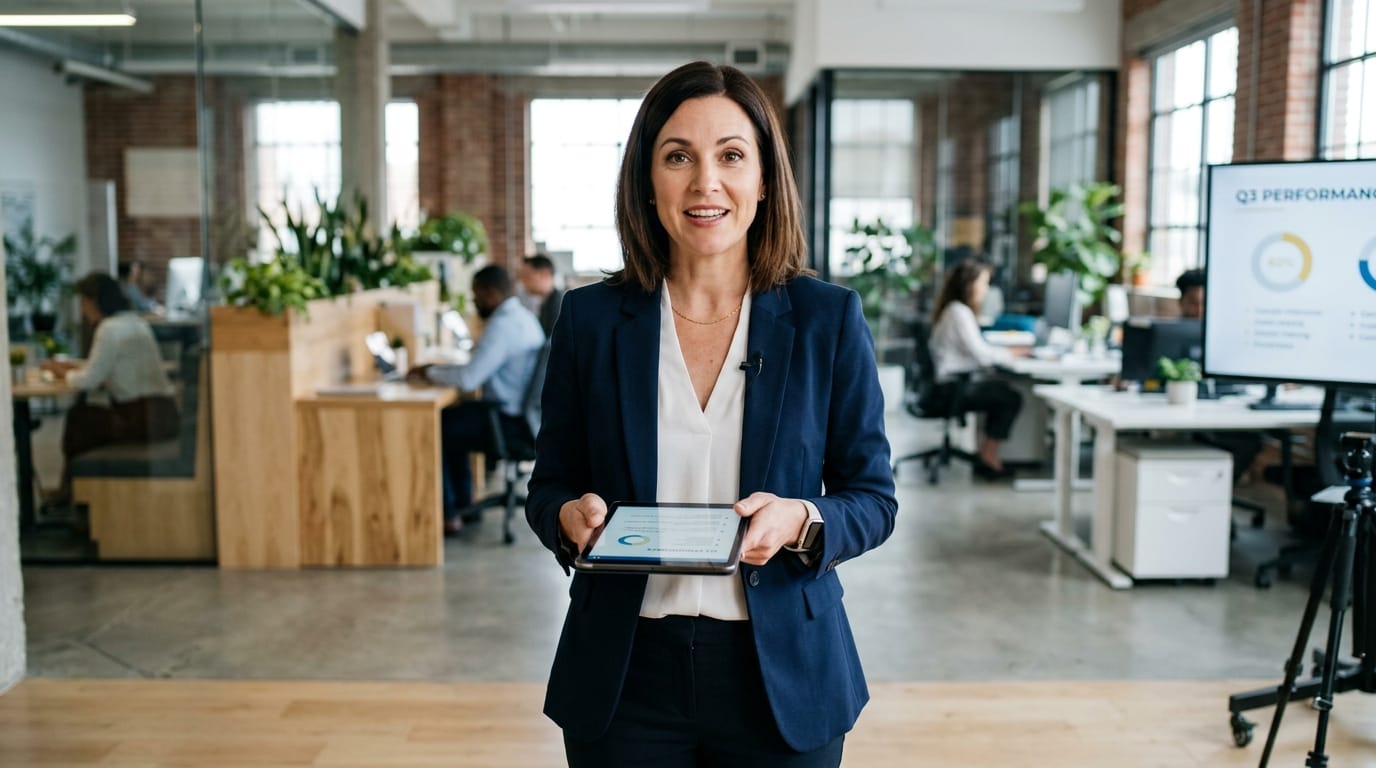
Test this workflow here: https://hotgen.ai/create/text2video/kling-video-o1
Refining Spatial Continuity (Image-to-Video)
If your training video involves moving through a facility, use a reference image of the starting location. This guides Kling O1 to maintain the architectural style and lighting setup as the camera moves.
Example Prompt:
The camera slowly pushes forward down the clean hospital corridor, maintaining the sterile white and light blue color palette, passing by closed patient doors, smooth steadycam movement, realistic institutional lighting

Optimize this continuity here: https://hotgen.ai/create/image2video/kling-video-o1
Conclusion: Efficiently Using Kling O1 for Training Videos
Successful training videos rely on clarity, structure, and professional presentation. Kling O1 provides a robust foundation for this content type through its unified multimodal architecture and superior scene understanding.
By leveraging its strengths in character continuity and environmental stability, creators can efficiently produce high-quality instructional sequences. Always remember to prioritize aesthetic quality and ensure all content adheres to standard compliance and safety guidelines.
Explore the capabilities of Kling O1 for your next instructional project by visiting https://hotgen.ai.
Start creating your structured training content today at https://hotgen.ai/signin.