A Complete Guide to Creating Stock Illustrations with Midjourney V6
Midjourney V6 represents a significant leap forward in generative AI, moving from the stylized interpretations of previous versions toward profound realism, accurate prompt adherence, and sophisticated lighting handling. For creators and designers, this model offers a powerful engine for generating high-quality Stock Illustrations—images designed for commercial versatility, marketing materials, and editorial use.
You can access and utilize this model directly through the SousakuAI platform to streamline your asset creation workflow.
Core Essentials of Stock Illustrations
Stock illustrations are designed to be versatile visual assets that communicate concepts clearly and can be used across various media, from websites and presentations to advertising campaigns. Unlike fine art, the primary goal of stock imagery is utility and commercial viability. The content usually focuses on universal themes such as business, technology, lifestyle, education, and abstract concepts.
Successful stock illustrations typically fall into specific visual categories: flat vector styles, 3D renders, isometric compositions, or clean line art. The key requirements for these images are clarity, balanced composition (often leaving space for text), and a neutral yet engaging aesthetic that allows them to fit into different brand identities without clashing.

Advantages and Limitations of Midjourney V6 for Stock Illustrations
Midjourney V6 is particularly well-suited for creating stock assets due to its enhanced technical capabilities. However, understanding its specific strengths and boundaries is crucial for efficient production.
Advantages:
- Prompt Accuracy: V6 excels at understanding complex descriptions, allowing for precise control over the elements in a scene, which is vital for depicting specific business concepts.
- Texture and Lighting: The model generates exceptional photorealistic textures and studio lighting effects, making it perfect for "3D render" style stock icons and isometric worlds.
- Text Legibility: Unlike previous iterations, V6 can handle basic text generation, which is useful for creating stock images that require simple labels or signage.
- Aesthetic Quality: The default output often has a polished, professional look that mimics high-end editorial illustrations without needing extensive post-processing.
Limitations:
- Raster Output: Midjourney generates raster (pixel-based) images, not scalable vectors (SVG). While prompts can simulate a "vector style," the final file is a flat image, limiting its use for large-scale print unless upscaled.
- Consistency: While improved, generating a perfectly consistent character or mascot across multiple unrelated poses remains a challenge that often requires trial and error or advanced image prompting techniques.
Universal Stock Illustration Prompt Templates (for Midjourney V6)
The following prompts are designed to be used immediately. They contain no variables or parameters, ensuring they work straight out of the box to generate high-utility stock assets.
A clean isometric illustration of a sustainable smart city featuring solar panels, electric vehicles, and green roof architecture on a white background with soft daylighting and pastel blue and green color palette
Flat vector art style illustration of a diverse team collaborating around a large table with laptops and documents, using vibrant corporate colors, minimal shading, and clean lines suitable for a tech company blog
Abstract 3D background featuring flowing liquid gold and matte black geometric shapes, high contrast studio lighting, depth of field, 4k resolution, elegant and modern aesthetic for presentation slides
Minimalist line art icon set arranged in a grid showing office supplies including a stapler, pen, notebook, and calculator, black lines on a white background, consistent stroke width
High-Quality Prompt Examples for Stock Illustrations
To get the most out of Midjourney V6, it is helpful to target specific, high-demand niches within the stock industry. Below are examples of how to construct prompts for specific commercial needs using the Text-to-Image capabilities.
1. The "Corporate Tech" Concept
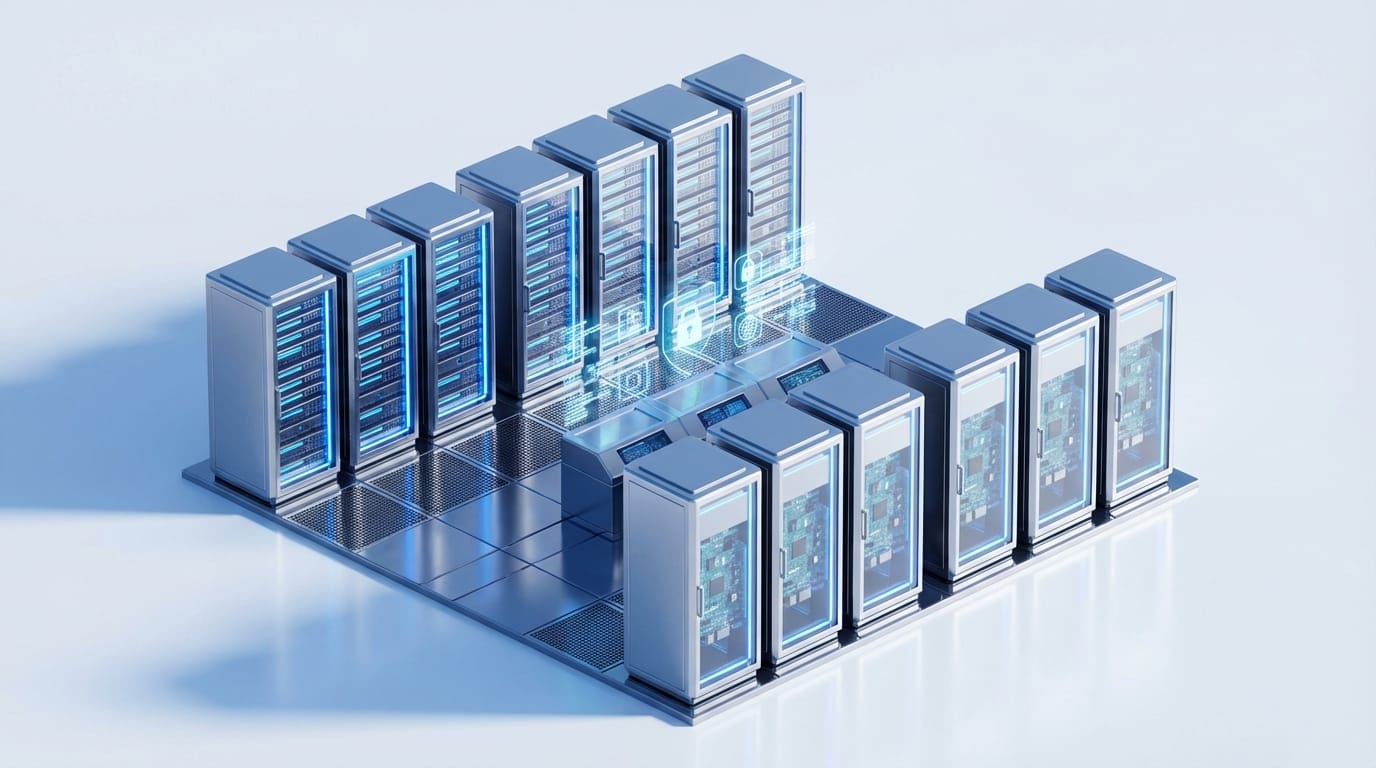
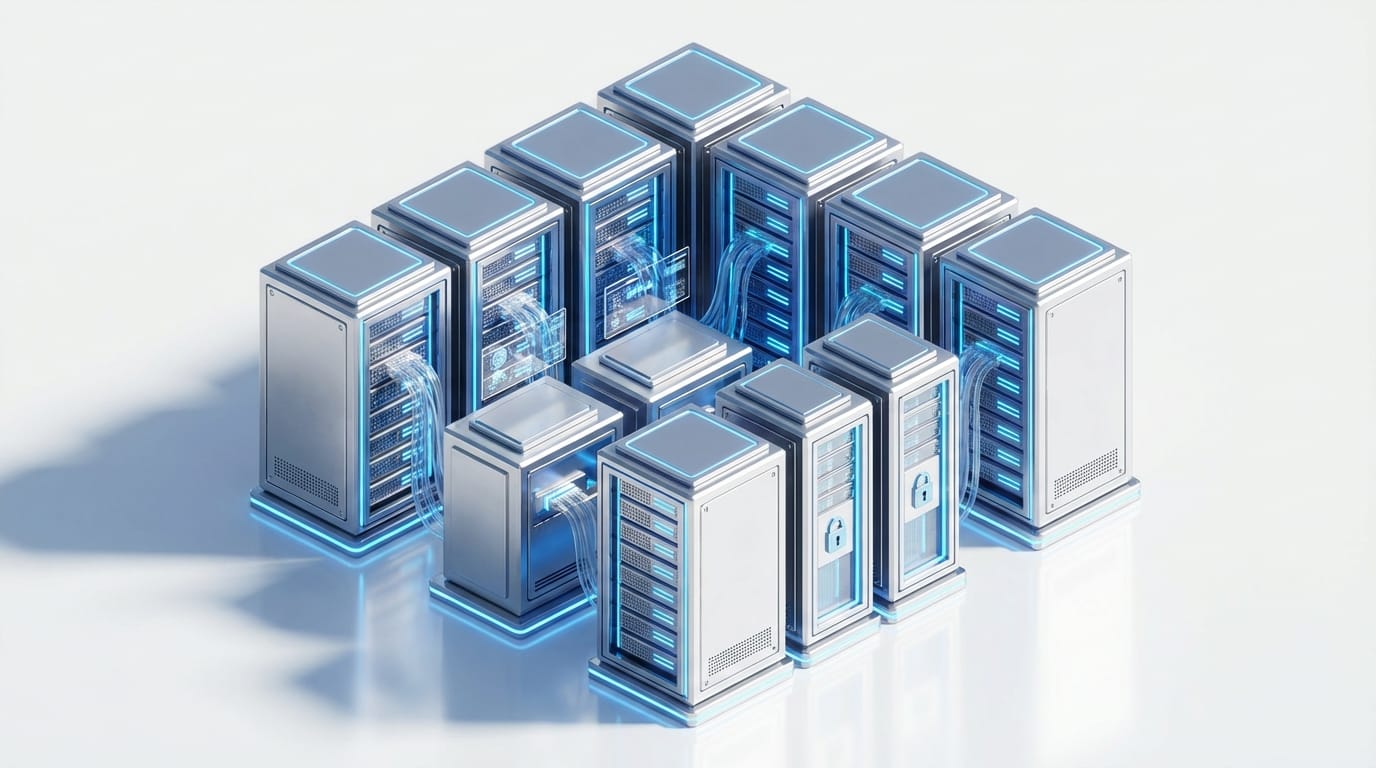
This example focuses on creating a modern, 3D-style illustration often used in SaaS landing pages and technology articles.
Example Prompt:
A high-quality 3D render of a futuristic data server room with glowing blue neon lights, sleek metallic surfaces, isometric perspective, clean composition, focus on technology and security, soft shadows, white background
Create this style here: https://sousaku.ai/create/text2image/mj-image-v6
2. The "Modern Lifestyle" Illustration
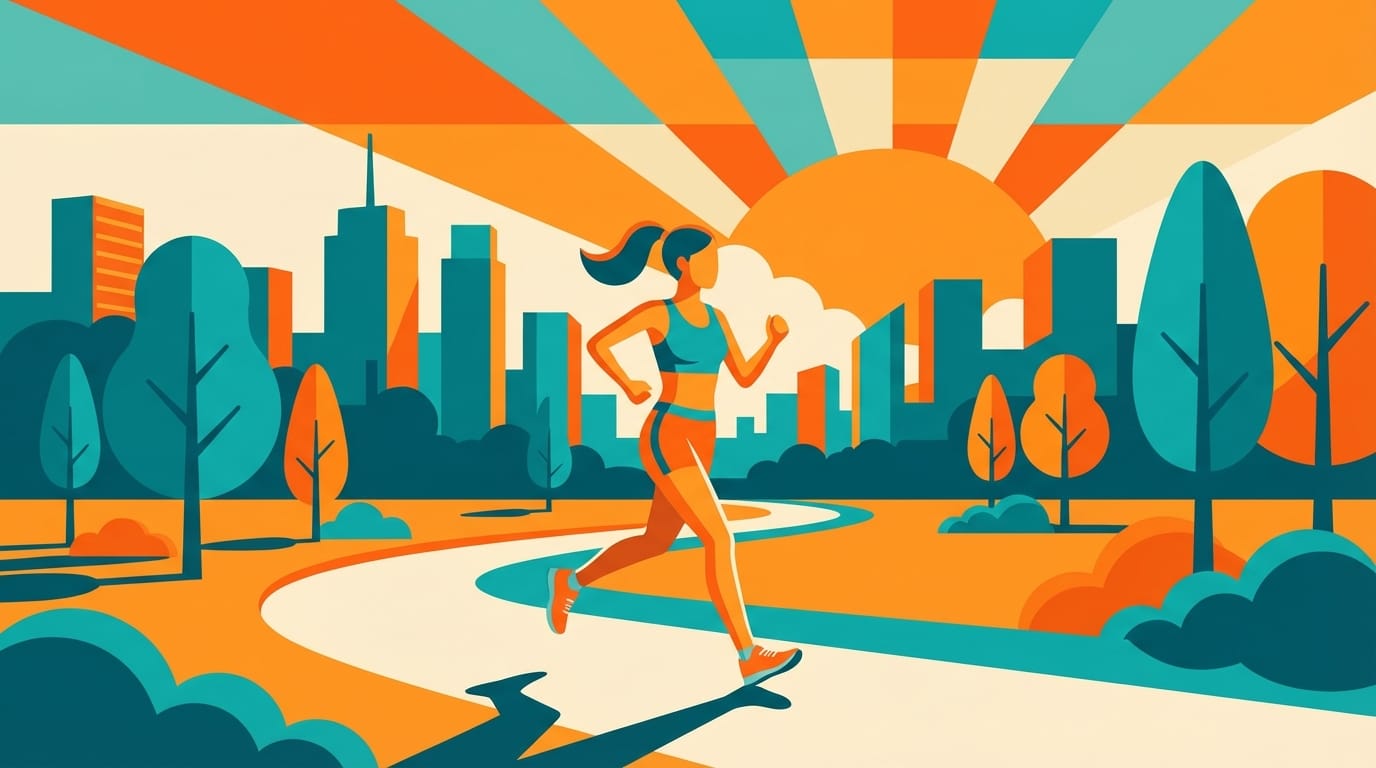
This example targets the flat design trend, popular for editorial blogs and mobile app onboarding screens.
Example Prompt:
Flat illustration of a young woman jogging in a city park during sunrise, vector art style, vibrant orange and teal color scheme, simple shapes, no gradients, clean composition, inspiring and energetic atmosphere

Create this style here: https://sousaku.ai/create/text2image/mj-image-v6
Testing and Optimizing Stock Illustrations on SousakuAI
When developing a library of stock assets, iteration is key. You can use SousakuAI to refine your results by slightly altering the stylistic descriptors in your prompts.
1. Abstract Textures for Backgrounds
Backgrounds are a high-volume category in stock photography. Midjourney V6 handles abstract textures with incredible fidelity.
Example Prompt:
Macro photography of colorful paper layers with smooth curves, soft pastel gradients in pink and purple, shallow depth of field, soft studio lighting, creating a dreamy abstract background texture
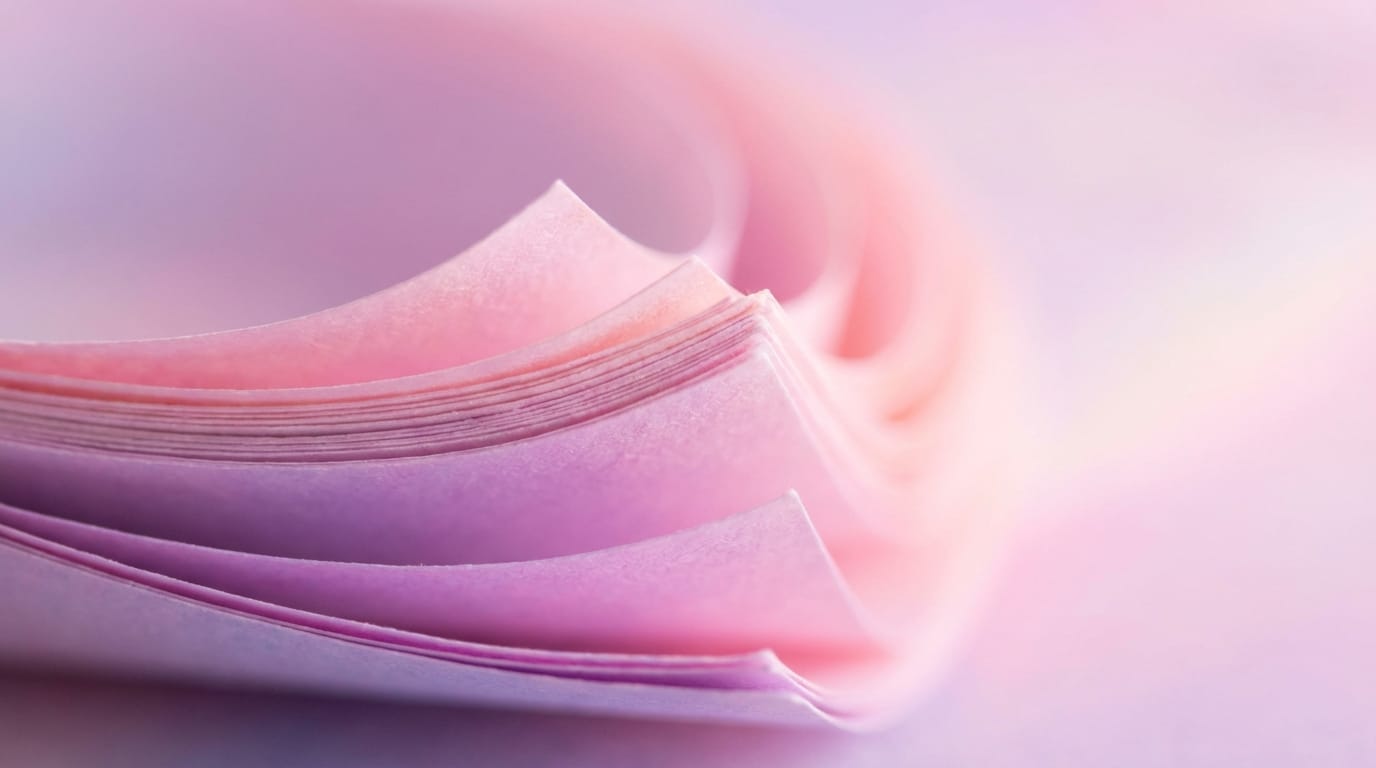
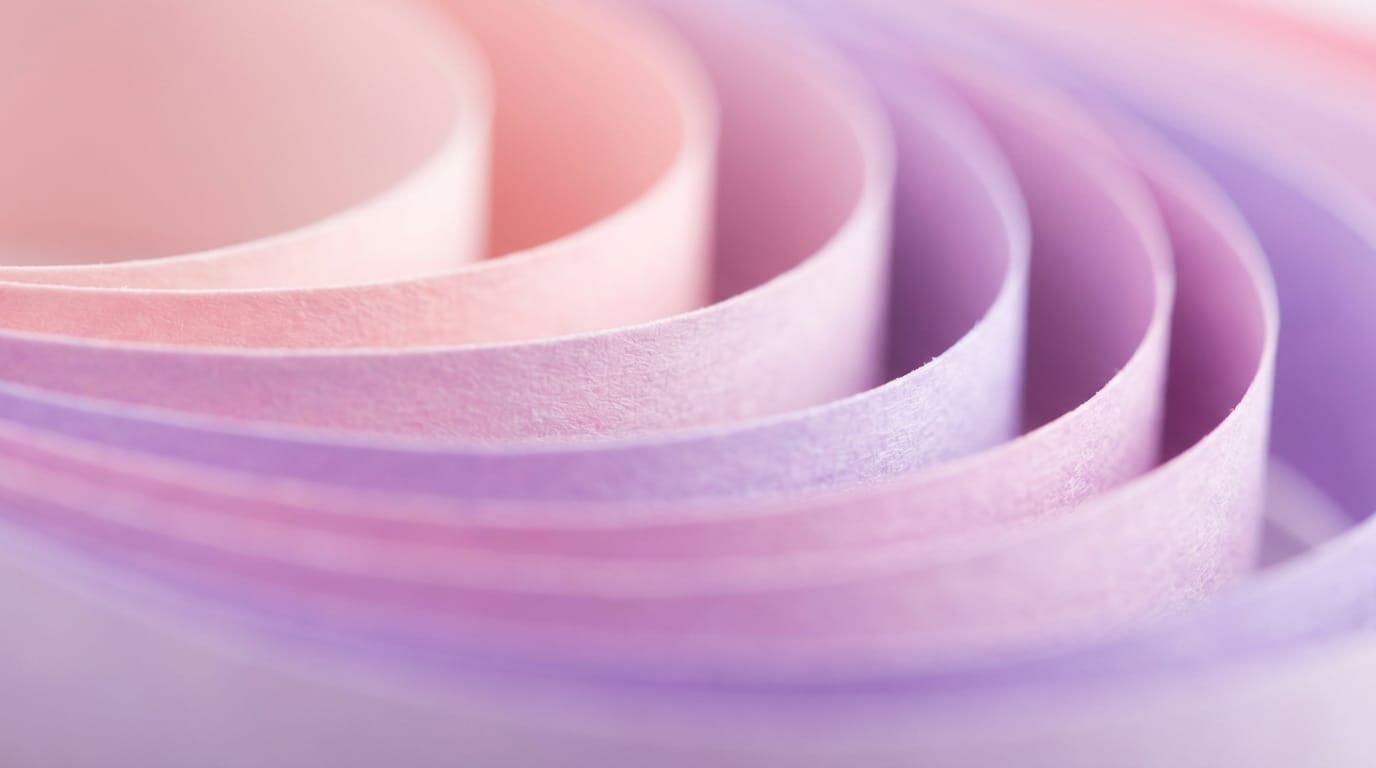
Try generating backgrounds: https://sousaku.ai/create/text2image/mj-image-v6
2. Image-to-Image Style Transfer
If you have a sketch or a reference composition and want to render it into a stock illustration style, you can use the Image-to-Image feature.
Example Prompt:
A polished vector illustration based on the reference composition, clean lines, flat colors, professional corporate art style


Use Image-to-Image here: https://sousaku.ai/create/image2image/mj-image-v6
Summary: Efficiently Using Midjourney V6 for Stock Illustrations
Creating stock illustrations with Midjourney V6 requires a balance between creative freedom and commercial discipline. The model's ability to render realistic textures and adhere to complex prompts makes it a formidable tool for generating 3D assets, isometric icons, and high-quality background textures.
However, creators should remember that "stock" implies utility. The most successful images are those that are clean, free of clutter, and conceptually clear. By focusing on prompts that define lighting, style (e.g., "flat vector" or "3D render"), and composition, you can produce professional-grade assets that meet market standards. Always ensure your creations adhere to ethical guidelines and platform safety rules.
Explore the capabilities of Midjourney V6 and start building your asset library today.
Visit Sousaku.AI: https://sousaku.ai Start creating: https://sousaku.ai/signin