A Complete Guide to Creating Game UI Assets with Midjourney V6.1
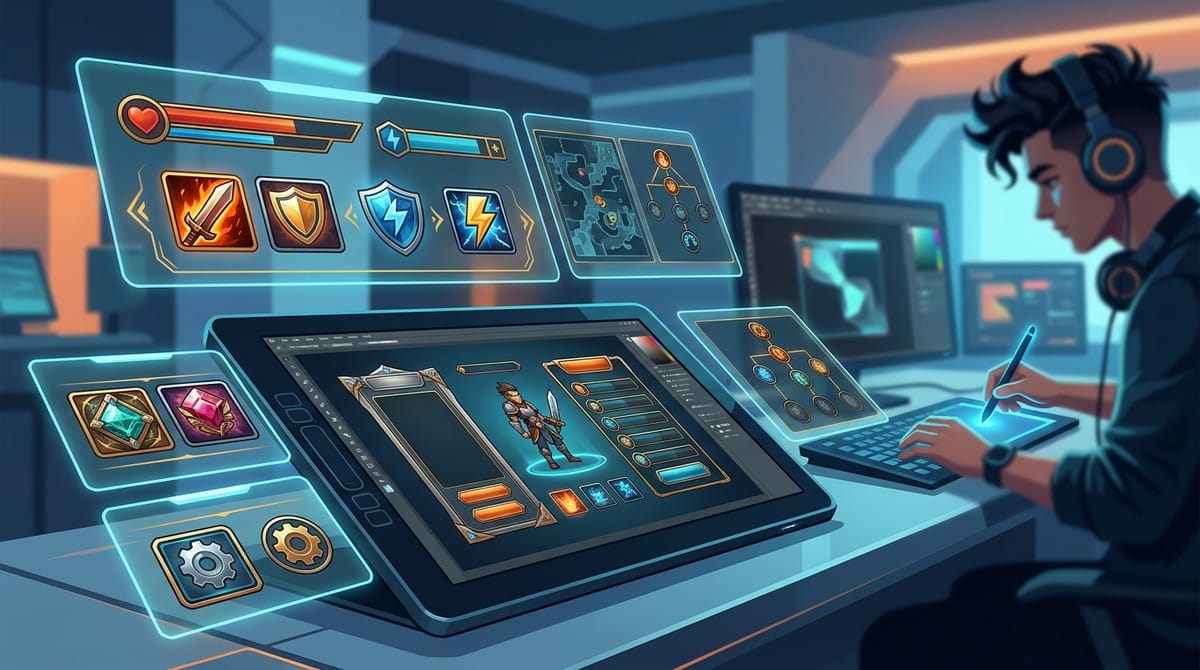
Midjourney V6.1 is a highly refined iteration that excels at generating high-fidelity Game UI Assets. With its significant improvements in artifact reduction and sharper detail rendering, it provides creators with exceptional texture quality and color accuracy. You can easily access and utilize this model directly within the Hotgen.AI platform to streamline your asset production pipeline.
Core Creation Elements for Game UI Assets
Game UI assets are essential visual components that bridge the player and the game mechanics. The primary goal is to create intuitive, aesthetically pleasing, and highly readable elements such as skill icons, inventory frames, health bars, and navigation menus. These assets must align perfectly with the overarching narrative and visual theme of the game, whether it is a dark fantasy RPG or a futuristic sci-fi shooter.
In commercial production, UI assets require strict visual consistency and precise thematic execution. The finished products are typically exported as isolated assets with clean edges, allowing developers to integrate them seamlessly into game engines. A successful UI asset balances intricate artistic details with functional clarity, ensuring it enhances the player experience without causing visual clutter.
Advantages and Limitations of Midjourney V6.1 for Game UI Assets
Midjourney V6.1 significantly improves upon its predecessor by offering sharper details and reducing pixel noise, which is crucial for clean UI elements. The model excels at rendering natural color saturation and precise textures, making it ideal for high-fidelity realism or mixed-style icons. Its enhanced prompt adherence ensures that specific material requests, like glowing crystals or metallic borders, are generated accurately.
While it handles complex compositions well, generating an entire, perfectly aligned UI dashboard in a single prompt remains challenging. Midjourney V6.1 still struggles with rendering perfectly transparent backgrounds natively, requiring post-processing for integration. Additionally, maintaining exact pixel-perfect consistency across a massive batch of icons may require multiple generations and manual curation to select the best matches.
Universal Game UI Assets Prompt Templates (for Midjourney V6.1)
A set of fantasy RPG inventory icons featuring glowing magical potions, intricate silver borders, dark background, high fantasy art style, vibrant colors, clear visual focus, studio lighting, 2d game asset
A futuristic sci-fi game user interface panel, holographic blue displays, sleek metallic frames, minimalist design, dark theme, glowing neon accents, sharp vector style, high resolution
A collection of casual mobile game resource icons, shiny gold coins, sparkling gems, wooden crates, bright and colorful, smooth shading, cartoon style, clean white background, 3d rendered look
A medieval strategy game skill tree interface, ancient parchment background, brass and iron metallic borders, engraved runic symbols, warm ambient lighting, highly detailed textures, realistic rendering
High-Quality Prompt Examples for Game UI Assets
Creating a primary skill icon requires a strong visual focus and clear thematic elements. Using the Text-to-Image capability, you can generate distinct, high-quality icons for character abilities. This workflow allows you to rapidly prototype various elemental designs before finalizing the art direction.
示例提示词:
A powerful fire magic skill icon for an RPG game, a blazing phoenix feather enclosed in a circular golden frame, dark background, intense fiery glow, highly detailed, fantasy game asset
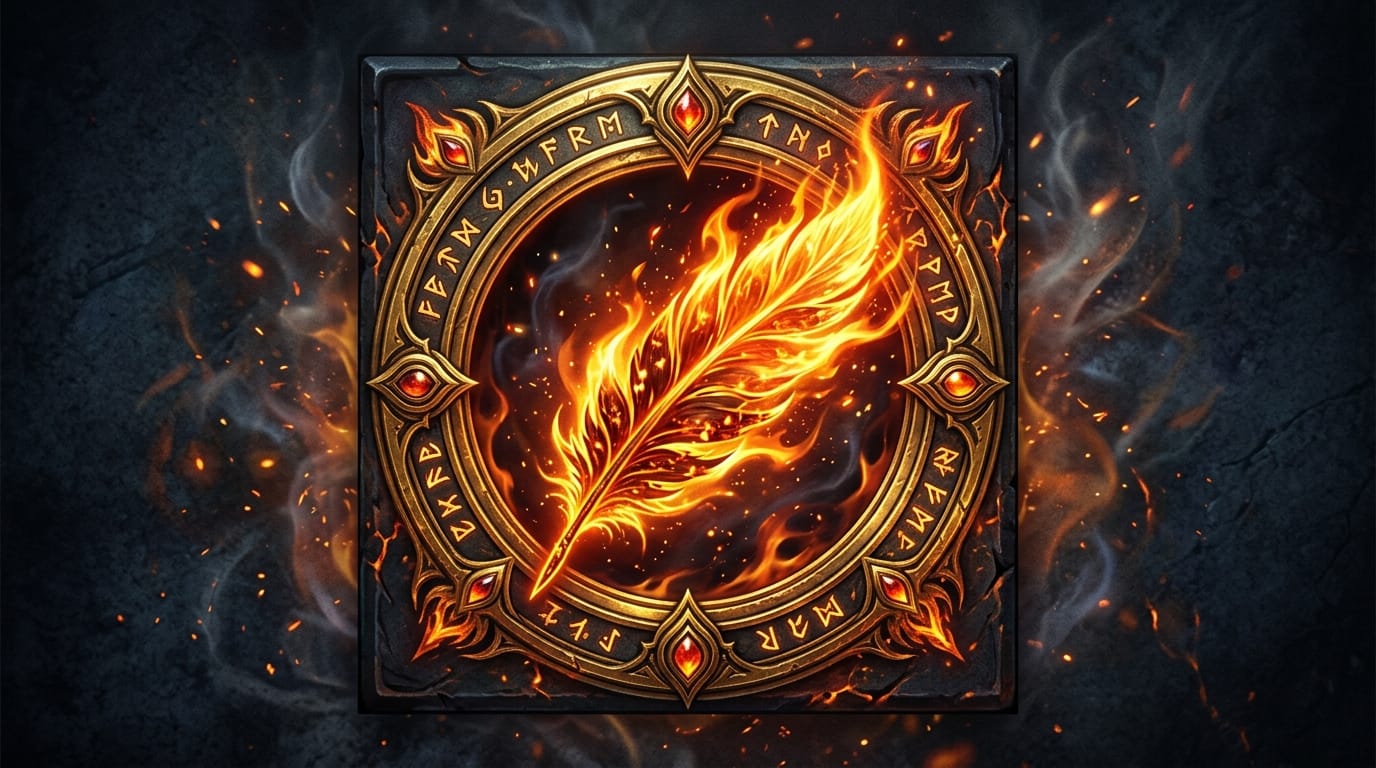
You can explore this Text-to-Image workflow here: https://hotgen.ai/create/text2image/mj-image-v6.1
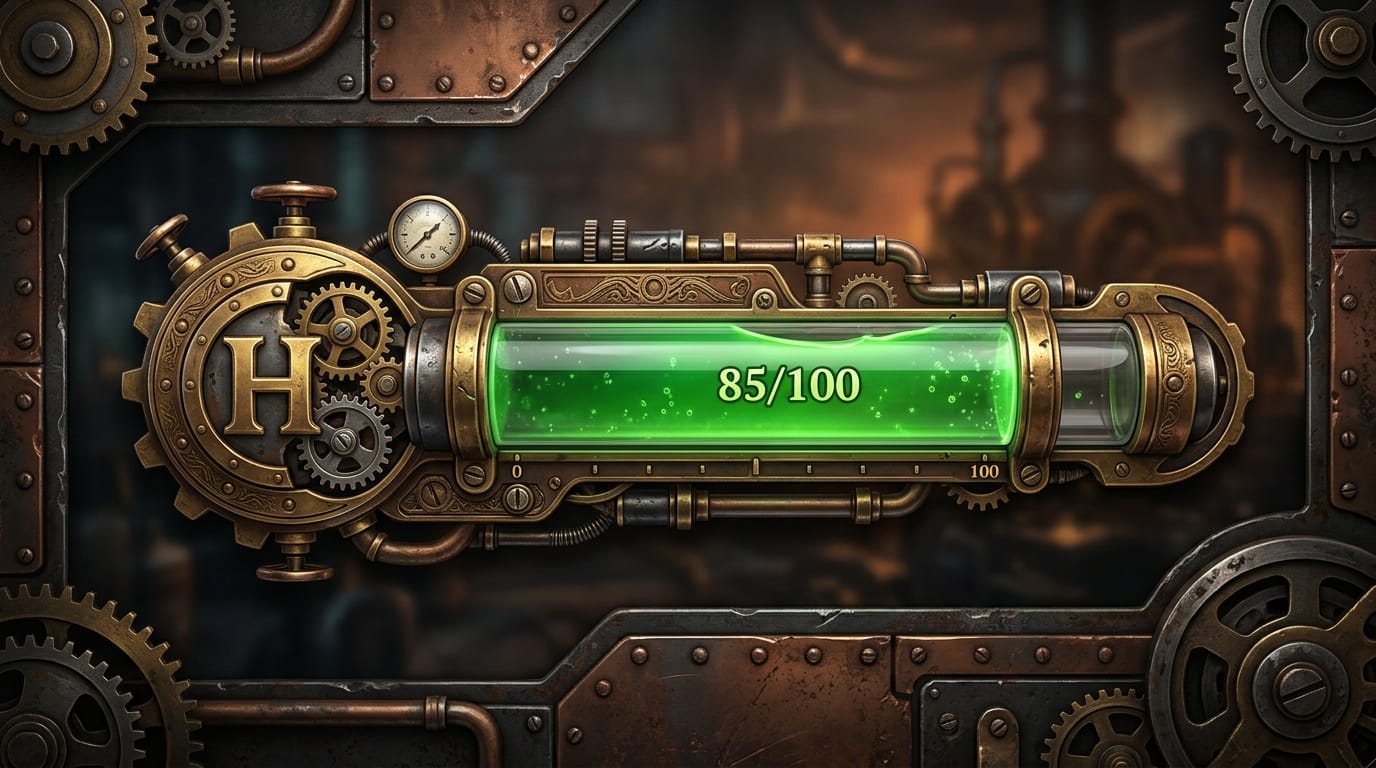
Taking a basic structural sketch of a health bar and using Image-to-Image applies a polished, thematic art style. This approach ensures the final asset retains the required dimensions while benefiting from the advanced rendering capabilities of the model.
示例提示词:
A stylized steampunk health bar UI element, brass pipes, glowing green liquid in a glass tube, intricate gears, vintage metallic textures, high quality game asset, industrial aesthetic
You can explore this Image-to-Image workflow here: https://hotgen.ai/create/image2image/mj-image-v6.1
How to Test and Optimize Game UI Assets on Hotgen.AI
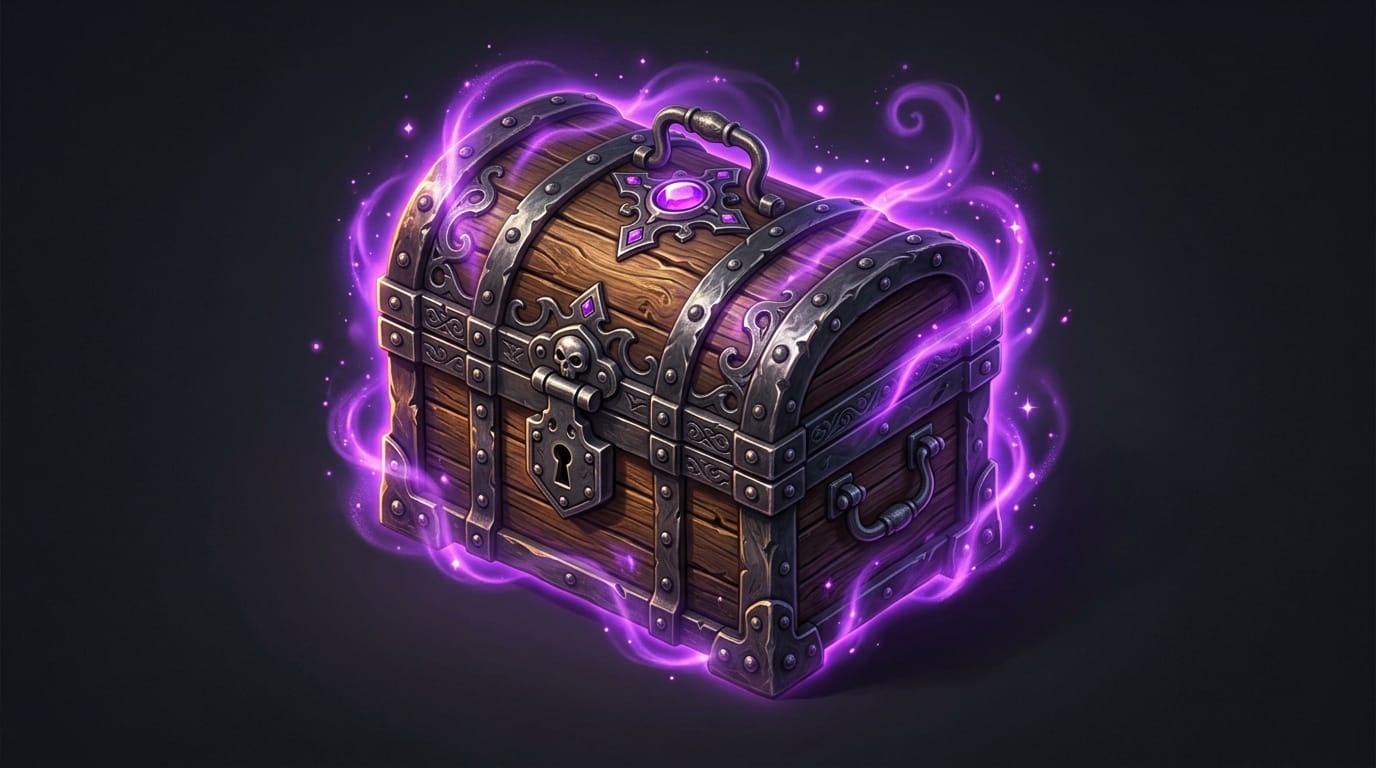
Testing different material finishes for an item icon helps determine which lighting and texture fit the game best. By adjusting the descriptive keywords in a Text-to-Image prompt, you can quickly iterate on a single concept, such as a treasure chest, to evaluate multiple stylistic variations.
示例提示词:
A closed wooden treasure chest game icon, glowing purple magical aura, dark iron bindings, isolated on a solid dark background, isometric view, high fantasy RPG style, sharp details
You can test this Text-to-Image workflow here: https://hotgen.ai/create/text2image/mj-image-v6.1
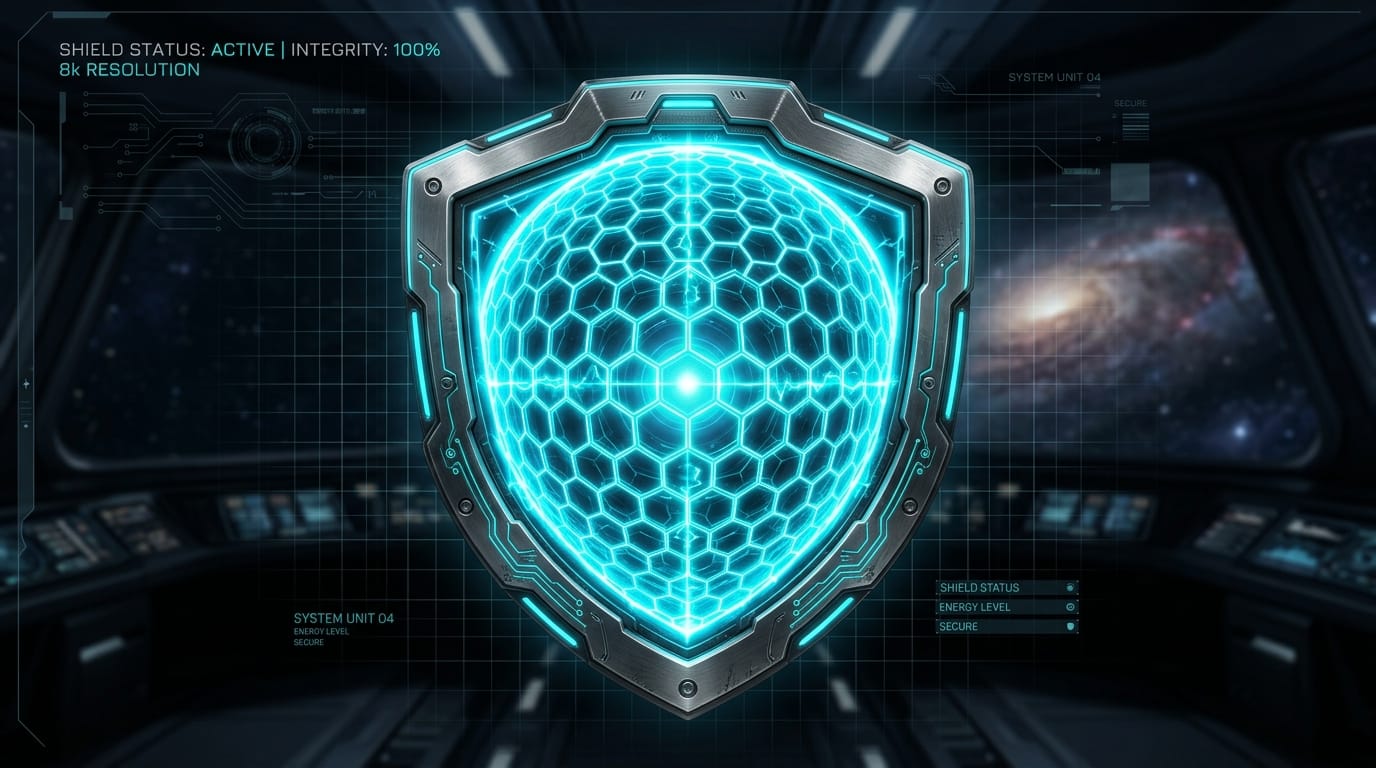
Uploading a previously generated icon that lacks detail and using Image-to-Image is an excellent way to enhance texture and sharpness. This optimization step refines the asset, ensuring the edges are crisp and the internal lighting matches professional commercial standards.
示例提示词:
A sci-fi energy shield icon, glowing hexagonal grid pattern, sleek titanium border, neon cyan lighting, futuristic UI element, crisp edges, highly detailed digital art
You can test this Image-to-Image workflow here: https://hotgen.ai/create/image2image/mj-image-v6.1
Summary: Efficiently Using Midjourney V6.1 for Game UI Assets
Game UI asset creation requires a deep understanding of visual hierarchy and functional design. Midjourney V6.1 serves as an exceptional tool in this process, offering unparalleled detail, improved coherence, and rich textures. By understanding its strengths in rendering individual icons and its limitations with native transparency, creators can build highly efficient production workflows.
Always ensure your creative process prioritizes aesthetic quality and adheres to all compliance guidelines. Focus on generating clean, professional, and highly usable assets that elevate the overall player experience.
Explore the possibilities and streamline your workflow at https://hotgen.ai
Start creating your assets today at https://hotgen.ai/signin