A Complete Guide to Creating Game Art Assets with Vidu Q2
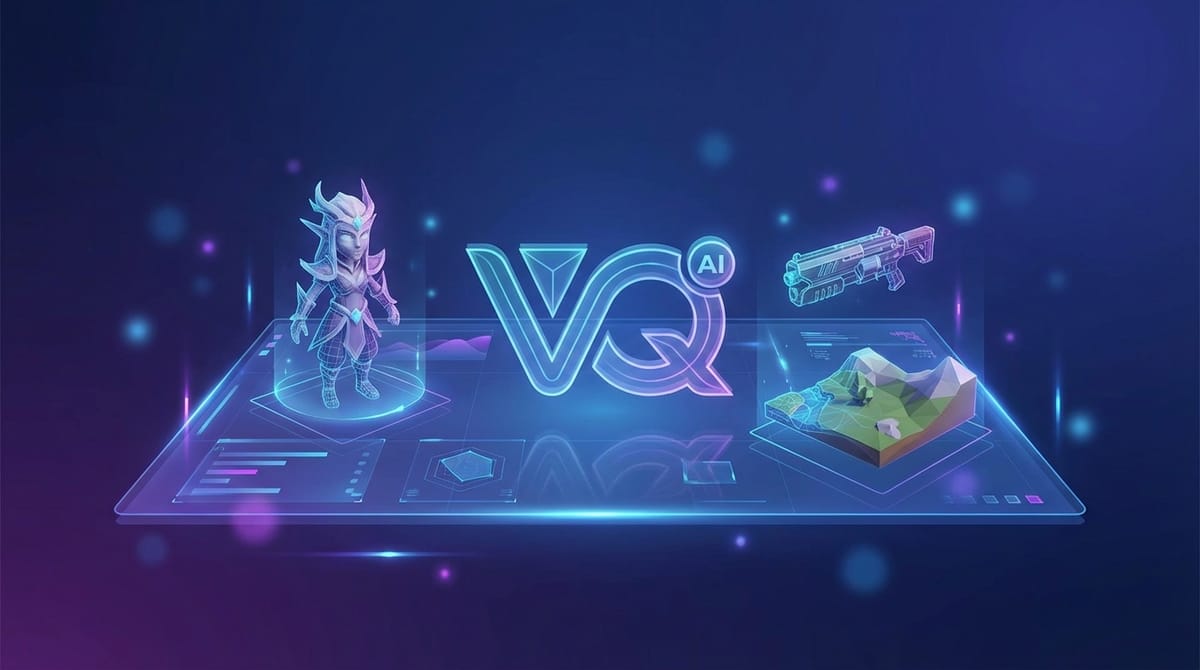
The landscape of game development is rapidly evolving, with AI tools becoming integral to the asset creation pipeline. For developers and artists looking to generate high-fidelity animated assets, Vidu Q2 offers a robust solution available on the SousakuAI platform. This guide explores how to leverage the capabilities of Vidu Q2 to create dynamic Game Art Assets, ranging from animated backgrounds to character cutscenes.
Core Creation Points for Game Art Assets
Creating Game Art Assets requires a distinct approach compared to general video generation. The primary goal is to produce visual elements that can be integrated into a game engine, such as Unity or Unreal Engine. These assets often include animated title screens, character idle animations for dialogue boxes, environmental loops, or narrative cutscenes. Unlike standalone videos, these assets must maintain strict visual consistency with the game's overall art direction.
The finished forms usually manifest as short, high-quality video clips that can be looped or triggered by in-game events. Whether the style is photorealistic, stylized cel-shaded, or pixel art, the motion must be smooth and stable. Jittery camera movements or morphing textures—common in early AI models—are unacceptable in a professional game environment. Therefore, the focus is on stability, clarity, and specific motion control.
Advantages and Limitations of Vidu Q2 for Game Art Assets
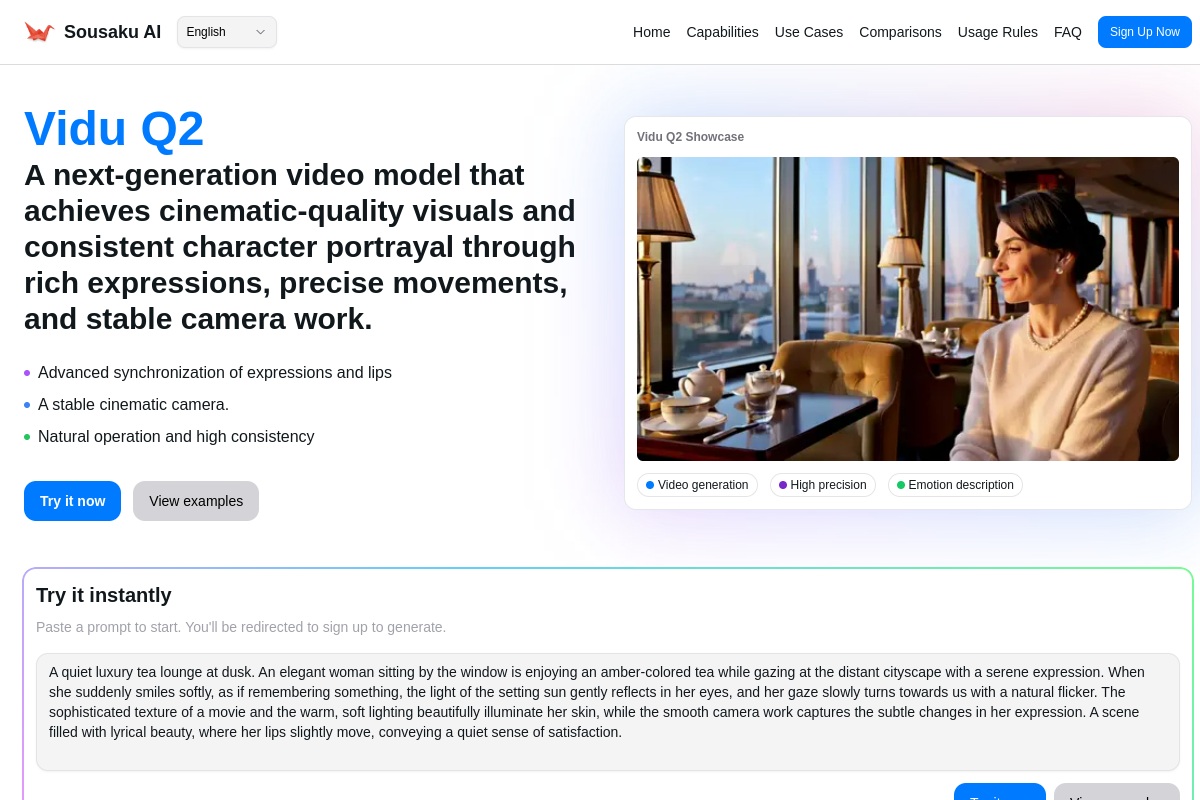
Vidu Q2 is a next-generation core model released in late 2025, specifically designed to handle the nuances required for professional content. By analyzing its specific capabilities—Text-to-Video, Image-to-Video, and Reference-to-Video—we can determine its best use cases for game development.
Advantages
- High Fidelity Expressions: Vidu Q2 excels at micro-expressions. This makes it incredibly powerful for creating animated portraits for RPG dialogue systems where characters need to blink, breathe, and lip-sync naturally without uncanny distortion.
- Stability in Movement: The model offers significant improvements in camera stability. This is crucial for creating environmental fly-throughs or scrolling backgrounds where the perspective needs to remain solid rather than dream-like or shifting.
- Cinematic Quality: With Pro and Turbo modes, the model delivers a cinematic feel straight out of the box, reducing the need for heavy post-processing when creating cutscenes or trailers.
Limitations
- Looping Challenges: While Vidu Q2 creates stable video, generating a perfectly seamless loop (where the last frame matches the first) often requires external video editing software.
- Complex Physics: For highly specific gameplay physics (like a character jumping with exact hitbox precision), traditional animation or 3D rendering remains superior. Vidu Q2 is better suited for narrative and atmospheric assets rather than mechanical gameplay sprites.
Universal Game Art Assets Prompt Templates (for Vidu Q2)
The following templates are designed to be used directly with Vidu Q2. They are structured to minimize artifacts and maximize the utility of the generated video for game development purposes. These prompts do not contain variables and are ready for immediate testing.
A high-fantasy isometric RPG environment featuring a glowing magical portal in a stone ruins setting, smooth magical particle effects rising upward, consistent lighting, stable camera angle, high definition game asset style
A cyberpunk city street background for a fighting game, neon lights flickering in the rain, steam rising from vents, dark atmosphere, cinematic lighting, realistic textures, slow and steady camera push forward
Close-up portrait of a sci-fi commander character looking directly at the camera, subtle breathing movement, natural eye blinking, serious expression, high fidelity facial details, 4k resolution, suitable for visual novel dialogue
A pixel art style landscape with a parallax scrolling effect, mountains in the distance, clouds moving slowly across the sky, vibrant colors, retro game aesthetic, stable horizontal motion
High-Quality Prompt Examples for Game Art Assets
This section demonstrates how to use Vidu Q2 in Text-to-Video mode to generate specific assets from scratch. These examples focus on creating atmospheric elements that set the tone of a game.
Example 1: Creating an Atmospheric Title Screen
For many indie games, an animated title screen is the first impression. This workflow uses a descriptive prompt to generate a moody, looping-friendly background video.
Prompt:
A mysterious ancient forest at twilight with fireflies floating gently in the air, soft blue fog rolling through the trees, cinematic depth of field, high fantasy art style, slow and calm movement, detailed textures
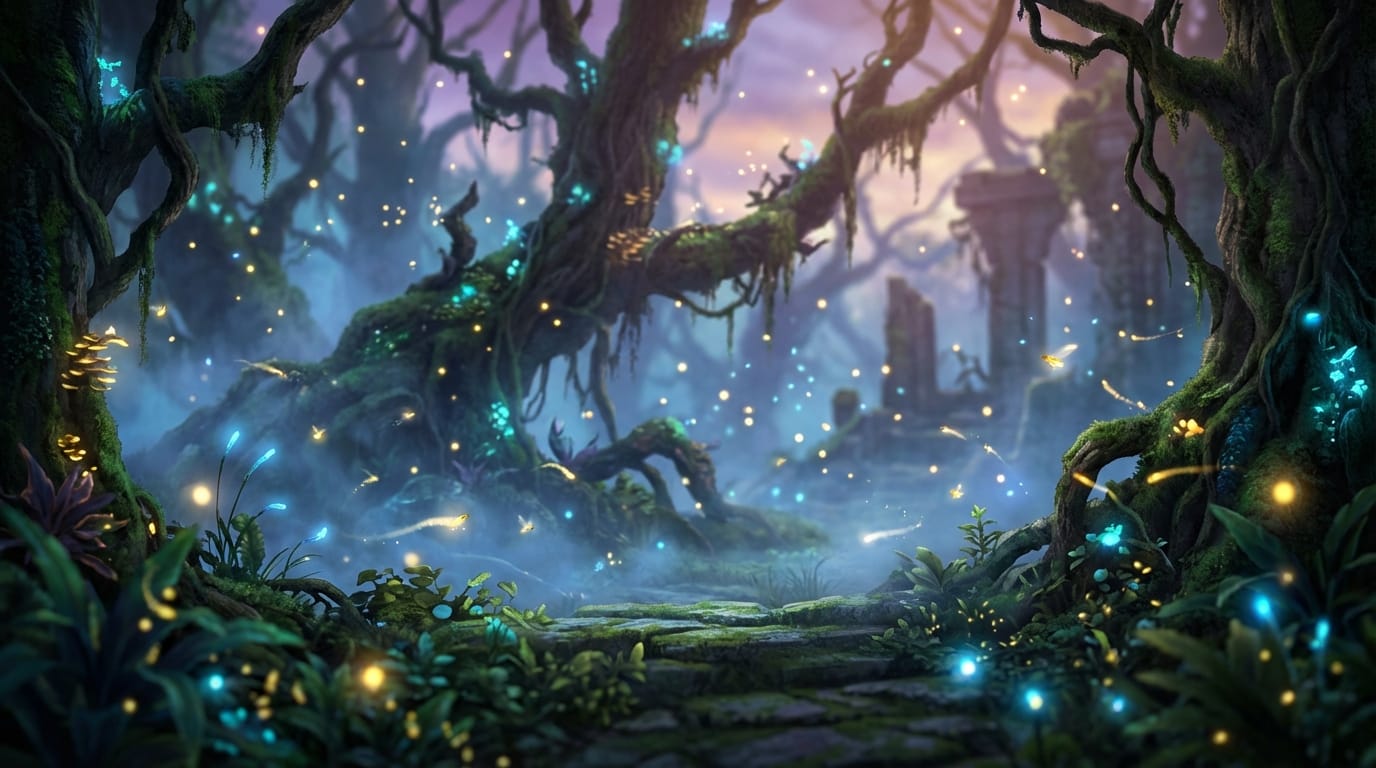
Create this asset: Text-to-Video with Vidu Q2
Example 2: Generating a Cutscene Clip
Narrative games often require short clips to bridge gameplay segments. Vidu Q2's ability to handle cinematic camera moves makes it ideal for establishing shots.
Prompt:
A wide cinematic shot of a futuristic space station orbiting a purple planet, realistic lighting from a nearby star, slow camera pan to the right, high detail mechanical structures, 8k resolution, sci-fi movie atmosphere
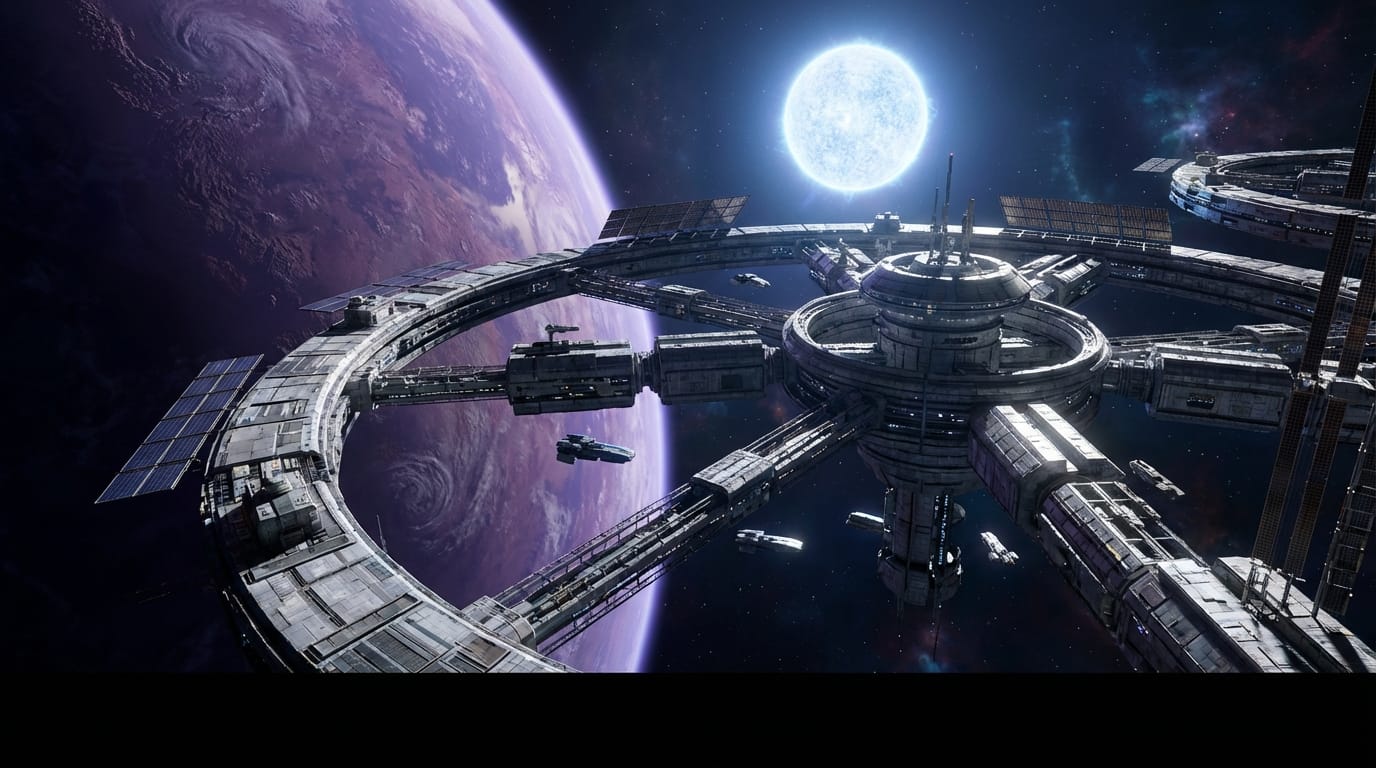
Create this asset: Text-to-Video with Vidu Q2
How to Test & Optimize Game Art Assets on SousakuAI
One of the most powerful features of Vidu Q2 for game developers is the Image-to-Video capability. This allows you to take existing concept art or static assets and bring them to life, ensuring the video matches your game's established art style perfectly.
Workflow 1: Animating Static Concept Art
If you already have a background image for your game, you can use Vidu Q2 to add life to it without re-rendering the scene in 3D.
Prompt:
Gentle wind blowing through the grass and trees, subtle sunlight shifting, maintaining the exact painting style of the original image, high stability, no morphing of solid objects
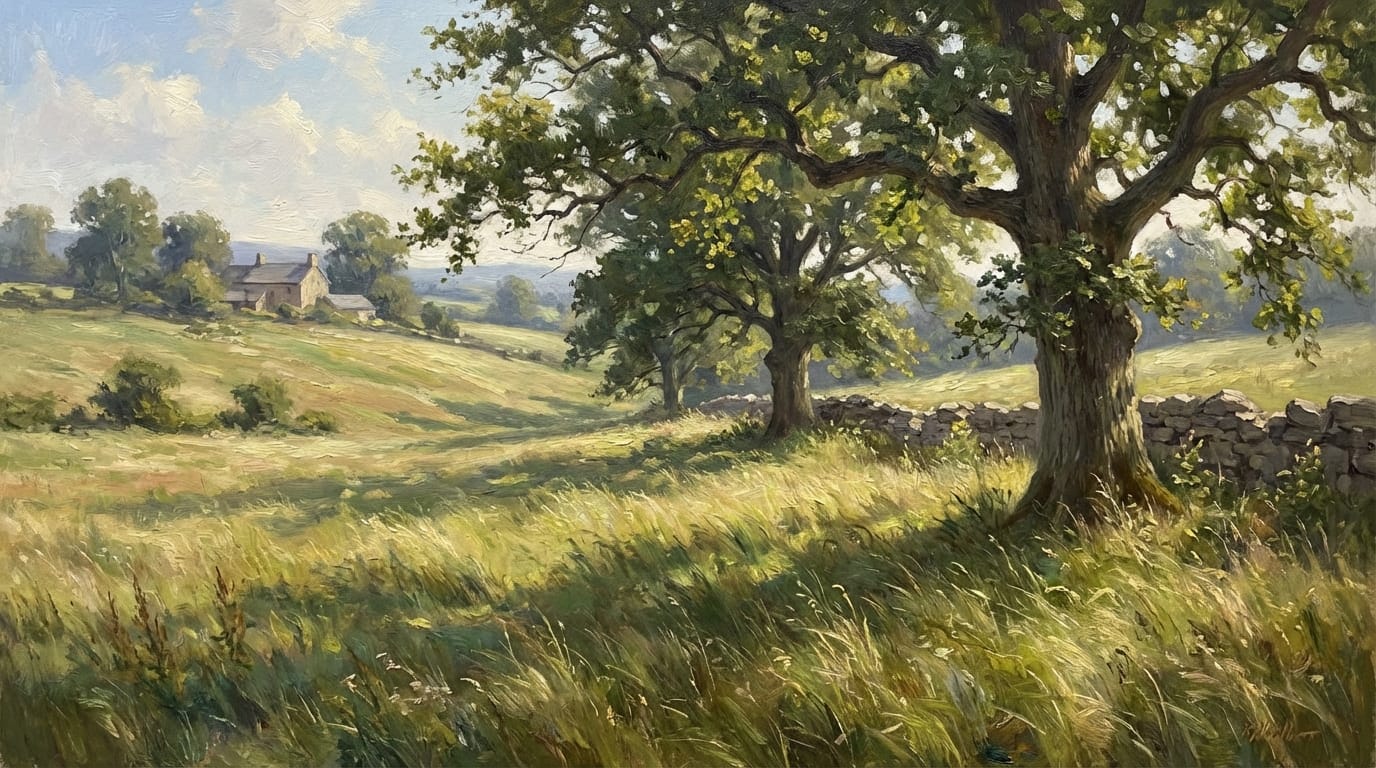
Try Image-to-Video: Image-to-Video with Vidu Q2
Workflow 2: Character Idle Animations from Portraits
For visual novels or RPGs, static portraits can feel lifeless. Vidu Q2 can take a character portrait and add subtle "idle" animations like breathing and blinking.
Prompt:
The character breathes softly with chest rising and falling, eyes blink naturally, hair sways slightly in a breeze, maintaining facial identity and art style, high fidelity expression
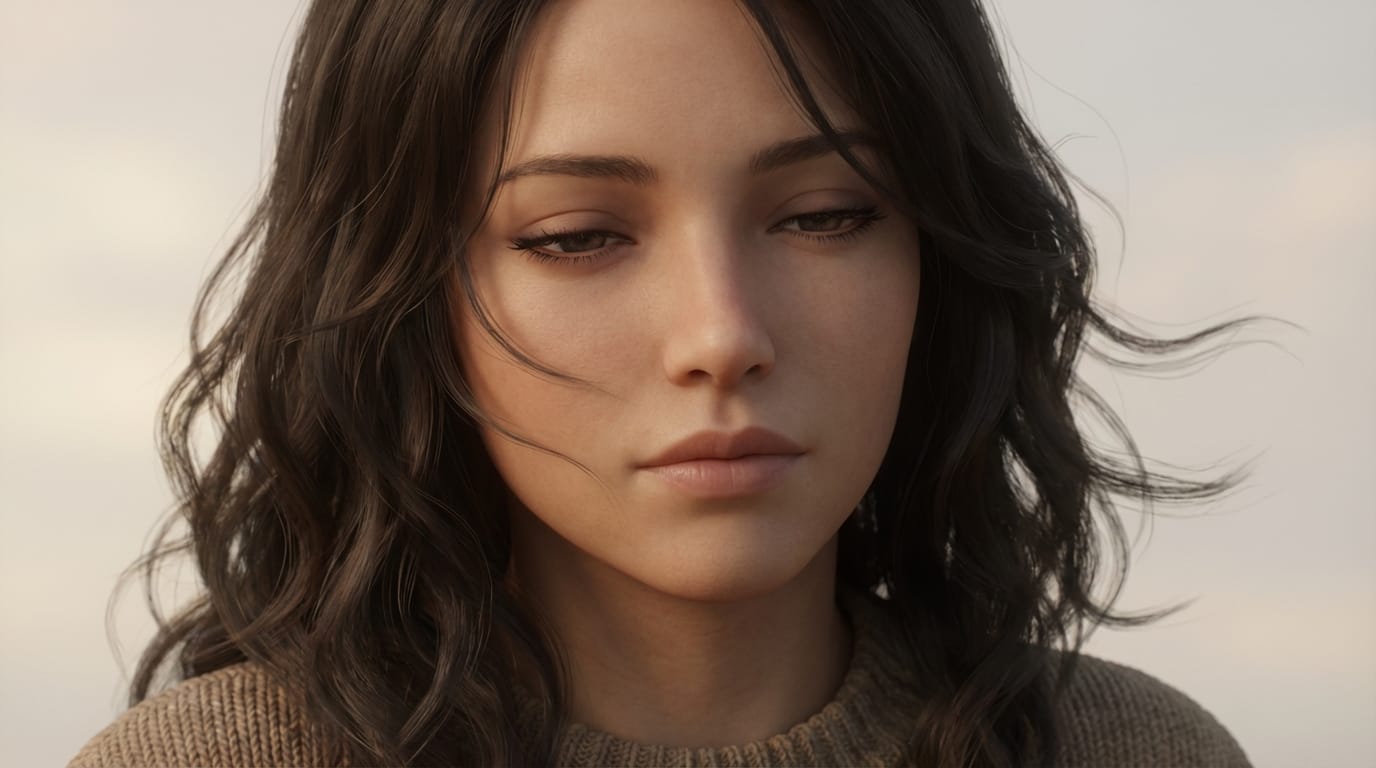
Try Image-to-Video: Image-to-Video with Vidu Q2
Conclusion: Efficiently Using Vidu Q2 for Game Art Assets
Creating Game Art Assets with Vidu Q2 allows developers to produce high-quality animated content rapidly. The key to success lies in understanding the model's strengths: it is exceptional for atmospheric backgrounds, narrative cutscenes, and bringing static character portraits to life with high-fidelity expressions.
However, creators should remember that while Vidu Q2 provides a powerful base, integration into a game engine often requires checking for seamless looping and consistent resolution. Always prioritize aesthetic consistency and ensure that the generated content aligns with the safety and rating requirements of your game project. By combining Vidu Q2's generation capabilities with your artistic direction, you can significantly accelerate your asset production pipeline.
Explore the capabilities of Vidu Q2 today:
- Visit Sousaku.AI: https://sousaku.ai
- Start Creating: https://sousaku.ai/signin