A Complete Guide to Creating Canvas Print Content Using WAN Image 2.6
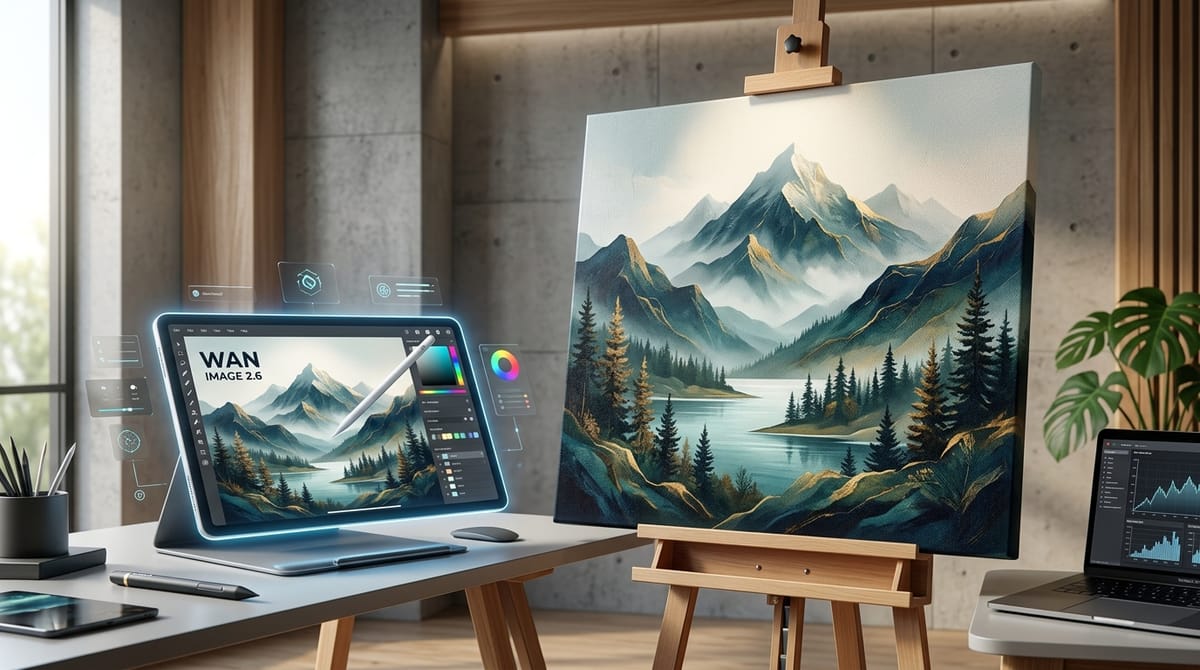
Creating high-quality artwork for physical canvas prints requires precision, excellent composition, and rich textures. WAN Image 2.6 offers a robust solution for artists and designers looking to generate commercial-grade static images. Its advanced capabilities in texture realism and lighting make it highly suitable for producing gallery-ready visuals.
You can easily access and utilize this model directly within the Hotgen.AI platform to streamline your creative workflow.
Core Creation Essentials for Canvas Print Content
The primary goal of creating a canvas print is to transform digital concepts into physical, gallery-quality wall decor. Common final forms include large-scale framed living room art, minimalist office decorations, and vibrant illustrations for children's spaces. These physical mediums demand a high level of aesthetic appeal, as they serve as permanent fixtures in interior environments.
To succeed as a canvas print, an image must possess balanced composition, strong visual impact from a distance, and intricate details upon close inspection. The narrative should evoke a specific mood or atmosphere, ensuring the artwork complements the physical space seamlessly without appearing overly digital or artificial.
Advantages and Limitations of WAN Image 2.6 for Canvas Prints
WAN Image 2.6, developed as part of Alibaba's Wan series, is exceptionally well-suited for canvas print creation due to its focus on high-fidelity static image output. The model excels at complex prompt understanding and artistic style transfer. Its significant improvements in texture realism and lighting ensure that the generated images possess the depth and tactile feel necessary for physical printing.
The model provides highly stable performance when generating landscape art, abstract compositions, and consistent character portraits. It handles commercial-grade details efficiently, making it a reliable choice for professional wall art. The generation speed is fast, and the cost remains low, allowing for rapid ideation.
However, creators should be aware of certain limitations when preparing files for physical printing. While WAN Image 2.6 produces stunning textures, extremely large physical canvas formats may still require an external upscaling step to maintain crisp edges. Additionally, highly complex anatomical details or specific typography might require multiple generation attempts or manual curation to achieve absolute perfection.
Universal Canvas Print Prompt Templates (Compatible with WAN Image 2.6)
Below are highly effective prompts designed specifically for canvas print aesthetics. They focus on lighting, texture, and composition to ensure the output is ready for physical display.
Abstract Modern Art:
An abstract fluid painting featuring deep navy blue and metallic gold accents, smooth flowing curves, high contrast lighting, gallery wall art style, elegant and modern composition with rich impasto textures
Serene Landscape Decor:
A serene foggy mountain landscape at sunrise, soft pastel colors, ethereal atmosphere, detailed pine trees in the foreground, cinematic lighting, classical oil painting aesthetic with visible brushstrokes
Minimalist Botanical Print:
A macro photography shot of a translucent white lotus flower, dark background, soft studio lighting, intricate petal details, minimalist zen decor style, high resolution photographic realism
Warm Nursery Illustration:
A watercolor illustration of a cute sleeping fox curled up under a giant glowing mushroom, starry night sky background, soft pastel colors, warm and comforting atmosphere, highly detailed children book illustration style
High-Quality Prompt Examples for Canvas Prints
Understanding how to apply WAN Image 2.6 in a practical workflow is crucial for commercial success. Here are real use cases demonstrating how to utilize the model's Text-to-Image and Image-to-Image capabilities for canvas prints.
Text-to-Image: Creating Conceptual Sci-Fi Wall Art
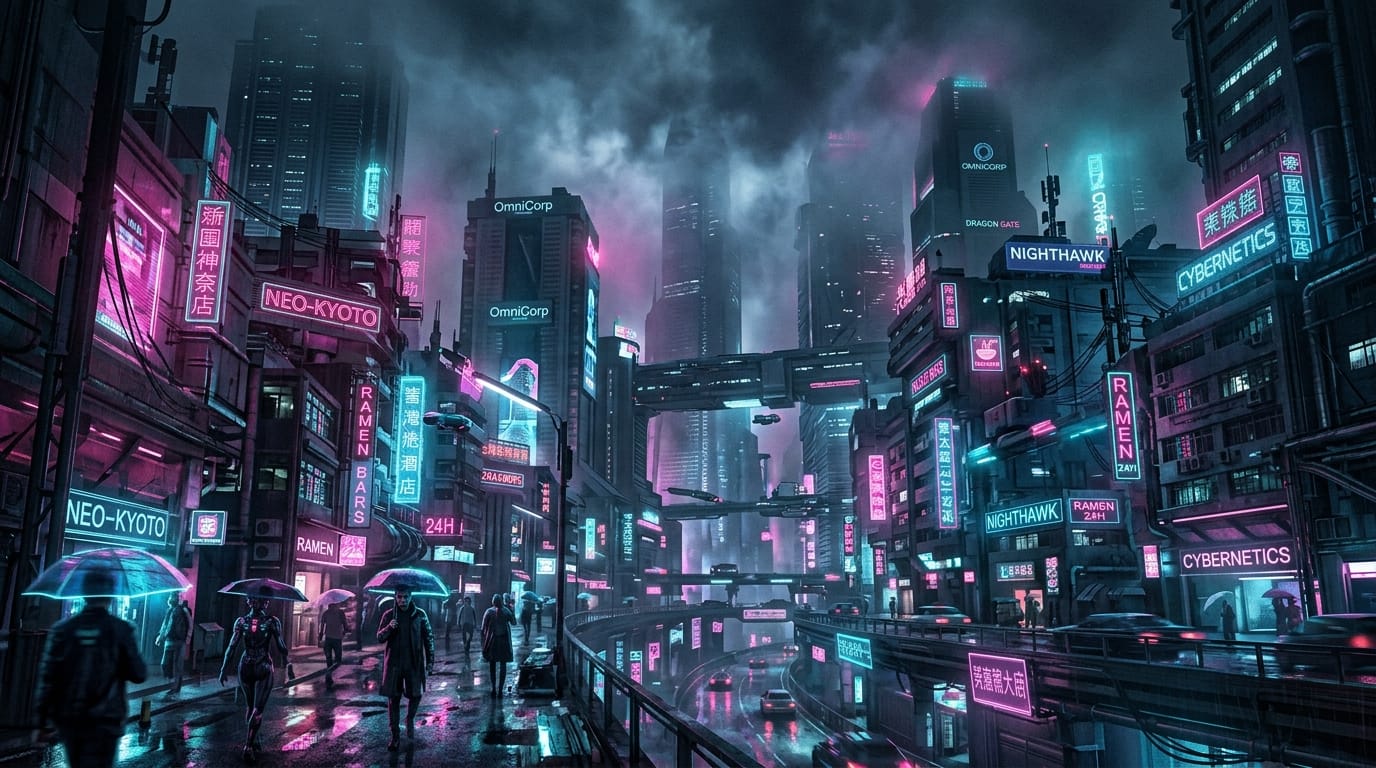
For modern, edgy interior spaces, conceptual sci-Fi art serves as an excellent focal point. This workflow relies entirely on text descriptions to generate a complex, atmospheric scene from scratch.
Example Prompt:
A futuristic cyberpunk city skyline at night, glowing neon pink and cyan lights reflecting on wet streets, towering skyscrapers piercing through heavy fog, cinematic composition, highly detailed matte painting style
Tool Link: Text-to-Image with WAN Image 2.6
Image-to-Image: Elevating a Basic Sketch into an Oil Painting
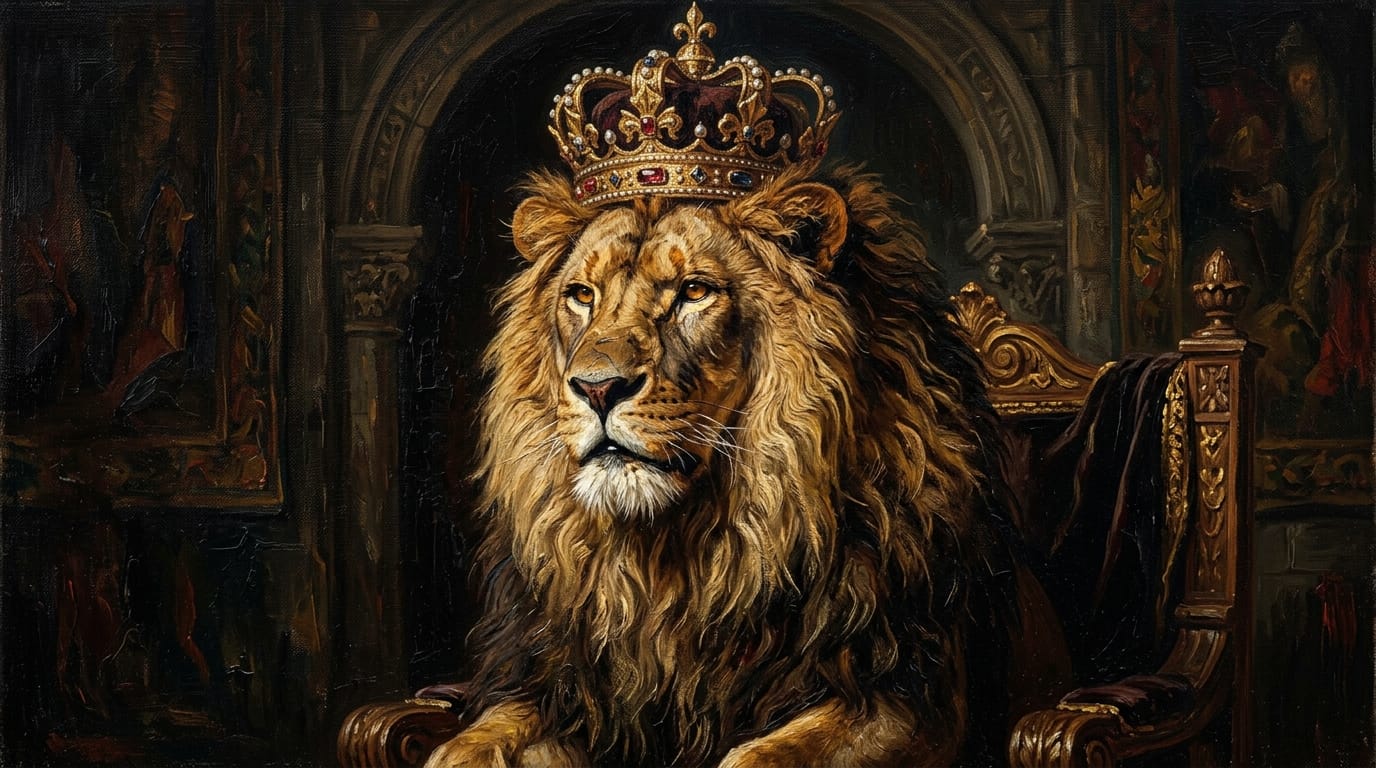
When you have a specific composition in mind, you can upload a basic sketch or a flat digital drawing as a reference. Using the Image-to-Image function, WAN Image 2.6 applies rich textures and lighting while preserving your original layout.
Example Prompt:
A classic renaissance style oil painting of a majestic lion wearing a royal crown, rich dramatic lighting, dark moody background, intricate fur details, visible canvas texture and thick paint strokes
Tool Link: Image-to-Image with WAN Image 2.6
How to Test and Optimize Canvas Print Content on Hotgen.AI
Optimizing your artwork ensures the final physical product matches your digital vision. Testing different lighting scenarios and stylistic keywords is a standard part of the professional workflow.
Workflow 1: Iterative Refinement for Interior Moods
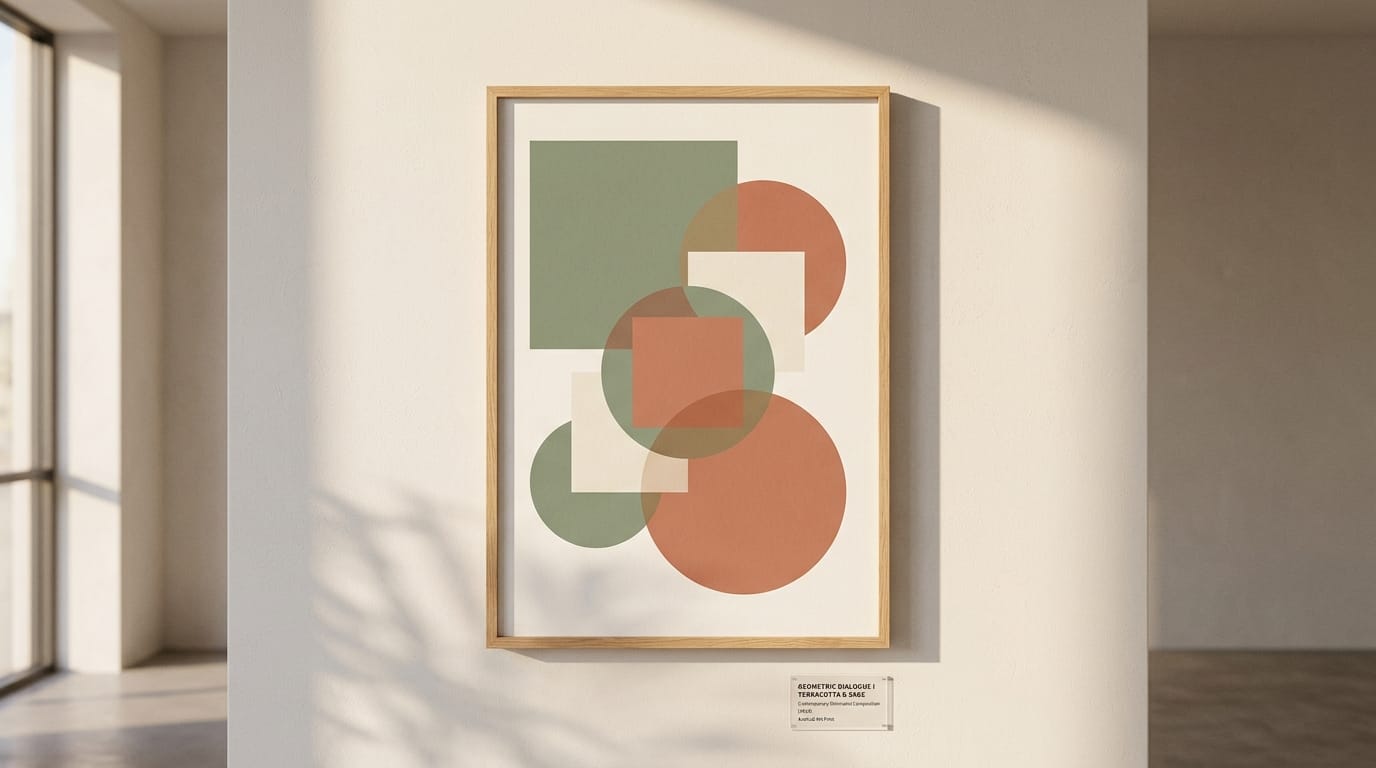
When designing for interior decor, the mood of the artwork must match the room. You can iterate on a base prompt by adjusting the lighting keywords. This Text-to-Image approach helps you find the perfect balance of shadow and highlight.
Example Prompt:
A minimalist geometric composition with overlapping circles and squares, soft terracotta and sage green colors, warm afternoon sunlight casting long realistic shadows, contemporary museum art print
Tool Link: Text-to-Image with WAN Image 2.6
Workflow 2: Enhancing Texture via Image-to-Image
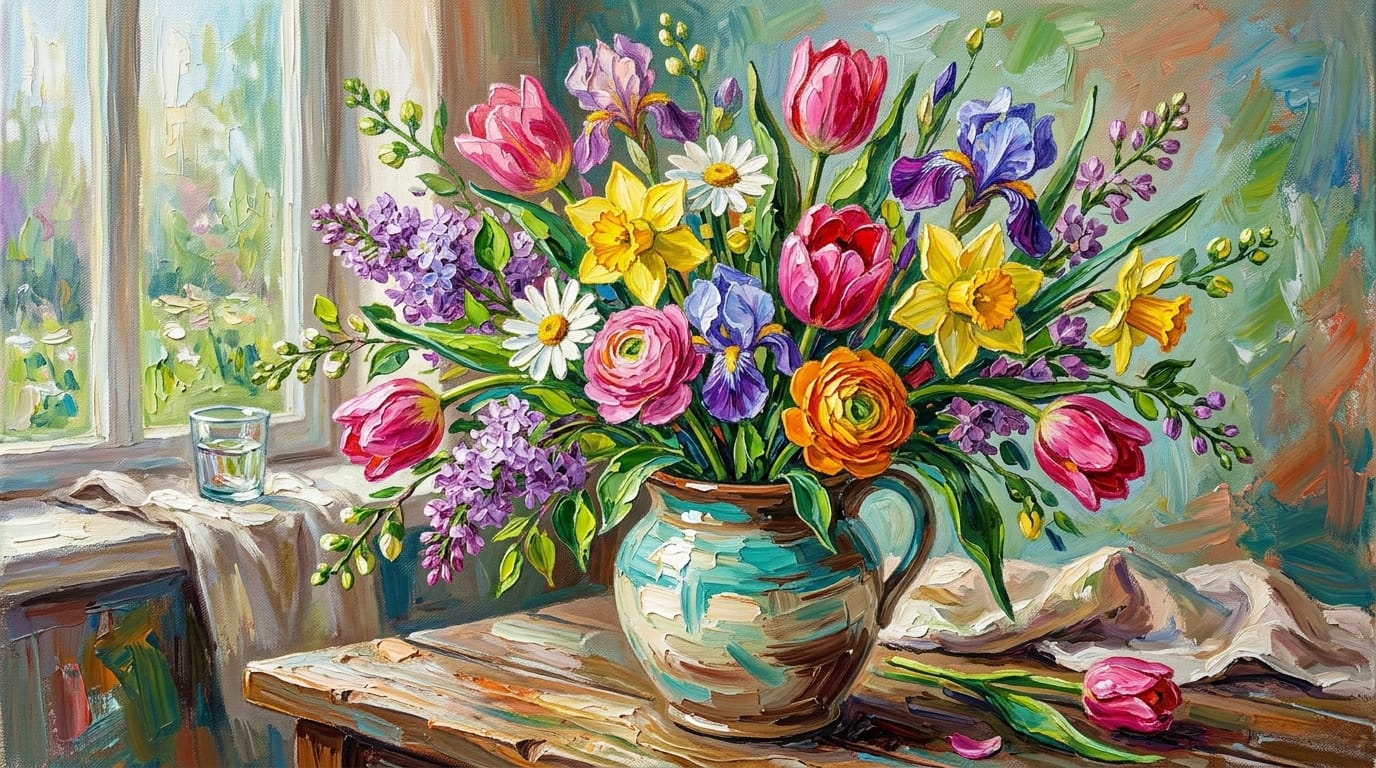
If an existing generated image feels too flat for a canvas print, you can run it back through the Image-to-Image pipeline. By emphasizing texture-related keywords, you instruct the model to add the physical characteristics of traditional art mediums.
Example Prompt:
A vibrant bouquet of spring flowers in a ceramic vase, heavy palette knife texture, thick acrylic paint layers, vibrant saturated colors, impressionist style masterpiece
Tool Link: Image-to-Image with WAN Image 2.6
Conclusion: Maximizing WAN Image 2.6 for Canvas Prints
Creating successful canvas prints requires a deep understanding of visual aesthetics, composition, and print readiness. WAN Image 2.6 provides an exceptional foundation for this process, offering unparalleled texture realism, accurate lighting, and high-fidelity static outputs.
By aligning the model's strengths with the specific demands of physical wall art, creators can produce stunning, gallery-ready pieces. Always prioritize aesthetic value and ensure your creative process adheres to safe, compliant, and universally appealing standards.
Ready to explore the capabilities of WAN Image 2.6 for your next physical art project?
Visit Hotgen.AI to discover the tools.
Start your creation process today at Hotgen.AI Sign In.