A Complete Guide to Creating 3D Character Model Content with Nano Banana
Designing a 3D character model requires a clear vision and rapid iteration to lock in the right aesthetic. Nano Banana provides an exceptionally fast rendering solution for creators who need to visualize concepts without waiting. You can access and utilize this lightweight model directly within the Hotgen.AI platform to accelerate your design process.
Core Creation Essentials for 3D Character Model Content
The primary goal of generating 3D character models is to produce clear, well-structured visual assets for gaming, animation, or toy production. The ideal output features the character in a neutral stance, such as an A-pose or T-pose, allowing modelers and art directors to evaluate anatomy, proportions, and clothing details without obstruction.
A successful 3D character generation relies heavily on precise environmental control. The background must remain clean and uncluttered, usually a solid color or neutral gray, to keep the visual focus entirely on the subject. Consistent studio lighting is crucial to highlight material properties, ensuring that metallic armor, soft fabrics, and skin textures are easily distinguishable.
Advantages and Limitations of Nano Banana in 3D Character Model Creation
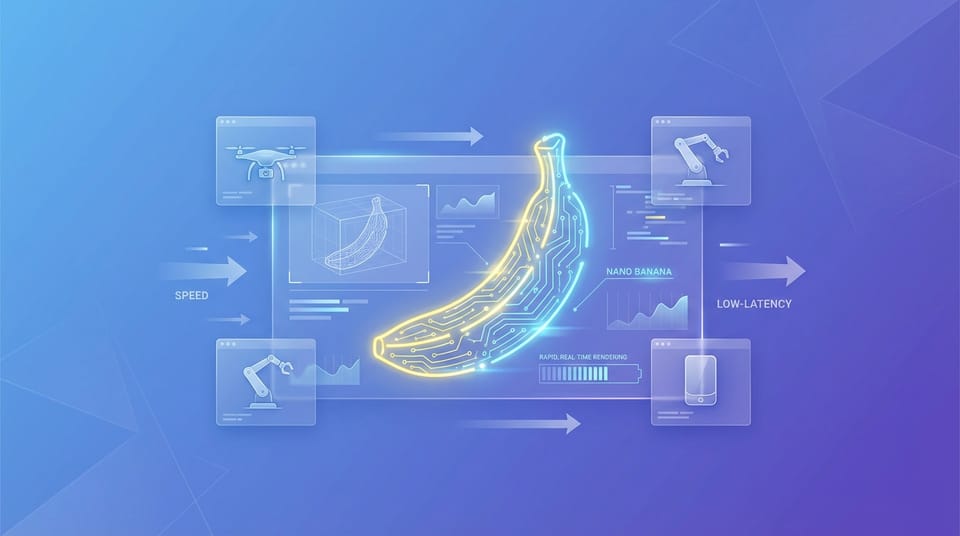
Nano Banana is built for speed and low-latency creation. It operates as a highly optimized, lightweight model that drastically reduces generation time. This makes it an outstanding choice for rapid prototyping, allowing art directors and concept artists to test dozens of character variations in mere minutes.
The model performs exceptionally well when you need quick drafts, social media previews, or high-frequency batch testing. If your workflow involves exploring multiple color palettes, basic shapes, or stylized character designs, Nano Banana offers unmatched efficiency and responsiveness. It is highly reliable for generating initial visual directions before committing to heavy rendering.
However, its lightweight nature comes with specific boundaries. Nano Banana may not achieve the extreme physical realism, micro-texturing, or intricate structural logic found in top-tier flagship models. Complex mechanical joints or hyper-realistic skin pores might require multiple generations or manual refinement. It is best utilized as a powerful conceptual tool rather than a final production-ready render engine.
Universal 3D Character Model Prompt Templates
When using Nano Banana, keeping your prompts focused on subject, lighting, and material yields the best results. Below are ready-to-use templates for various character styles.
A 3D character model of a cybernetic ninja, sleek metallic armor, glowing blue neon accents, standing in an A-pose, clean neutral gray background, studio lighting, octane render style, highly detailed textures
A cute 3D stylized character model of a young wizard holding a wooden staff, wearing an oversized purple hat, soft clay render style, warm studio lighting, plain white background, front view
A highly detailed 3D character model of a fantasy warrior, heavy iron armor with intricate engravings, holding a broadsword, dramatic rim lighting, dark background, unreal engine 5 render, cinematic quality
A 3D render of a futuristic sci-fi medic, white and orange armor, carrying a medical backpack, smooth plastic and matte metal materials, clear studio lighting, solid color background
A stylized 3D character model of an urban streetwear dancer, oversized hoodie, chunky sneakers, vibrant colors, smooth vinyl texture, bright softbox lighting, clean white background, full body shot
High-Quality Prompt Examples for 3D Character Models
To get the most out of Nano Banana, you need to align your workflow with its specific capabilities. Here are practical ways to generate character models using text-to-image and image-to-image generation.
Workflow 1: Rapid Concept Generation (Text-to-Image)
When starting from scratch, text-to-image is the fastest way to establish a character's foundational look. This method is perfect for generating a clean, front-facing concept that captures the overall vibe and material finish.
Access this feature here: https://hotgen.ai/create/text2image/nano-banana
Example Prompt:
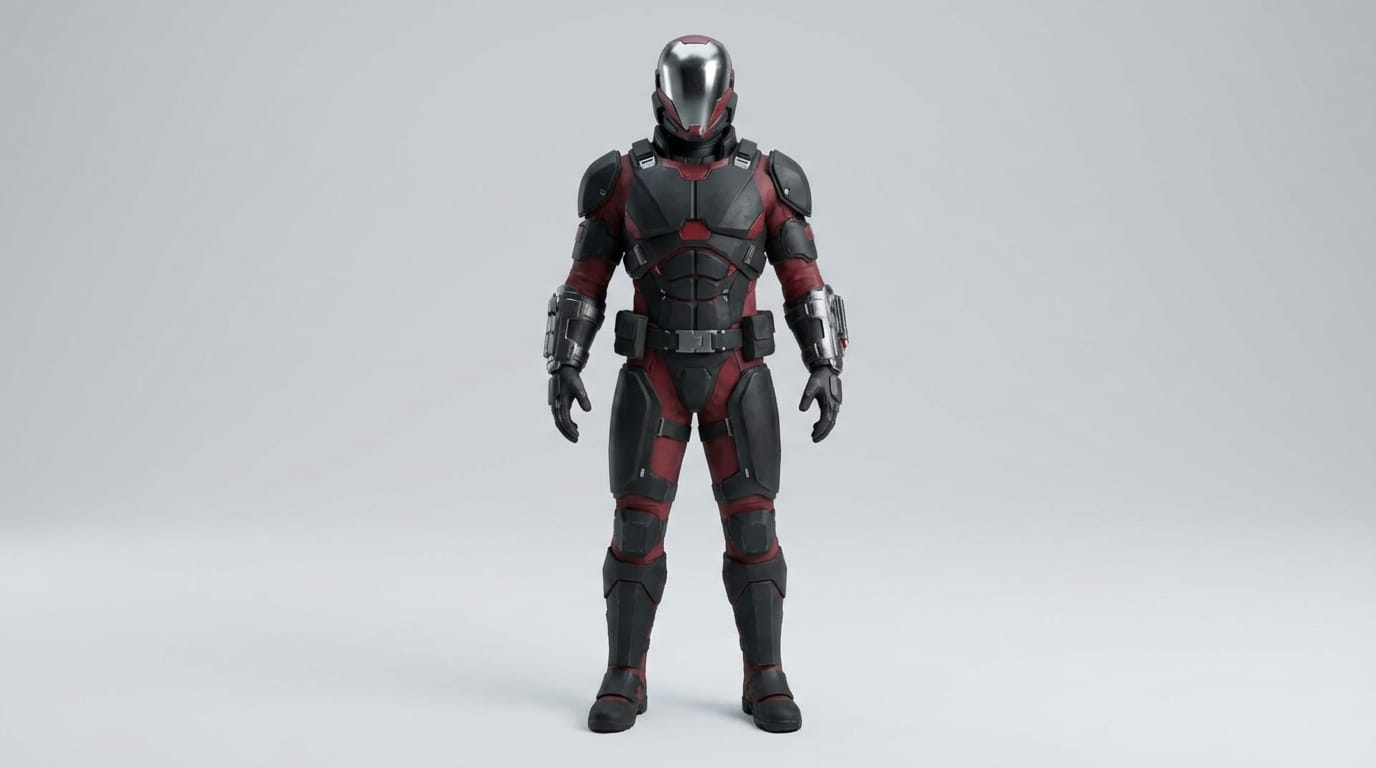
A 3D character model of a futuristic bounty hunter, tactical gear, metallic visor, matte black and crimson armor, standing straight, clean light gray background, soft studio lighting, high resolution 3D render
Workflow 2: Refining a Base Sketch (Image-to-Image)
If you already have a 2D sketch or a basic block-out of a character, you can use image-to-image generation to instantly convert it into a fully rendered 3D asset. This workflow retains your original composition while applying complex lighting and textures.
Access this feature here: https://hotgen.ai/create/image2image/nano-banana
Example Prompt:
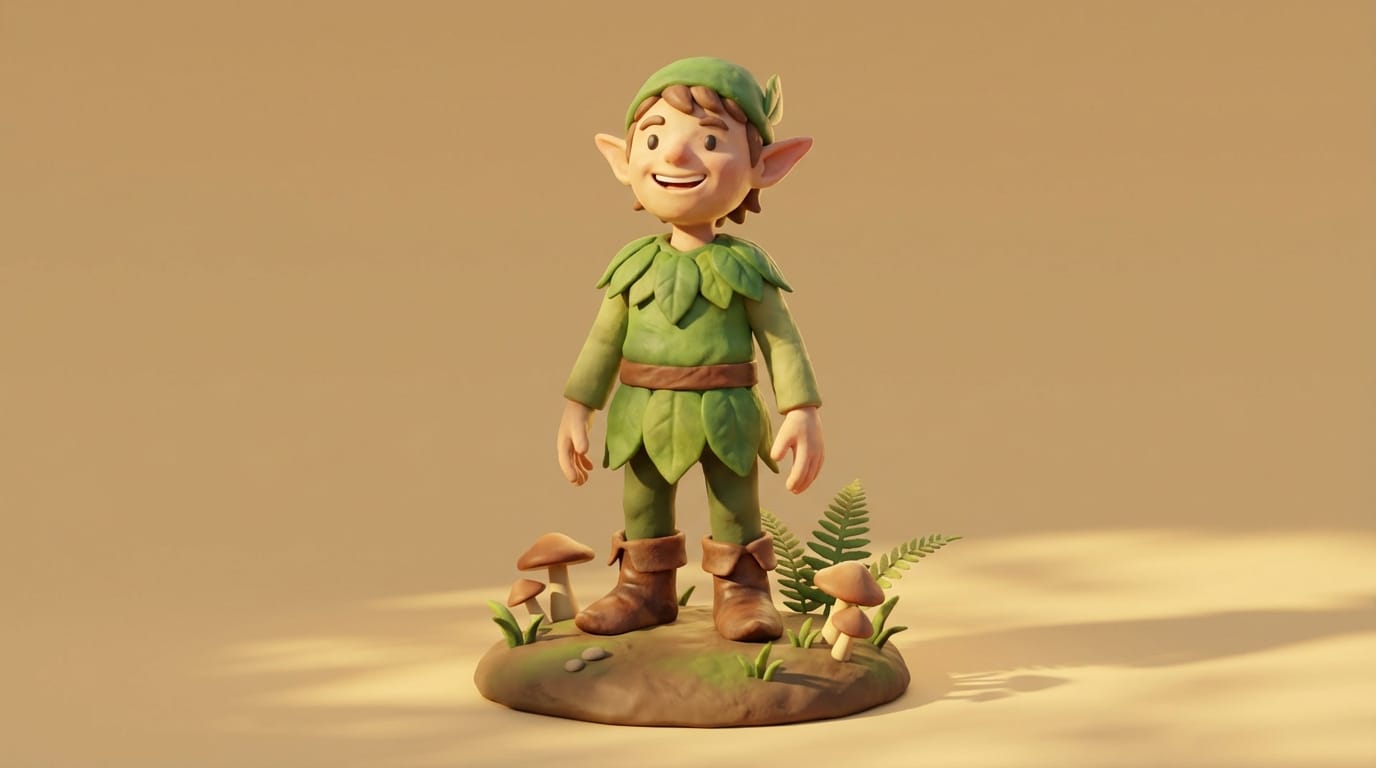
A 3D stylized render of a cheerful forest elf, green leafy tunic, leather boots, soft clay material, warm sunlight, solid beige background, high quality 3D asset
How to Test and Optimize 3D Character Model Content on Hotgen.AI
Testing different material properties and lighting setups is essential for 3D character design. Nano Banana’s low latency allows you to tweak prompts and see results almost instantly.
Workflow 3: Material and Texture Testing (Text-to-Image)
You can iterate rapidly by changing only the material keywords in your prompt. This helps you decide whether a character should look like a vinyl toy, a realistic game asset, or a soft clay figure.
Access this feature here: https://hotgen.ai/create/text2image/nano-banana
Example Prompt:
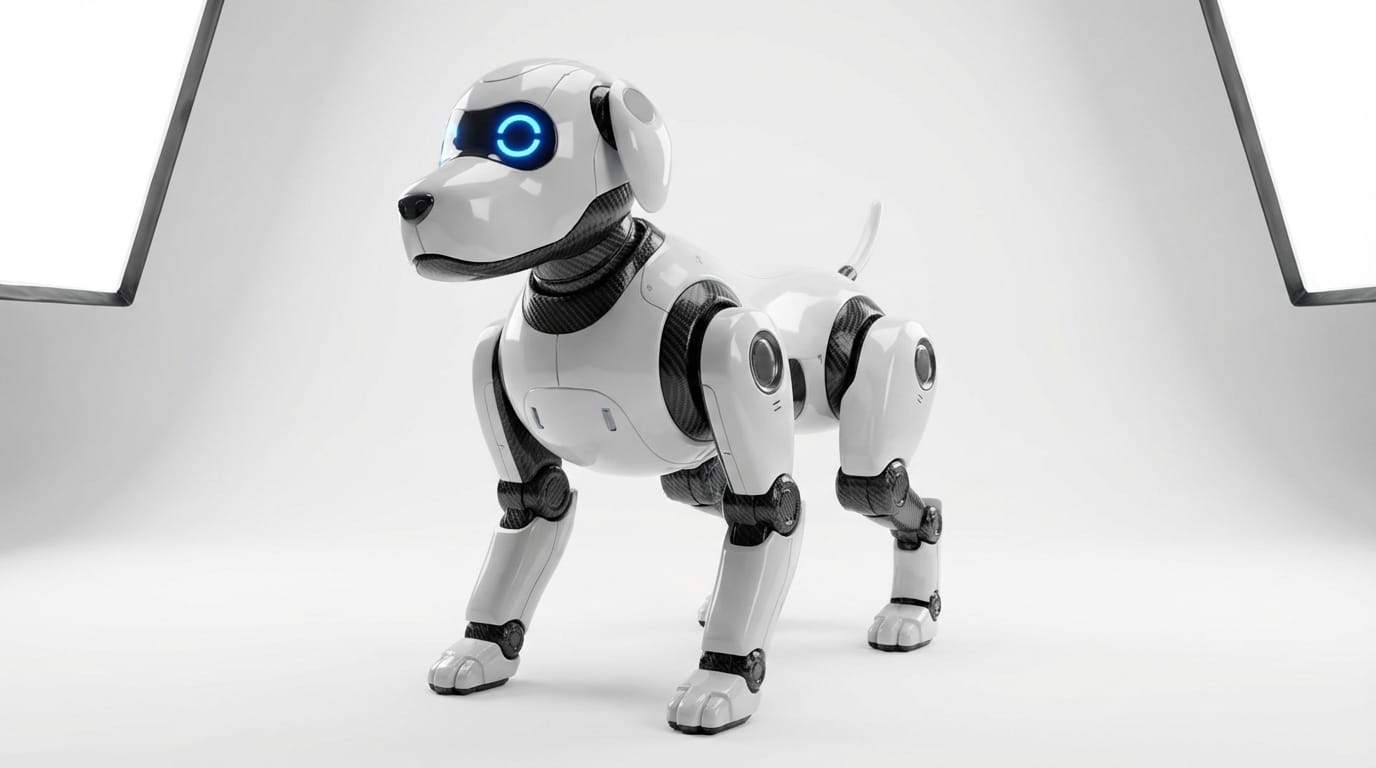
A 3D character model of a robotic dog, glossy white plastic shell, carbon fiber joints, bright LED eyes, studio softbox lighting, clean white background, sleek industrial design
Workflow 4: Pose and Silhouette Consistency (Image-to-Image)
To maintain a character's silhouette while changing their outfit or armor tier, use an existing silhouette or base model as your reference image. The prompt will guide the new details while the reference image locks the pose in place.
Access this feature here: https://hotgen.ai/create/image2image/nano-banana
Example Prompt:
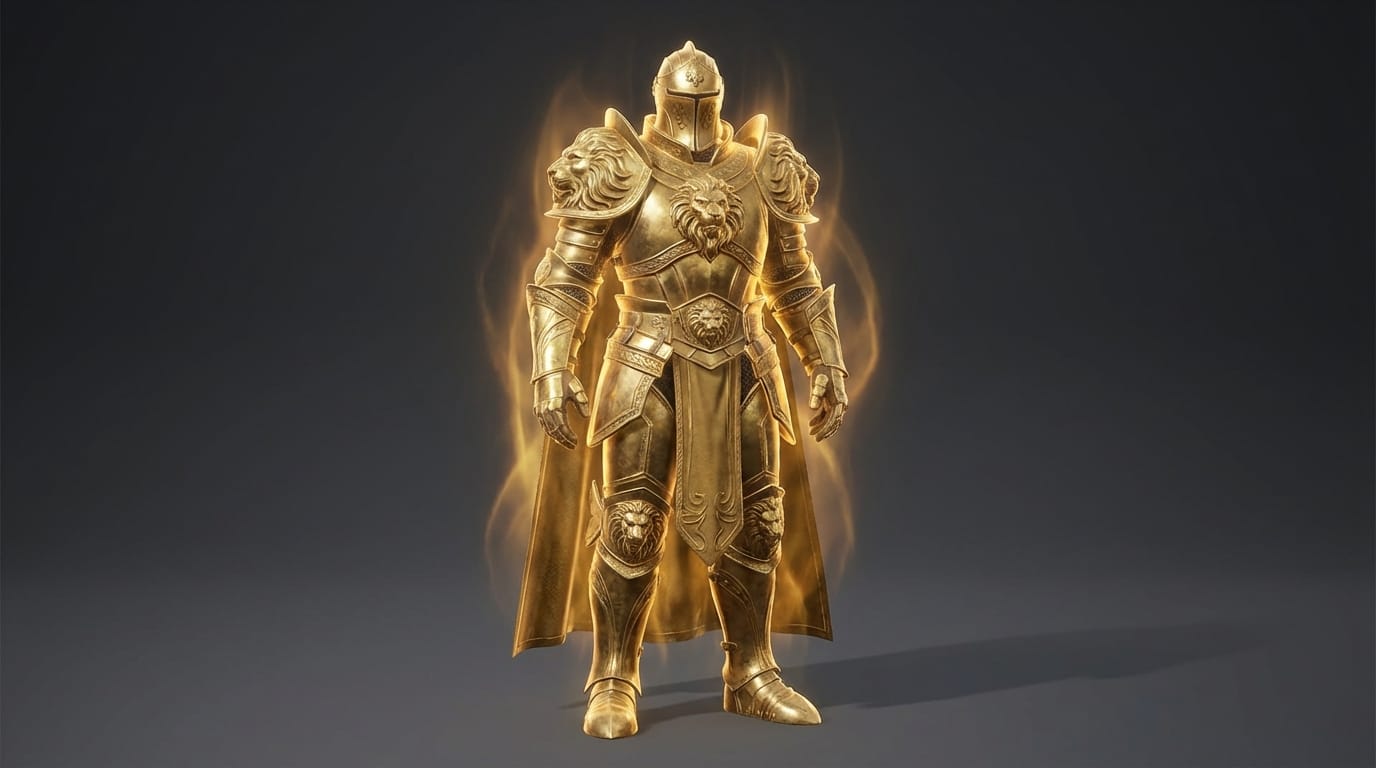
A 3D character model of a heavy knight, thick golden armor, glowing aura, majestic design, neutral studio lighting, dark gray background, unreal engine render style
Conclusion: How to Efficiently Use Nano Banana for 3D Character Models
Creating 3D character models requires a balance between structural clarity and aesthetic appeal. By maintaining clean backgrounds and focusing on specific material textures, you ensure the generated assets remain highly usable for downstream production.
Nano Banana serves as an incredibly agile tool in this process. Its primary strength lies in rapid ideation and high-frequency drafting, allowing you to bypass long rendering times during the conceptual phase. Always prioritize aesthetic quality and structural consistency to get the most value out of this lightning-fast model.
Ready to explore new character designs? Visit Hotgen.AI to start your creative process: https://hotgen.ai Sign in to try these workflows today: https://hotgen.ai/signin